Google Maps Go: Lightweight Navigation App
Google Maps Go is a lightweight Progressive Web App by Google LLC that provides real-time traffic updates, directions, and local place search while using minimal device storage.
Download nowGoogle Maps Go is designed for devices with limited memory and unreliable networks, taking up roughly 100 times less space than the full Google Maps app. This free app requires Android 10 or higher and has a download size of 1.7 MB.
- Size
- 1.7 MB
- Requires Android
- 10
- Updated
- Jun 29, 2026
- Installs
- 1B+
- Rating
- ★ 4.14 (359,661)
- Category
- Travel & Maps
- Developer
- Google LLC
- Content rating
- Everyone
- Package
- com.google.android.apps.mapslite
- Free
- ✓ · Contains ads
Screen gallery
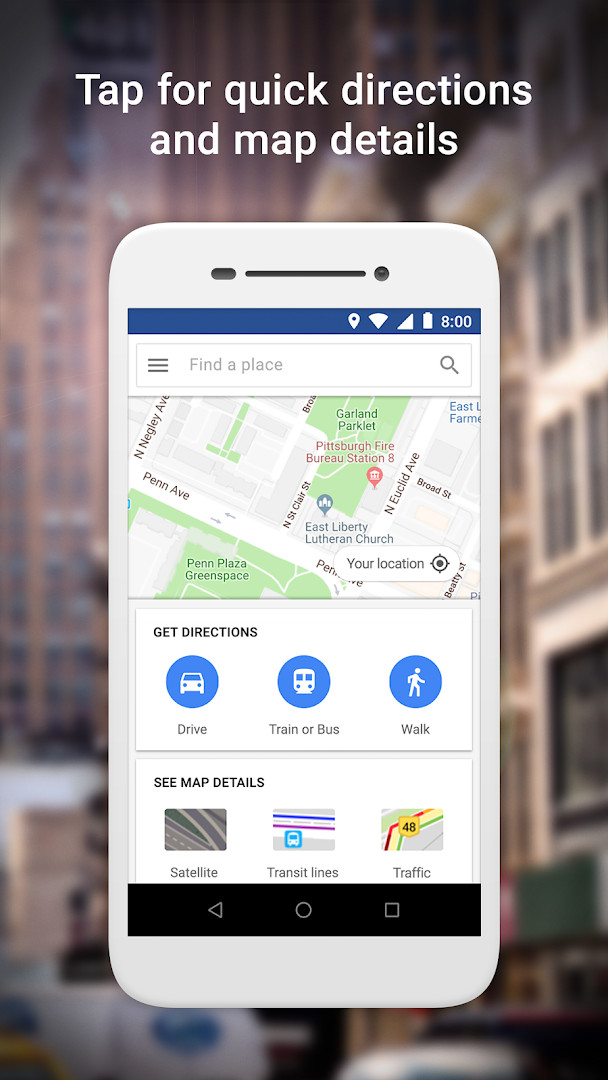
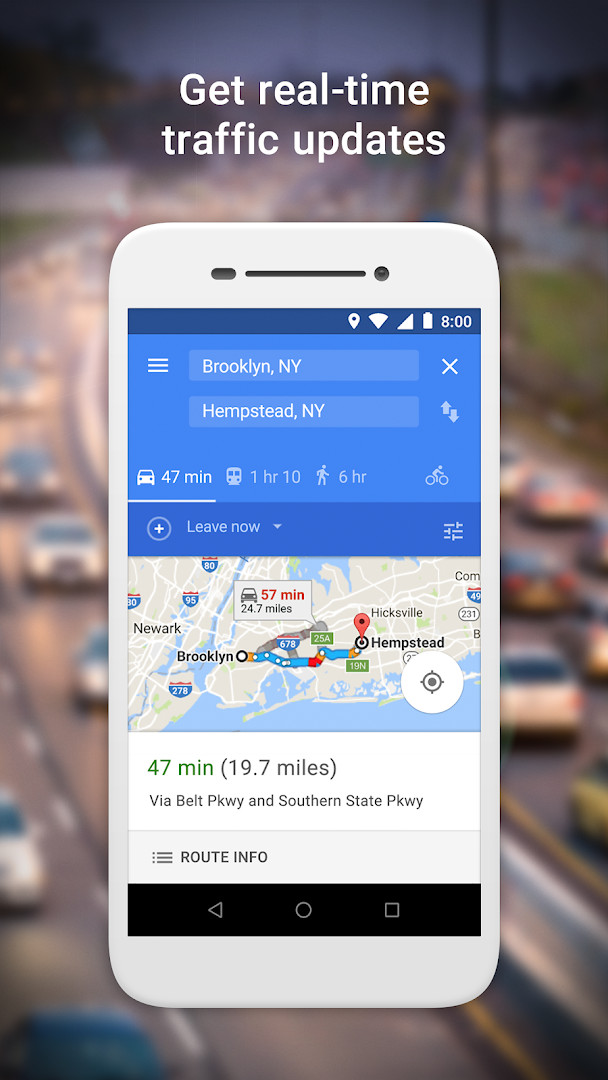
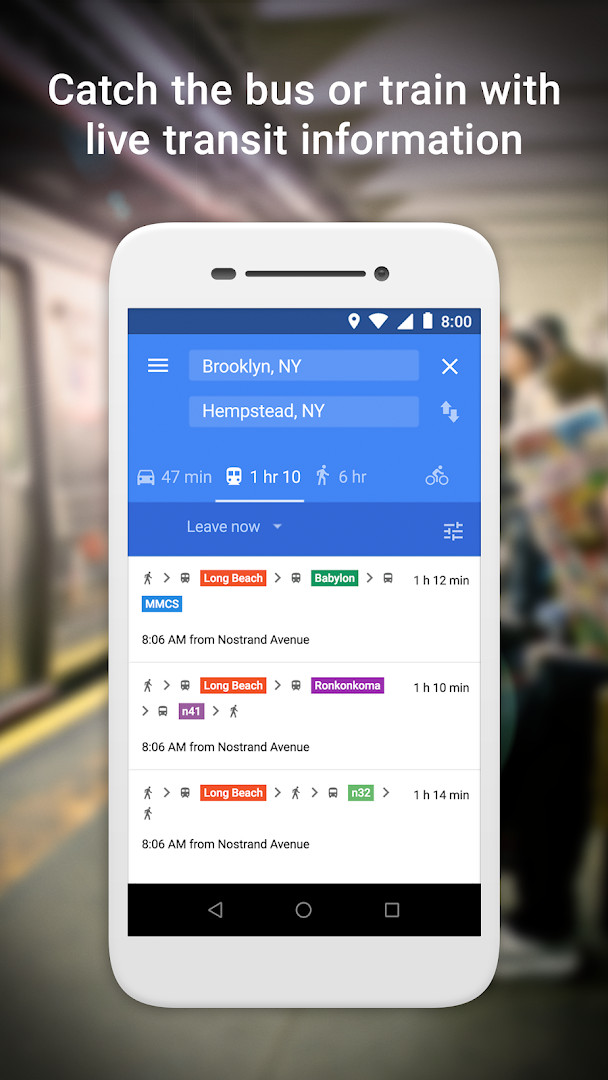
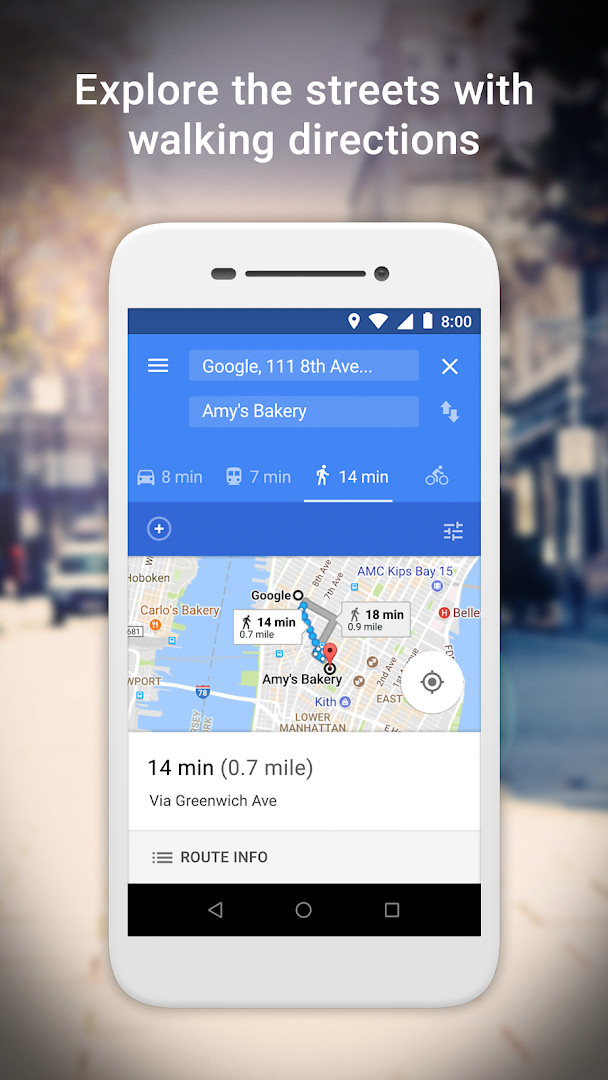

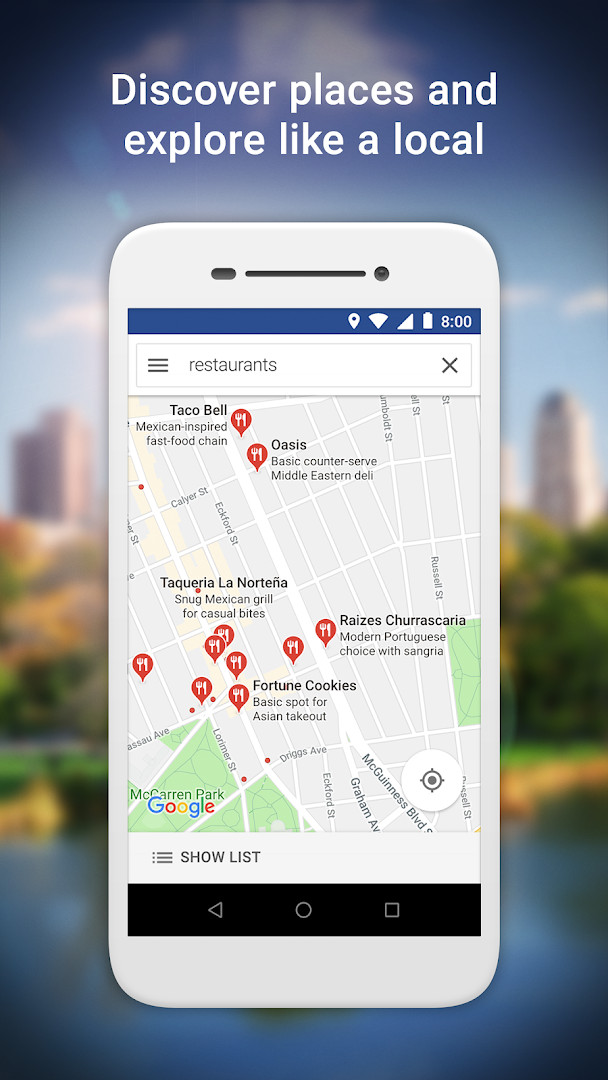
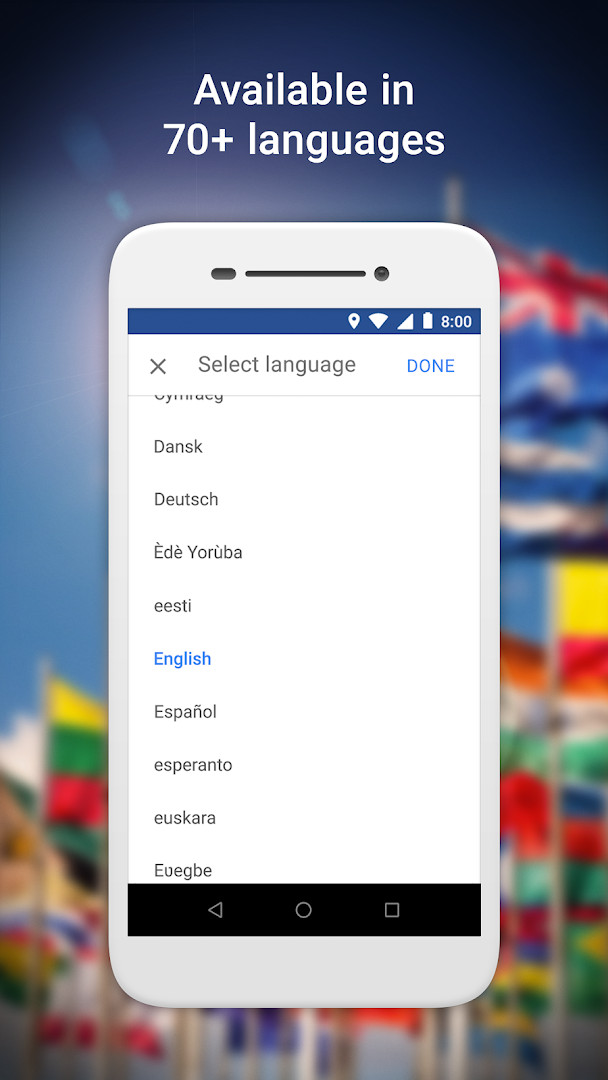
Google Maps Go is a lightweight travel and local app by Google LLC that provides maps, directions, and place search in a compact package. It is a Progressive Web App variation of the original Google Maps app, built for devices with limited memory and unreliable networks. The app addresses the problem of heavy navigation software consuming too much storage and slowing down budget phones. By taking up about 100 times less space than the full Google Maps app, it keeps speed and core functionality while remaining usable on entry-level hardware. It covers real-time traffic, route planning across multiple transport modes, and detailed information about millions of places.
Key features
- Offers real-time traffic information and traffic maps to help you reach your destination faster.
- Combines two-wheelers, metro, buses, taxi, walking, and ferries when finding the fastest route.
- Provides live city public transport schedules for metro, bus, and train rides.
- Shows step-by-step directions with route preview so you can plan trips ahead of time.
- Lets you search for restaurants, businesses, and other nearby places, including phone numbers and addresses.
- Allows you to read customer reviews and view pictures of food to decide where to go.
- Supports saving places you visit often and quickly finding them later from your mobile.
- Includes maps in 200 countries and territories, with public transport information for over 20,000 cities and detailed business information for over 100 million places.
How to install
- Tap the download button on this page to get the Google Maps Go APK file.
- When Android asks, allow your browser or file manager to install apps by enabling the 'Install unknown apps' setting.
- Open the downloaded APK file. The file size is about 1.7 MB.
- Tap Install and wait for the process to finish.
- Open the app. Google Maps Go requires Android 10 or newer and needs Chrome to be installed on your device.
Pros
- Very small install size of about 1.7 MB, leaving plenty of storage free.
- Runs smoothly on devices with limited memory and weak network conditions.
- Provides real-time traffic, public transport schedules, and multi-mode route options.
- Offers searchable business information, reviews, and photos for millions of places.
- Available in 70+ languages and covers 200 countries and territories.
- Free to use with no in-app purchases.
Cons
- Displays ads, which may interrupt the map or search experience.
- Requires Chrome to be installed, which adds an extra dependency and may not suit users who prefer other browsers.
- Only requests the Location permission, but location-dependent features can be less responsive on unreliable networks.
- As a lightweight web app, it lacks some advanced offline and customization options found in the full Google Maps app.
Latest changes
The latest update for Google Maps Go is limited to defect corrections and stability improvements; the release notes do not describe any new capabilities. The app is a small browser-based map tool for Chrome, about 1.7 MB in size, requiring Android 10 or later. It includes ads and has no in-app purchases. Version history shows builds 165.0 and 167.0, dated August and July 2026. The app first appeared in February 2018.
Previous versions
| Version | Size | Requires Android | Updated |
|---|---|---|---|
| 165.0 | 2 MB | 10 | Aug 12, 2026 |
| 167.0 | 1.7 MB | 10 | Jul 4, 2026 |
Google Maps Go is aimed at users with entry-level or older Android phones who want dependable navigation without sacrificing storage or performance. It is also useful for travelers in regions with spotty internet, where a lighter app can load faster. People who mainly need traffic updates, transit directions, and place lookups will find it practical, while those who rely on heavy offline maps or advanced editing features may prefer the full Google Maps app.
For the smoothest experience, keep Chrome updated on your device and grant the Location permission only when you need navigation. If you are in an area with very poor connectivity, open the route preview while you still have signal so directions remain easier to follow.
Permissions
Frequently asked questions
Is Google Maps Go free?
Yes, Google Maps Go is completely free to download and use.
What Android version is needed?
The app requires Android 10 or a newer version to run.
How large is the download file?
The APK file size is 1.7 MB, which is significantly smaller than the full Maps app.
What permissions does Google Maps Go ask for?
The app only requests the Location permission to provide navigation and place searches.
How do I update the app?
You can update by downloading the latest version directly from this page whenever a new release is available.
Google Maps Go is a sensible pick for anyone who wants dependable navigation without giving up large amounts of storage or memory. Its small footprint and web-based design make it especially useful on entry-level hardware or in areas with weak connectivity, though users should accept occasional feature limitations compared with the full app.
Similar apps







More from this developer






Updated: Oct 21, 2026