
Google Earth for Android
Google Earth is a travel and local app from Google LLC for exploring the planet with satellite imagery, 3D terrain, and Street View.
Download Google EarthGoogle Earth is for anyone who wants to explore the world from above or dive into streets and neighborhoods. It offers high-resolution satellite imagery, 3D terrain and buildings in hundreds of cities, and Street View's 360° perspectives. The app is free with no ads or in-app purchases, requires Android 4.1 or higher, and its latest version is about 11 MB.
- Size
- 11 MB
- Requires Android
- 4.1
- Updated
- Nov 18, 2026
- Installs
- 500M+
- Rating
- ★ 3.77 (2,949,431)
- Category
- Travel & Maps
- Developer
- Google LLC
- Content rating
- Everyone
- Package
- com.google.earth
- Free
- ✓
Screen gallery
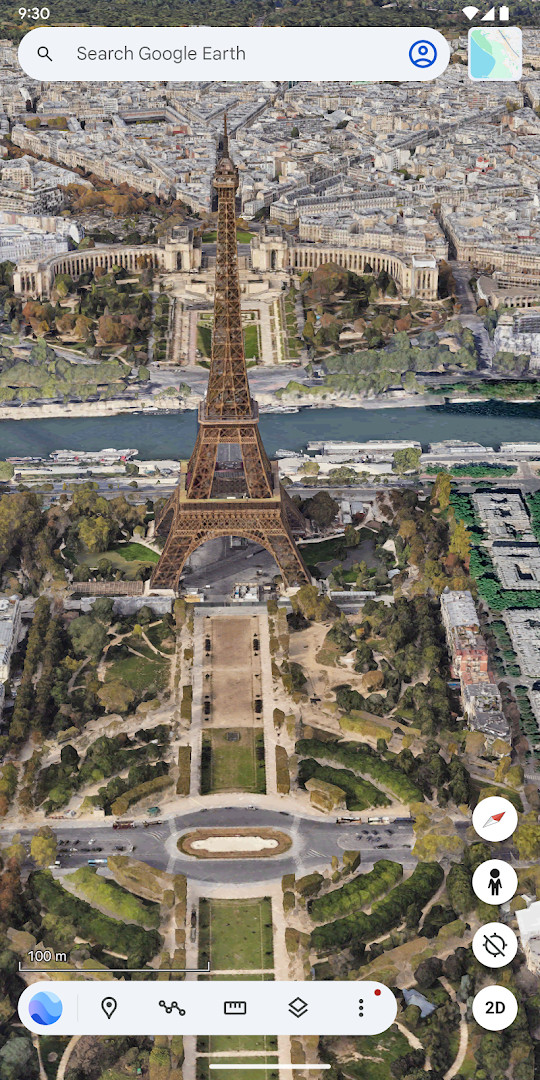
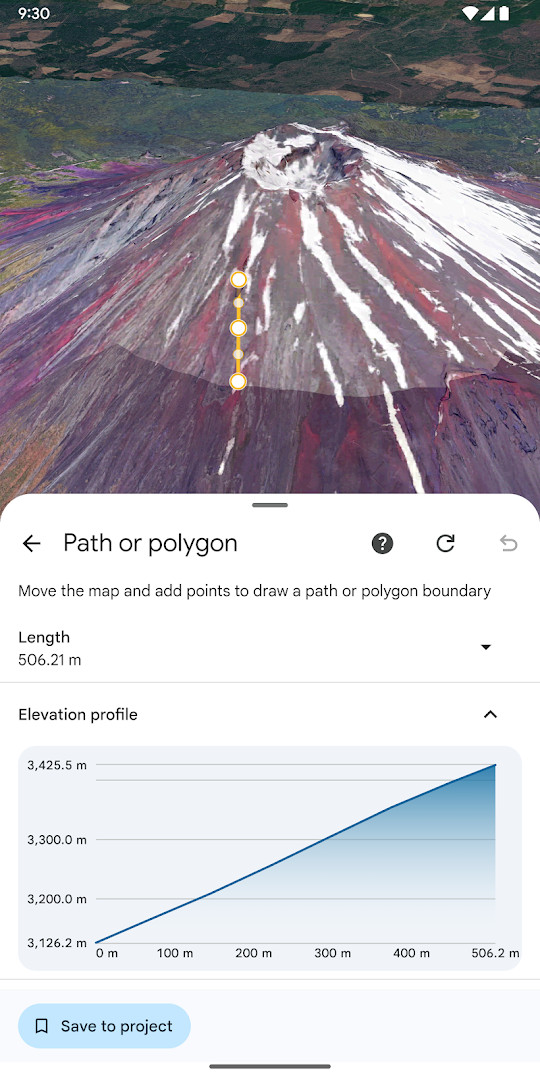
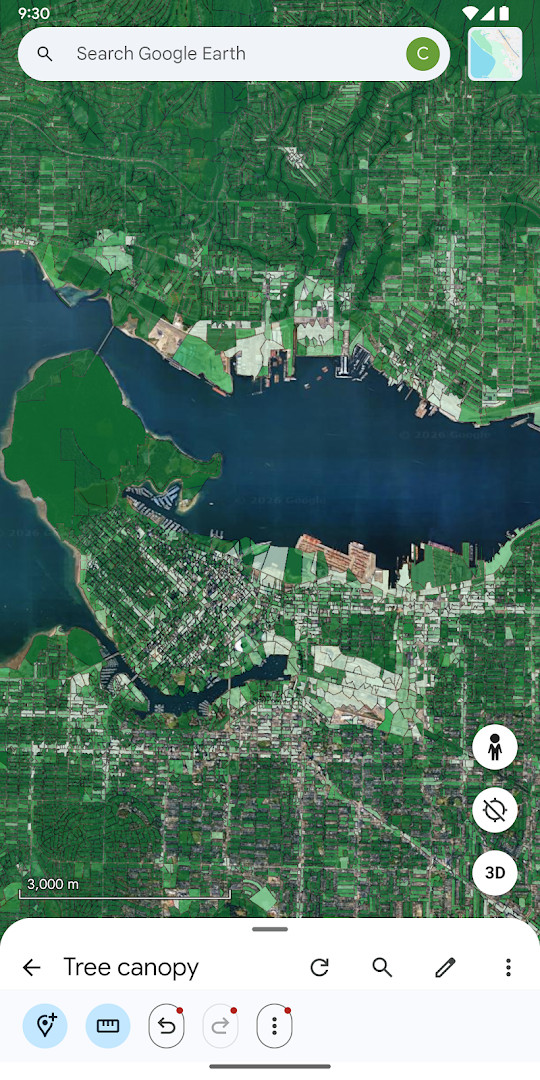
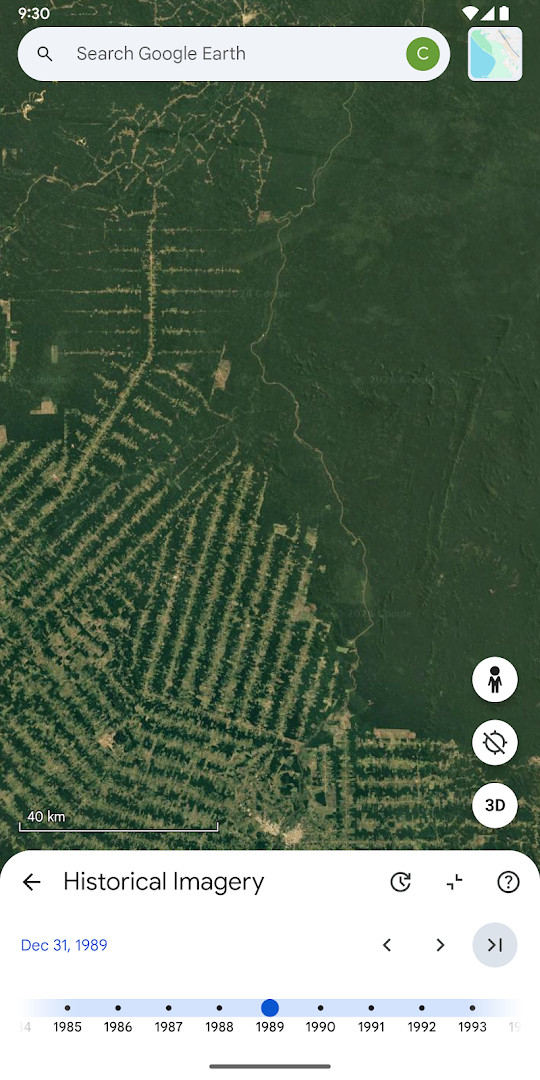
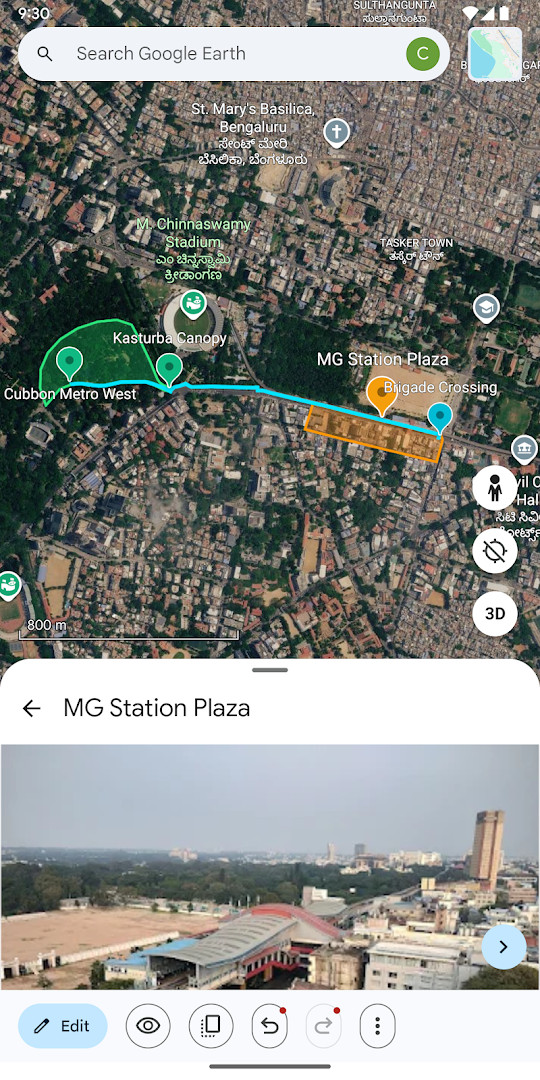
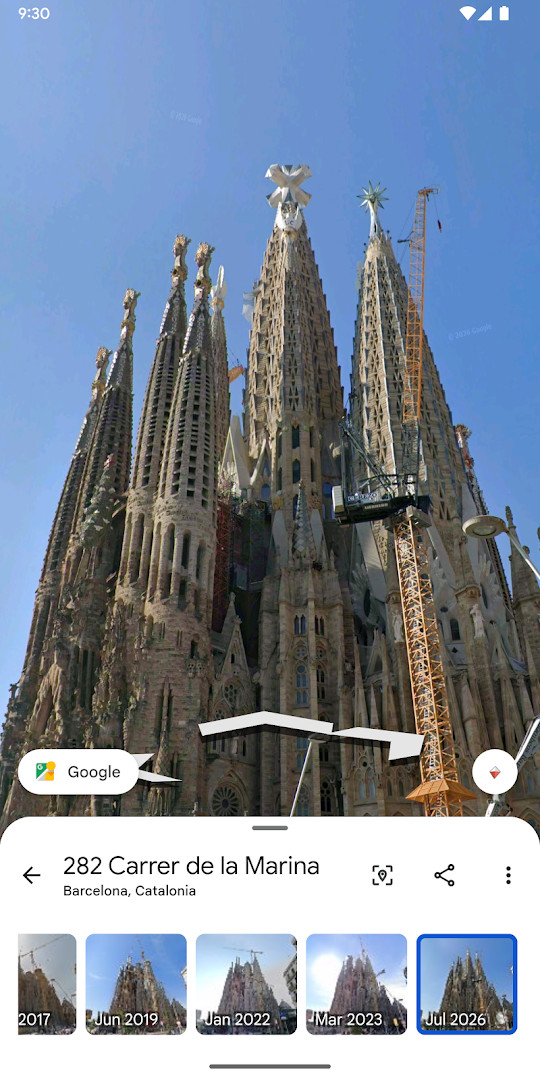
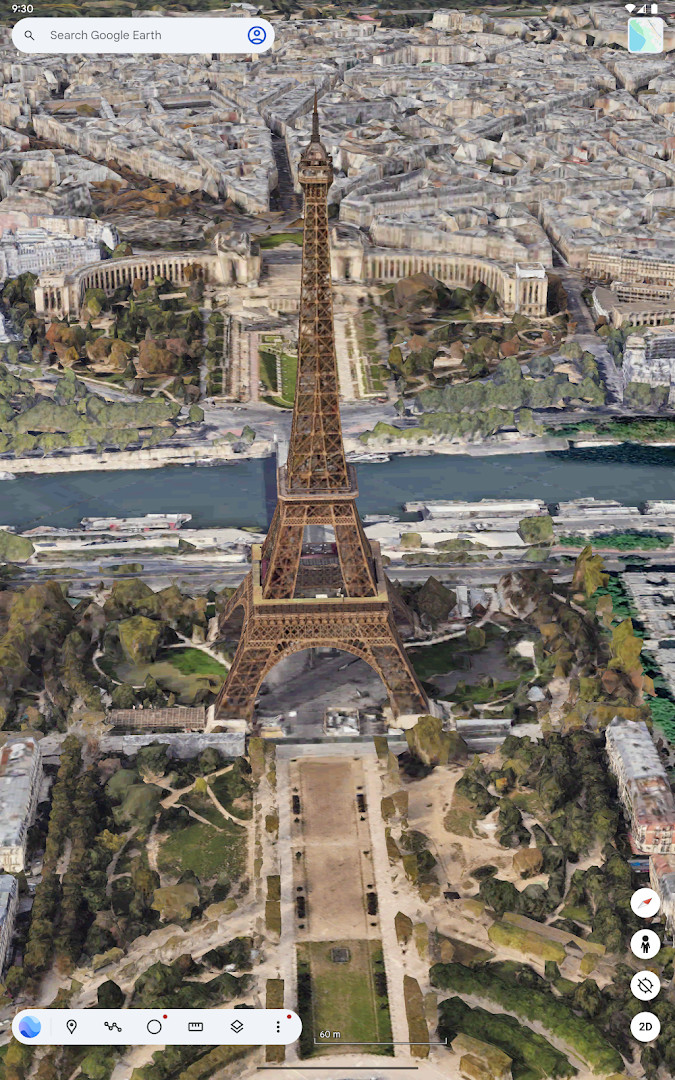
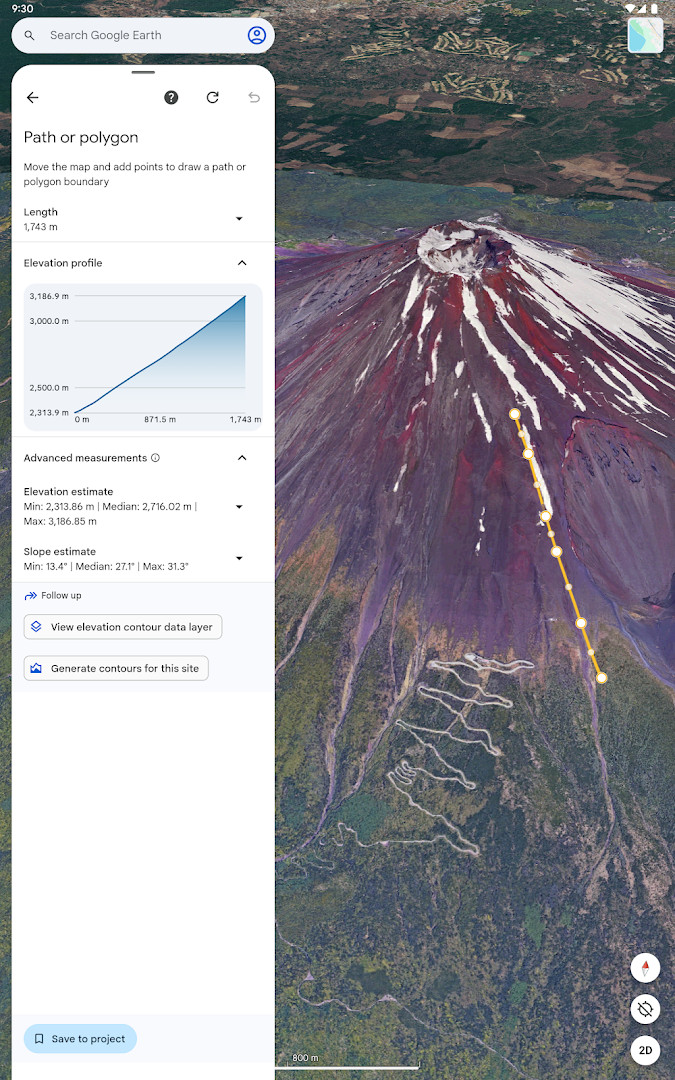
Google Earth is a travel and maps application by Google LLC that lets users examine the planet through high-resolution satellite imagery, three-dimensional terrain, and street-level perspectives.
The app combines global satellite views with detailed 3D models of buildings in hundreds of cities, and its Street View component adds 360-degree panoramas of streets and neighborhoods. Beyond simple browsing, it supports the creation and collaborative editing of data-rich maps from any location. Users can build maps on the go, attach photos taken with their device camera, and later view those immersive creations on other platforms.
For exploration, the Voyager collection offers guided tours curated by sources such as BBC Earth, NASA, and National Geographic, giving casual users and students a structured way to discover landmarks, natural wonders, and cultural sites. The app is aimed at travelers planning trips, educators teaching geography, and anyone who wants to look at a location from above or at street level. It is free to use, contains no advertisements, and offers no in-app purchases, making it a straightforward tool for broad audiences on devices running Android 4.1 or newer.
Key features
- High-resolution satellite imagery of the entire globe
- 3D terrain models and 3D buildings in hundreds of cities
- Street View support with 360-degree street and neighborhood perspectives
- Creation and collaborative editing of immersive, data-driven maps
- Option to attach photos from your device camera directly to maps
- Voyager guided tours from partners such as BBC Earth, NASA, and National Geographic
- Ability to visualize maps and stories created on the web on your mobile device
How to install
- Tap the download button on this page to obtain the APK file, which is about 11 MB in size.
- When Android asks for permission, allow your browser or file manager to install apps by enabling the "Install unknown apps" setting for that app.
- Open the downloaded APK file from your notification shade or Downloads folder.
- Tap Install and wait for the installation to finish.
- Open the app from your app drawer. Your device must run Android 4.1 or a later version.
Pros
- Completely free with no ads and no in-app purchases
- Rich satellite, 3D, and Street View content in one app
- Collaborative map creation tools for teams or classrooms
- Voyager tours add structured, curated content from well-known organizations
- Rated Everyone for content, suitable for all age groups
- Maps created on the web can be opened directly on mobile
Cons
- Requests access to identity, contacts, location, photos/media/files, storage, and camera, which may feel intrusive to some users
- Average user rating sits at about 3.77 out of 5 based on a large number of ratings
- Imagery and 3D rendering can be demanding on older or low-end devices
Latest changes
This update gives Google Earth a fresh new look. You can now collaborate with others across different devices and create maps while you are on the go. The release also lets you add photos directly from your camera onto your maps.
Previous versions
| Version | Size | Requires Android | Updated |
|---|---|---|---|
| 9.3.4.9 | 10 MB | 4.1 | Oct 12, 2026 |
| 7.1.2.2011 | 8.7 MB | — | Nov 13, 2025 |
| 9.3.4.10 | 11 MB | 4.1 | Nov 6, 2025 |
| 8.0.5.2351 | 10 MB | 4.0 | Dec 7, 2016 |
| 6.1 | 8 MB | — | May 9, 2014 |
| 7.1.3.1255 | 8.8 MB | — | Oct 30, 2013 |
| 7.0.0.7386 | 8.6 MB | — | Jul 1, 2012 |
Google Earth suits travelers who want to preview destinations, students and teachers studying geography or environmental science, map hobbyists who enjoy creating and sharing custom maps, and curious users who simply want to explore cities, landmarks, and natural terrain from above.
Connect to Wi-Fi when exploring detailed 3D imagery or Street View, as these views can use noticeable amounts of data. Use Voyager if you prefer guided explorations, and take advantage of the collaboration features to build shared maps for group trips or class projects.
Permissions
Frequently asked questions
Is Google Earth free to download and use?
Yes, Google Earth is completely free, with no ads and no in-app purchases. The app costs $0.00.
What Android version do I need to run Google Earth?
Google Earth requires Android 4.1 or higher. The app file itself is about 11 MB in size.
What permissions does Google Earth request?
The app asks for access to Identity, Contacts, Location, Photos/Media/Files, Storage, and Camera. These are used for features like adding photos to your maps and location-based content.
How do I update Google Earth to the latest version?
You can update by downloading the newest version from this page. The latest available version is 9.3.4.9, released on October 12, 2026.
Does Google Earth work offline or need an account?
Google Earth is designed to browse imagery and maps online, so an internet connection is normally needed. No account details are mentioned in the app listing for installation.
Google Earth delivers a comprehensive way to view and interact with the world from satellite altitude down to street level. Its free price, lack of ads, and collaboration tools make it a practical addition to any Android device, especially for travelers and learners.
Similar apps
 YouTubeGoogle LLC3.8
 Google GeminiGoogle LLC4.5
 Google WalletGoogle LLC4.3
 Google Street ViewGoogle Inc.4.4
 Google Maps GoGoogle LLC4.1
 Uber: Rides, eats, hotelsUber Technologies, Inc.4.7
 Where is my TrainSigmoid Labs and its affiliates4.5
 Booking.com: Hotels & TravelBooking.com Hotels & Vacation Rentals4.8
More from this developer






Updated: Nov 18, 2026