Google Gemini: AI assistant and productivity app
Google Gemini is a Productivity app by Google LLC that provides a personal AI assistant for writing, planning, creating, and learning.
Download Google Gemini · v1.0.995038376Google Gemini is a free Productivity app by Google LLC that serves as a personal AI assistant for tasks like writing, planning, creating, and learning. It includes features such as Gemini Live for real-time conversation, image generation with Nano Banana 2, and document analysis.
- Version
- 1.0.995038376
- Requires Android
- 9
- Updated
- Nov 18, 2026
- Installs
- 1B+
- Rating
- ★ 4.54 (52,503,352)
- Category
- Productivity
- Developer
- Google LLC
- Content rating
- Teen
- Package
- com.google.android.apps.bard
- Free
- ✓
Screen gallery
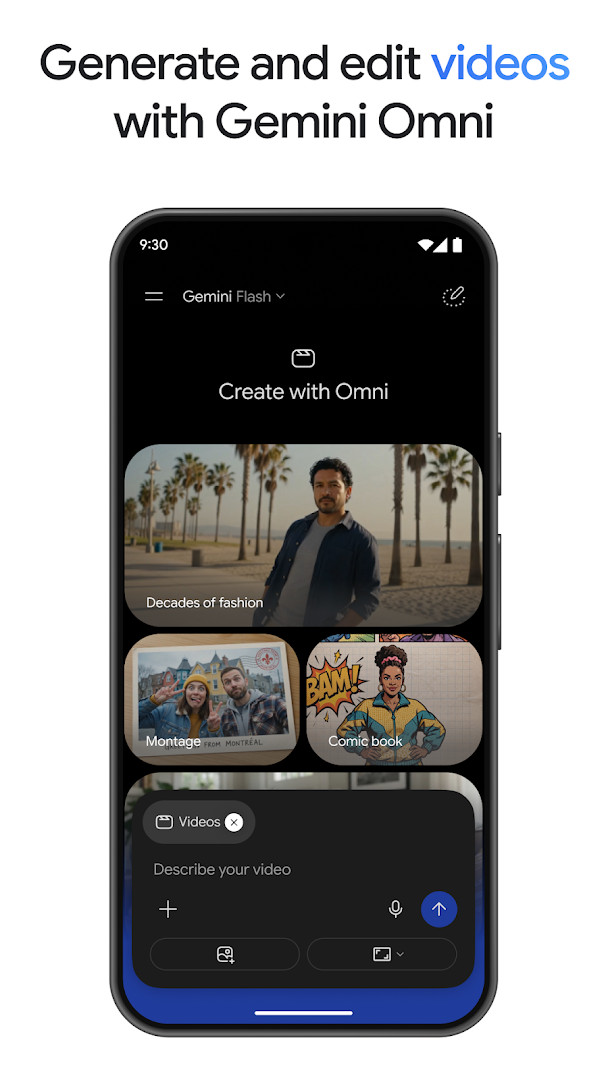
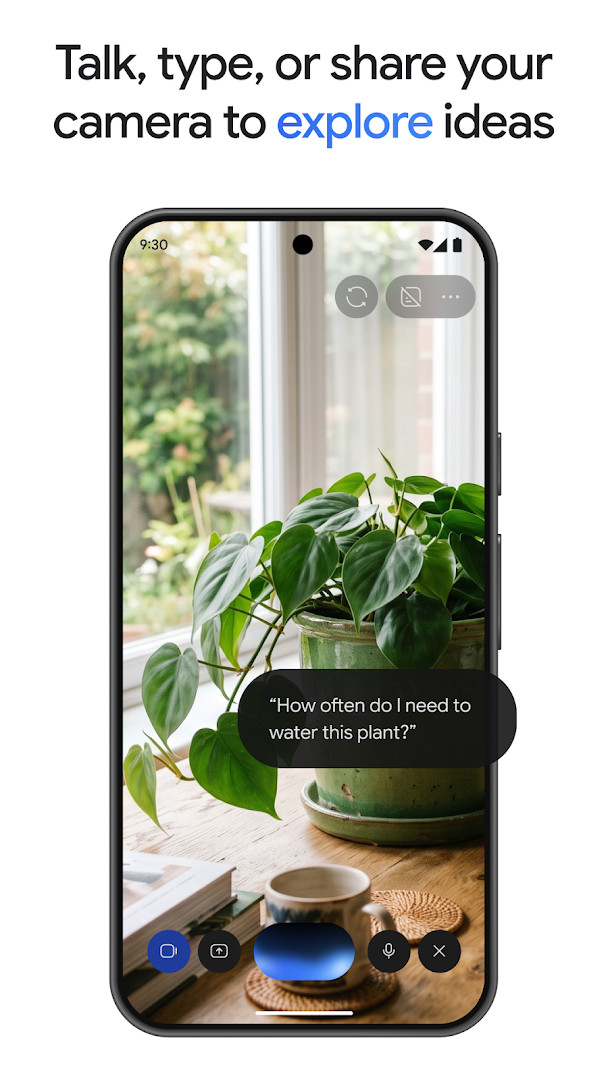
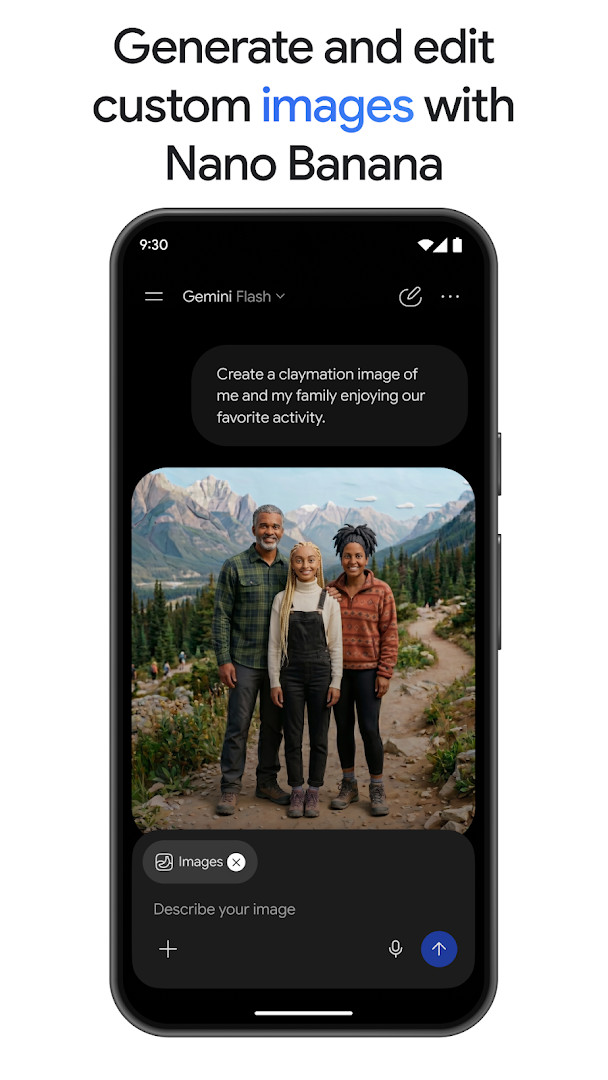
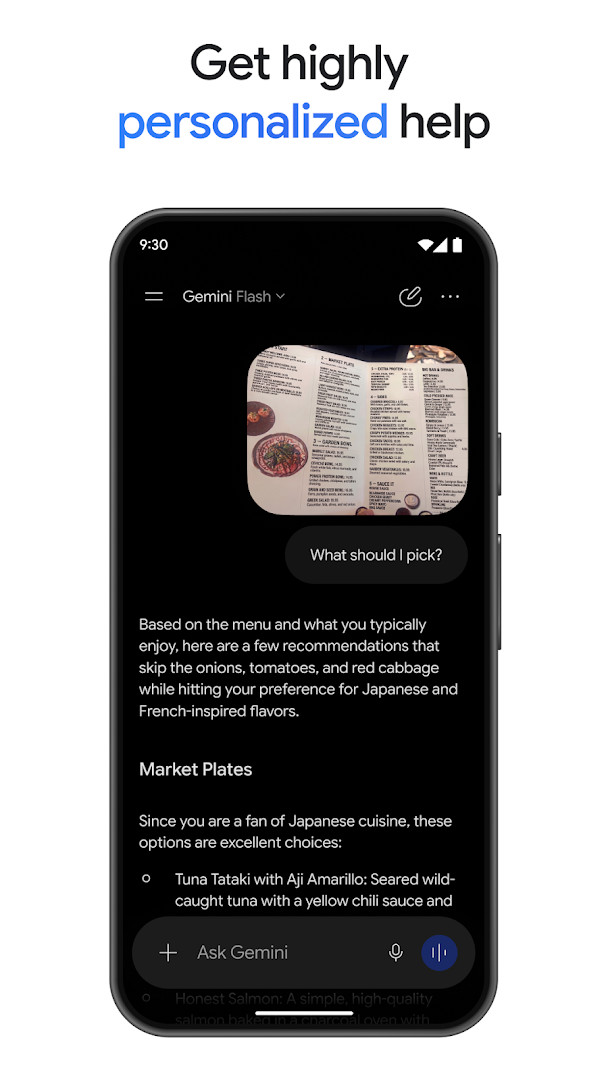
Google Gemini is a productivity app by Google LLC that provides an on-device AI assistant for writing, planning, creating, learning, and more. It is designed to act as a personal, proactive assistant that can handle a wide range of tasks, from helping with everyday questions to supporting complex, multi-step workflows. The app leverages Google's latest frontier models, Gemini 4 Argon and Gemini Omni, to deliver advanced reasoning, coding assistance, and data analysis capabilities directly on your phone.
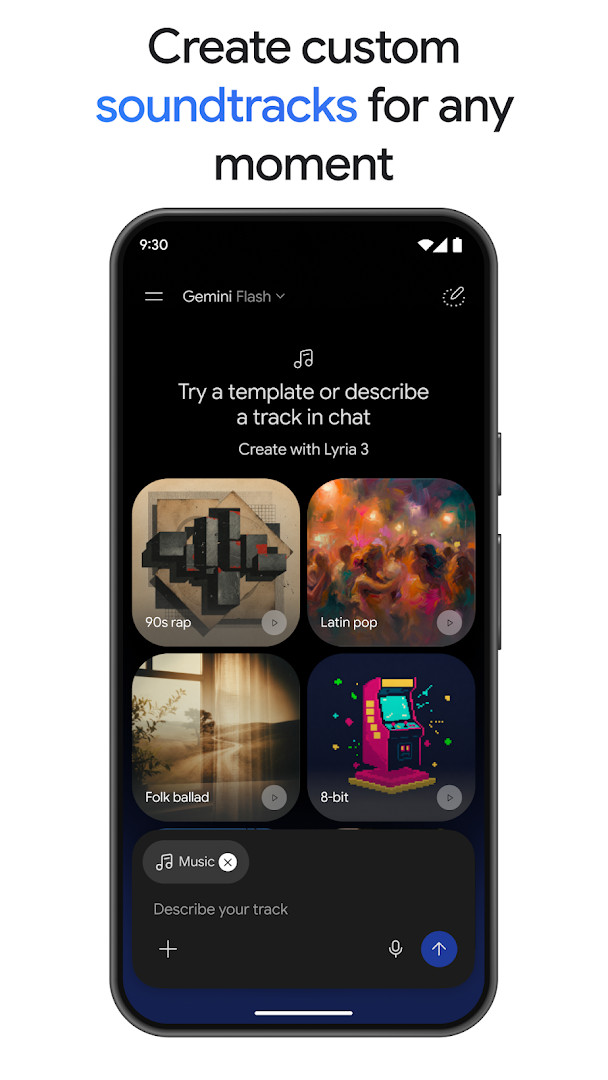
Beyond simple text responses, Gemini aims to make interaction more intuitive and visual. It can generate and edit photos with the Nano Banana 2 tool, turn ideas into cinematic videos for subscribers of certain plans, and create custom soundtracks with Lyria 3. The app also integrates with other Google services like Gmail, Calendar, Google Photos, YouTube, and Search to provide more personalized help. Users can upload documents, spreadsheets, photos, and videos to receive answers, summaries, and insights about their content.
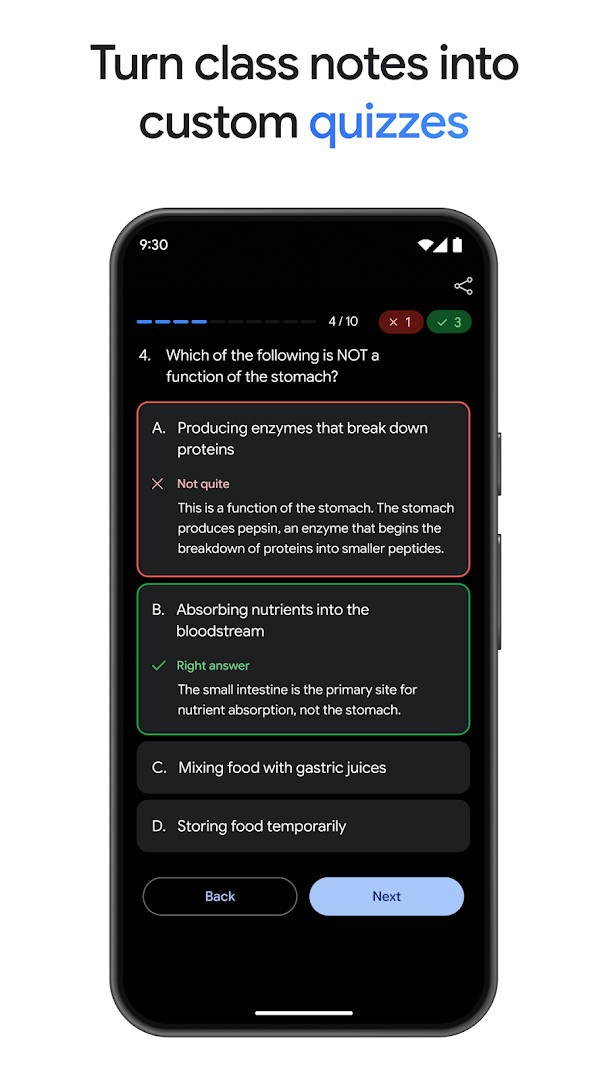
For productivity, Gemini includes features like NotebookLM for research grounded in your own sources, and study aids that can generate practice quizzes from class notes. It can also turn a simple prompt into a working prototype, such as a web page or game, and even convert files into a podcast-style overview for listening on the go. The app is aimed at a broad audience, from students and professionals to creatives, who want a versatile AI tool for both daily assistance and more demanding projects. Note that opting in will replace Google Assistant as the primary assistant, and some Assistant voice features may not be available.
Key features
- Access to the Gemini 4 Argon and Gemini Omni models for advanced reasoning and complex workflow solving
- Gemini Live for real-time brainstorming and sharing your screen or camera to discuss what you see
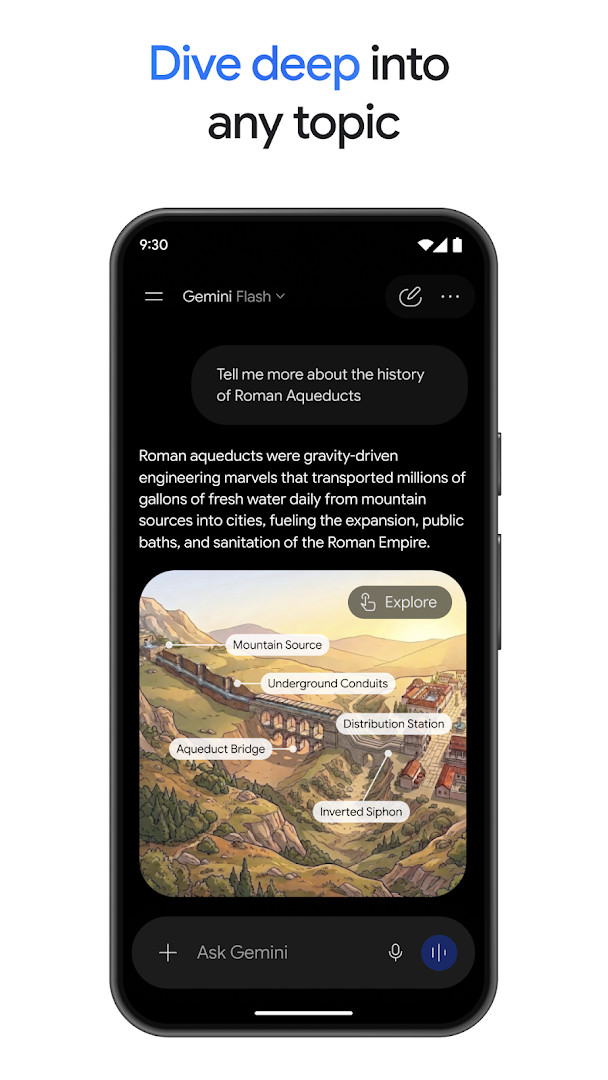
- Responses with interleaved images, timelines, and interactive visuals instead of plain text
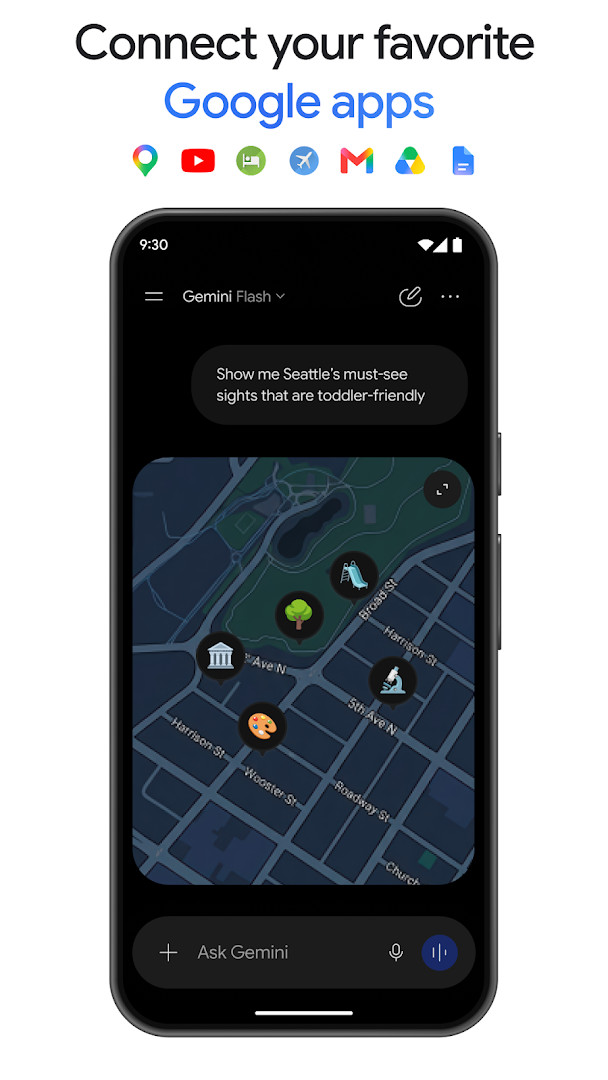
- Connections to Google apps like Gmail, Calendar, Google Photos, YouTube, and Search for personalized help
- Upload documents, spreadsheets, photos, and videos to get answers, summaries, and insights
- Photo generation and editing with Nano Banana 2, including camera and lighting controls and mockups
- Cinematic video creation from ideas for Google AI Plus, Pro, Ultra, and Workspace users
- Custom soundtrack creation with Lyria 3
- NotebookLM for research grounded in sources from your notebook
- Study help with custom practice quizzes and interactive visuals from uploaded class notes
How to install
- Tap the download button on this page to get the APK file. The file size is not specified, so ensure your device has sufficient free space.
- When Android asks for permission, allow your browser or file manager to install apps. This involves enabling the 'Install unknown apps' setting for the specific app you are using.
- Locate the downloaded APK file in your device's notification bar or Downloads folder and open it.
- A confirmation screen will appear; tap 'Install' to proceed with the installation.
- After the installation is complete, tap 'Open' to launch the app, or find the Google Gemini icon in your app drawer.
- The app requires Android version 9 or higher. If your device meets this requirement, you can start using Gemini immediately.
Pros
- Free to download with no ads and no in-app purchases
- Leverages advanced AI models for complex tasks and coding
- Integrates with other Google apps for a personalized experience
- Offers creative tools like photo editing, video creation, and soundtrack generation
- Can process various file types for summaries and insights
- Useful for study help and research with NotebookLM
Cons
- Requires a wide range of permissions, including camera, microphone, location, and contacts, which may raise privacy concerns
- Opting in replaces Google Assistant as the primary assistant, and some Assistant voice features are not available
- Content rating is Teen, which may not be suitable for all users
- Some advanced features like cinematic video creation require a subscription to specific plans
Latest changes · 1.0.995038376
This update introduces Gemini 4 Argon, a new frontier model. It is designed to handle complex, multi-step workflows with advanced reasoning. Coding and data analysis are improved, allowing users to write, debug, and execute code or analyze data quickly. The app also moves beyond simple conversations, enabling users to turn rough ideas into polished, ready-to-use projects.
Previous versions
| Version | Size | Requires Android | Updated |
|---|---|---|---|
| 1.0.995038376 | — | 9 | Nov 18, 2026 |
| 1.0.971139365 | — | 9 | Aug 31, 2026 |
| 1.0.618909562 | 2.7 MB | 12 | Nov 14, 2025 |
| 1.0.603736800 | 2.6 MB | 6.0 | Mar 12, 2025 |
Google Gemini is for anyone who wants a powerful AI assistant on their Android phone, including students needing study help, professionals looking for coding and data analysis support, and creatives interested in generating or editing images, videos, and soundtracks. It is also suitable for users who are comfortable with a broad set of permissions and are willing to replace Google Assistant as their default assistant.
To get the most out of Gemini, try connecting your Google apps like Gmail and Calendar for more personalized responses. Use the upload feature to share documents or photos for quick summaries. If you rely on Google Assistant for media control or routines, be aware these may not work in Gemini initially, and you can switch back in settings if needed. For creative projects, explore the Nano Banana 2 photo editing and prototype building features.
Permissions
Frequently asked questions
Is Google Gemini free to download and use?
Yes, the app is free and has no ads or in-app purchases. Optional paid upgrades to Google AI Plus, Pro, or Ultra plans are available for advanced features.
What Android version do I need to install Google Gemini?
The app requires Android 9 (API level 9) or higher. The current version is 1.0.995038376, updated on 2026-10-13.
Do I need a Google account to use Google Gemini?
Yes, a Google account is required. The app asks for permissions related to your identity, calendar, contacts, and other Google services to provide personalized assistance.
What permissions does Google Gemini request?
It requests access to device and app history, calendar, contacts, location, phone, photos/media/files, storage, camera, microphone, Wi-Fi connection information, and device ID & call information. These are used for features like image generation and personalized help.
How do I update Google Gemini to the latest version?
To update, download the newest version from this page. The latest release is 1.0.995038376, and you can check back here for future updates.
Does Google Gemini replace Google Assistant?
If you opt in, the Gemini app will replace Google Assistant as your primary assistant. Some Google Assistant voice features may not be available yet, and you can switch back to Google Assistant in settings.
Google Gemini is a feature-rich AI assistant that brings advanced model capabilities to your Android device, covering everything from daily queries to complex creative and productivity tasks. While it requires a significant number of permissions and replaces Google Assistant, its free price and powerful feature set make it a compelling choice for users seeking a comprehensive AI tool.
Similar apps







More from this developer





Updated: Nov 19, 2026