Google Assistant for Android
Google Assistant is a productivity app from Google LLC for hands-free help with everyday tasks using voice commands.
Download · v0.1.884448652Google Assistant is designed for people who want to manage daily tasks without touching their phone. It lets users open apps, adjust settings, make calls, send texts, set reminders, create lists, and control smart home devices by voice.
- Version
- 0.1.884448652
- Size
- 2.4 MB
- Requires Android
- 6.0
- Updated
- Mar 23, 2026
- Installs
- 5B+
- Rating
- ★ 3.76 (1,368,093)
- Category
- Productivity
- Developer
- Google LLC
- Content rating
- Everyone
- Package
- com.google.android.apps.googleassistant
- Free
- ✓
Screen gallery
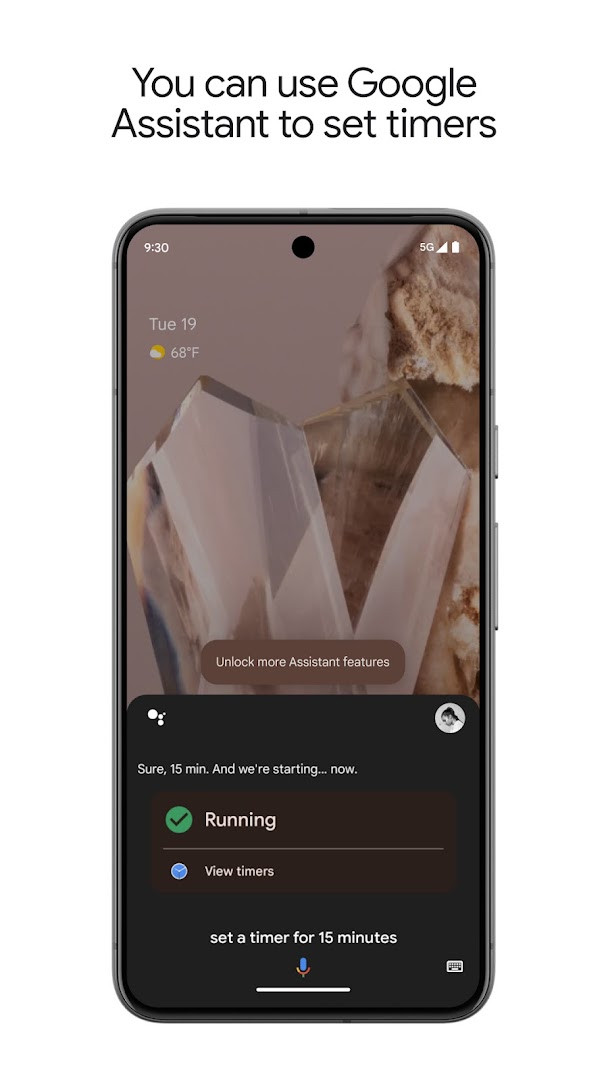
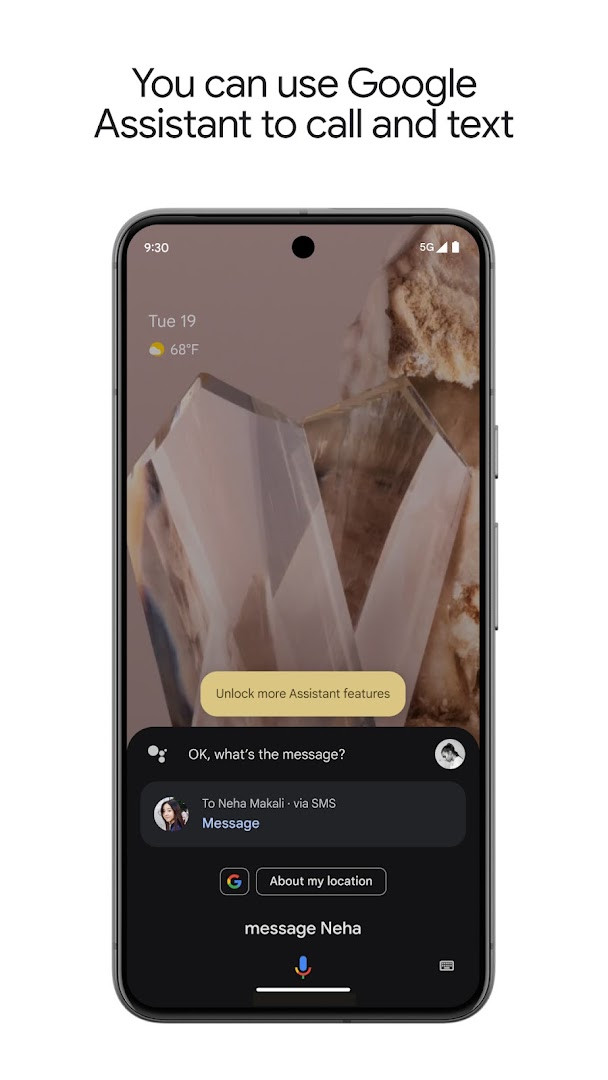
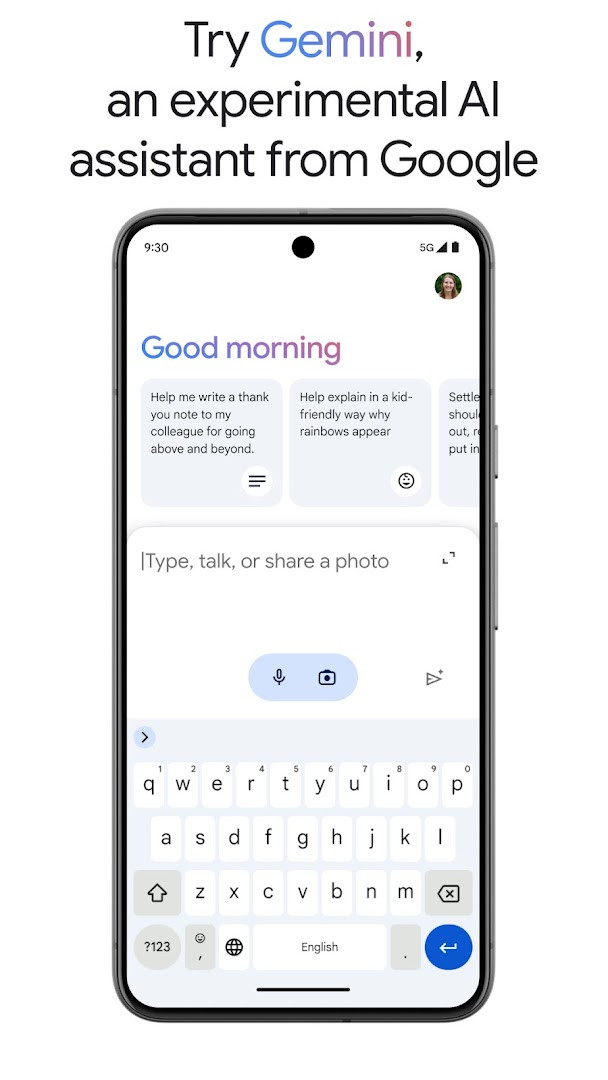
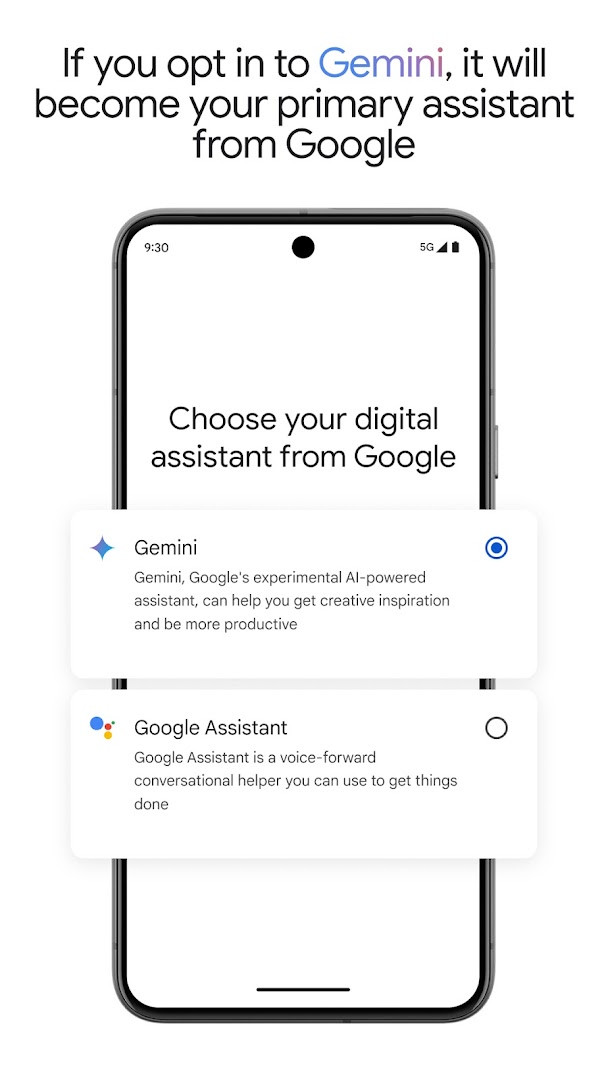
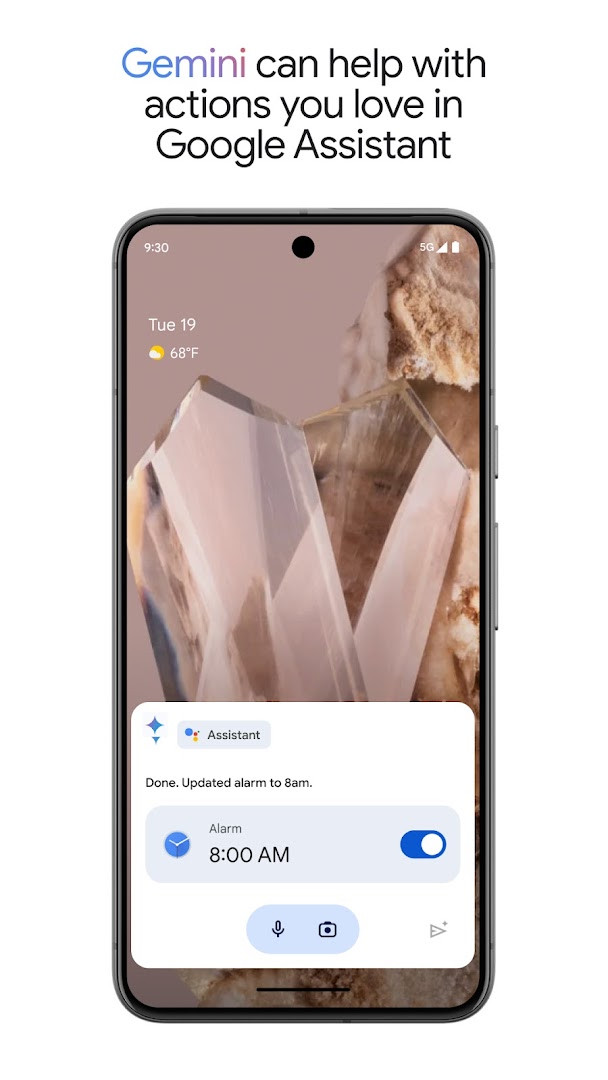
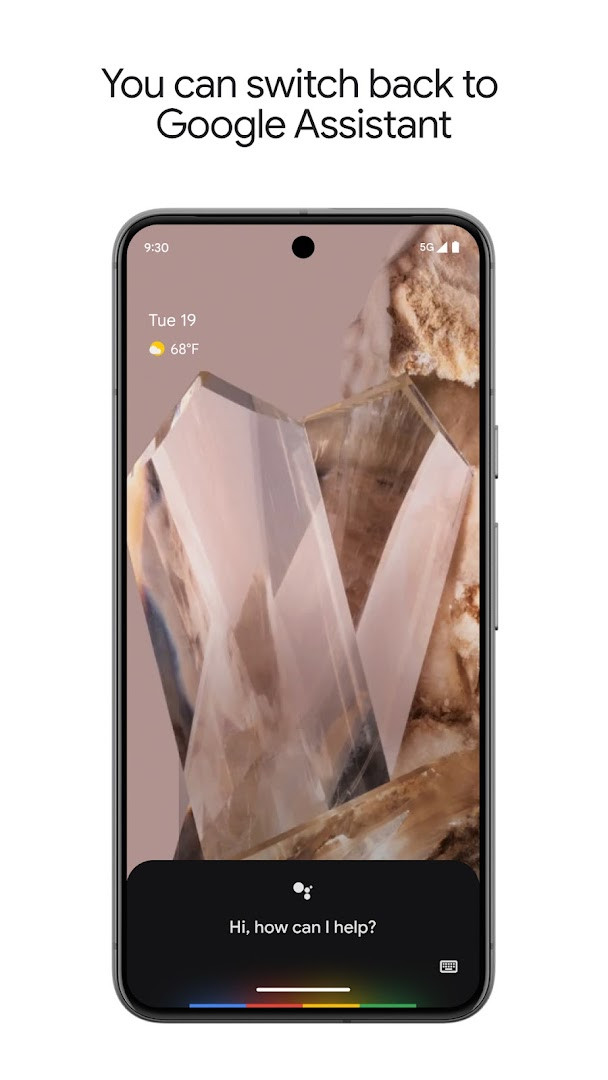
Google Assistant is a productivity app by Google LLC that provides hands-free help through voice commands, allowing you to control your phone, manage tasks, and interact with smart home devices. It solves the problem of juggling multiple manual steps by letting you speak natural commands to get things done quickly. Whether you need to set a reminder, send a text, or turn on the flashlight, the assistant responds instantly, reducing the need to navigate menus or type. It also offers proactive suggestions and routines based on your habits, making everyday tasks smoother. The app integrates with a range of services and devices, and now includes an option to opt in to Gemini, an experimental AI assistant that can act as your primary assistant from Google, bringing access to Google's latest AI models while retaining many familiar Assistant actions. With compatibility from Android 6.0 and a modest file size of 2.4 MB, it is designed to be lightweight and accessible. The app has been available since 2017 and continues to evolve, with recent updates focusing on expanding Gemini availability to selected users and countries.
Key features
- Control your phone with voice commands: open apps, adjust settings, turn on the flashlight, and more.
- Stay connected hands-free: make calls, send texts, and manage emails without touching your phone.
- Set reminders, create lists, ask questions, and get directions with simple voice prompts.
- Manage your smart home from anywhere: control lights, thermostats, and compatible devices remotely.
- Create automatic routines for regular activities like 'Good morning' or 'Let's go home' to streamline your day.
- Opt in to Gemini (formerly Bard) to make it your primary assistant, with access to advanced AI models while keeping many existing Assistant actions.
- Receive proactive information and contextual reminders based on your usage patterns and schedule.
How to install
- Tap the download button on this page to get the APK file (2.4 MB).
- When Android prompts, allow your browser or file manager to install apps by enabling the 'Install unknown apps' setting.
- Open the downloaded APK file from your notification bar or file manager.
- Tap 'Install' and wait for the process to finish.
- Open the app from your app drawer and follow the setup prompts.
- Note: The app requires Android 6.0 or newer.
Pros
- Free to use with no ads or in-app purchases.
- Lightweight at only 2.4 MB, suitable for devices with limited storage.
- Voice control for a wide range of phone functions and smart home devices.
- Proactive assistance and routines save time on repetitive tasks.
- Option to switch to Gemini for more advanced AI capabilities.
- Available for all Android versions from 6.0 and up.
Cons
- Requires network access and Google services to function fully.
- Gemini opt-in is not available to all users or in all countries yet.
- Some actions may not work immediately after opting in to Gemini.
Latest changes · 0.1.884448652
This update brings Gemini to Google Assistant, with access rolling out gradually to select users and countries over the coming weeks. If you opt in, Gemini will act as your primary assistant from Google and can perform many of the actions you already rely on. More capabilities are planned soon, and you can get started by opting in through Assistant or using the Gemini app.
Previous versions
| Version | Size | Requires Android | Updated |
|---|---|---|---|
| 0.1.601924805 | 1.2 MB | 5.0 | Jun 30, 2026 |
| 0.1.884448652 | 2.4 MB | 6.0 | Mar 23, 2026 |
| 0.1.766117055 | 2.3 MB | 5.0 | Jun 18, 2025 |
This app is ideal for anyone who wants to simplify their daily phone interactions using voice commands. It is especially useful for people who are often on the go, such as commuters or multitaskers, who need to set reminders, send messages, or get directions without stopping. Smart home owners will appreciate the ability to control devices from anywhere, and those who enjoy experimenting with new AI features can explore the Gemini integration. Since it works on Android 6.0 and later, it is accessible to a broad range of users, including those with older devices. Whether you are a tech enthusiast or just looking for a convenient hands-free helper, this app can make everyday tasks faster and easier.
To get the most out of Google Assistant, try creating custom routines for your daily patterns, such as a morning briefing or a commute. Also, explore the Gemini opt-in if available, but remember you can switch back to the classic Assistant in settings if you prefer. Use voice commands like 'Set a timer for 5 minutes' or 'Navigate home' to save time.
Permissions
Frequently asked questions
Is Google Assistant free to download?
Yes, the app is free to download and use. There are no in-app purchases or ads.
What Android version do I need?
You need Android 6.0 (Marshmallow) or higher to install and run Google Assistant.
How large is the app file?
The app file size is approximately 2.4 MB.
Do I need a Google account to use it?
Yes, a Google account is required to use Google Assistant, as it needs to access your Google services to provide personalized assistance.
What permissions does Google Assistant request?
The app requests access to network state, package size information, and Google services. These permissions help the assistant function properly.
How do I update Google Assistant?
To update, simply download the latest version from this page. The newest version available here is 0.1.884448652, released on March 23, 2026.
Google Assistant remains a reliable and feature-rich voice assistant that handles everyday tasks efficiently. With the added option to try Gemini, it offers a glimpse into the future of AI assistance while keeping the familiar functionality intact.
Similar apps




More from this developer




Updated: Oct 21, 2026