Google Chrome: Browse, Search and Translate
Google Chrome is a free web browser by Google LLC that lets you search the web with Google and translate pages into other languages.
Get APKGoogle Chrome is a 215 MB download that runs on Android 12L and later. This free browser by Google LLC displays ads and does not include in-app purchases, and it holds about 49.4 million ratings with an average score of 4.12. It is aimed at people who want Google search, page translation, tab groups and synced bookmarks and passwords on their phone.
- Size
- 215 MB
- Requires Android
- 12L
- Updated
- Oct 7, 2026
- Installs
- 10B+
- Rating
- ★ 4.12 (49,425,698)
- Category
- Communication
- Developer
- Google LLC
- Content rating
- Everyone
- Package
- com.android.chrome
- Free
- ✓ · Contains ads
Screen gallery
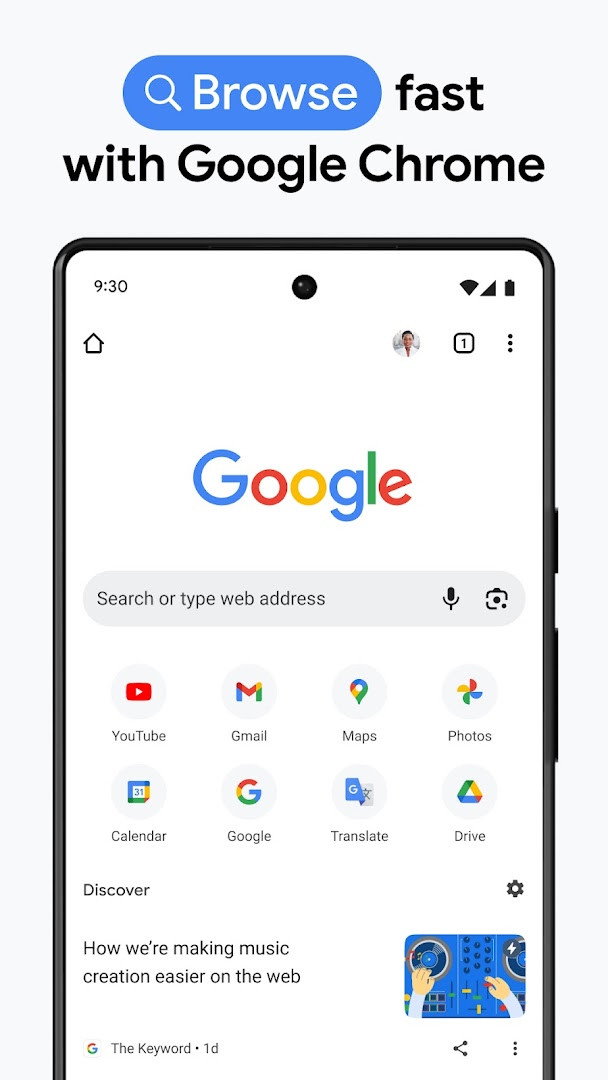
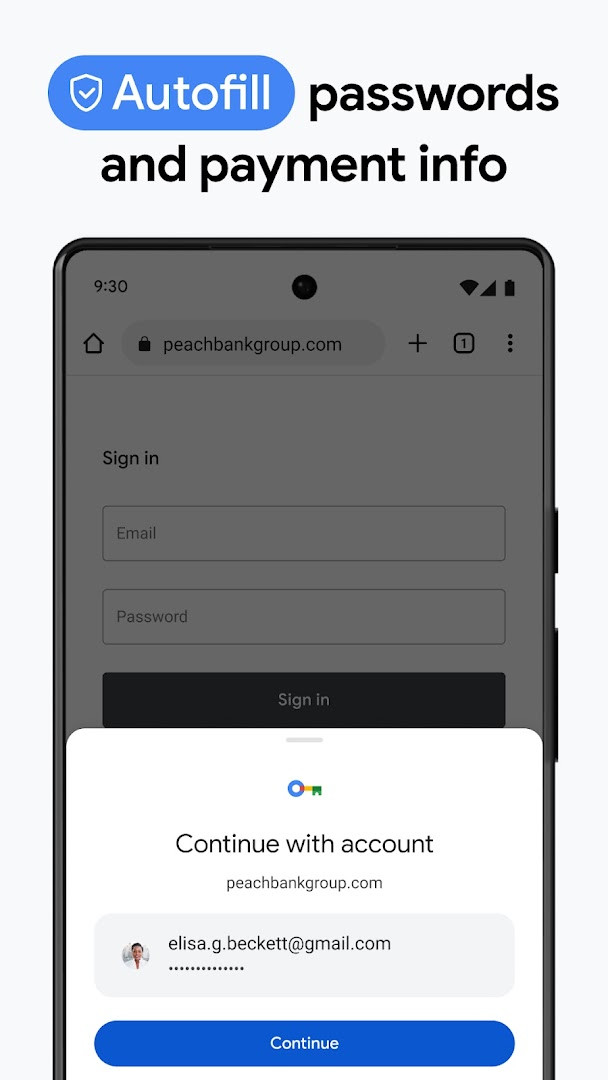
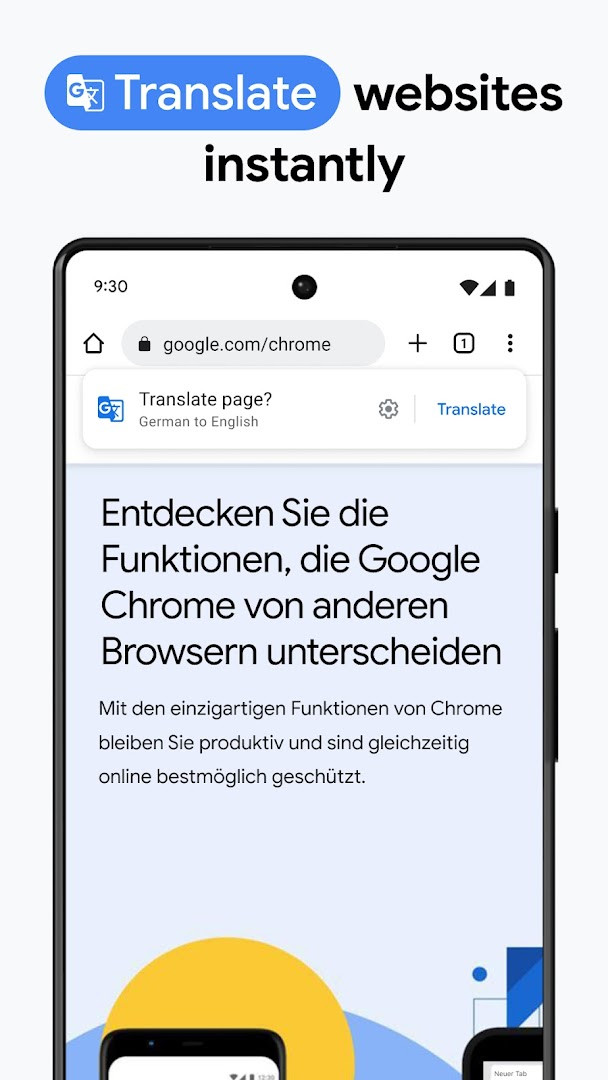
Google Chrome is a browser app by Google LLC that lets you search, open and navigate web pages on Android. First released in February 2012, it has since become one of the most widely used browsers, with roughly 10 billion installs and a rating of about 4.12 from more than 49 million reviews. The build described here is version 154.0.8037.126, dated October 6, 2026, and it needs Android 12L or later plus around 215 MB of free space.
A browser sits between you and everything you do online, so its permission list deserves a close look. This app asks for device and app history, identity, contacts, location, phone, photos, media and files, storage, camera, microphone, Wi-Fi connection information, and device ID plus call information. Most of these map to visible features: camera and microphone access supports voice search and Lens scanning, location is used when a site requests it, and storage holds downloads, caches and profile data. Permissions you want to limit can be adjusted in your device settings after install.
On the privacy side, the app includes a built-in password manager that can generate credentials and warn you when saved passwords appear at risk, along with a safety check that surfaces proactive alerts and an enhanced protection mode described as the highest level of security the browser offers. Signing in with a Google account enables sync of bookmarks, tabs and passwords across phones, computers and tablets. The app is free, and the listing notes that ads are present; no in-app purchases are offered. Feature availability varies by country and language, so some tools may not appear everywhere.
Key features
- Search with Google, including hands-free voice search
- Google Lens: point the camera at something and search what you see
- Google Translate support for exploring the web in more than 130 languages, with one-click translation of entire sites
- Enhanced Protection mode, described as the highest level of security the browser offers
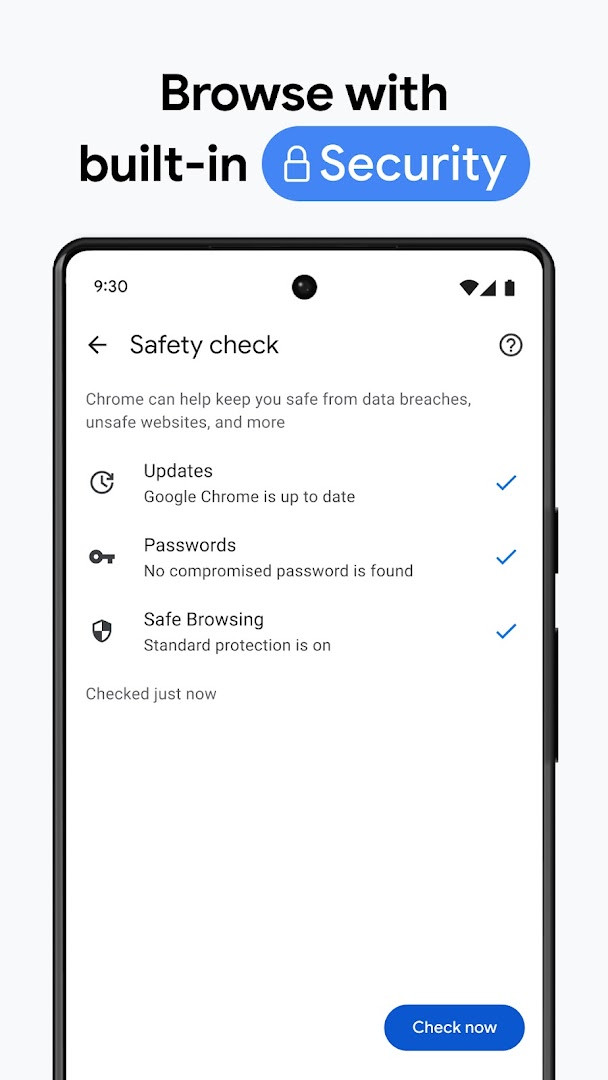
- Safety Check, which provides proactive alerts about your browsing safety
- Google Password Manager for generating and saving passwords, with alerts when credentials are at risk
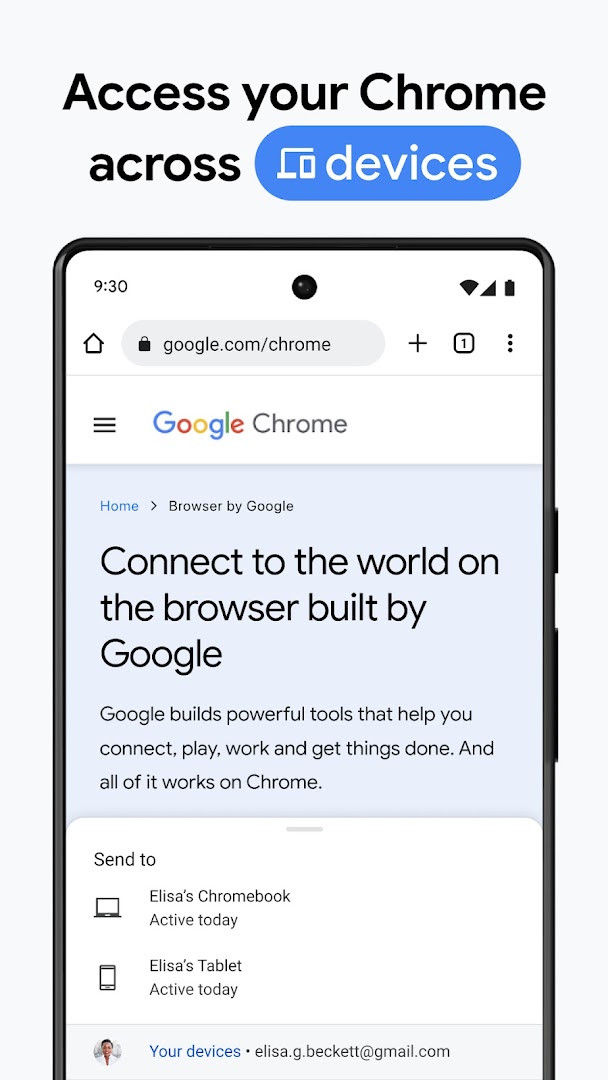
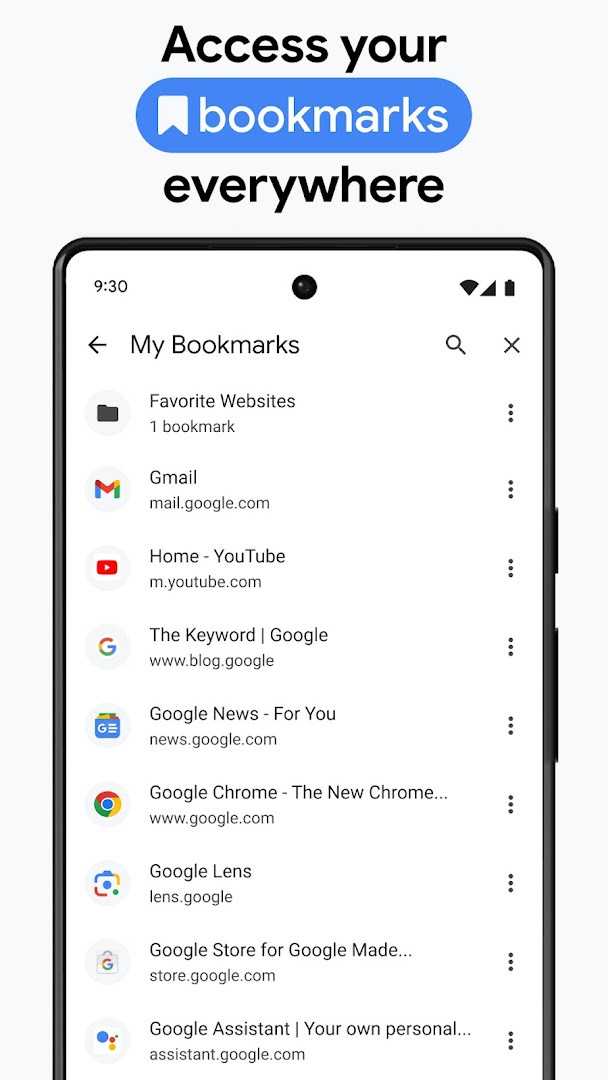
- Sync across devices so bookmarks, tabs and passwords follow you when signed in on a phone, computer or tablet
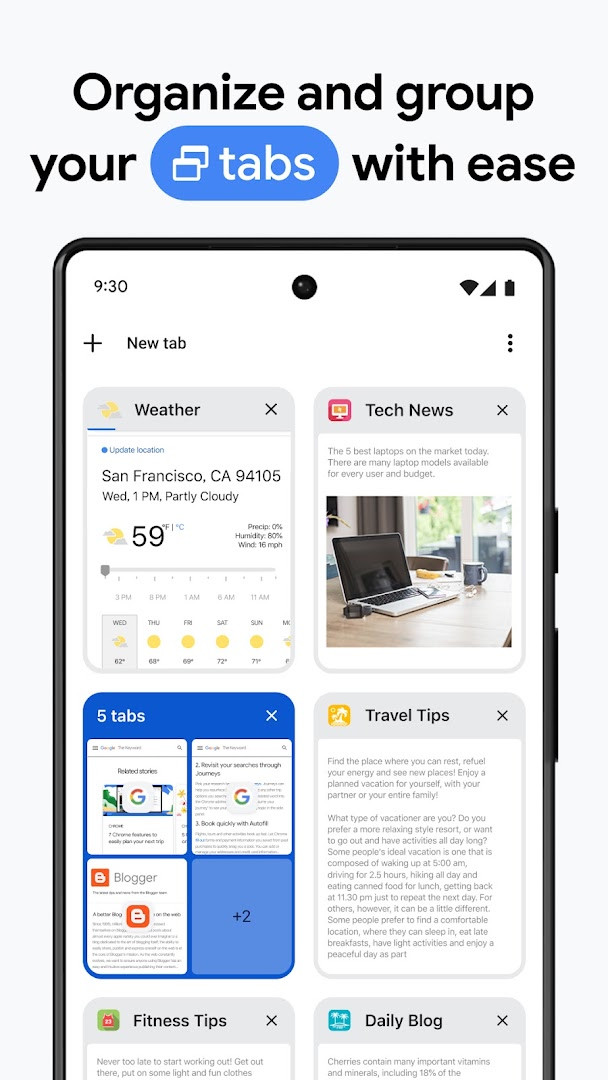
- Tab groups to keep open pages organized across devices
- Autofill for saved payments, addresses and passwords
How to install
- Tap the download button on this page to get the APK file. The download is about 215 MB, so a stable connection is worth having.
- Confirm your device runs Android 12L or newer; older versions are not supported by this build.
- When Android asks, let your browser or file manager install apps by enabling the "Install unknown apps" option for that app.
- Open the downloaded APK file from your notifications or your file manager's downloads folder.
- Tap Install and wait for Android to finish setting up version 154.0.8037.126.
- Open the app. On first launch, review the permission prompts and grant only what you actually need.
Pros
- Deep integration with Google services such as search, Lens and Translate
- Password manager with risk alerts for saved credentials
- Security features including Enhanced Protection and Safety Check
- Sync of bookmarks, tabs and passwords across devices when signed in
- Free to use, with no in-app purchases
Cons
- Requests a long permission list covering location, contacts, camera, microphone and more
- The listing indicates ads are present
- At about 215 MB, the install takes noticeable storage space
- Requires Android 12L or newer, so older devices are left out
- Some features are not available in every country or language
Latest changes
This release brings stability and performance improvements, according to the update notes. The current version is 154.0.8037.126, dated October 6, 2026. Earlier 2026 releases include 153.0.8010.53 (September 27), 149.0.7827.103 (June 12), and 148.0.7778.167 (May 15). No new features are listed for this update.
Previous versions
| Version | Size | Requires Android | Updated |
|---|---|---|---|
| 154.0.8037.126 | 215 MB | 12L | Oct 6, 2026 |
| 153.0.8010.53 | 214 MB | 12L | Sep 27, 2026 |
| 149.0.7827.103 | 13 MB | 10 | Jun 12, 2026 |
| 148.0.7778.167 | 12 MB | 12L | May 15, 2026 |
| 148.0.7778.121 | 12 MB | 12L | May 12, 2026 |
| 148.0.7778.120 | 12 MB | 12L | May 12, 2026 |
| 138.0.7204.179 | 227 MB | 8.0 | Oct 30, 2025 |
| 119.0.6045.194 | 132 MB | 7.0 | Jan 15, 2024 |
| 106.0.5249.126 | 115 MB | 6.0 | Oct 19, 2022 |
| 81.0.4044.138 | 52 MB | 4.4 | May 9, 2020 |
This app suits Android users on 12L or newer who want a full-featured browser tied closely to Google services, including search, Lens, Translate and cross-device sync. It also fits people who want password management and security alerts built in rather than handled by separate tools. If you prefer minimal permissions on your phone, review each prompt carefully before accepting, and check the app's permission settings afterward to revoke anything you are not comfortable with.
Take a minute after the first launch to look at which permissions you granted. You can change camera, microphone, location and storage access later in Android's app settings, and site-level permissions can be adjusted inside the browser. Signing in enables sync, so decide whether you want bookmarks, tabs and passwords shared across your devices. Safety Check and Enhanced Protection are worth turning on if you want proactive warnings, and the password manager can flag credentials that appear compromised. Since the install is around 215 MB, clear old downloads if space is tight.
Permissions
Frequently asked questions
Which Chrome version is listed as the most recent update?
The newest version listed is 154.0.8037.126, dated 2026-10-06.
What is the minimum Android version required to run Chrome?
Chrome requires Android 12L or later.
How much storage space does the Chrome app take up?
The app is listed at 215 MB.
What security features are highlighted for Chrome?
Chrome's description calls out Enhanced Protection Mode, Safety Check with proactive alerts, and Google Password Manager, which can generate and save passwords and alert you if they are at risk.
Does Chrome include Google Translate and Google Lens capabilities?
Yes, Chrome supports Google Translate for browsing the web in 130+ languages and Google Lens for searching with your camera.
Chrome on Android is a capable, free browser with strong Google service integration and useful security and password tools, running on Android 12L or newer at roughly 215 MB. Install it if you want those features, and take a moment to review its wide permission list so the access it holds matches what you are comfortable sharing.
Similar apps




More from this developer




Updated: Oct 23, 2026