
Google Messages: Official Messaging App
Google Messages is a messaging app by Google LLC that uses RCS to provide rich features like high-quality media sharing and dynamic group chats.
Download Google MessagesGoogle Messages is the official messaging app from Google LLC, offering a modern alternative to SMS and MMS through Rich Communication Services (RCS). It is designed for anyone who wants a more expressive and secure texting experience, with features such as end-to-end encryption between users and AI-powered message suggestions.
- Size
- 9 MB
- Requires Android
- 6.0
- Updated
- Oct 8, 2026
- Installs
- 10B+
- Rating
- ★ 4.58 (50,447,936)
- Category
- Communication
- Developer
- Google LLC
- Content rating
- Everyone
- Package
- com.google.android.apps.messaging
- Free
- ✓
Screen gallery
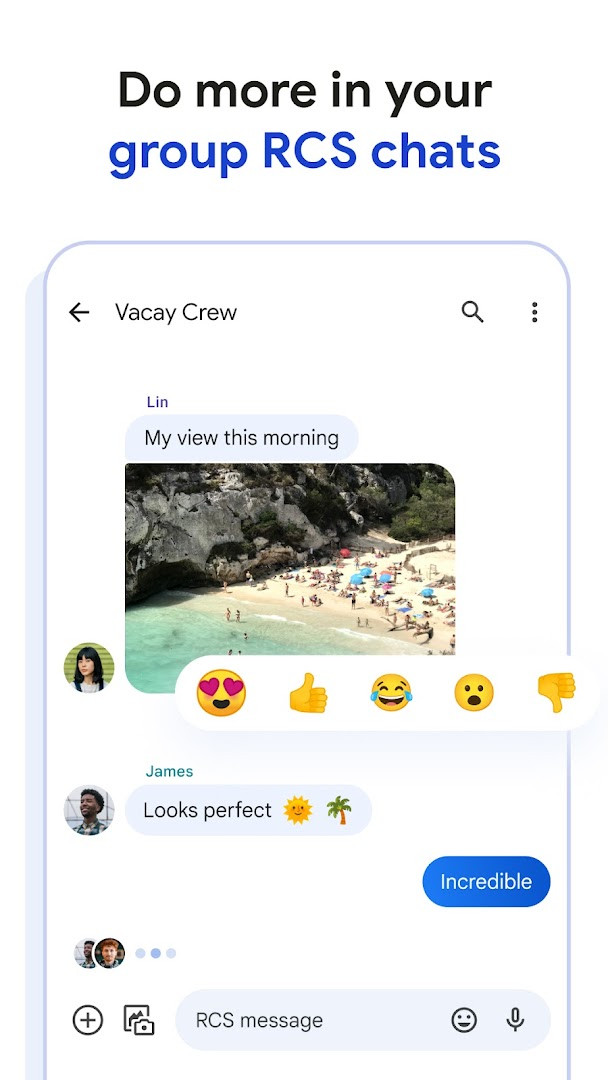
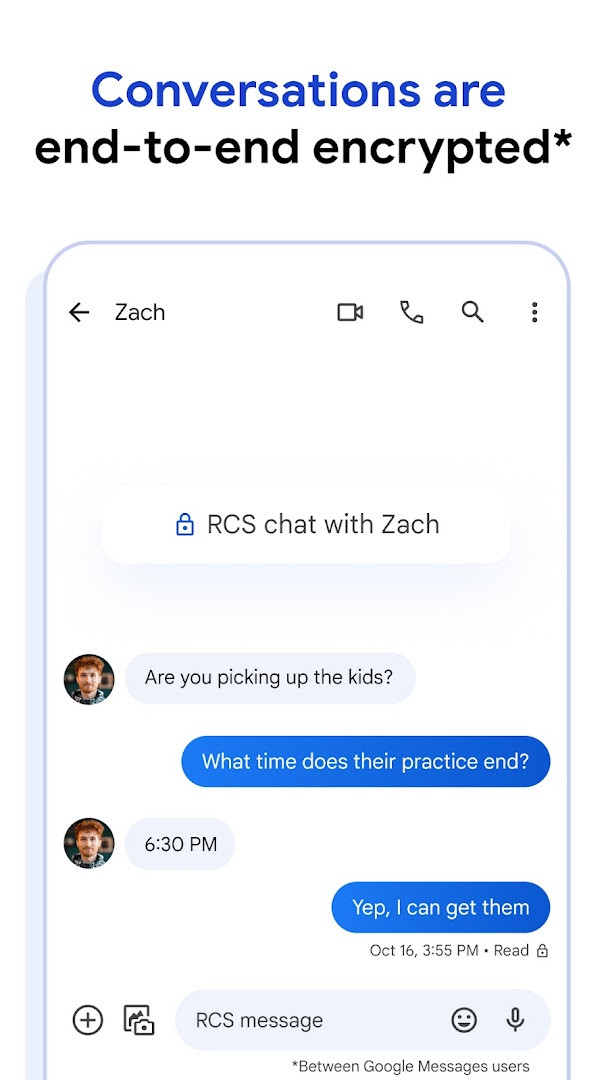
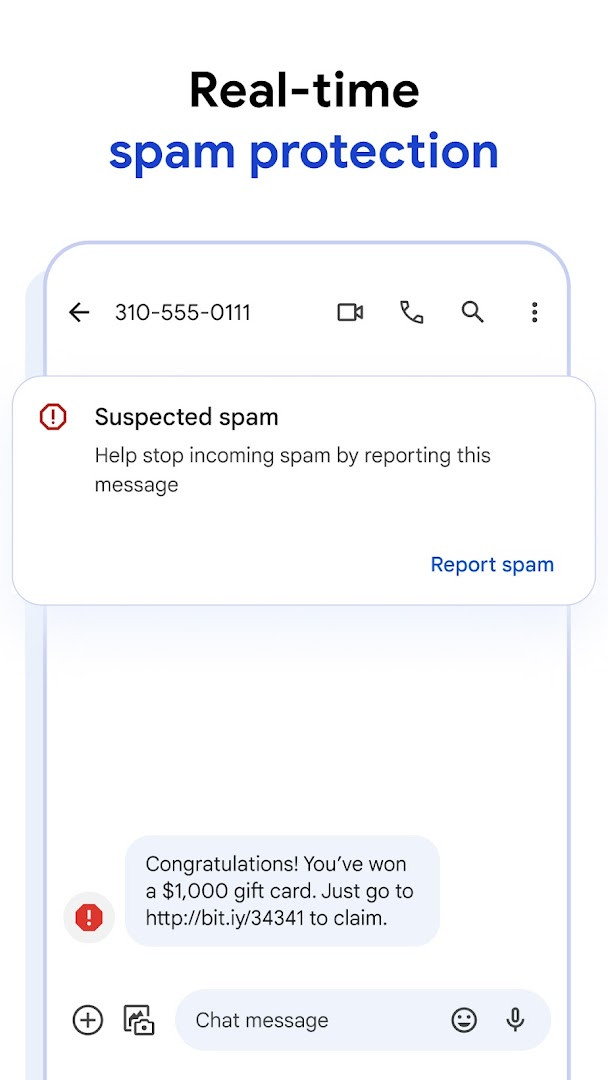
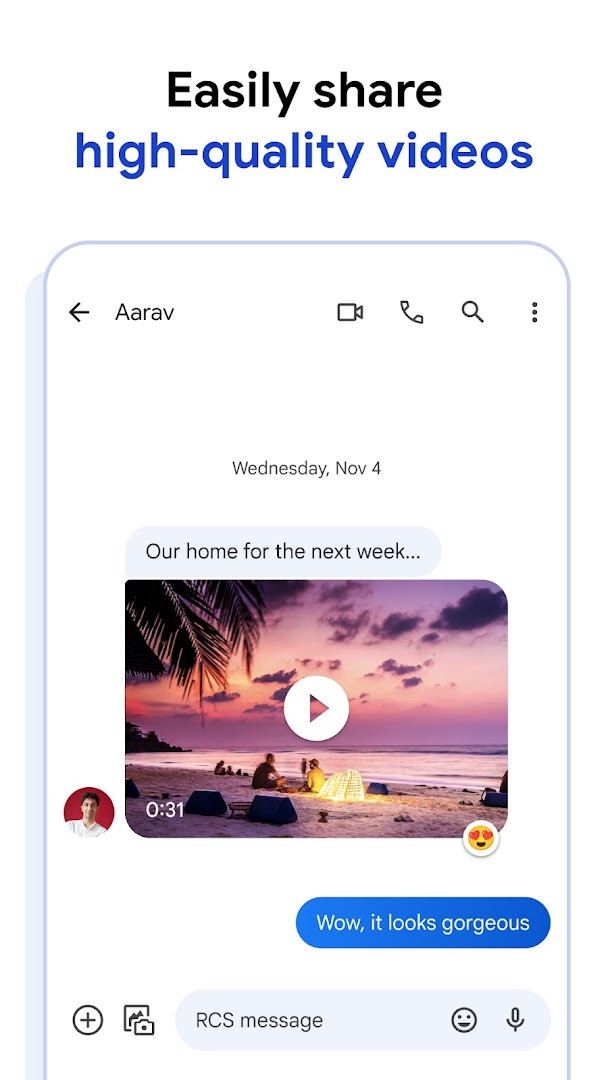
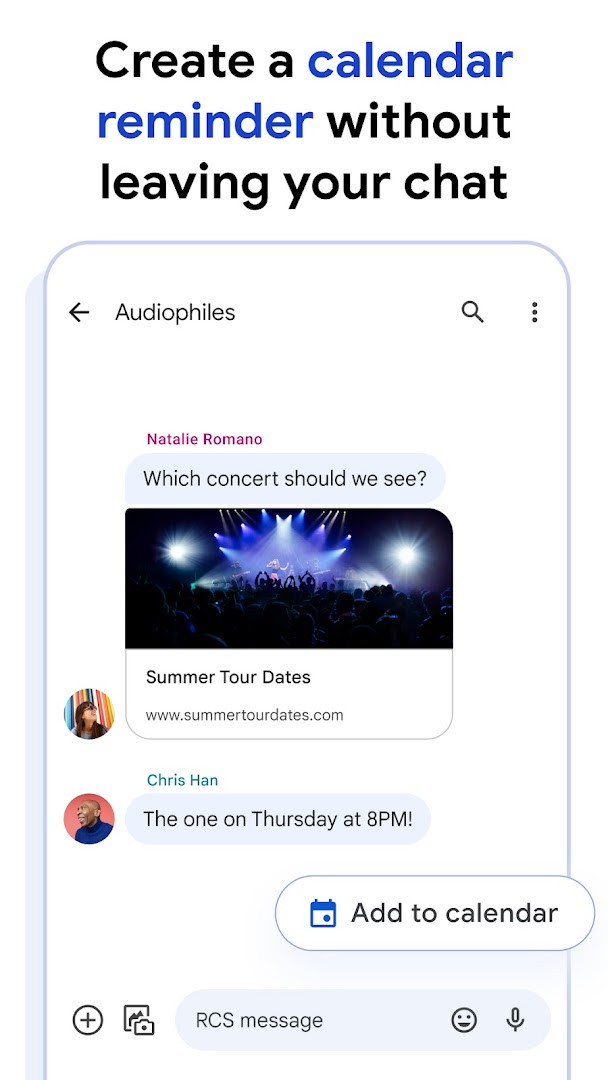
Google Messages is a communication app by Google LLC that provides a modern messaging experience using Rich Communication Services (RCS) alongside traditional SMS and MMS. It addresses the limitations of plain text messaging by enabling higher-quality media sharing, real-time conversation indicators, and better group interactions. The app also integrates AI-assisted writing, personalization options, and strong privacy measures to make everyday texting feel more secure and engaging. By replacing the standard messaging tool, it gives users a single place to manage chats, whether they are connecting with Android friends, iPhone contacts, or across multiple devices.
Key features
- Share high-resolution photos and videos through RCS.
- See typing indicators and read receipts during conversations.
- Enjoy dynamic group chats that work between Android and iPhone users.
- Customize chat bubble colors and create fun selfie GIFs.
- End-to-end encryption for one-on-one chats between Google Messages users.
- Advanced spam protection keeps unwanted messages at bay.
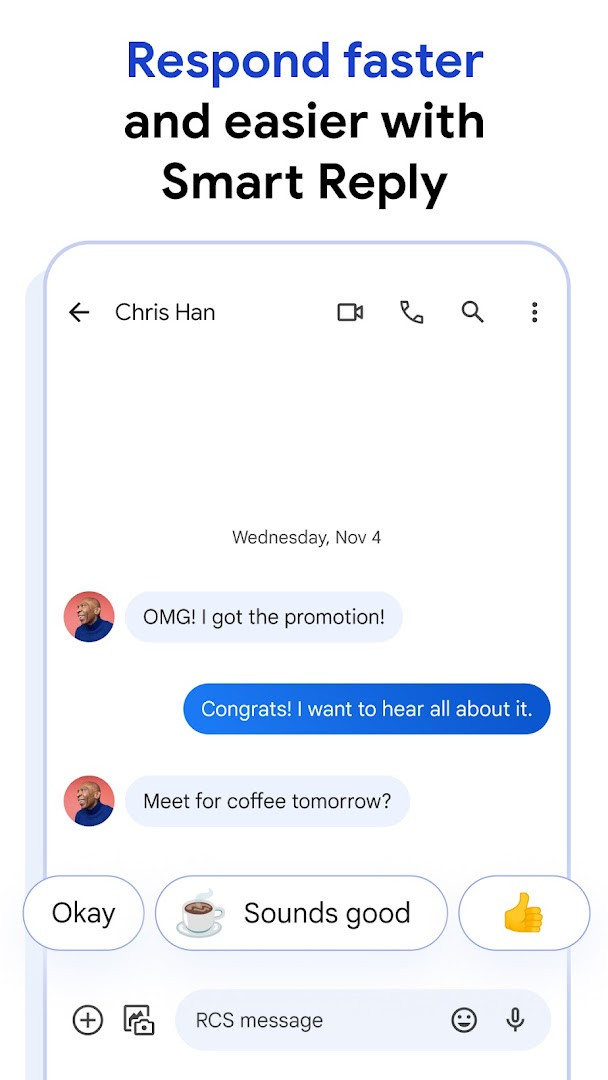
- Use Magic Compose for AI-powered message suggestions.
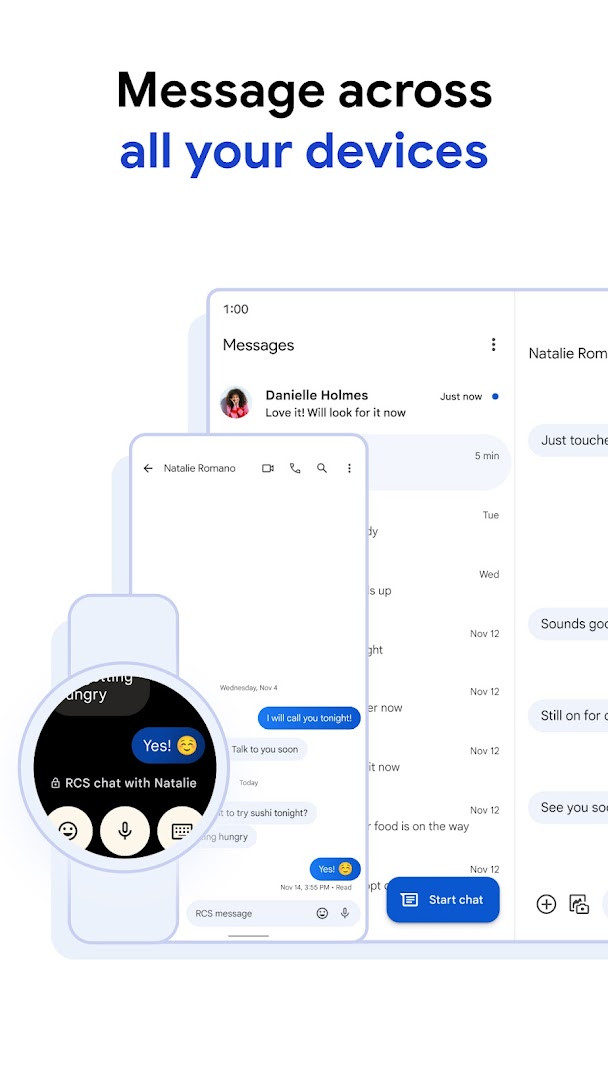
- Continue chats seamlessly across phone, tablet, computer, and Wear OS.
How to install
- Tap the download button on this page to get the APK file.
- When Android asks, allow your browser or file manager to install apps by enabling the “Install unknown apps” setting.
- Open the downloaded APK file on your device.
- Tap Install and wait for the process to finish.
- Open the app and follow the on-screen prompts to set it as your default messaging client. The file size is about 9 MB, and your device must run Android 6.0 or later.
Pros
- Completely free with no ads and no in-app purchases.
- End-to-end encryption protects sensitive conversations.
- Works across phones, tablets, computers, and Wear OS.
- Includes smart spam filtering to reduce unwanted messages.
- RCS support upgrades the quality of texts with iPhone users when available.
- Lightweight install size of only 9 MB.
Cons
- Requires numerous permissions including identity, contacts, location, SMS, phone, media, storage, camera, microphone, and device ID.
- RCS availability depends on region and carrier, and a data plan may be required.
- Some features vary by market and device, and beta sign-up may be needed for the latest additions.
Latest changes
The latest update, released on October 8, 2026, focuses on bug fixes and stability improvements to keep your messaging experience smooth and reliable. This version refines overall performance so you can continue enjoying rich RCS chats, expressive features, and secure conversations without interruption.
Previous versions
| Version | Size | Requires Android | Updated |
|---|---|---|---|
| 1.9.041 (4109217-38.phone) | 18 MB | 4.1 | Sep 25, 2019 |
| 4.3.094 (griffin_RC05_alldpi.armeabi-v7a.wear) | 9 MB | 6.0 | Apr 30, 2019 |
| 1.9.518 (3202766-48.phone) | 18 MB | 7.1 | Oct 11, 2016 |
| 1.1.057 (1704610-04) | 8.1 MB | 5.1 | Mar 10, 2015 |
This app is ideal for anyone who wants a straightforward but capable replacement for their phone’s default texting tool. It suits people who message frequently across Android and iPhone, value privacy through encryption, or like having access to chats on a computer or smartwatch. It is also a good fit for users who appreciate small touches like typing indicators, custom chat colors, and AI message suggestions without dealing with ads or subscription fees.
To get the most out of Google Messages, make sure RCS is enabled in the app’s settings under Chat features. Pair it with the web version for easy typing on a computer, and check that your carrier supports RCS if high-quality sharing isn’t working. You can also long-press a sent message to see delivery and read details.
Permissions
Frequently asked questions
What does the most recent update for Google Messages include?
The latest update on October 8, 2026 includes bug fixes and stability improvements.
Can I use Google Messages on a Wear OS device?
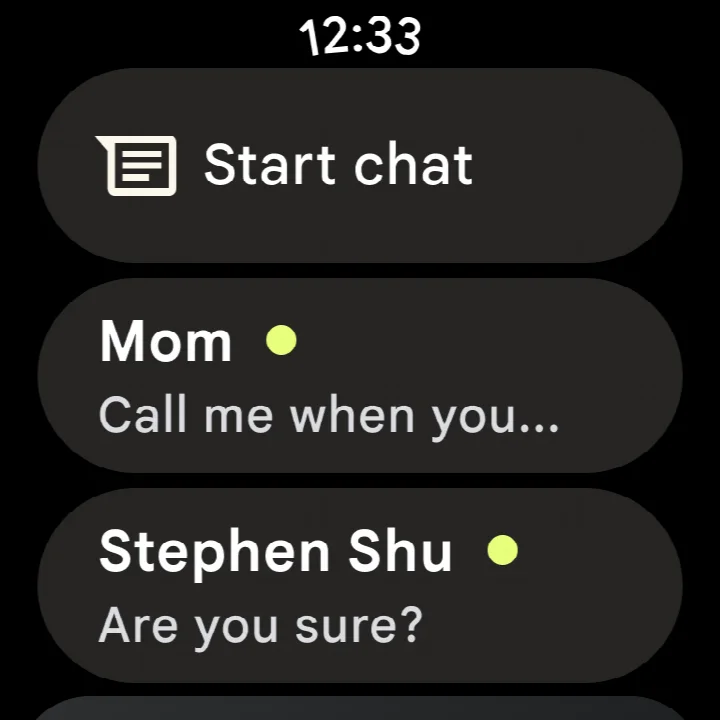
Yes, the app supports Wear OS, allowing you to continue conversations on your smartwatch.
How does end-to-end encryption protect my conversations in this app?
End-to-end encryption protects messages sent between Google Messages users, which means no one else, including Google, can read them.
What is the download size and minimum Android version for Google Messages?
The app is about 9 MB in size and requires Android 6.0 or higher.
What does RCS messaging allow me to do when using Google Messages?
RCS enables sharing high-resolution photos and videos, seeing typing indicators, and enjoying dynamic group chats, including with iPhone users.
Google Messages is a solid choice for anyone wanting an intuitive, feature-rich messaging app that works reliably across Android devices and the web. It strikes a practical balance between everyday simplicity and modern communication standards without costing anything or pushing ads.
Similar apps




More from this developer




Updated: Oct 21, 2026