Gboard - the Google Keyboard for Android
Gboard is a keyboard app from Google LLC for fast and smart typing on Android devices.
Download GboardGboard is a free keyboard app for Android users who want faster typing with Glide Typing, voice dictation, and handwriting support. It includes emoji search, GIF search, and Google Translate built in, and it works without an account for core typing features.
- Size
- 9.4 MB
- Requires Android
- 4.4
- Updated
- Sep 30, 2026
- Installs
- 10B+
- Rating
- ★ 4.49 (18,884,966)
- Category
- Tools
- Developer
- Google LLC
- Content rating
- Everyone
- Package
- com.google.android.inputmethod.latin
- Free
- ✓
Screen gallery
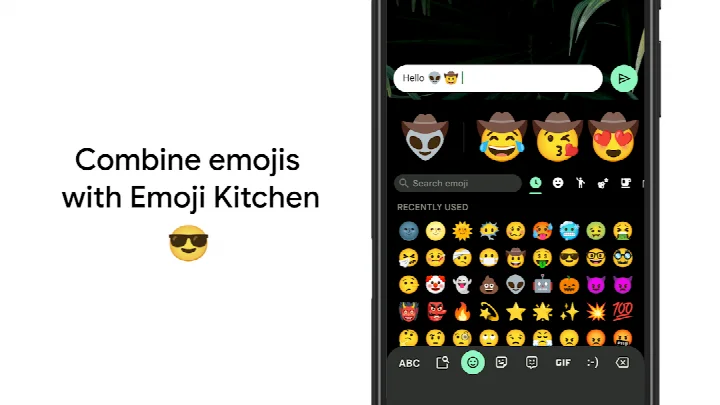
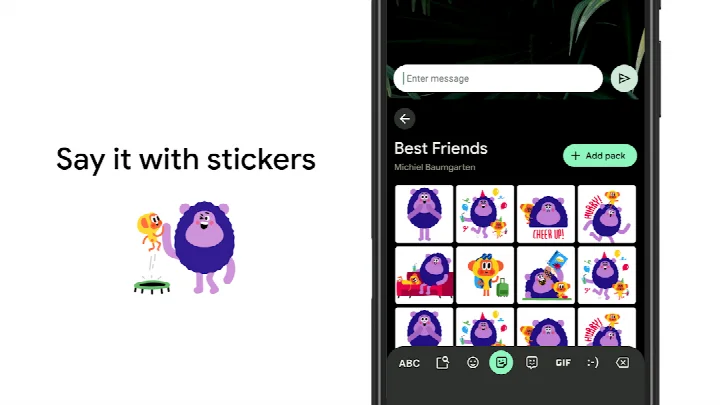
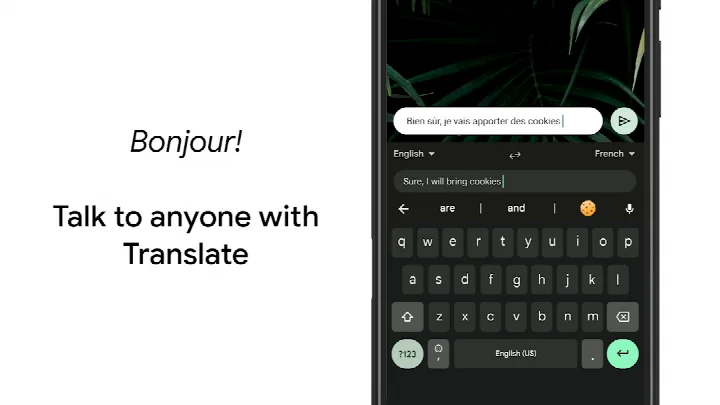
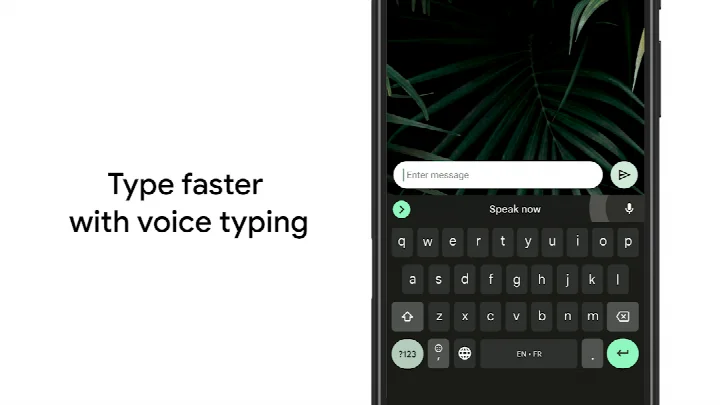
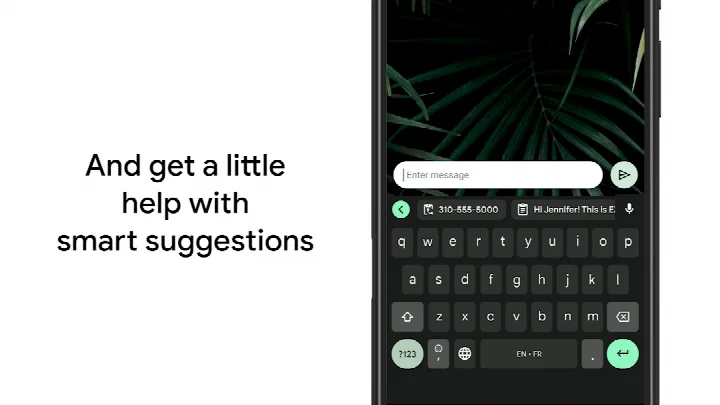
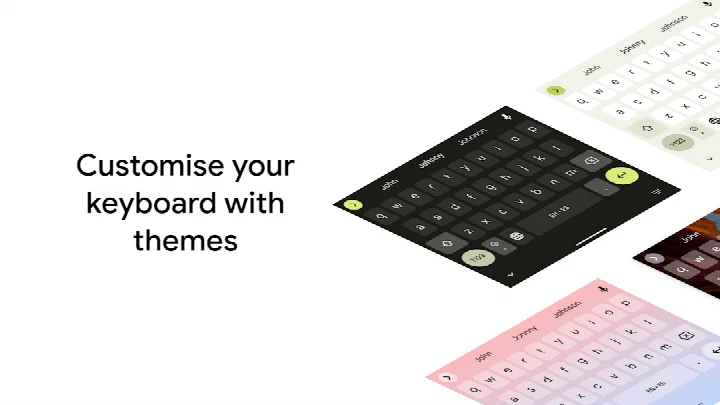
Gboard - the Google Keyboard is a keyboard app by Google LLC that provides a fast, reliable typing experience with built-in search, emoji, GIF, and translation features. It replaces the stock keyboard with a versatile input method that supports Glide Typing, voice dictation, handwriting recognition, and multilingual typing. The app is designed for Android devices running version 4.4 or higher and is suitable for users who want a feature-rich keyboard that integrates tightly with Google services.
Beyond basic typing, Gboard offers a range of tools that streamline communication. You can search for emojis and GIFs directly from the keyboard, translate text as you type, and switch between multiple languages without manual configuration. The keyboard also includes gesture controls for cursor movement and word deletion, plus customization options like themes, a number row, and one-handed mode. These features make it a strong choice for power users who frequently communicate across languages or use rich media in messages.
For experienced users comparing alternatives, Gboard stands out for its breadth of language support (hundreds of varieties), low resource footprint (9.4 MB), and frequent updates. However, it does request several permissions, including camera, microphone, and storage, which may be a consideration for privacy-conscious users. Overall, it is a mature, well-rounded keyboard that balances advanced functionality with ease of use.
Key features
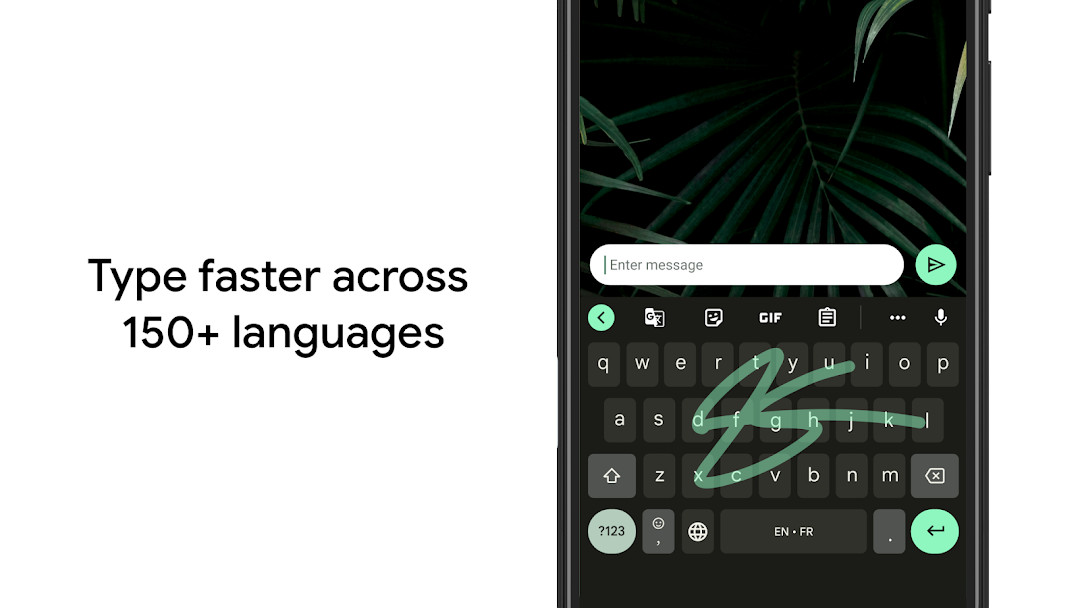
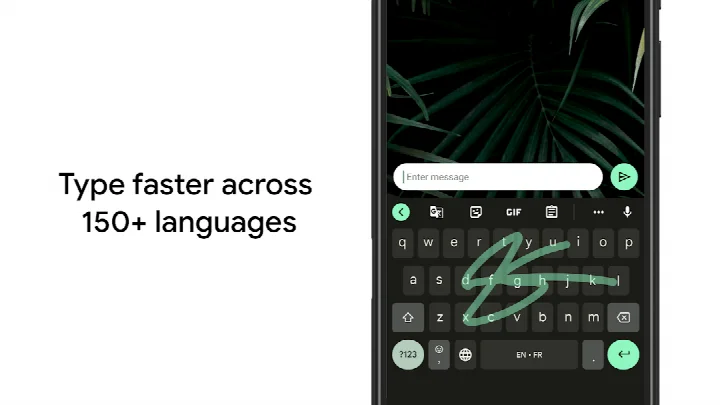
- Glide Typing: slide your finger from letter to letter to type faster
- Voice typing: dictate text hands-free
- Handwriting input: write in cursive or printed letters (not on Android Go)
- Emoji search: quickly find the right emoji (not on Android Go)
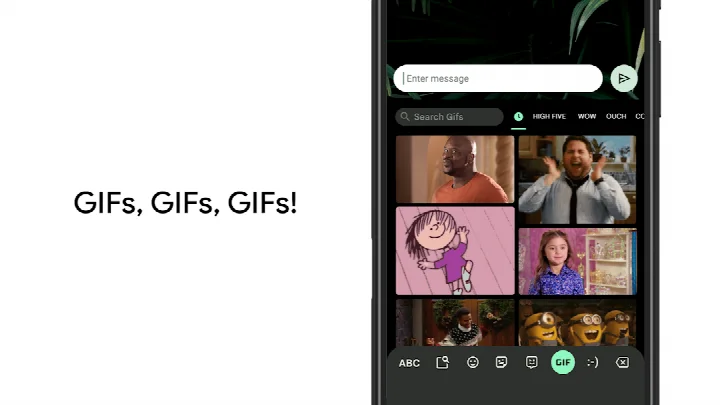
- GIF search and sharing: share animated reactions (not on Android Go)
- Multilingual typing: automatic correction and suggestions across enabled languages without manual switching
- Google Translate: translate text directly in the keyboard
- Wear OS support: includes Glide Typing, voice typing, and emoji typing on compatible watches
- Gesture controls: slide on space bar to move cursor, slide left from delete key to erase multiple words
- Customization: themes, number row toggle, long-press symbol hints, one-handed mode
How to install
- Tap the download button on this page to get the APK file (9.4 MB).
- When prompted, allow your browser or file manager to install apps by enabling the 'Install unknown apps' setting for that app.
- Open the downloaded APK file from your notifications or file manager.
- Tap 'Install' and wait for the installation to complete.
- Open the app from your app drawer or home screen. Note: requires Android 4.4 or higher.
Pros
- Extensive language support: hundreds of varieties, including major world languages
- Integrated Google services: search, Translate, and GIFs without leaving the keyboard
- Lightweight: only 9.4 MB in size
- Highly customizable: themes, key borders, number row, and one-handed mode
- Wear OS support for typing on smartwatches
- No ads and no in-app purchases
Cons
- Requests broad permissions: camera, microphone, storage, contacts, and identity
- Some features (emoji search, GIFs, handwriting) are not available on Android Go devices
- Custom sticker creation is limited to Pixel 9+ devices in selected regions
- May require a Google account for full functionality, which some users may not want
Latest changes
You can now create and share custom stickers directly within Gboard. This feature uses Pixel Studio and is available on Pixel 9 and newer devices. It currently supports English, Japanese, and German in selected countries.
Previous versions
| Version | Size | Requires Android | Updated |
|---|---|---|---|
| 899.9999.999 | 9.4 MB | 4.4 | Dec 19, 2023 |
Gboard is ideal for Android users who want a powerful, feature-rich keyboard with extensive language support, gesture typing, and seamless integration with Google services. It suits both casual users who appreciate emoji and GIF search and power users who need multilingual input, translation, and customization options. However, users concerned about app permissions might find the requested access extensive.
To enhance your experience: enable gesture cursor control by sliding your finger across the space bar; use gesture delete by sliding left from the delete key to remove multiple words; turn on the number row via Settings → Preferences → Number Row; enable long-press symbol hints in Settings → Preferences → Long press for symbols; on large screens, use one-handed mode to pin the keyboard to one side; and customize themes with or without key borders.
Permissions
Frequently asked questions
Is Gboard free to download and use?
Yes, Gboard is free. There are no in-app purchases or ads, and the listed price is 0.00 USD.
Which Android version do I need to install Gboard?
The minimum supported Android version is 4.4. Newer Android versions are also supported.
How large is the Gboard APK file?
The APK file size is 9.4 MB.
Do I need a Google account to use Gboard?
Gboard does not require you to sign in to use basic typing features. An account may only be needed for optional syncing or personalization features.
What permissions does Gboard ask for?
The requested permissions include Identity, Contacts, Photos/Media/Files, Storage, Camera, Microphone, and Wi-Fi connection information.
How do I update Gboard to the latest version?
To update Gboard, download the new version from this page and install it. The version listed here was updated on 2026-09-30.
Gboard remains a top-tier keyboard choice for Android, offering a rich feature set, broad language coverage, and tight Google integration—all in a compact 9.4 MB package. While the permission list is lengthy, the functionality and customization options it provides are hard to beat. If you value speed, versatility, and deep ecosystem integration, Gboard is a solid pick.
Similar apps




More from this developer




Updated: Oct 21, 2026