
ANPASIDE: Offline MIDletPascal IDE
ANPASIDE is a free tools app by Helltar that lets you write, build, and run MIDletPascal projects on Android.
Get AppANPASIDE is an offline Android IDE for the MIDletPascal programming language with a bundled compiler and J2ME emulator. The app is 11 MB, requires Android 9 or newer, and contains no ads or in-app purchases. It is suited for developers who want to write Pascal on a phone, compile projects into J2ME applications, and export them as standalone Android apps.
- Size
- 11 MB
- Requires Android
- 9
- Updated
- Oct 20, 2026
- Installs
- 1K+
- Category
- Tools
- Developer
- Helltar
- Content rating
- Everyone
- Package
- com.github.helltar.anpaside
- Free
- ✓
Screen gallery
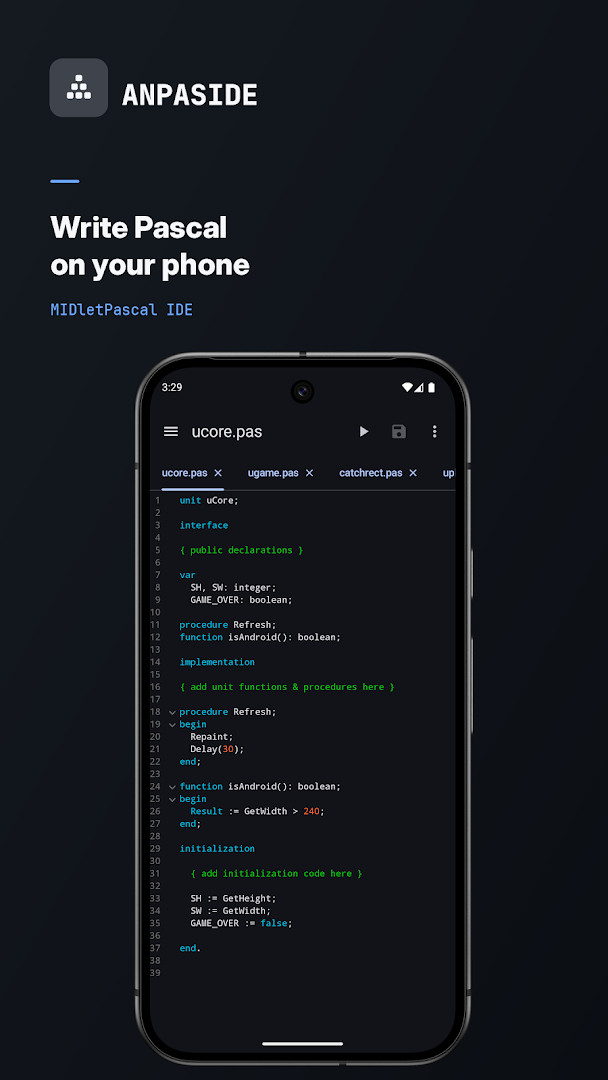
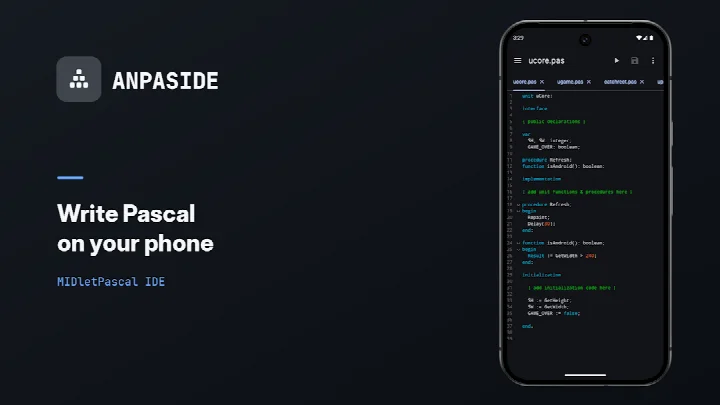
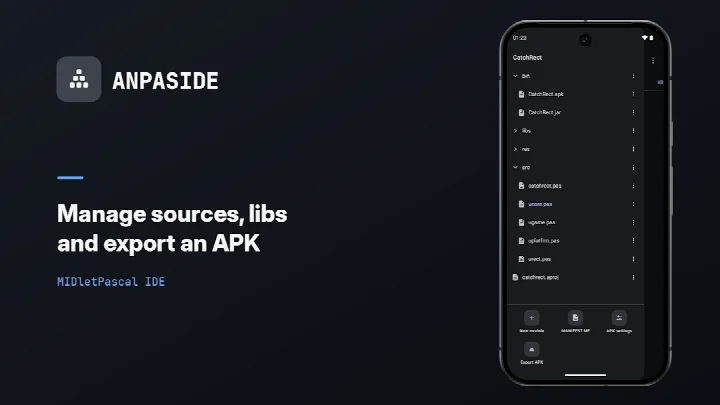
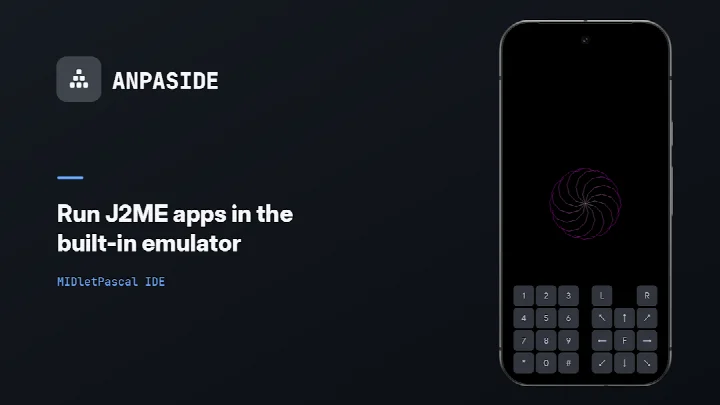
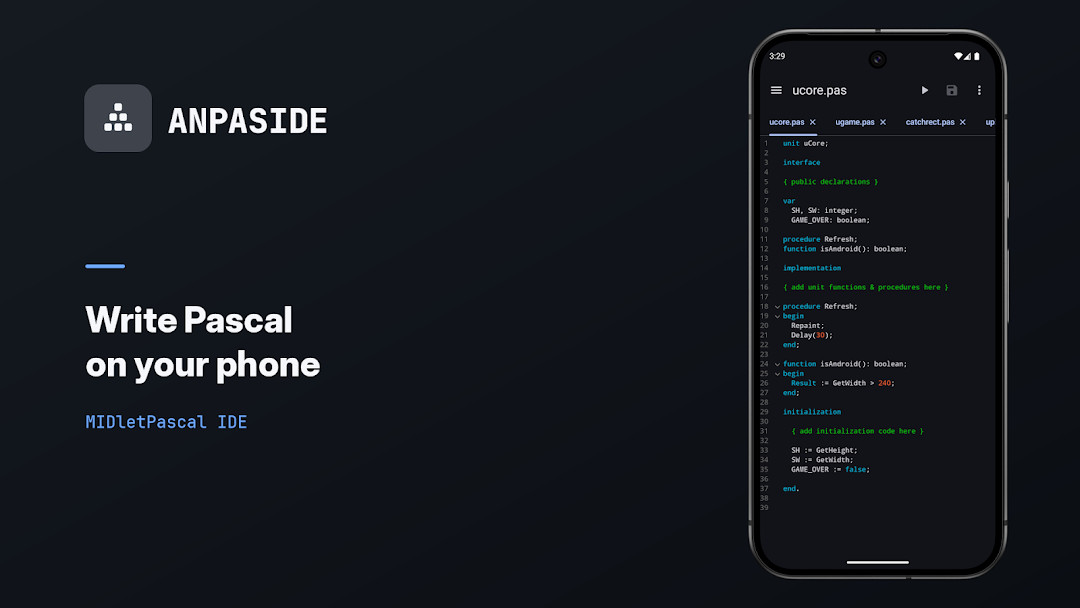
ANPASIDE is an offline Android IDE by Helltar that lets you write, build, and run MIDletPascal projects directly on a phone or tablet. It targets the MIDletPascal programming language, a Pascal dialect used to create J2ME applications, and bundles the mp3cc compiler together with Java ME runtime classes so the entire workflow can happen without an internet connection. Projects remain stored on the local device, covering the full edit, build, and run cycle in one place.
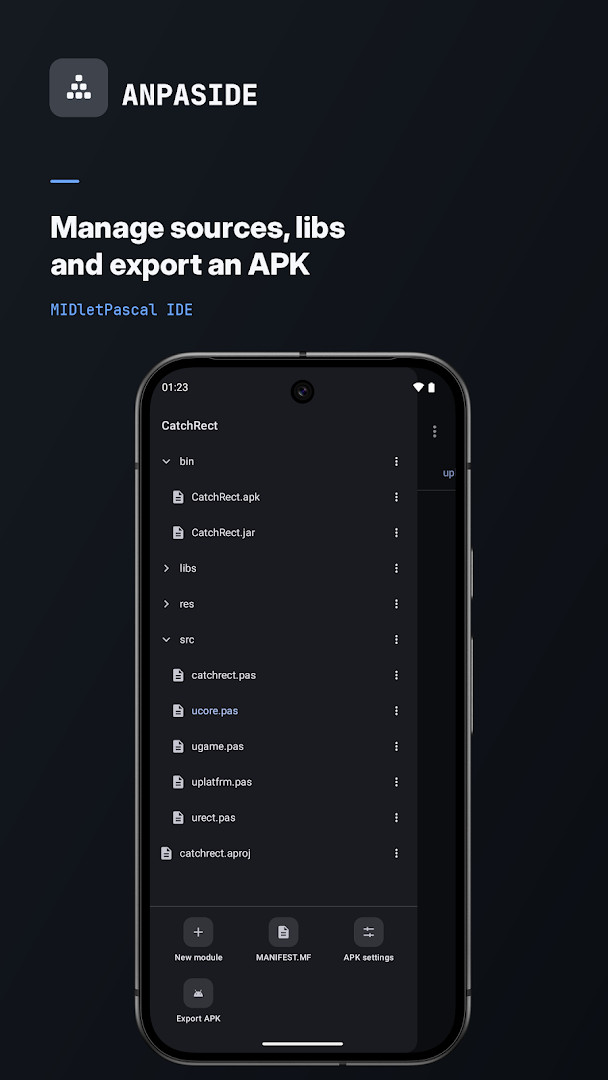
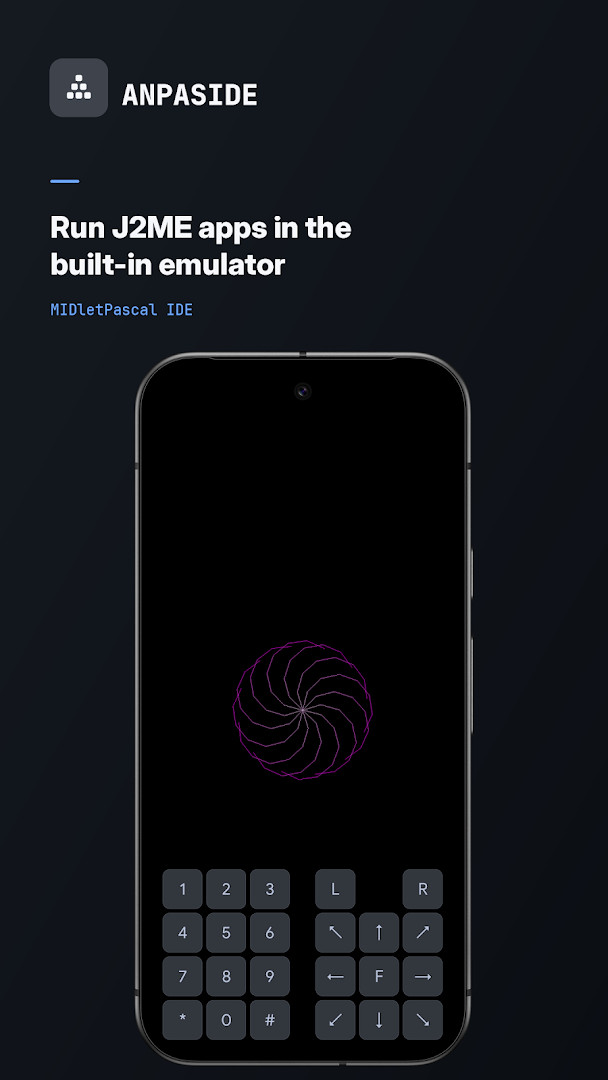
The tool is built around a Pascal editor with syntax highlighting, line numbers, tabs, and persistent code folding. A project navigator organizes source files, resources, libraries, and build output, while a built-in J2ME emulator provides a configurable screen size and an on-screen keypad for testing. Compiler errors can be tapped to open the relevant source file at the failing line, which helps when working through dialect-specific issues. External Java libraries in the project's libs folder, along with built-in Touch and Sound libraries, extend what projects can do.
Version 2.6.0, released on 2026-10-20, is the most recent update, following 2.5.3 on 2026-10-19 and earlier 2.5.x releases in October 2026. The app can export a finished project as a standalone APK with its own name and icon, making it possible to turn a MIDletPascal project into an independently installable Android application. The software is free, contains no ads, has no in-app purchases, and is distributed under the MIT license.
Key features
- Pascal editor with syntax highlighting, line numbers, tabs, and persistent code folding.
- Project navigator for source files, resources, libraries, and build output.
- Bundled MIDletPascal compiler and Java ME runtime classes for offline builds.
- Built-in J2ME emulator with configurable screen size and an on-screen keypad.
- APK export that packs a project into an installable Android app with its own name and icon.
- Support for external Java libraries (Lib_*.class) placed in the project's libs folder.
- Built-in Touch library for multi-touch input and Sound library for simultaneous music and effects.
- Tap-to-open compiler errors that jump to the failing line in the source file.
- File import, sharing, project export, and external JAR launching.
How to install
- Tap the download button on this page to get the 11 MB APK file.
- When Android asks, allow your browser or file manager to install apps by enabling the "Install unknown apps" setting.
- Open the downloaded APK file from your notifications or file manager.
- Tap Install and wait for the process to complete.
- Open the app. It requires Android 9 or newer to run.
Pros
- Fully offline edit, build, and run workflow.
- Bundled compiler and emulator remove the need for a desktop setup.
- APK export turns projects into standalone installable apps.
- Tap-to-open compiler errors speed up debugging.
- No ads, no in-app purchases, and free to use.
- MIT license gives flexibility for personal or shared use.
Cons
- The editor is functional but not as polished as full desktop IDEs.
- Compiler error messages can be terse and require some Pascal experience to interpret.
- The built-in emulator may not cover every J2ME hardware quirk.
- The small installed base means fewer community examples and tutorials.
- Managing external JARs and class libraries demands manual file organization.
Previous versions
| Version | Size | Requires Android | Updated |
|---|---|---|---|
| 2.6.0 | 11 MB | 9 | Oct 20, 2026 |
| 2.5.3 | 11 MB | 9 | Oct 19, 2026 |
| 2.5.1 | 11 MB | 9 | Oct 5, 2026 |
| 2.5.0 | 11 MB | 9 | Oct 4, 2026 |
Retro mobile developers who want to work with MIDletPascal on the go, students learning Pascal in a J2ME context, and hobbyists interested in building small offline Android apps without a desktop IDE.
Keep external Java libraries in the project's libs folder using the expected Lib_*.class naming pattern, and test screen layouts in the built-in emulator at several sizes before exporting an APK.
Frequently asked questions
Is ANPASIDE free to use?
Yes, ANPASIDE is completely free. There are no in-app purchases and no ads.
What Android version do I need?
ANPASIDE requires Android 9 (API level 28) or higher. The app size is about 11 MB.
Do I need an account to use ANPASIDE?
No, you do not need to create an account. The app works fully offline and your projects stay on your device.
What permissions does ANPASIDE request?
ANPASIDE does not request any special permissions. It only needs standard storage access for your project files, which is typical for a development tool.
How do I update ANPASIDE?
To update, simply download the new version from this page and install it over the current one. The latest version is 2.6.0, and your projects and settings will be preserved.
Can I run and export my projects with ANPASIDE?
Yes, ANPASIDE includes a built-in J2ME emulator to run your MIDletPascal projects, and you can export them as standalone Android APKs with your own name and icon.
For anyone interested in MIDletPascal or retro mobile development, ANPASIDE removes the usual desktop dependency. The offline pipeline, built-in emulator, and APK export make it a self-contained workshop, while the occasional rough edge in editing or compiler feedback is a fair trade for the portability it provides.
Similar apps



Updated: Oct 21, 2026