Google Calendar for event scheduling and planning
Google Calendar is a free productivity app by Google LLC that lets you manage events, tasks, and shared calendars across devices.
Get Google CalendarGoogle Calendar has a size of 33 MB and requires Android 8.0 or higher. It contains no ads and offers no in-app purchases, making it a straightforward choice for individuals and teams who need to organize schedules, sync with Gmail, and collaborate via Google Workspace.
- Size
- 33 MB
- Requires Android
- 8.0
- Updated
- Oct 8, 2026
- Installs
- 10B+
- Rating
- ★ 4.64 (4,868,382)
- Category
- Productivity
- Developer
- Google LLC
- Content rating
- Everyone
- Package
- com.google.android.calendar
- Free
- ✓
Screen gallery
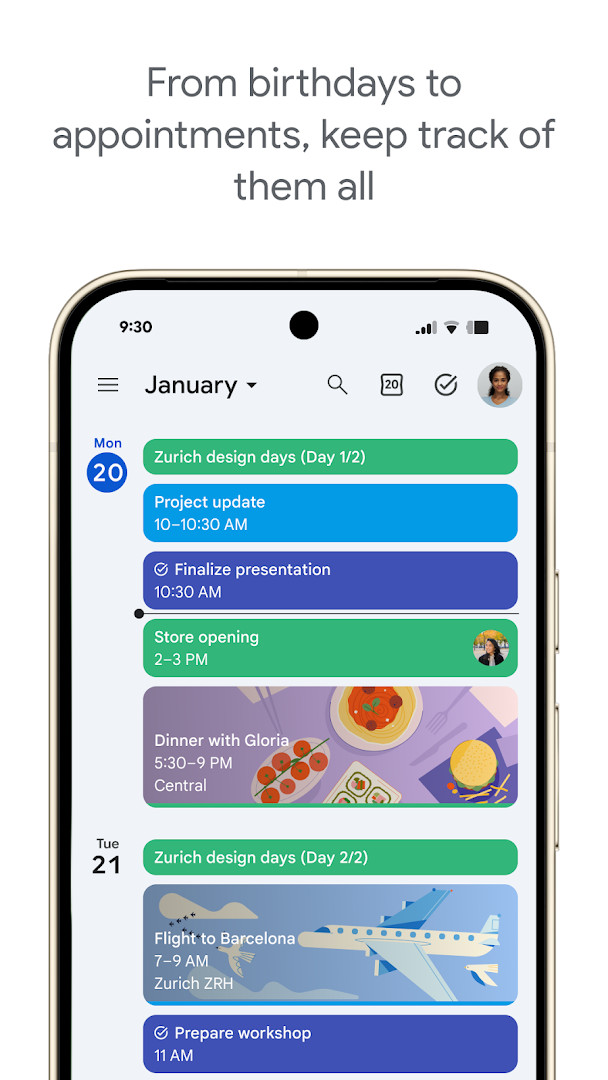
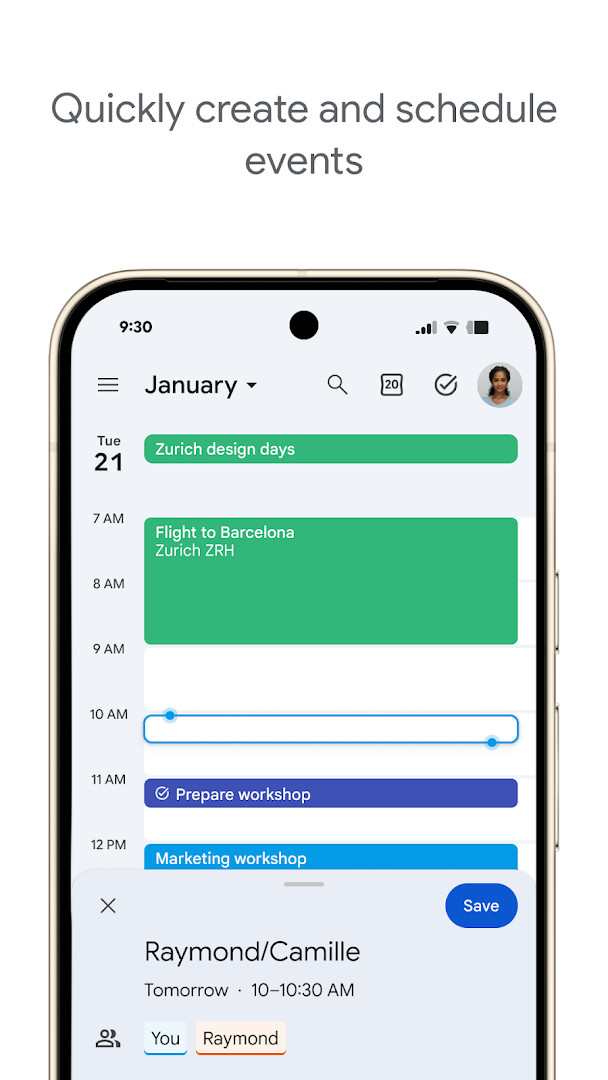
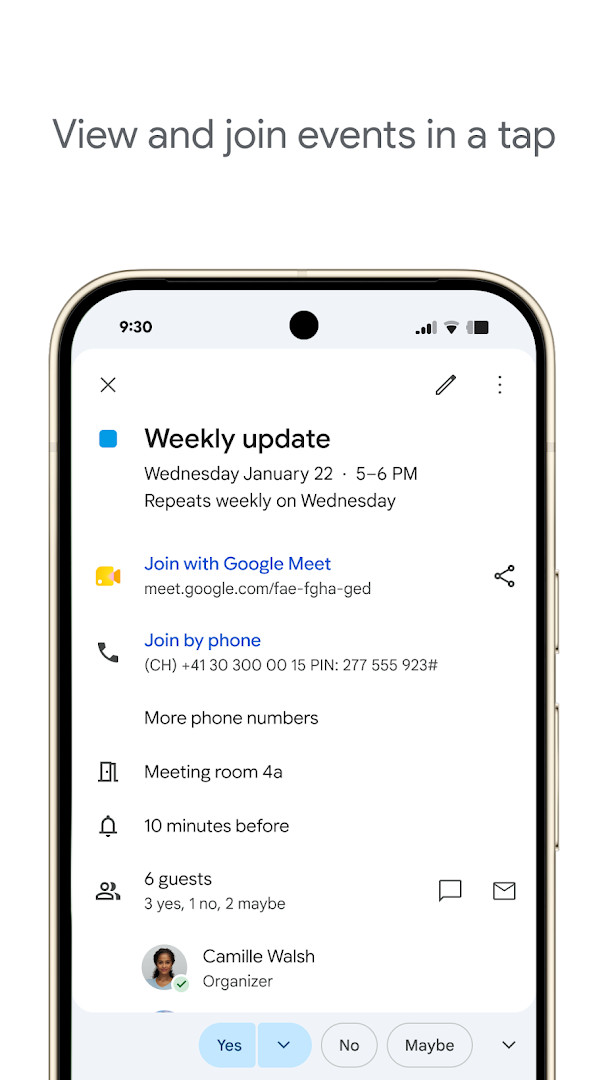
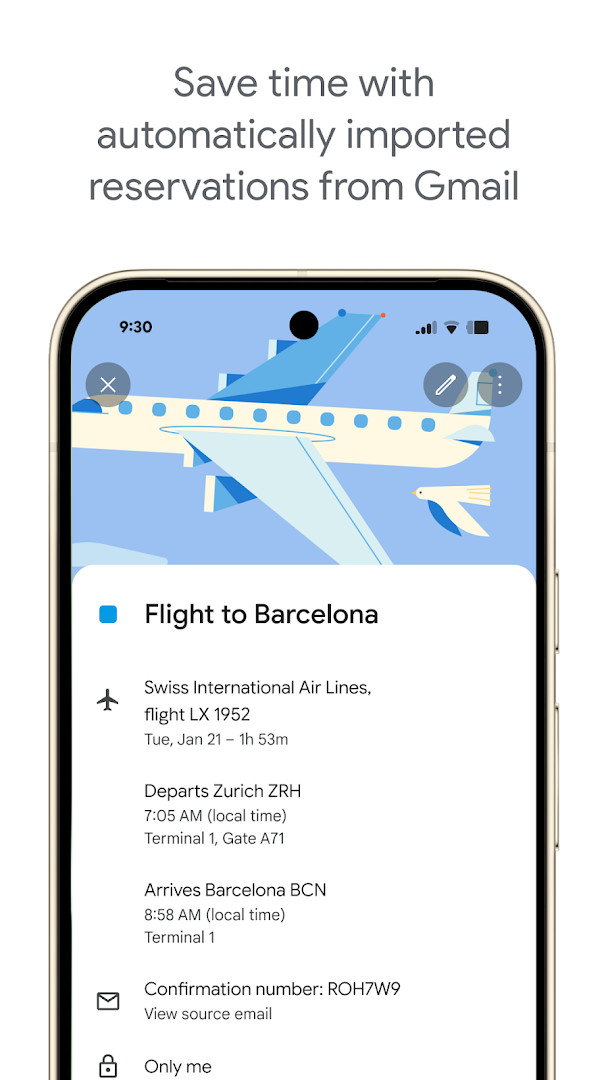
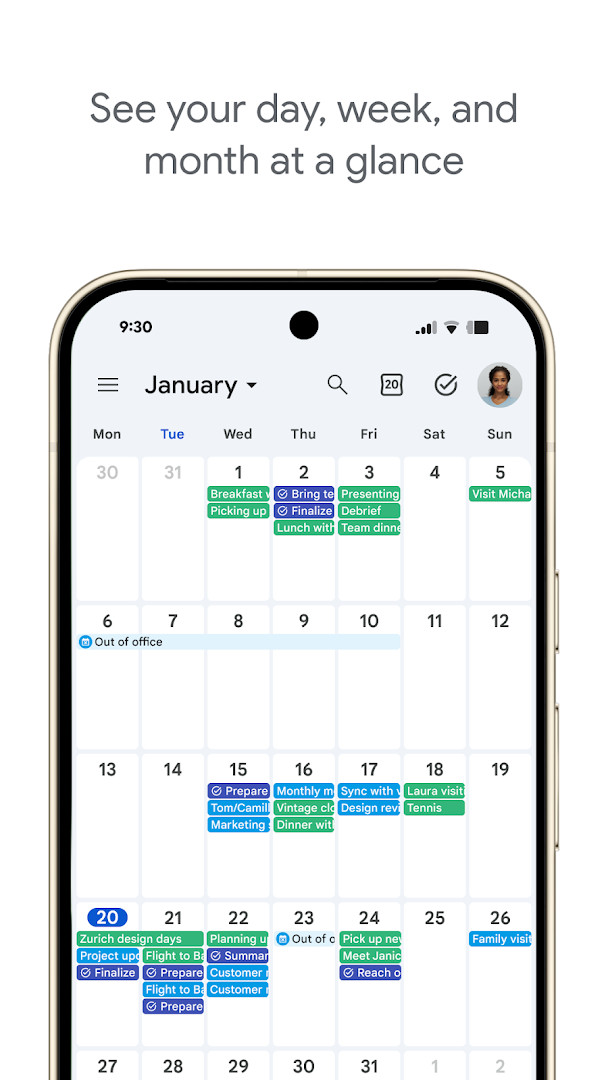
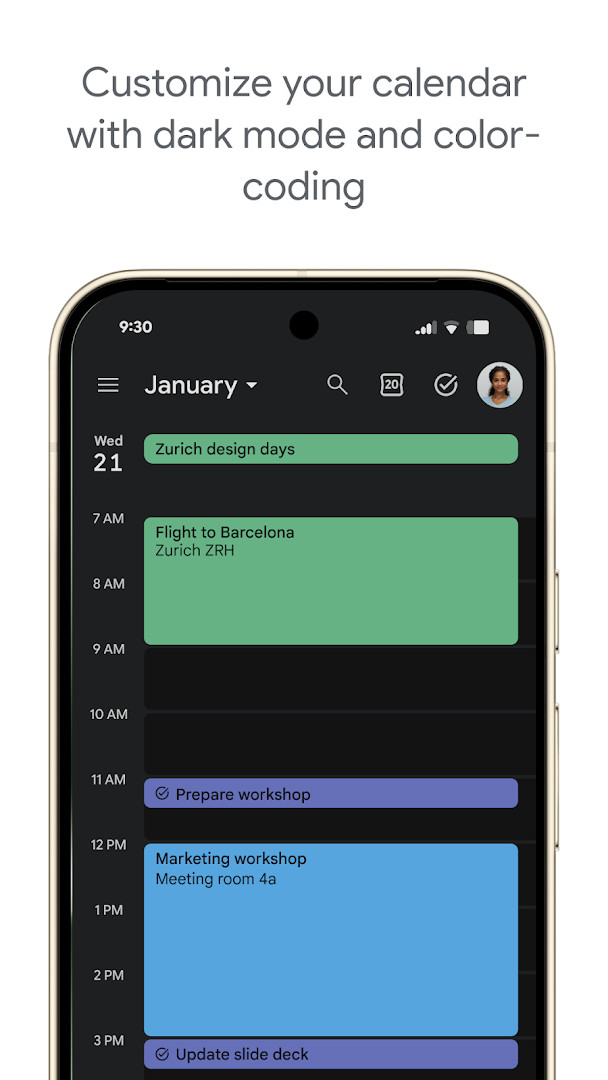
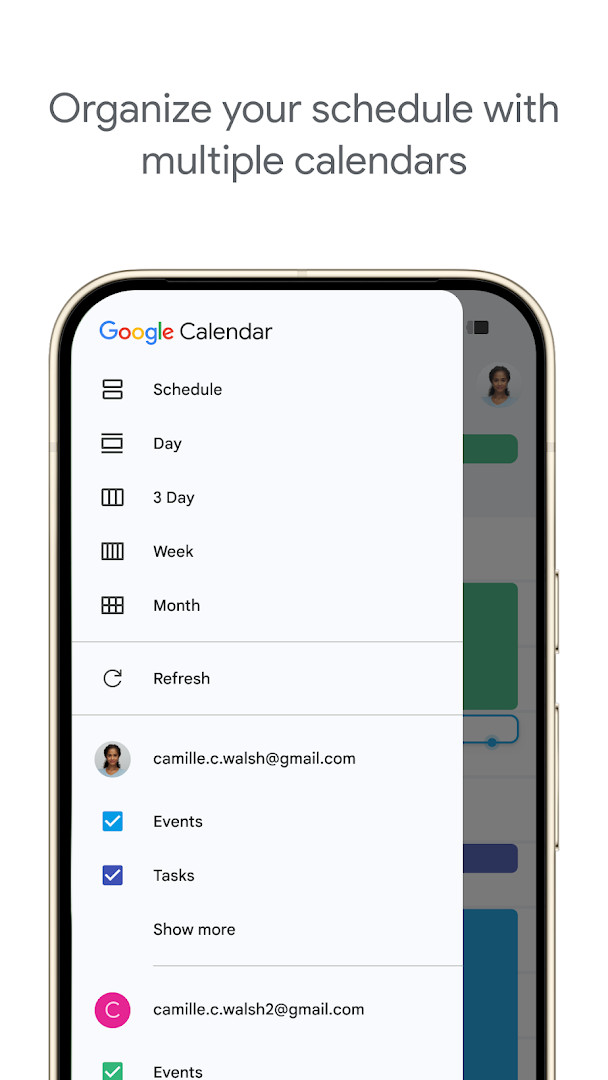
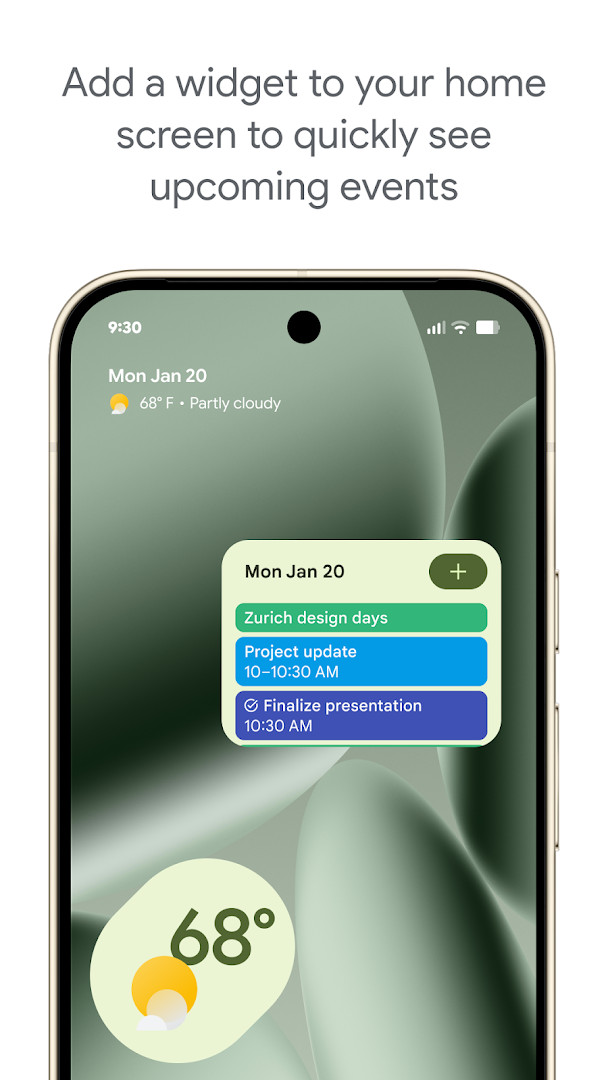
Google Calendar is a free scheduling app by Google LLC that helps you organize events, tasks, and meetings on Android phones, tablets, and Wear OS devices. Part of Google Workspace, it works closely with Gmail and Meet and remains ad-free at no cost. With more than ten billion installs and a 4.64 rating from nearly five million reviews, it is the default planner for a huge share of Android users.
The core experience covers quick event creation, multiple calendar layers, and easy switching between day, week, and month views. Travel and dining reservations can land in your schedule automatically from Gmail, while tasks sit alongside events with a full-screen organizer. Shared calendars let family or colleagues view, add, or edit entries. The current release is mostly a maintenance update, focusing on bug fixes and performance improvements.
Collaboration goes beyond invites: attach Google Meet links, meeting notes, and documents to events, or layer teammates' calendars in a single view to find free time. Working location and professional booking pages suit client-facing work. As long as you stay signed in to one Google account, your schedule stays in sync across devices, backed by Google's enterprise-level privacy and security.
Key features
- Automatic event creation from Gmail reservations for flights, hotels, concerts, and restaurants.
- Multiple calendars side by side, including Exchange and on-device calendars.
- Fast switching between day, week, and month views.
- Shared calendars where others can view, add, or edit events.
- Built-in task lists with a full-screen organizer.
- Google Meet links plus attached notes and documents on any event.
- Light or dark theme and color-coded events for clarity.
- Wear OS support with tiles and complications.
How to install
- Tap the download button on this page to save the 33 MB APK file.
- Allow your browser or file manager to install unknown apps when Android prompts you.
- Open the downloaded APK file from your notifications or Downloads folder.
- Tap Install and confirm any permission prompts.
- Open the app and sign in with your Google account. The app requires Android 8.0 or newer.
Pros
- Free with no ads or in-app purchases.
- Seamless sync across devices and the web.
- Smart Gmail integration reduces manual entry.
- Solid collaboration features for teams and families.
- Flexible views, widgets, and color-coding.
Cons
- Needs a Google account for nearly everything.
- Broad permissions, including location and microphone.
- Can look cluttered when many calendars overlap.
Latest changes
This update includes bug fixes and performance improvements.
Previous versions
| Version | Size | Requires Android | Updated |
|---|---|---|---|
| 2026.38.0-989268529-release | 33 MB | 8.0 | Oct 3, 2026 |
| 2026.36.0-980779909-release | 33 MB | 8.0 | Sep 20, 2026 |
| 2023.44.0-577681700-release | 27 MB | 5.0 | Jun 21, 2025 |
Busy professionals, families coordinating shared schedules, and students tracking classes, deadlines, and social plans.
Color-code each calendar and use a home-screen widget to spot time conflicts at a glance without opening the app.
Permissions
Frequently asked questions
Is Google Calendar free?
Yes, Google Calendar is free to download and use. It does not contain ads or in-app purchases.
What Android version do I need?
The app requires Android 8.0 or a newer version to run properly.
How large is the file?
The download size is around 33 MB. Keep in mind that the installed size may be slightly larger after setup.
Do I need an account to use it?
Yes, you need a Google account to sign in and sync your events across devices.
What permissions does the app request?
The app may ask for access to identity, calendar, contacts, location, phone, photos/media/files, storage, and microphone. These permissions support features like event creation, sharing, and adding attachments.
How do I update Google Calendar?
To update, download the newest version from this page and install it over your current app. Your calendar data stays synced through your Google account.
Google Calendar is a dependable, no-ad scheduler that combines reliable syncing, smart Gmail detection, and real collaboration depth. It requires a Google account and accepts wide permissions, but the everyday convenience it delivers makes it a strong choice for most Android users.
Similar apps


More from this developer



Updated: Oct 21, 2026