
Microsoft OneDrive: Cloud Storage & Backup
Microsoft OneDrive is a free cloud storage app by Microsoft Corporation that lets you back up, sync, and share photos and files across devices.
Get APKMicrosoft OneDrive has a file size of 104 MB and requires Android 8.0 or higher. It contains no ads but offers in-app purchases for Microsoft 365 subscriptions, starting at $6.99 per month. The app is designed for individuals and families who want to keep photos and documents protected and accessible from anywhere.
- Size
- 104 MB
- Requires Android
- 8.0
- Updated
- Oct 9, 2026
- Installs
- 5B+
- Rating
- ★ 4.62 (7,367,490)
- Category
- Productivity
- Developer
- Microsoft Corporation
- Content rating
- Everyone
- Package
- com.microsoft.skydrive
- Free
- ✓ · In-app purchases
Screen gallery
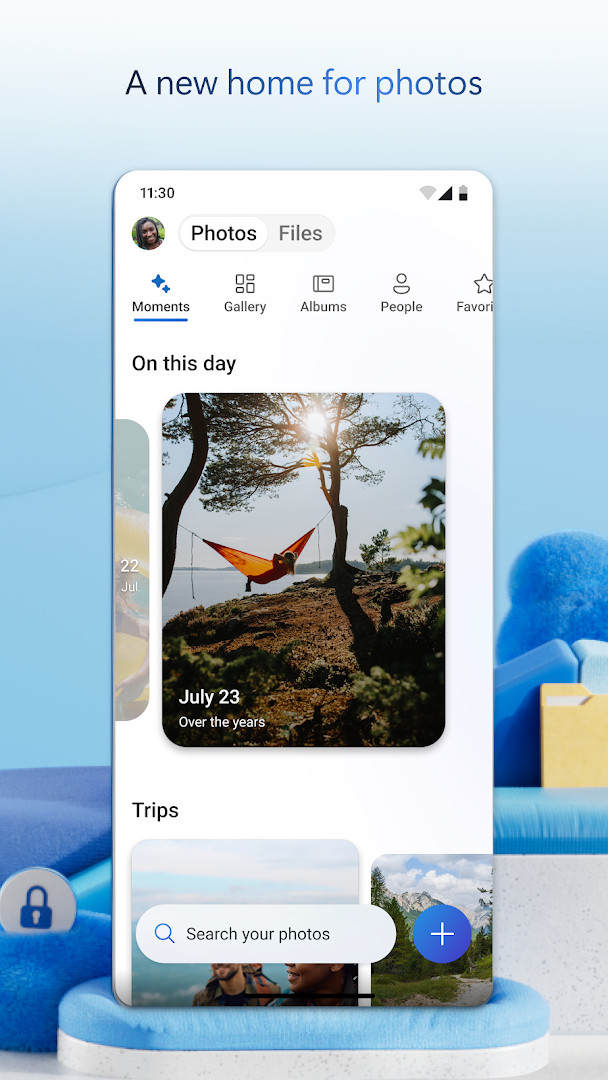
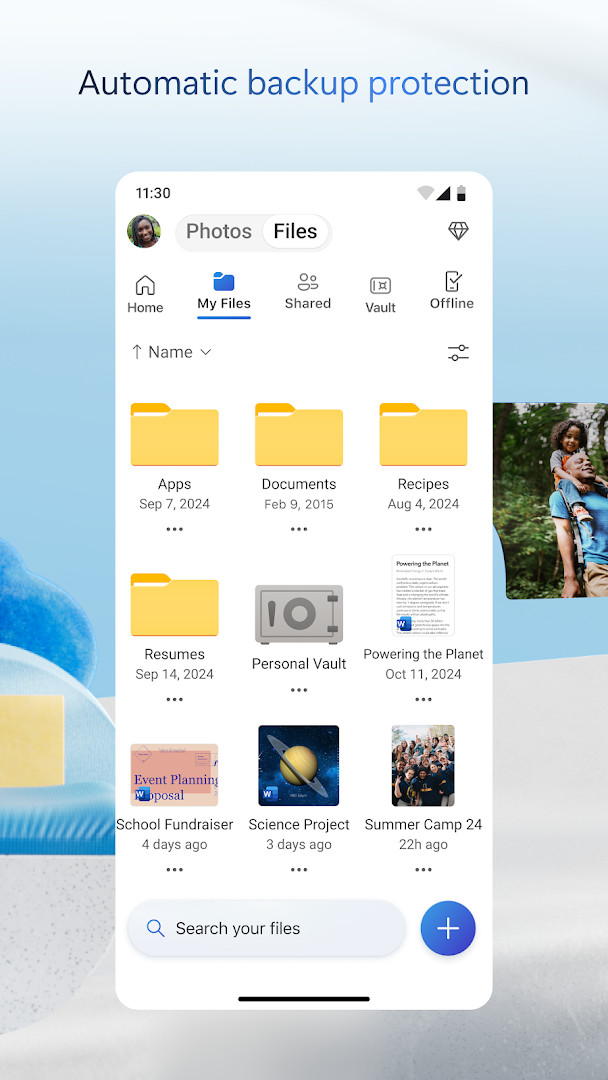
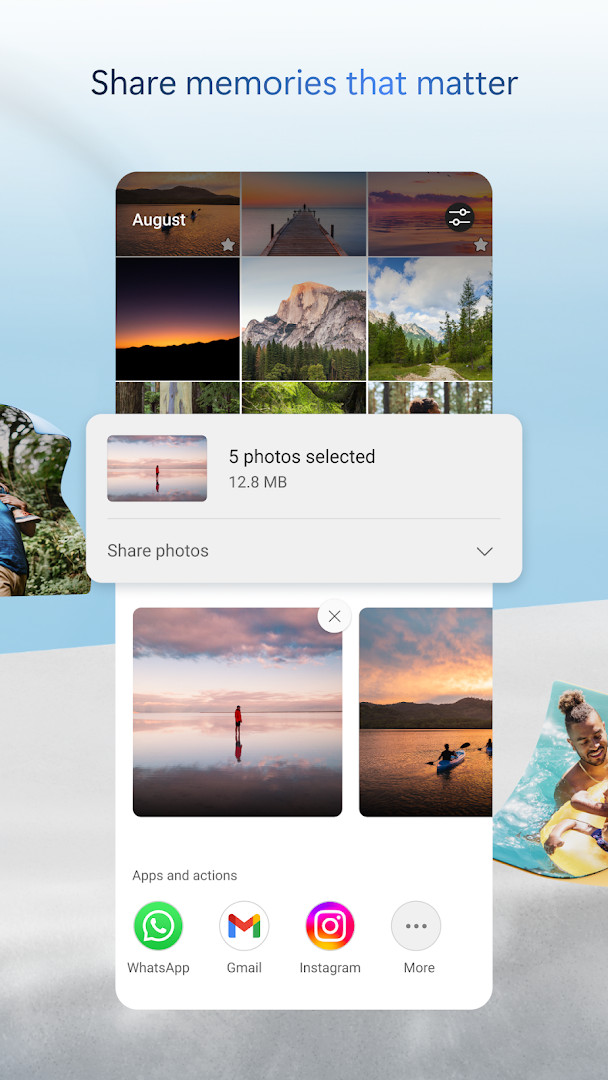

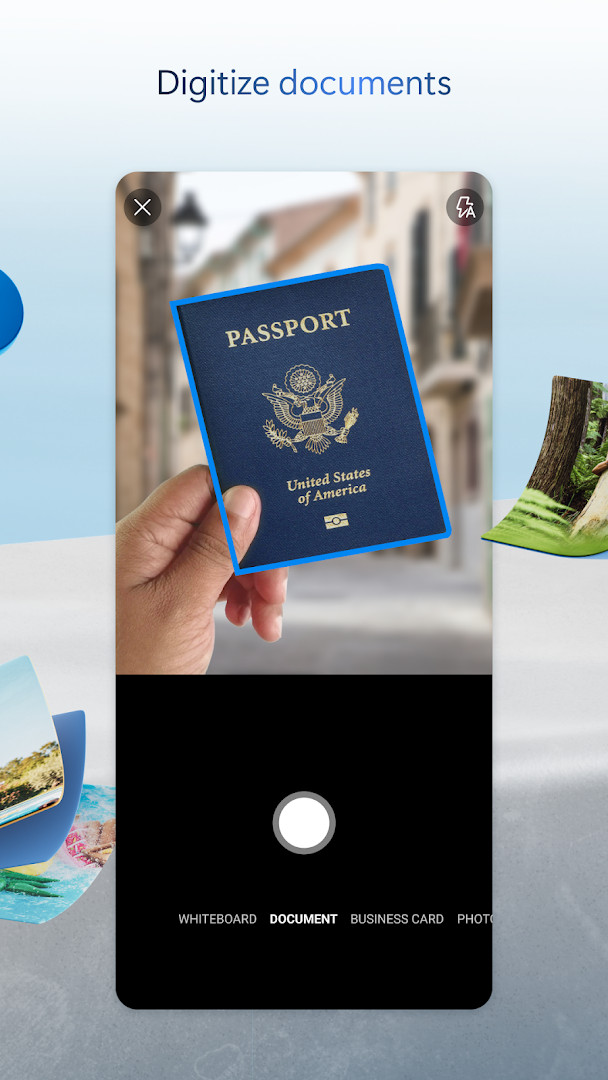
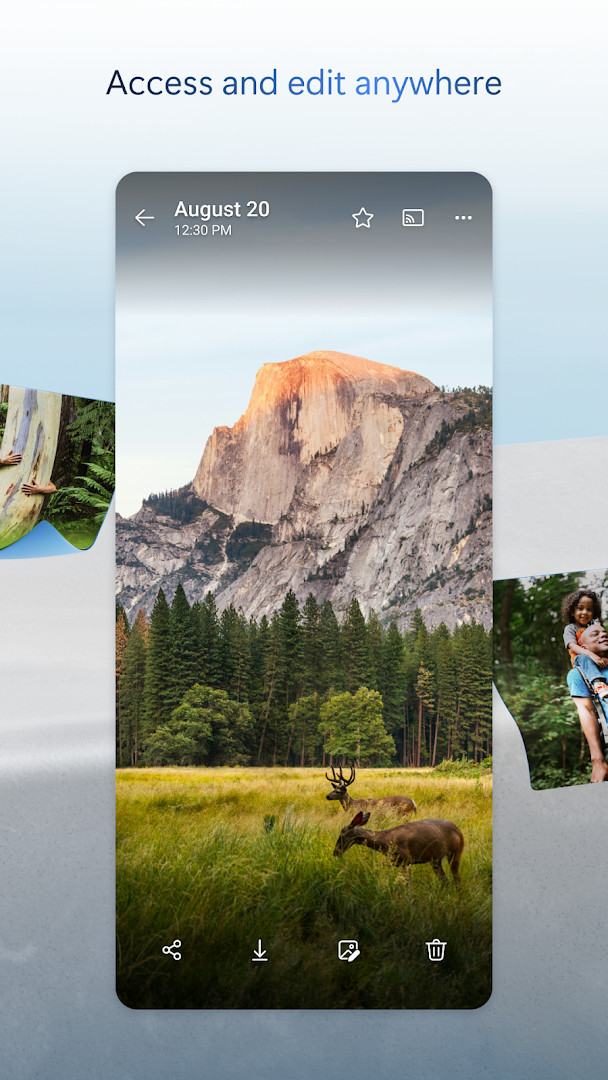
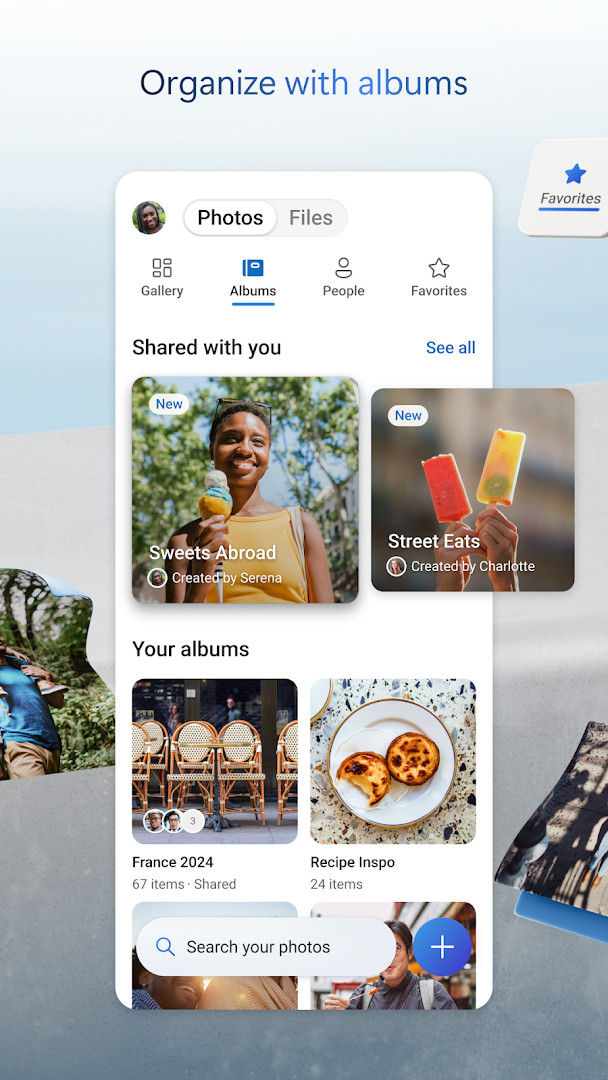
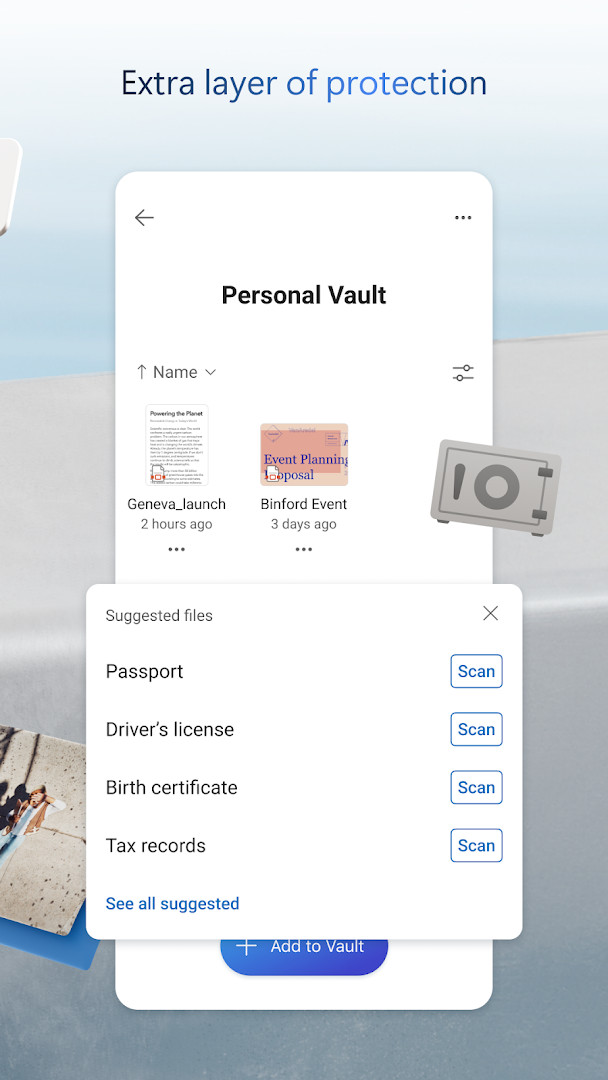
Microsoft OneDrive is a cloud storage and file synchronization app by Microsoft Corporation that keeps your photos, videos, and documents backed up, protected, and accessible across your devices. The app lets you store up to 5 GB of content for free, with the option to upgrade to a Microsoft 365 subscription for 1 TB per user. It is designed for individuals, families, and professionals who need a reliable way to manage their digital files, share them with others, and collaborate in real time using Microsoft Office tools.
With OneDrive, you can enable Camera Upload to automatically back up photos and videos from your Android device, secure them in an encrypted photo locker, and search for images based on their content. The app also supports document scanning, offline access to selected files, and version history, so you can restore previous versions of your documents. For enhanced security, Personal Vault adds an extra layer of identity verification, and ransomware detection helps protect your data from malicious attacks.
The app is suitable for anyone who wants to keep their personal or work-related files safe and synchronized. Students can use it to back up assignments and collaborate on group projects, while professionals can share large files and edit Office documents on the go. Families can share photo albums and videos securely, and travelers can access important documents offline. OneDrive's permissions include access to your identity, contacts, photos, storage, camera, and microphone, which are used primarily for features like photo backup, file sharing, and document scanning. The app is free to download, contains no ads, and offers optional in-app purchases for premium storage and features.
Key features
- Automatic photo and video backup via Camera Upload
- Secure photo locker with automatic tagging and encrypted storage
- Offline access to selected files and photos
- Share files, photos, videos, and albums with friends and family
- Get notifications when a shared document is edited
- Files encrypted at rest and in transit
- Personal Vault with identity-verified protection
- Version history to restore previous file versions
- Ransomware detection and recovery (with Microsoft 365 subscription)
- Document scanning, signing, markup, and sending from the app
How to install
- Tap the download button on this page to get the APK file (104 MB).
- When Android prompts, allow your browser or file manager to install apps by enabling the 'Install unknown apps' setting.
- Open the downloaded APK file from your notification bar or file manager.
- Tap Install and wait for the installation to complete.
- Open the app and sign in with your Microsoft account or create a new one.
- Ensure your device runs Android 8.0 or higher before installing.
Pros
- Generous 5 GB free storage tier
- Strong security with encryption and Personal Vault
- Seamless integration with Microsoft Office apps
- Automatic photo and video backup
- Offline access to selected files
- Ransomware detection and recovery (with subscription)
Cons
- Requires multiple permissions (identity, contacts, camera, microphone) that may concern privacy-conscious users
- Some advanced features require a paid Microsoft 365 subscription
- Free storage is limited to 5 GB, which may fill quickly with photos and videos
Latest changes
The latest update adds a Memories tab that organizes photos by theme, such as trips, seasons, and people. Document scanning now supports up to 50 pages in one session. Improvements include choosing the best shot as the cover for photos taken in the same location. Fixes address camera backup uploading files from the wrong folder and memory notifications appearing repeatedly for the same photos. General performance and bug fixes are also included.
Previous versions
| Version | Size | Requires Android | Updated |
|---|---|---|---|
| 7.57 | 101 MB | 8.0 | Oct 12, 2026 |
| 7.65 (Beta 29) | 102 MB | 8.0 | Oct 9, 2026 |
| 7.64.2 | 107 MB | 8.0 | Oct 6, 2026 |
| 7.52 | 105 MB | 8.0 | Oct 5, 2026 |
| 7.60 | 103 MB | 8.0 | Oct 5, 2026 |
| 7.58.1 | 102 MB | 8.0 | Oct 4, 2026 |
| 7.59 | 102 MB | 8.0 | Oct 1, 2026 |
| 7.66 (Beta 30) | 104 MB | 8.0 | Oct 1, 2026 |
| 7.61 | 104 MB | 8.0 | Oct 1, 2026 |
| 7.62.1 | 104 MB | 8.0 | Oct 1, 2026 |
OneDrive is ideal for anyone who wants a secure, cloud-based backup solution for photos, videos, and documents, especially those already using Microsoft Office or Outlook. It suits students, professionals, families, and frequent travelers who need to access and share files across devices, collaborate in real time, and protect their data from loss or ransomware.
To maximize privacy, review and customize the app's permissions in your device settings — for example, you can disable microphone access if you don't use voice features. Also, enable two-factor authentication on your Microsoft account to add an extra layer of security to your cloud storage.
Permissions
Frequently asked questions
How much free storage does OneDrive give you, and what do you get with a Microsoft 365 subscription?
OneDrive provides 5 GB of free cloud storage. With a Microsoft 365 Personal or Family subscription, you get 1 TB of storage per user. The Family plan supports up to 6 people, and subscriptions start at $6.99 per month in the U.S., with pricing varying by region.
What photo backup and organization features are included in the app?
You can turn on Camera Upload for automatic backup of photos and videos. The app also has a secure photo locker with automatic tagging, and it can search photos by content like 'beach' or 'snow.' A new Memories tab organizes photos by themes such as trips, seasons, and people.
How does OneDrive handle file sharing and security?
OneDrive encrypts files at rest and in transit. It offers secure folder settings, password-protected or expiring sharing links (with a qualifying Microsoft 365 subscription), and a Personal Vault with identity-verified protection. Version history lets you restore previous file versions, and ransomware detection and recovery are available with a subscription.
Can you use OneDrive offline and collaborate on Office documents?
Yes, you can access selected OneDrive files offline from the app. For collaboration, you can use Microsoft Office apps to edit Word, Excel, PowerPoint, and OneNote files stored in OneDrive in real time. You'll also get notifications when a shared document is edited.
What scanning and AI features does the mobile app offer?
The app lets you scan, sign, markup, and send documents directly from your phone, and you can scan up to 50 pages in a single session. With Copilot (available with a qualifying Microsoft 365 subscription), you can summarize documents, get folder organization suggestions, and receive intelligent sharing recommendations.
Microsoft OneDrive is a robust and feature-rich cloud storage solution that prioritizes security and seamless integration with Microsoft's ecosystem. While it asks for a broad set of permissions, these are largely necessary for its core functions like photo backup and document scanning. With its free tier and optional premium plans, it offers a solid way to keep your digital life backed up, synchronized, and protected.
Similar apps



Updated: Oct 21, 2026