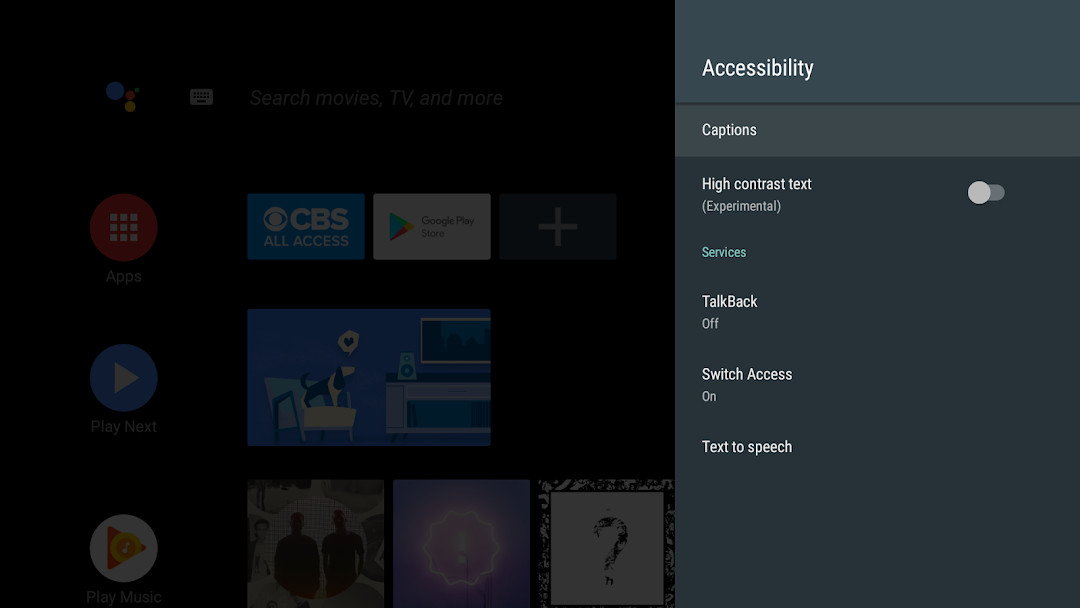

Android Accessibility Suite for Android
Android Accessibility Suite is a collection of accessibility tools from Google LLC for using an Android device eyes-free or with a switch device.
Download Android Accessibility SuiteAndroid Accessibility Suite is for people who need to operate an Android device without looking at the screen or who rely on a switch device. The free collection includes TalkBack, the Accessibility Menu, and Select to Speak, and it requires Android 7 or later and about 45 MB of storage. Android Accessibility Suite has no ads and no in-app purchases.
- Size
- 45 MB
- Requires Android
- 9
- Updated
- Oct 23, 2026
- Installs
- 10B+
- Rating
- ★ 4.07 (4,453,397)
- Category
- Tools
- Developer
- Google LLC
- Content rating
- Everyone
- Package
- com.google.android.marvin.talkback
- Free
- ✓
Screen gallery
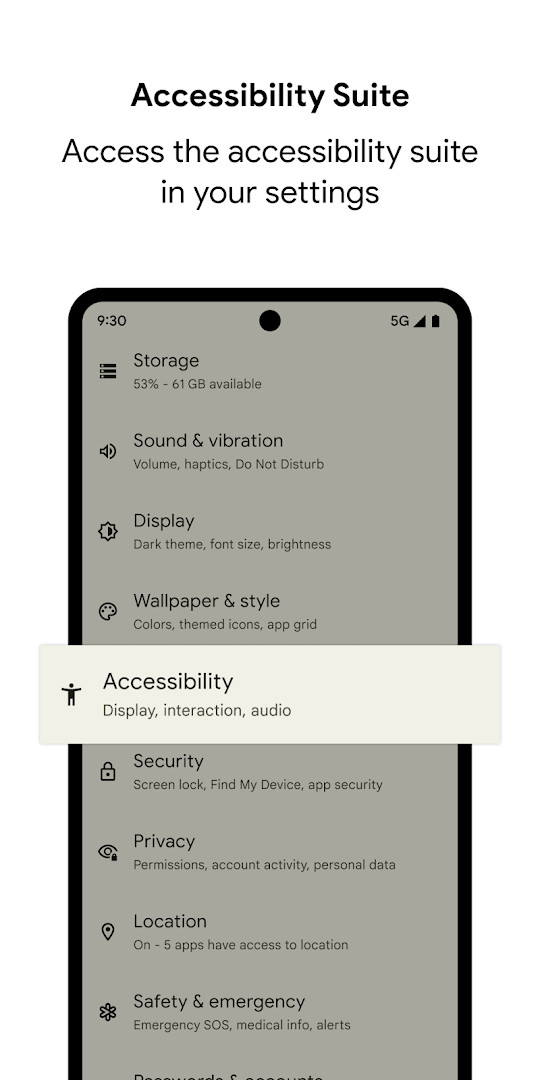
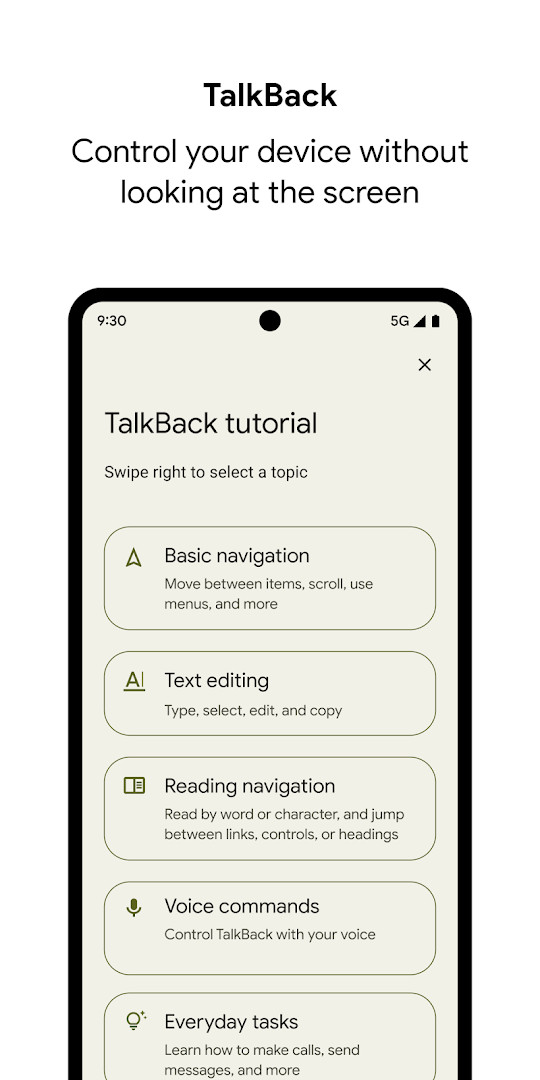
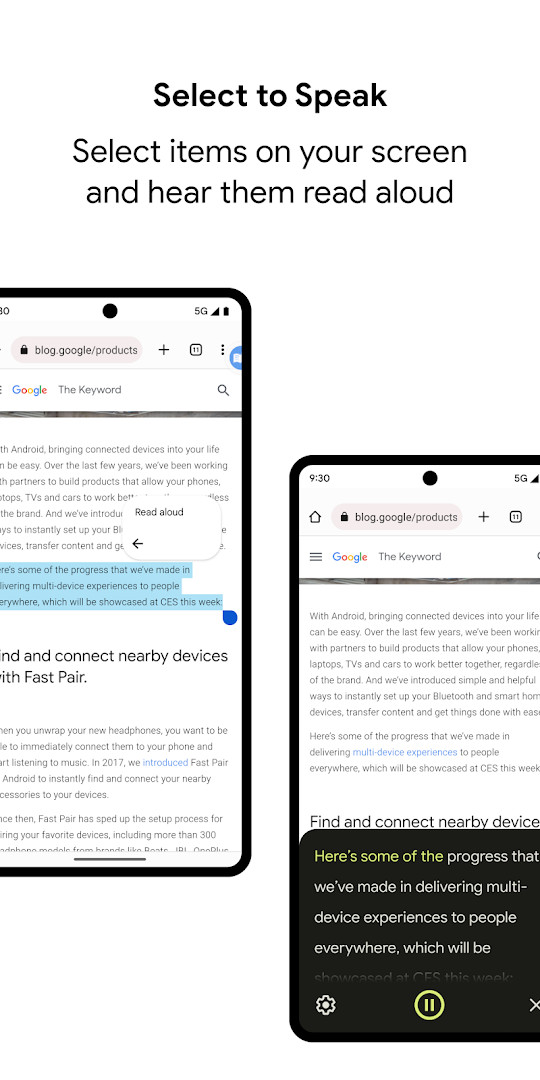
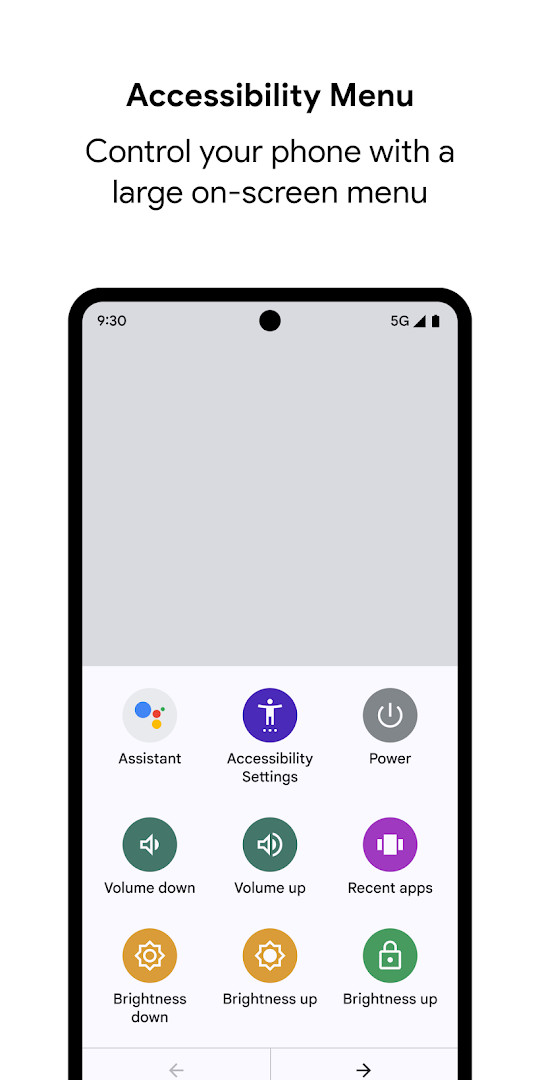
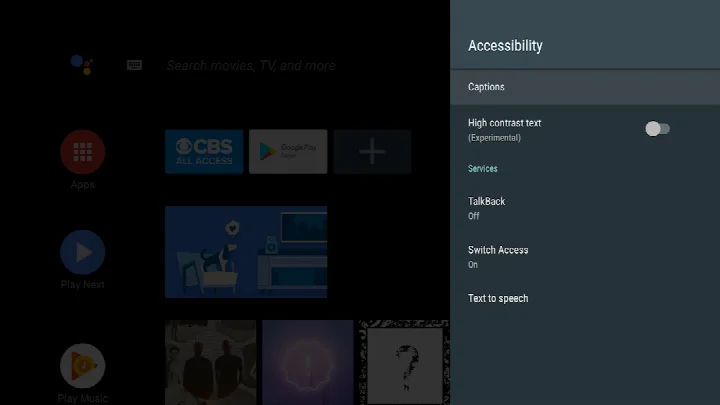
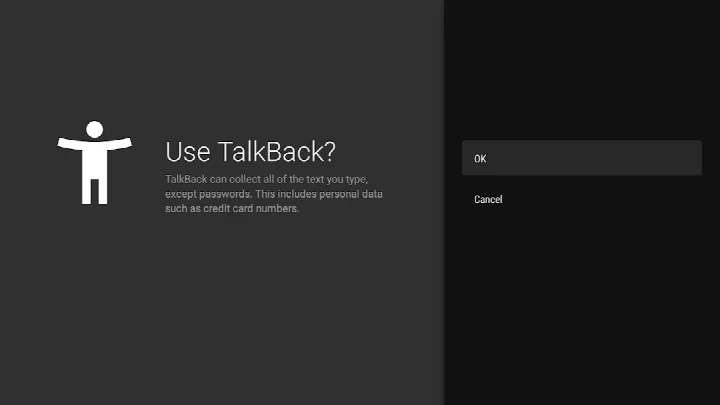
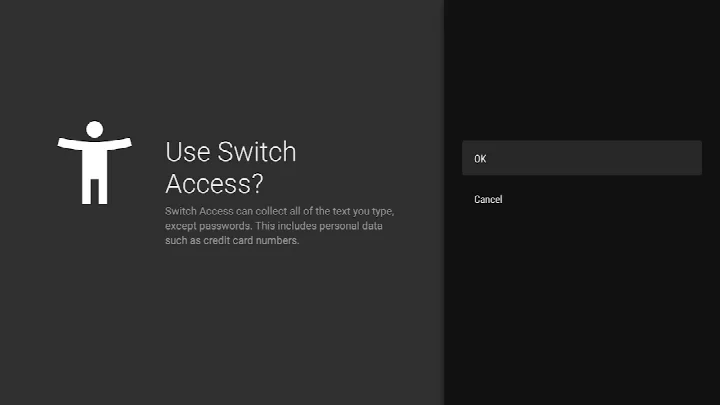
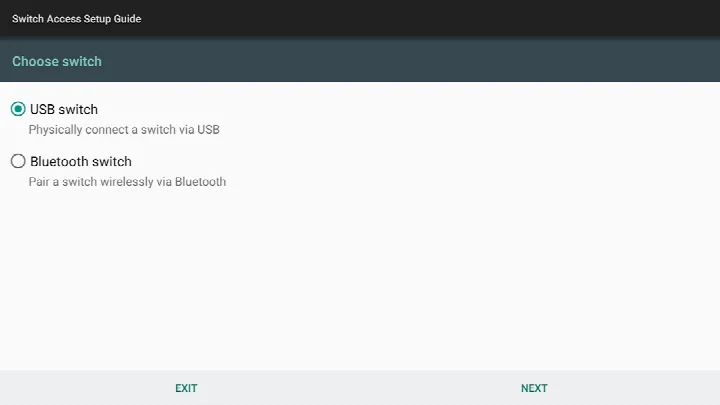
Android Accessibility Suite is a collection of accessibility apps by Google LLC that helps you use your Android device eyes-free or with a switch device. The suite solves the problem of interacting with a touchscreen when seeing the display is difficult or when using your hands is not practical. It combines a screen reader, a select-and-hear tool, and a large on-screen menu so you can control the phone through spoken feedback, gestures, braille input, or big buttons for common actions like locking the screen and adjusting volume. The tools can be enabled individually from the system accessibility settings, which makes the suite flexible for different needs and comfort levels.
Key features
- TalkBack screen reader with spoken feedback, gesture controls, and an on-screen braille keyboard.
- Accessibility Menu: a large on-screen menu for locking the phone, controlling volume and brightness, taking screenshots, and more.
- Select to Speak: choose items on the screen and hear them read aloud.
- Braille display customization and improved typing with a physical keyboard in Chinese, Japanese, Korean, and Vietnamese (TalkBack 17.1).
- Voice selection within TalkBack settings and improved text selection in TalkBack 17.1.
- Improved keyboard interactions when using smart browse mode and overall performance improvements.
- TalkBack for Wear OS with a more seamless 'Continue on Phone' experience and enhanced display of speech output.
How to install
- Tap the download button on this page to get the APK, which is about 45 MB. The suite works on Android 7 (N) or later, with recent builds listed for Android 9 or newer.
- When Android asks, allow your browser or file manager to install apps by enabling the 'Install unknown apps' setting.
- Open the downloaded APK file from your notification or file manager.
- Tap Install and wait for the installation to complete.
- Open the app from your home screen or app drawer.
- To start using the tools, go to Settings, select Accessibility, and enable Accessibility Menu, Select to Speak, or TalkBack.
Pros
- Free, with no ads and no in-app purchases.
- Combines a screen reader, read-aloud selection, and a large control menu in one package.
- Includes an on-screen braille keyboard and braille display customization.
- Regular updates, including TalkBack 17.1 improvements to text selection, voice selection, and typing.
- Works from Android 7 (N) onward and also offers TalkBack for Wear OS.
Cons
- Requests a broad set of permissions, including Location, Camera, Microphone, Phone, Storage, and Photos/Media/Files.
- As an accessibility service, it can observe your actions, retrieve window content, and read text that you type.
- The number of permissions and the sensitive nature of accessibility access may make privacy-conscious users cautious.
Latest changes
TalkBack 17.1 introduces improved text selection, voice selection within TalkBack settings, and enhanced braille display customization. Typing with a physical keyboard is improved for Chinese, Japanese, Korean, and Vietnamese. Keyboard interactions in smart browse mode are refined, along with overall performance. For TalkBack on Wear OS 17.1, the Continue on Phone experience is more seamless, and speech output display is enhanced.
Previous versions
| Version | Size | Requires Android | Updated |
|---|---|---|---|
| 3.1.1 | 1.2 MB | 4.1 | Oct 1, 2026 |
| 17.1.0.983118198 | 45 MB | 9 | Sep 29, 2026 |
| 17.0.1.926549743 | 43 MB | 9 | Sep 24, 2026 |
| 12.2.0.461147544 leanback | 28 MB | 6.0 | Jun 26, 2026 |
| 17.0.1.911806202 | 43 MB | 9 | Jun 10, 2026 |
| 9.0.0.332399336 | 15 MB | 11 | Nov 22, 2025 |
| 3.2.0 | 1.3 MB | 4.2 | Nov 10, 2025 |
| 7.3.0.238058557 leanback | 11 MB | 5.0 | Mar 14, 2019 |
| 5.0.7 | 7.2 MB | 4.1 | Nov 13, 2016 |
This suite is aimed at people with visual impairments or limited motor control who want to operate an Android phone without looking at the display or by using a switch device. It also suits those who prefer hearing content read aloud or who need larger, simpler controls for frequent actions. Because TalkBack, Select to Speak, and the Accessibility Menu can be enabled independently, users can choose only the tools they need. The Wear OS component makes it relevant for people who also want spoken feedback on a smartwatch.
After installing, enable the tools you need in Settings > Accessibility rather than relying on the app alone. If you use TalkBack, try the improved text selection and voice selection introduced in version 17.1. Consider allowing notification access if you want TalkBack to tell you about updates.
Permissions
Frequently asked questions
Is Android Accessibility Suite free to use?
Yes. It costs nothing, and there are no ads or in-app purchases.
Which Android version do I need?
The app requires Android 9 or later. On older devices it will not install.
How large is the download?
The file is about 45 MB. You will need roughly that much free storage before installing.
Do I need to sign in to an account?
No account is required for the suite. TalkBack, Select to Speak, and Accessibility Menu are switched on from the Accessibility section of your device's Settings.
What permissions does the app request?
It may ask for Location, Phone, Photos/Media/Files, Storage, Camera, Microphone, and Device ID & call information. The Phone permission lets the app adapt its announcements to your call status, while its role as an accessibility service means it can observe your actions, read window content, and detect text you type.
How do I update to a newer version?
Download the latest version from this page and install it over the copy you already have. Recent releases include TalkBack 17.1, which brings improved text selection, voice selection in TalkBack settings, braille display customization, and smoother overall performance.
Android Accessibility Suite brings together the core tools needed to use a phone without looking at the screen or with a switch device. It is free, has no ads or in-app purchases, and remains a practical choice for people who want more control over how they interact with their device.
Similar apps





More from this developer




Updated: Oct 23, 2026