
Digital Wellbeing for Android
Digital Wellbeing is a free tools app from Google LLC for tracking your digital habits and reducing distractions.
Get Digital Wellbeing · v1.50.1015162751 (893257)Digital Wellbeing is for people who want to see how often they use apps, receive notifications, and unlock their phone, then act on that data with daily app timers, Focus mode, and Bedtime mode. It requires Android 9 or higher, has no ads or in-app purchases, and works without an account.
- Version
- 1.50.1015162751 (893257)
- Requires Android
- 9
- Updated
- Nov 9, 2026
- Installs
- 10B+
- Rating
- ★ 3.62 (1,503,933)
- Category
- Tools
- Developer
- Google LLC
- Content rating
- Everyone
- Package
- com.google.android.apps.wellbeing
- Free
- ✓
Screen gallery
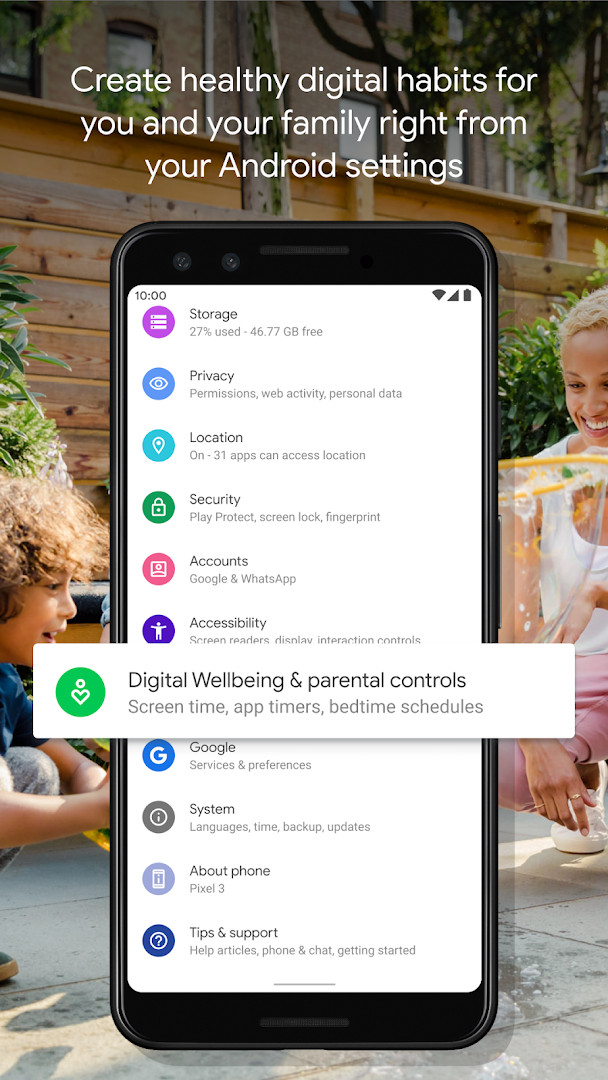
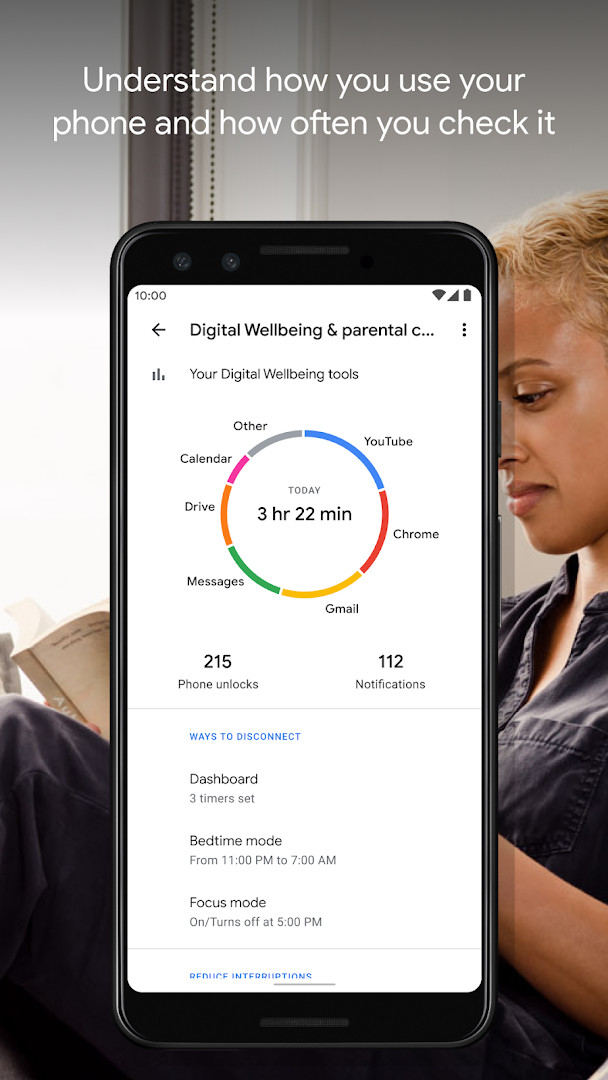
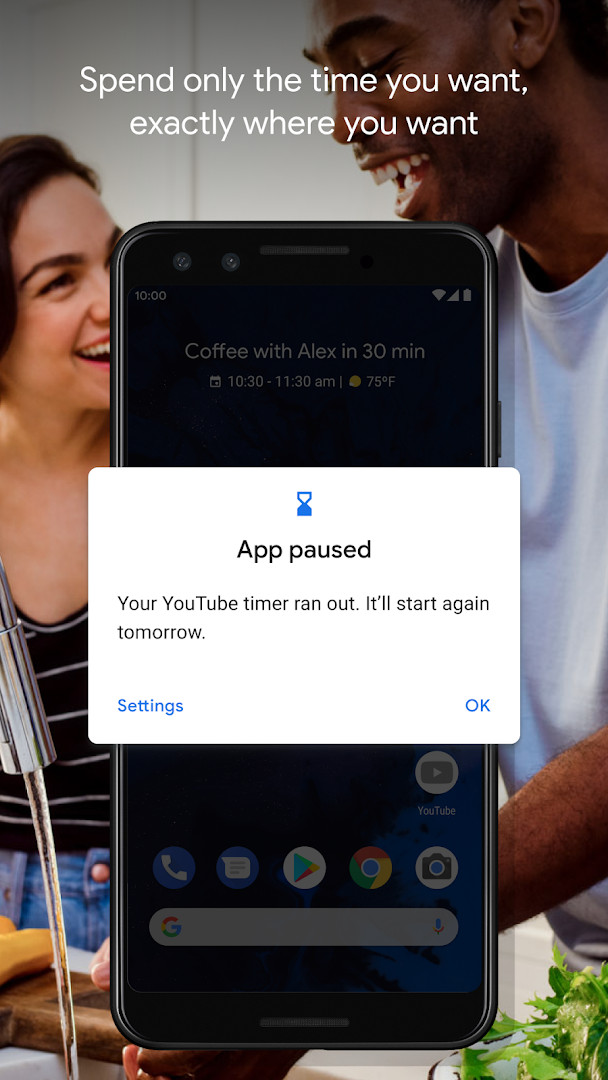
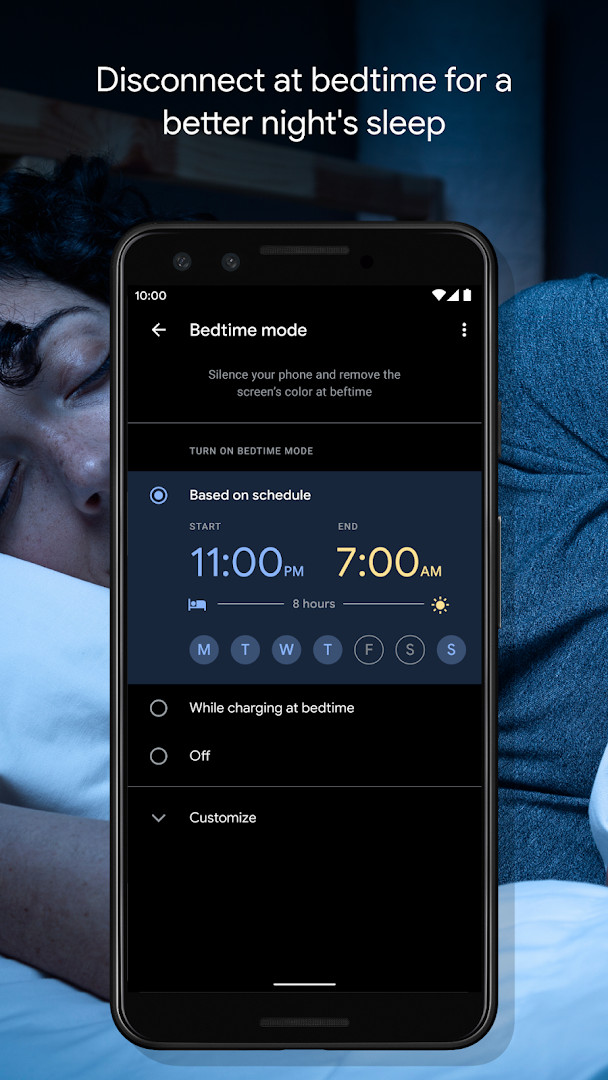
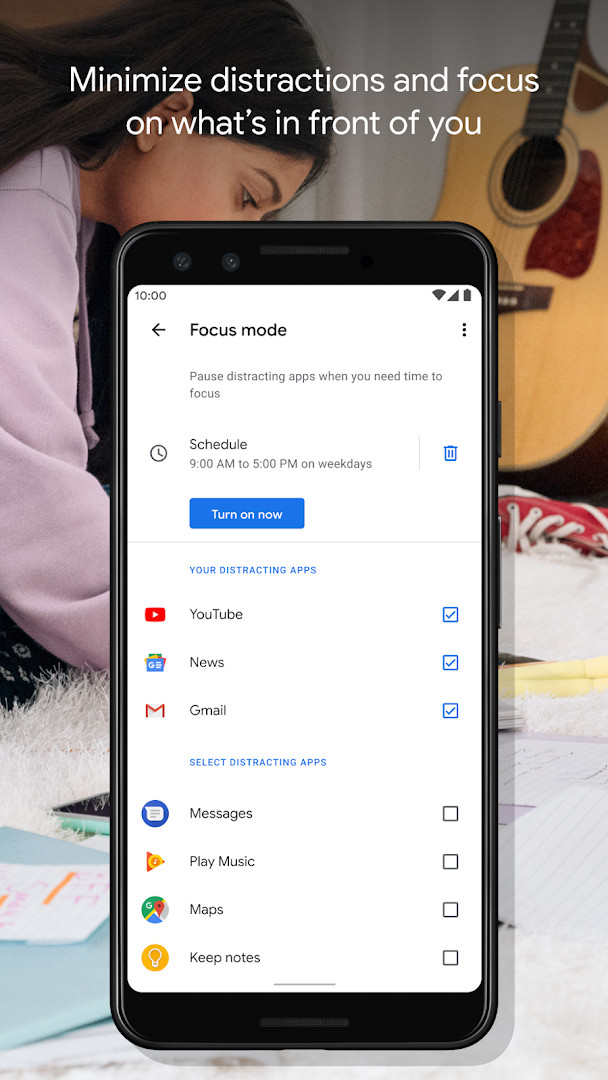
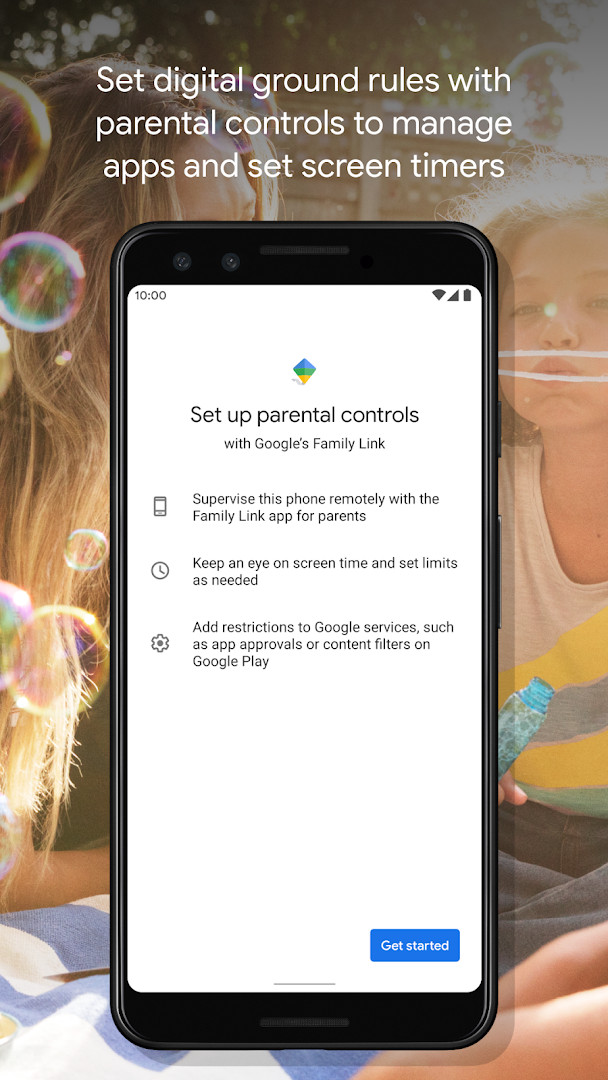
Digital Wellbeing is a tools app by Google LLC that helps you understand and manage your phone usage habits. It addresses the problem of excessive screen time and digital distraction by providing a clear picture of how you interact with your device, including app usage frequency, notification counts, and unlock patterns. The app then offers practical controls like daily app timers, bedtime mode, and focus mode to help you set boundaries and disconnect when needed. By surfacing this data and giving you simple levers to act on it, it aims to support a healthier relationship with your smartphone without requiring you to abandon useful apps entirely.
Key features
- Daily view of digital habits, showing how frequently you use different apps
- Notification count tracking to see how many alerts you receive each day
- Device unlock and check frequency monitoring
- Daily app timers that let you set limits for how much you use each app
- Bedtime mode that schedules screen grayscale and silences notifications via Do Not Disturb
- Focus mode to pause distracting apps with a single tap, with optional automatic schedules for work, school, or home
- Accessible directly from your phone's Settings menu for easy setup
How to install
- Tap the download button on this page to get the APK file.
- When Android asks, allow your browser or file manager to install apps by enabling the 'Install unknown apps' setting.
- Open the downloaded APK file from your notifications or file manager.
- Tap Install and confirm the installation when prompted.
- Open the app and follow the on-screen setup to grant necessary permissions and configure your preferences.
- Note that the file size is not specified, and the minimum Android version required is 9.
Pros
- Free to use with no ads and no in-app purchases
- Provides a comprehensive overview of your digital habits
- Offers multiple tools for reducing distraction, like timers and focus mode
- Bedtime mode helps establish a healthier sleep routine
- Automatic scheduling for focus mode adds convenience
- Integrated into the phone's settings for easy access
Cons
- Requests permissions for Location, Phone, Photos/Media/Files, and Storage, which may feel broad for a wellbeing tool
- Requires Android 9 or higher, excluding users on older versions
- Some users may find the permission requests excessive for the app's core functionality
- The app's effectiveness depends on user discipline to actually set and follow limits
Latest changes · 1.50.1015162751 (893257)
Version 1.50.1015162751 (893257), released 2026-11-09, includes several bug fixes and stability improvements. No new features are listed in the update notes. The update follows version 1.49.996288414, also released 2026-11-09. Minimum OS remains 9.
Previous versions
| Version | Size | Requires Android | Updated |
|---|---|---|---|
| 1.50.1015162751 (893257) | — | 9 | Nov 9, 2026 |
| 1.49.996288414 (886717) | — | 9 | Nov 9, 2026 |
| 1.48.975819457 (880517) | — | 9 | Oct 20, 2026 |
| 1.0.427802149.beta (349228) | 15 MB | 9 | Jun 18, 2026 |
| 1.0.427802149 (349227) | 15 MB | 9 | Mar 17, 2023 |
This app is suitable for anyone who feels their phone usage is getting out of hand and wants a data-driven way to cut back. It is particularly useful for people who want to reduce distractions during work or study hours, establish a better nighttime routine, or simply gain more awareness of how often they pick up their device. Parents might also find it helpful for understanding their own habits, though it is not specifically designed for parental controls.
To get the most out of Digital Wellbeing, start by reviewing your daily habits for a few days to identify your most-used apps. Then set realistic app timers for those apps, and enable bedtime mode at least an hour before you plan to sleep. Consider scheduling focus mode during your typical work or study periods to automatically block distractions.
Permissions
Frequently asked questions
How do I set a limit for how long I can use a specific app each day?
Digital Wellbeing includes daily app timers. You can set a limit for individual apps, and once you reach that limit, the app is paused for the rest of the day.
What does Bedtime mode do to my screen and notifications?
Bedtime mode lets you set a schedule that fades your screen to Grayscale and activates Do Not Disturb, which silences notifications to help you sleep.
Can Focus mode be activated automatically?
Yes. Focus mode pauses distracting apps with a single tap, and you can also set a schedule so it turns on automatically, for example while you are at work, school, or home.
What information does the daily view of my digital habits show?
The daily view shows how frequently you use different apps, how many notifications you receive, and how often you check your phone or unlock your device.
Where do I find Digital Wellbeing on my phone?
You can find Digital Wellbeing in your phone's Settings menu.
Digital Wellbeing offers a straightforward way to monitor and manage your phone usage with practical tools like timers and focus mode. While the permission requests are somewhat broad, the app's free and ad-free nature makes it a low-risk option for improving digital habits.
Similar apps







More from this developer



Updated: Nov 13, 2026