Gmail for Android
Gmail is a communication app from Google LLC for handling email, chats and calls on Android.
Download Gmail for AndroidGmail keeps messages from several providers in one inbox and costs nothing to download as a 26 MB app for Android 5.0 and up. The app switches between accounts, blocks more than 99.9% of spam, phishing and malware, and includes summary cards and one-tap unsubscribe. Gemini writing aid needs a Google AI Pro or Ultra plan, and a Wear OS tile gives a quick look at messages.
- Size
- 26 MB
- Requires Android
- 5.0
- Updated
- Nov 9, 2026
- Installs
- 10B+
- Rating
- ★ 4.06 (14,522,867)
- Category
- Communication
- Developer
- Google LLC
- Content rating
- Everyone
- Package
- com.google.android.gm
- Free
- ✓ · Contains ads
Screen gallery
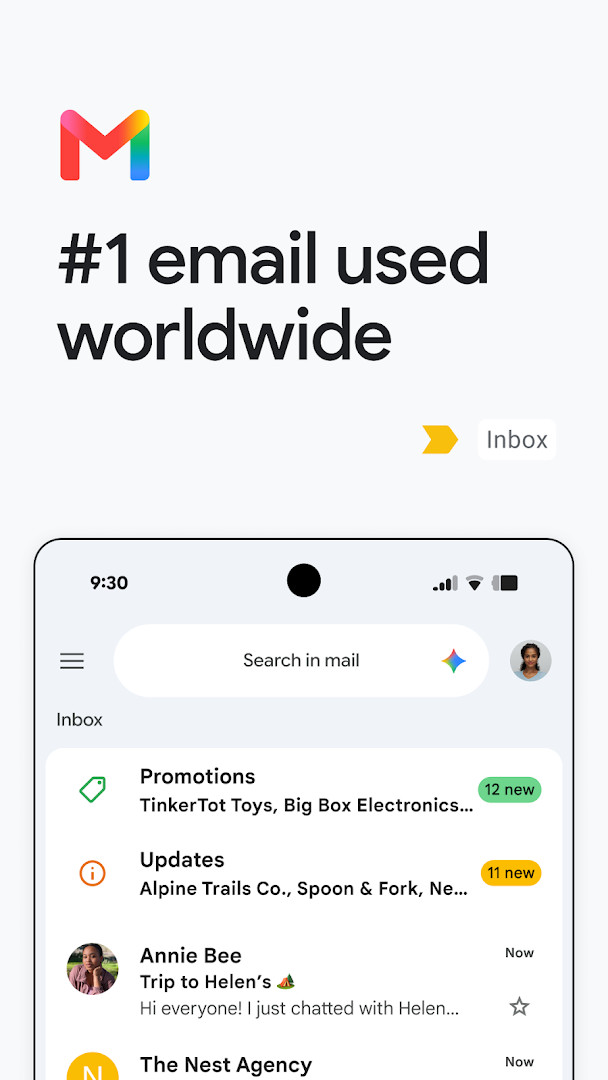
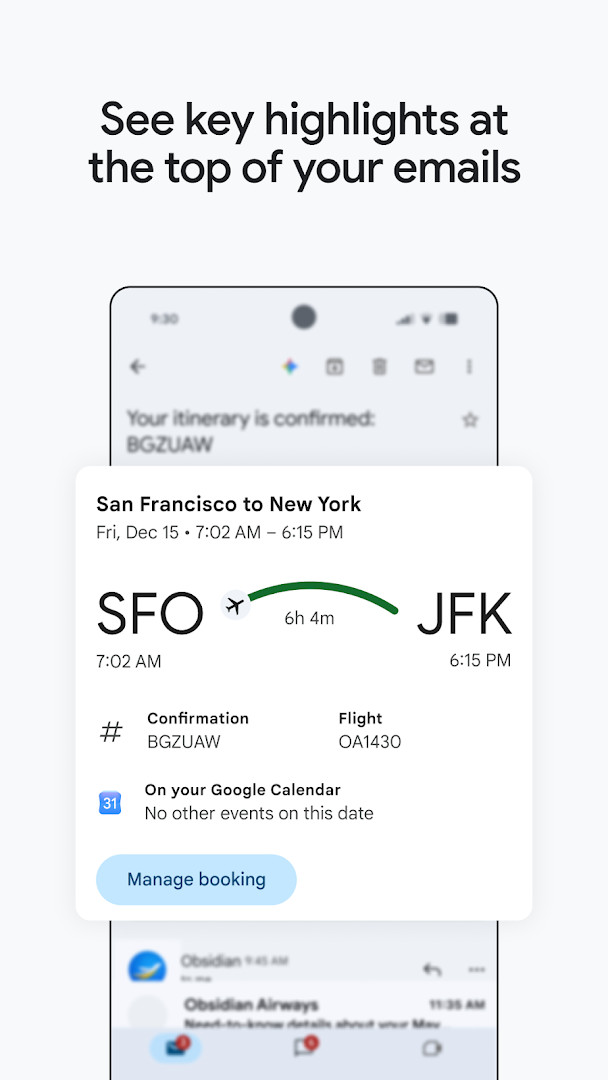
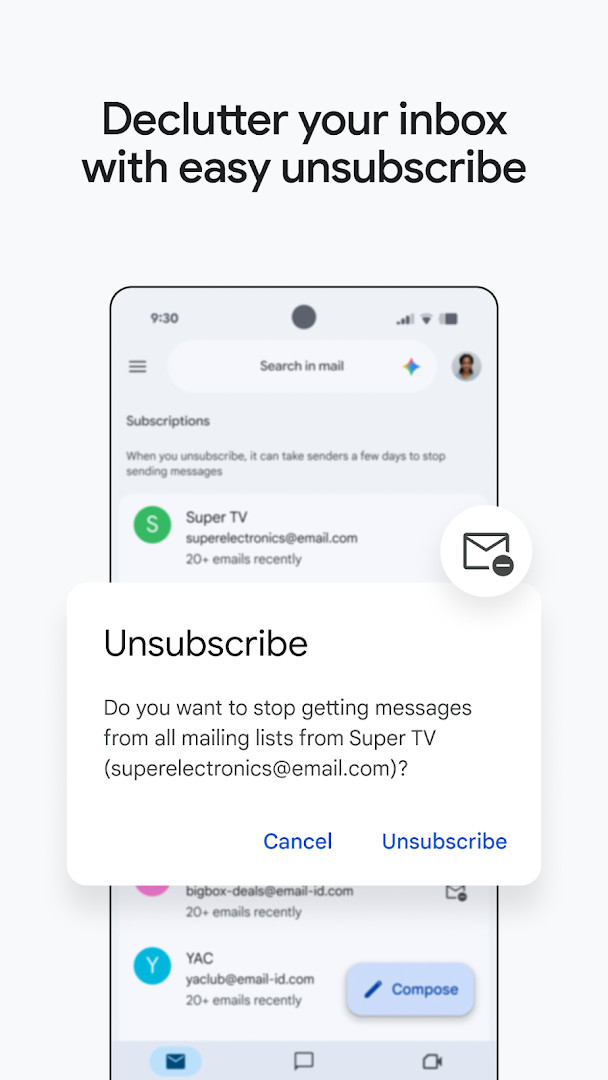
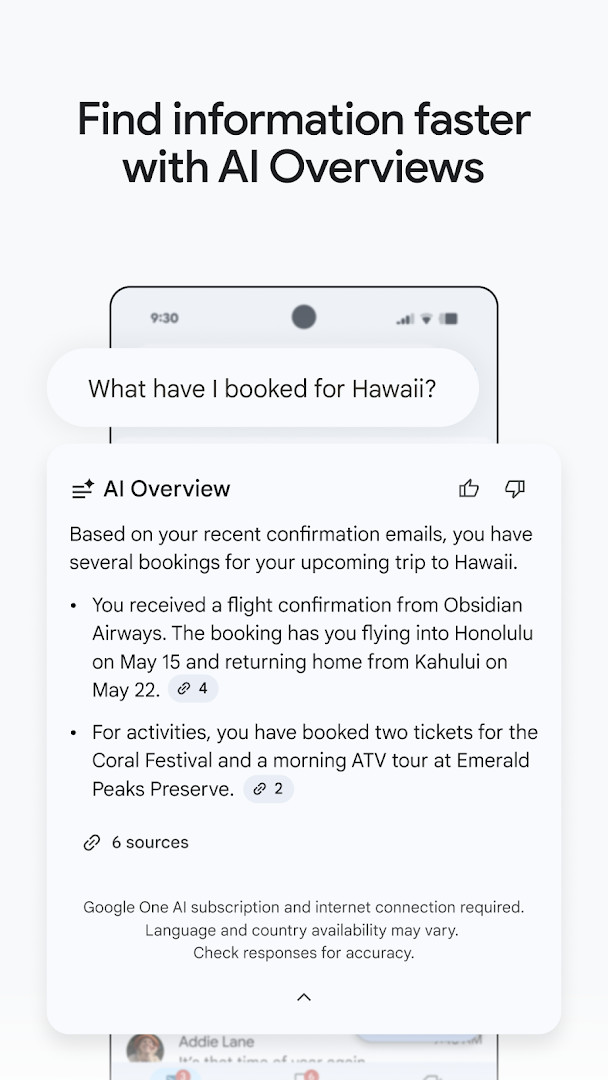
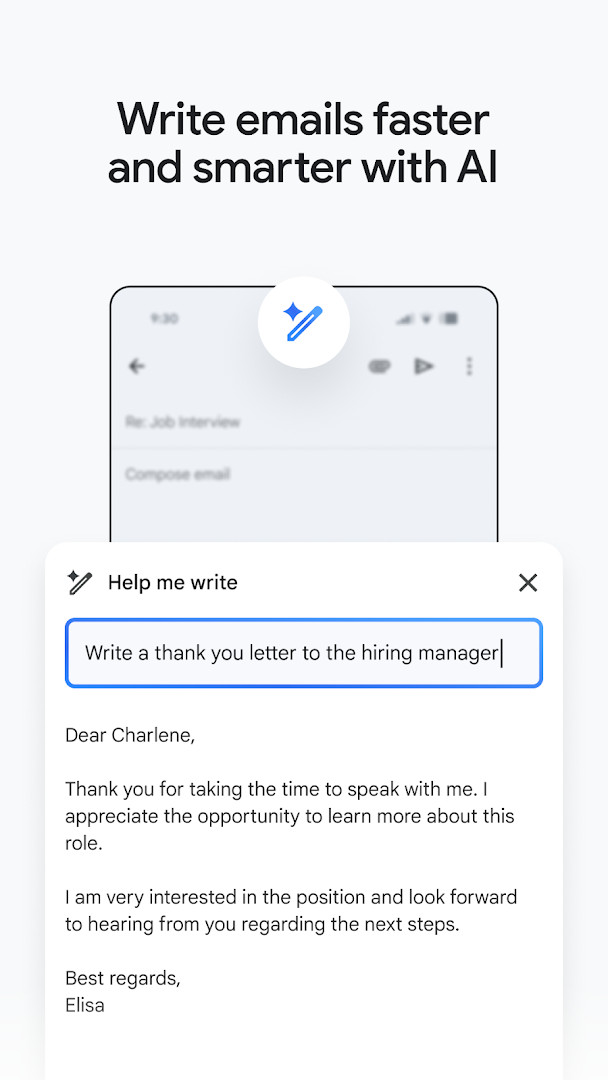
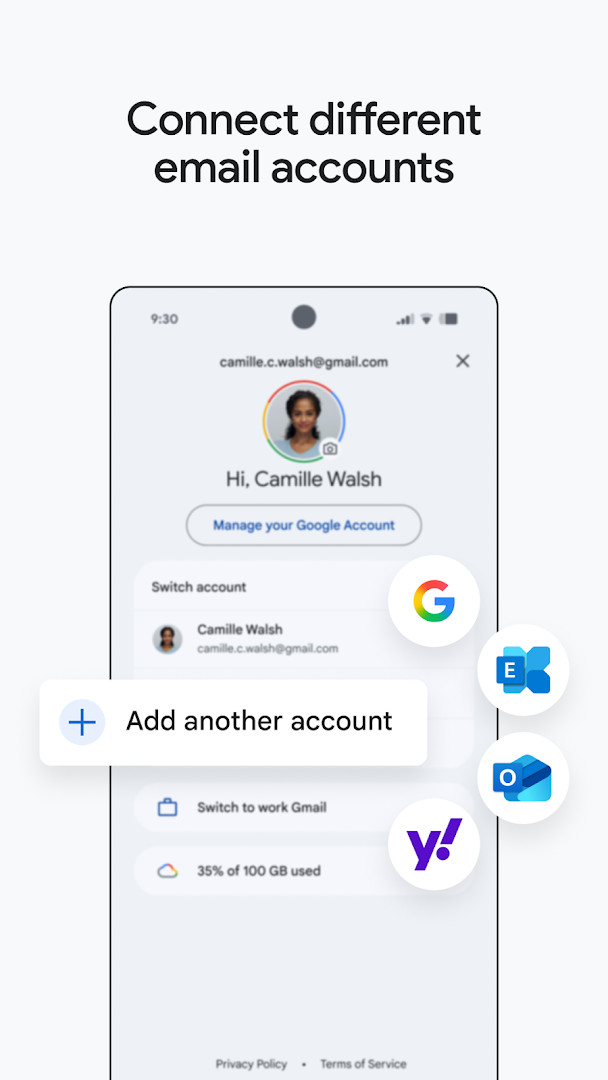
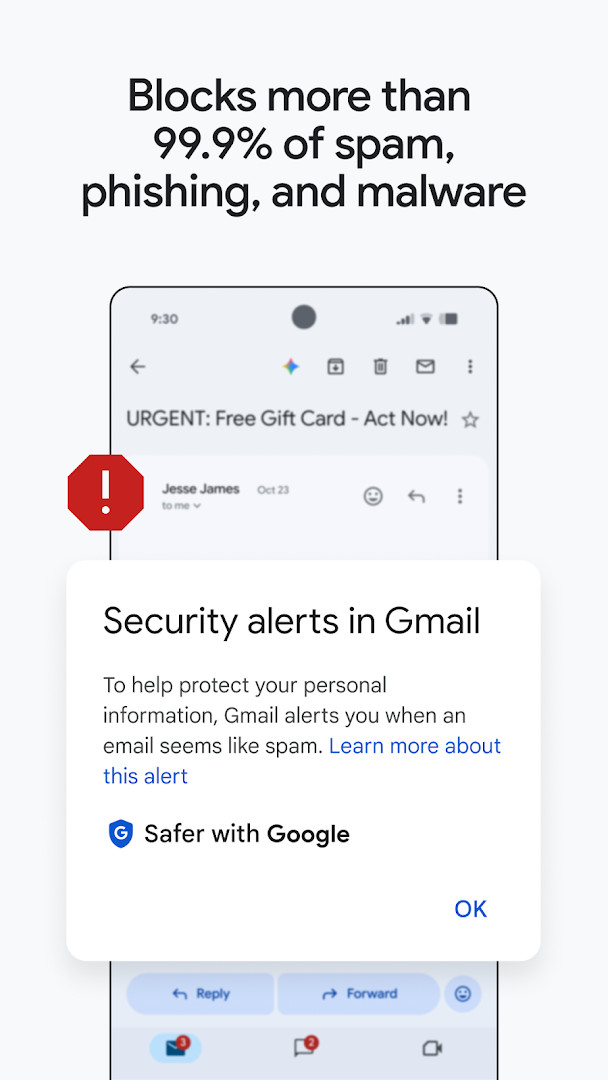
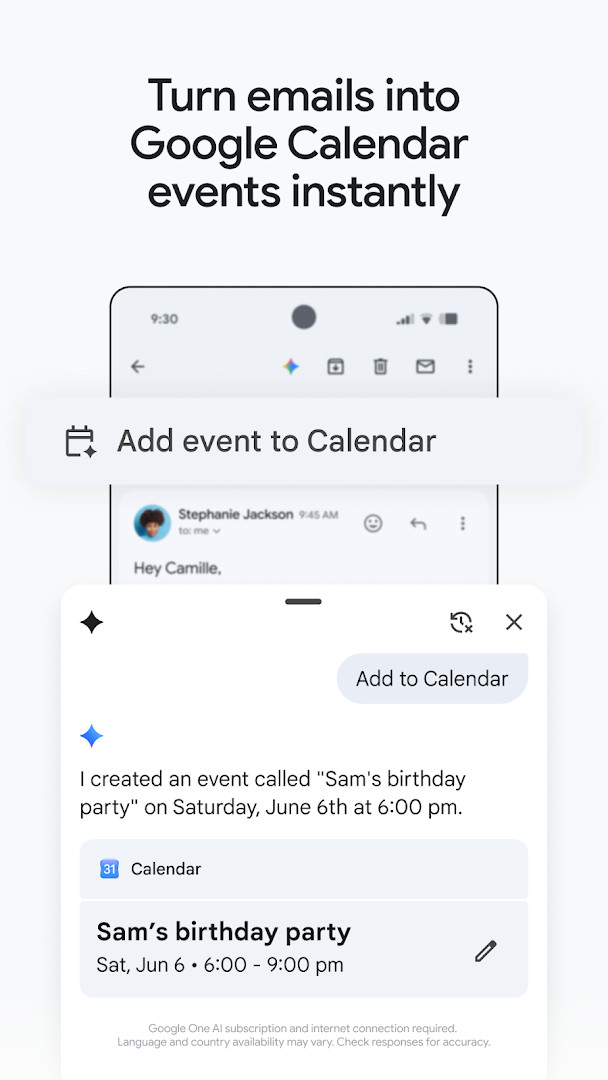
Gmail is a communication app by Google LLC that brings secure email management, AI-assisted writing, and multi-account organization into one inbox. The app addresses the problem of inbox overload by combining powerful search, automatic spam filtering, and intelligent reply tools so users can sort, write, and respond to messages faster. It also acts as the hub of Google Workspace, offering quick access to chat, collaboration spaces, and voice or video calls without leaving the interface. Summary cards place the most important email details at the top of a message, while Gemini-based features can search the inbox and Google Drive files or help draft replies with "Help me write." Some AI capabilities require a Google AI Pro or Ultra plan and an active internet connection. Multiple accounts from different email providers are supported, and Wear OS devices can show a quick overview of incoming mail.
Key features
- Summary cards at the top of emails that highlight key details for fast scanning.
- A dedicated place to unsubscribe from unwanted email senders.
- Keyword-based inbox search, plus the option to ask Gemini to find specific details in your inbox or Google Drive files.
- AI-assisted writing tools built into the inbox, including "Help me write" and contextual Smart Reply.
- Support for multiple accounts from different email providers with easy switching.
- Automatic blocking of more than 99.9% of spam, phishing, and malware.
- An "Add to Calendar" button that creates Google Calendar invites directly from the inbox (requires a Gemini plan).
- A Wear OS complication and tile that give a quick overview of your emails on a watch.
How to install
- Tap the download button on this page to get the 26 MB APK file; the app requires Android 5.0 or newer.
- If prompted, allow your browser or file manager to install apps by turning on the "Install unknown apps" setting.
- Open the downloaded APK file from your notifications or Downloads folder.
- Tap Install and wait for the installation to finish.
- Open Gmail and sign in with your Google account.
Pros
- Automatically blocks the vast majority of spam, phishing, and malware before it reaches your inbox.
- AI writing and search assistance, including Smart Reply and "Help me write," makes handling email faster.
- Supports multiple accounts from different providers and makes switching between them easy.
- Deep integration with Google Calendar, Drive, Meet, and Chat.
- Includes a Wear OS complication and tile for checking email at a glance.
- Compatible with devices running Android 5.0 and later.
Cons
- Shows ads within the app.
- Requests a broad set of permissions, including identity, contacts, phone, camera, microphone, and storage.
- Several Gemini features require a paid Google AI plan and an internet connection.
- The extensive permission list may be more than privacy-focused users are comfortable with.
Latest changes
Gmail's October 12, 2026 update strengthens its place as part of Google Workspace, keeping secure email at the core while expanding how you stay productive. You can now chat, collaborate in shared spaces, and make voice or video calls without switching apps. Everything you need is available in one place.
Previous versions
| Version | Size | Requires Android | Updated |
|---|---|---|---|
| 8.10.7.218420740.release | 22 MB | 4.1 | Jan 20, 2026 |
| 2019.10.20.278647676.release | 26 MB | 4.4 | Jan 17, 2026 |
| 2020.05.31.316831277.release | 26 MB | 5.0 | Jan 16, 2026 |
| 7.5.7.156101332.release | 19 MB | 4.0 | May 18, 2017 |
| 2.3.6 | 1.8 MB | — | Jun 16, 2013 |
| 1.3 | 0.8 MB | — | Jan 27, 2012 |
Gmail is best suited to Android users who manage email every day and want a single app that brings together multiple inboxes, AI-assisted writing, and close links to Google services such as Calendar, Drive, Meet, and Chat. It is particularly useful for people already using Google Workspace, since those users get additional Gemini features and enterprise-grade security controls. Privacy-conscious users should review the permission list carefully before installing, since the app requests access to a wide range of personal data and is supported by ads.
Review the app's permissions in your system settings and deny anything you do not need. If you want to use the Gemini features, check that your Google AI plan covers them and verify generated responses for accuracy. Use the built-in subscription management view to clear out unwanted marketers in one place.
Permissions
Frequently asked questions
Is Gmail free to download and use?
Yes, the app is free to download and priced at $0.00 USD. Keep in mind that it may display ads and requires an internet connection for many features.
Which Android version do I need to install Gmail?
Gmail requires Android 5.0 or higher. If your device runs that version or a newer one, the app should be compatible.
What is the file size of the Gmail APK?
The app package is about 26 MB. The actual download size can vary slightly depending on device configuration.
Do I need an account to use Gmail?
Yes, you need to sign in with your email account to use the app. It supports switching between multiple accounts from different email providers.
What permissions does Gmail request?
Gmail requests access to identity, calendar, contacts, phone, photos/media/files, storage, camera, microphone, Wi-Fi connection information, and device ID and call information. These permissions support features like attaching files, adding calendar events, and making calls.
How do I update Gmail to the latest version?
To update, download the newest version available on this page and install it over your current installation. Your existing settings and emails will be preserved.
Gmail remains a mature and dependable email client that pairs strong spam defenses with deep Google ecosystem integration. It is a sensible choice for most users who are comfortable with its permissions, ads, and optional paid AI features.
Similar apps





More from this developer


Updated: Nov 12, 2026