
Google Meet for Android
Google Meet is a video calling app from Google LLC for secure, high-quality calls with family, friends, and colleagues.
Download Google MeetGoogle Meet is for anyone who wants reliable video calls on Android, whether for casual chats or team collaboration. The app is free, requires Android 8.1 or higher, and takes up about 118 MB of storage.
- Size
- 118 MB
- Requires Android
- 8.1
- Updated
- Nov 11, 2026
- Installs
- 10B+
- Rating
- ★ 4.37 (12,030,232)
- Category
- Communication
- Developer
- Google LLC
- Content rating
- Everyone
- Package
- com.google.android.apps.tachyon
- Free
- ✓
Screen gallery
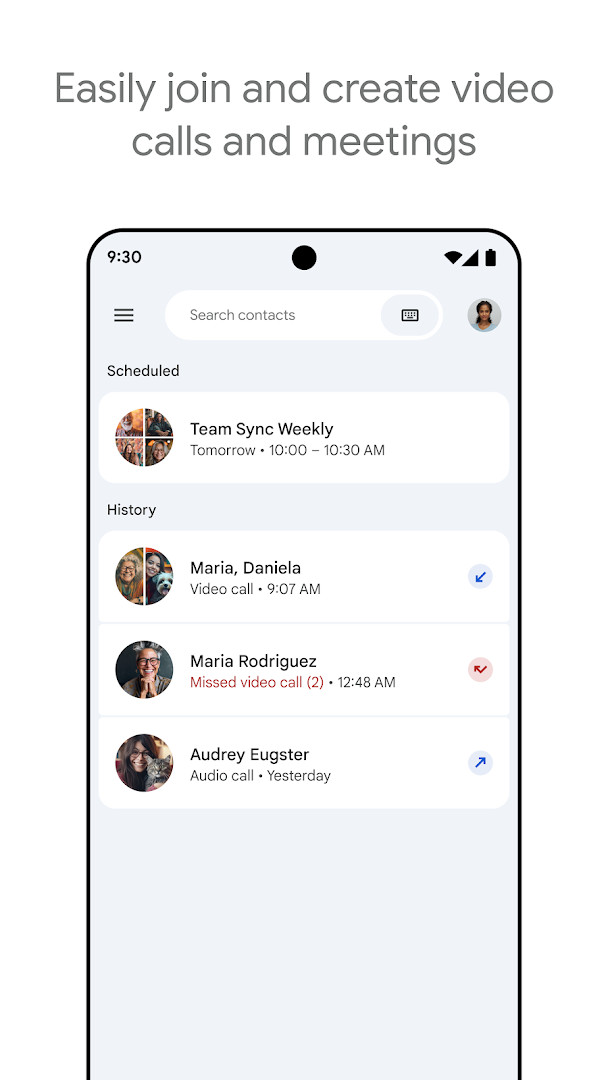


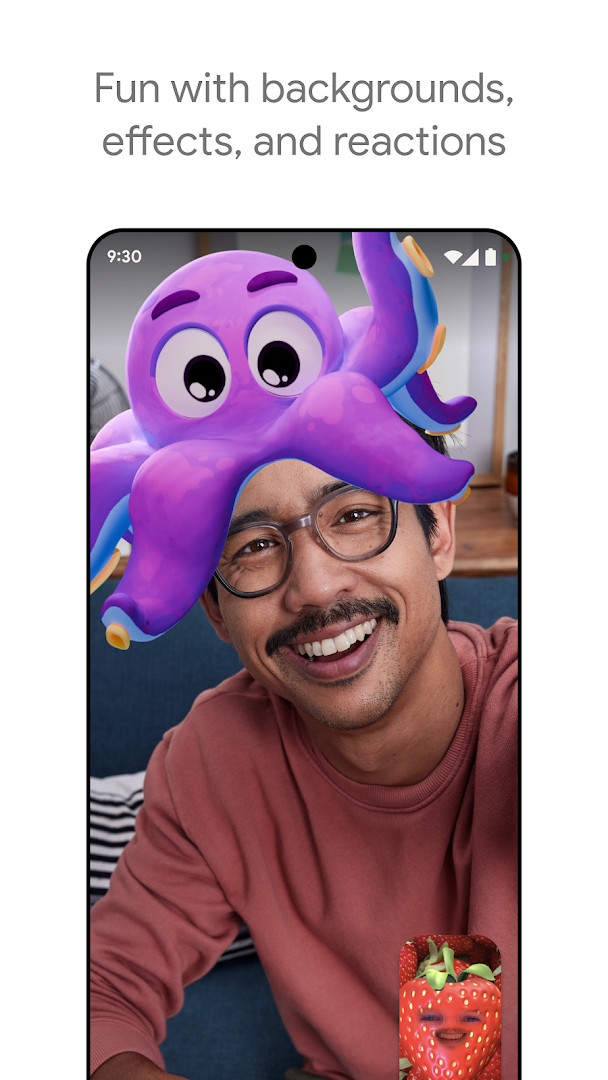
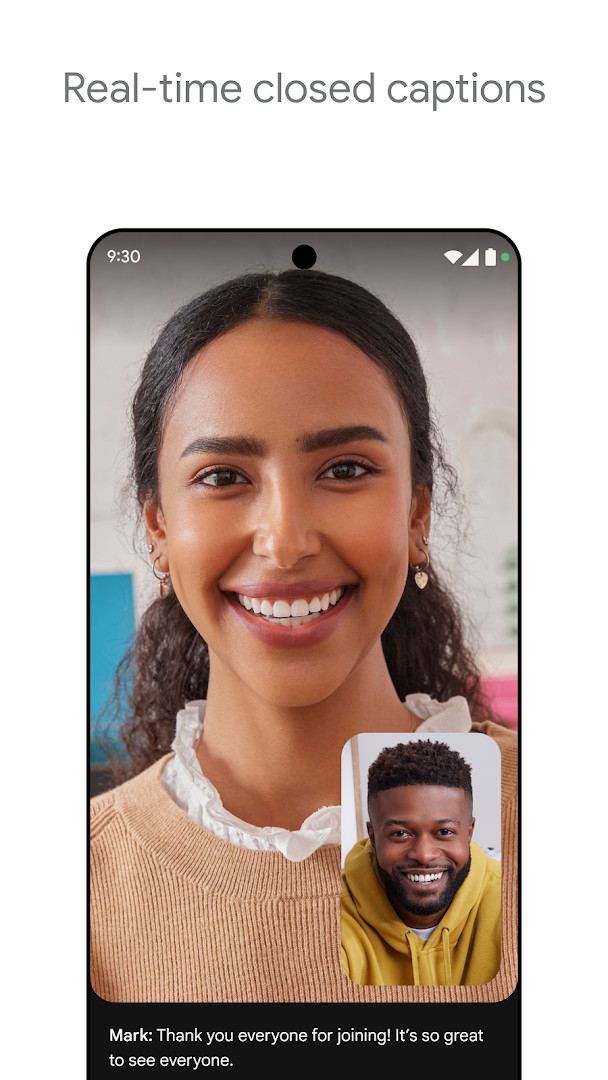
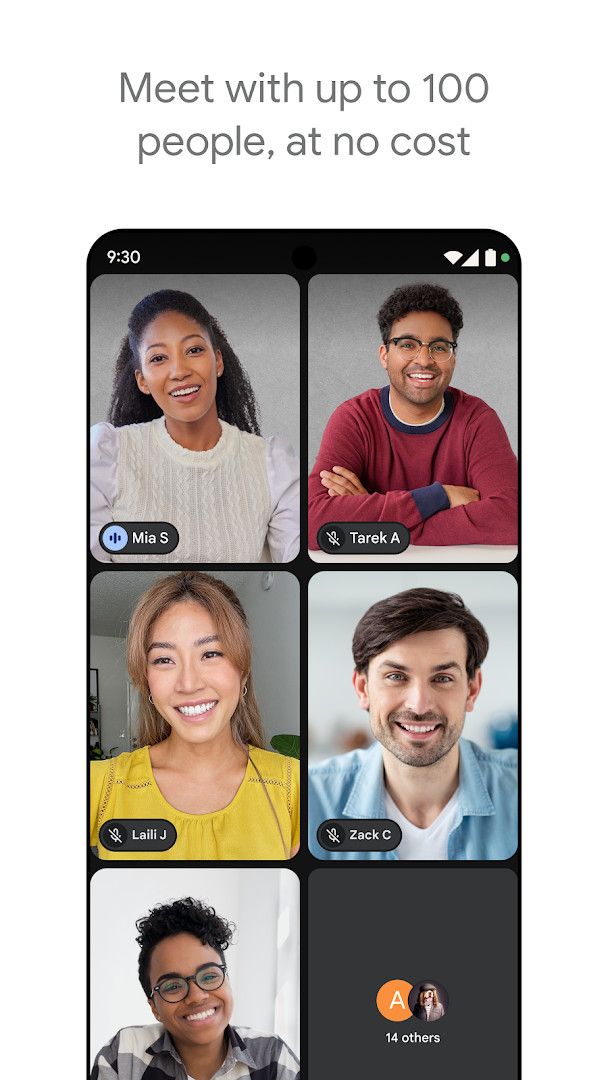
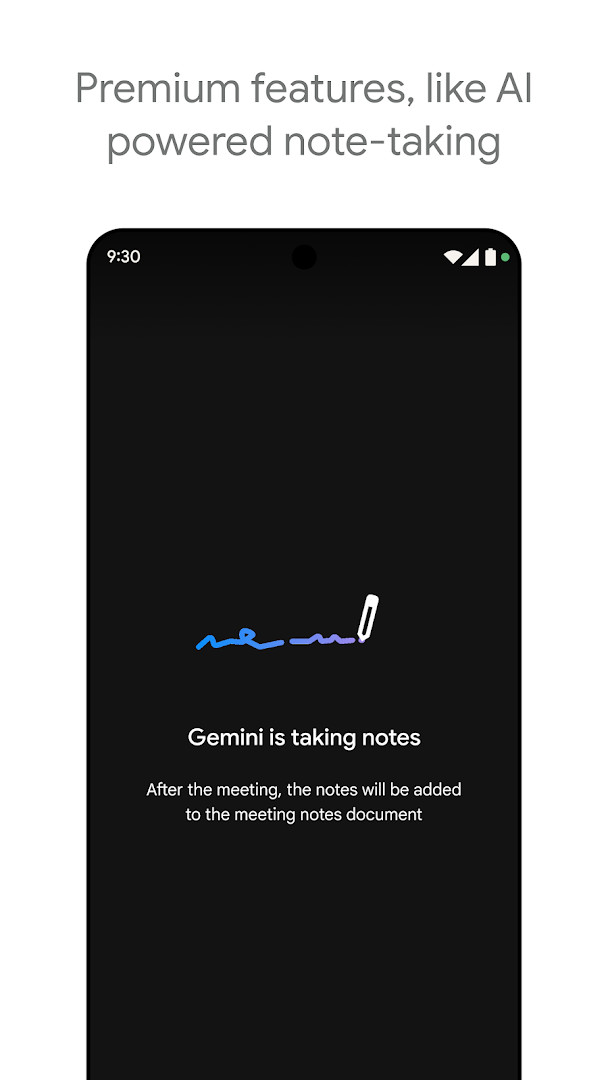
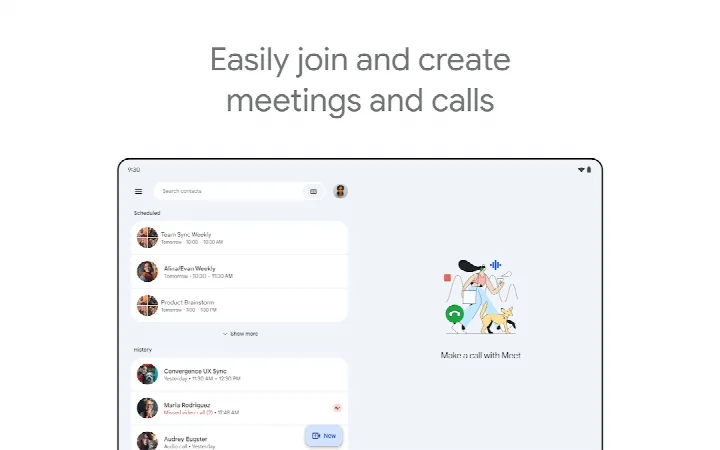
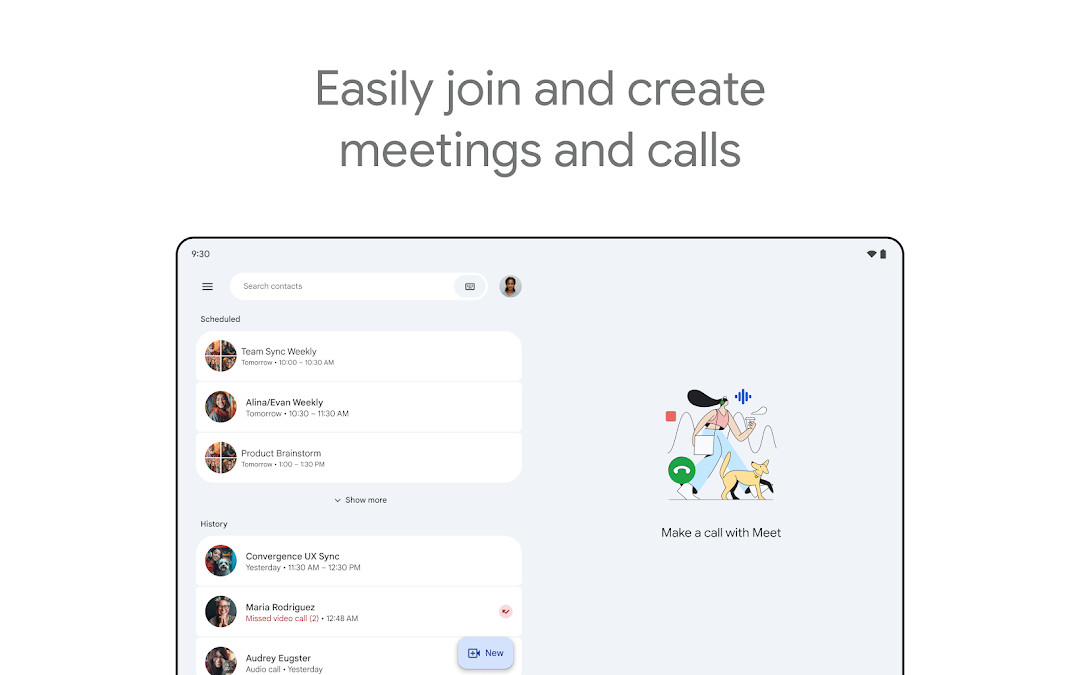
Google Meet is a communication app by Google LLC that provides secure, high-quality video calling for individuals and teams. It addresses the challenge of connecting people across different locations by offering a platform for spontaneous calls, scheduled meetings, and video messages. The app integrates with Google Workspace tools like Gmail, Calendar, Docs, and Slides, making it a practical choice for both personal and professional use. It includes features such as automatic light adjustment, noise cancellation, and real-time captions to improve call clarity, along with options for fun effects, filters, and backgrounds to personalize interactions. Premium capabilities, including AI-powered note-taking and speech-to-speech translation, are available to enhance meeting productivity and bridge language gaps. The app supports one-on-one video calls up to 24 hours and free meetings up to 60 minutes with up to 100 participants, and it works across mobile, tablet, web, and smart devices.
Key features
- Automatic light adjustment and noise cancellation for clearer calls
- Real-time captions and translated captions in over 70 languages
- In-call chat to share ideas or questions without interrupting
- Stackable effects, filters, backgrounds, and reactions for personalization
- On-the-go mode for audio-only calls with larger controls
- Integration with Google Workspace apps like Gmail, Calendar, Docs, and Slides
- Premium features include AI-powered note-taking, speech translation, and meeting recording
- One-on-one video calls up to 24 hours and free meetings up to 60 minutes with 100 people
How to install
- Tap the download button on this page to get the APK file, which is 118 MB in size.
- When Android asks, allow your browser or file manager to install apps by enabling the 'Install unknown apps' setting.
- Open the downloaded APK file from your notifications or file manager.
- Tap Install and wait for the process to complete.
- Open the app from your home screen or app drawer; it requires Android 8.1 or higher.
Pros
- No ads or in-app purchases, making it free to use
- Supports up to 100 participants in free meetings
- Works across multiple devices including phones, tablets, and web
- Includes real-time captions and translation for accessibility
- Integrates smoothly with Google Workspace apps
Cons
- Requires access to identity, contacts, phone, storage, camera, microphone, and device ID, which may raise privacy concerns for some users
- Some useful features like noise cancellation and recording are premium-only
- Live captions and speech translation are not available in every language
- Feature availability may vary based on device specifications
Latest changes
The latest update highlights premium capabilities, such as AI-assisted note-taking and live speech-to-speech translation, which help participants stay engaged and overcome language differences during calls. These tools are designed to keep conversations focused and accessible for everyone.
Previous versions
| Version | Size | Requires Android | Updated |
|---|---|---|---|
| 305.0.756012893.duo.android_20250504.15_p1.n | 118 MB | 8.1 | May 16, 2025 |
Google Meet is suited for experienced users who need a reliable video communication tool for both personal and professional contexts. It appeals to those who already use Google Workspace and want seamless integration with email, calendar, and document tools. The app is also a good fit for teams holding meetings with up to 100 participants, as well as individuals who want to make spontaneous calls or send video messages. Users who value features like real-time captions, translation, and on-the-go audio mode will find it practical, while those who need advanced capabilities like AI note-taking or recording should be prepared to consider premium options.
To get the most out of Google Meet, use the on-the-go mode for audio-only calls when you are moving, and enable real-time captions if you are in a noisy environment or communicating across languages. For team meetings, take advantage of in-call chat and screen sharing to keep collaboration flowing without interruptions.
Permissions
Frequently asked questions
What minimum Android version does Google Meet require?
According to the app listing, Google Meet needs Android 8.1 or higher to run.
How much storage space does Google Meet take up on a device?
The app is about 118 MB in size, based on the listing data.
What is the currently listed version of Google Meet and its release date?
The listed version is 305.0.756012893.duo.android_20250504.15_p1.n, dated May 16, 2025, while the app page was most recently updated on November 5, 2026.
Is Google Meet free, and does it include ads or in-app purchases?
Google Meet is free at a price of $0.00, with no ads and no in-app purchases listed.
Which Google Meet features are described as premium rather than standard?
The listing describes AI-powered note-taking, real-time speech-to-speech translation, meeting recording, and noise cancellation as premium features. It also notes that live captions and speech translation are not available in every language, and feature availability may vary depending on device specifications.
Google Meet is a solid choice for high-quality video calling with a strong feature set for both casual and professional use. It is best for those already invested in Google's ecosystem, though privacy-conscious users should review the required permissions carefully.
Similar apps






More from this developer



Updated: Nov 19, 2026