Google Street View: Explore and Create 360° Imagery
Google Street View is a free Travel & Local app by Google Inc. that lets you explore the world virtually or create and publish your own 360° panoramas.
Get the App · v2.0.0.484371618Google Street View has a download size of 42 MB and requires Android 7.0 or newer. It is free, with no in-app purchases or ads, and includes features like Photo Spheres and Photo Paths for creating your own imagery. The app suits travelers, explorers, and anyone who wants to contribute to global Street View coverage.
- Version
- 2.0.0.484371618
- Size
- 42 MB
- Requires Android
- 7.0
- Updated
- Mar 6, 2025
- Installs
- 1B+
- Rating
- ★ 4.36 (234)
- Category
- Travel & Maps
- Developer
- Google Inc.
- Content rating
- Everyone
- Package
- com.google.android.street
- Free
- ✓
Screen gallery
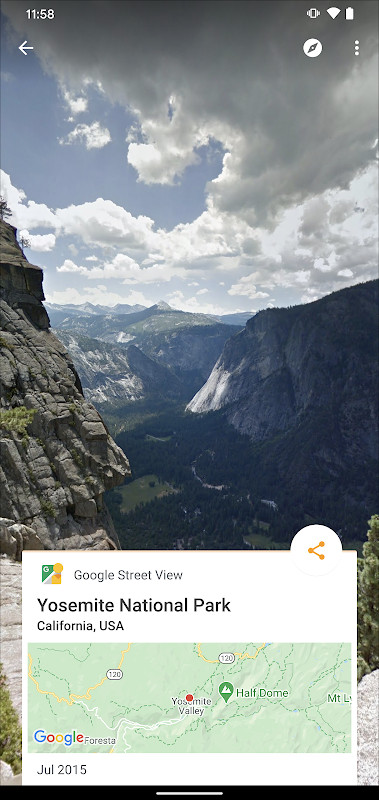
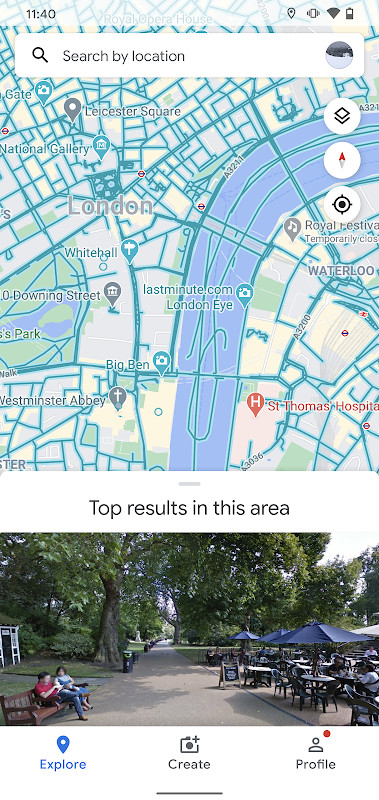
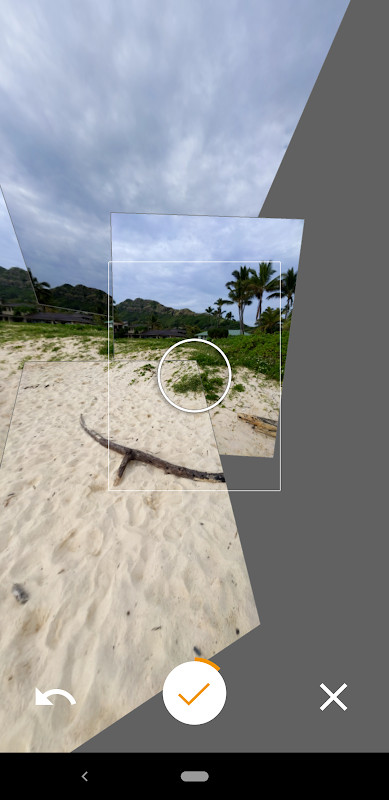
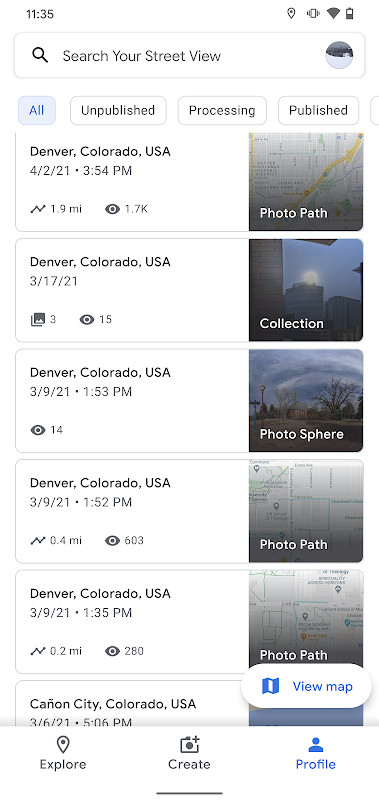
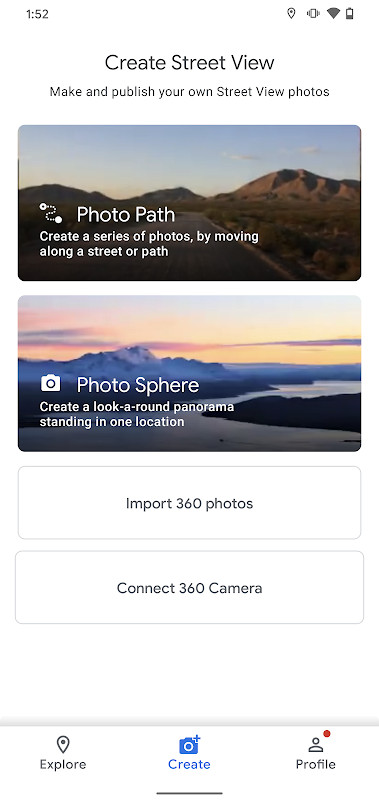
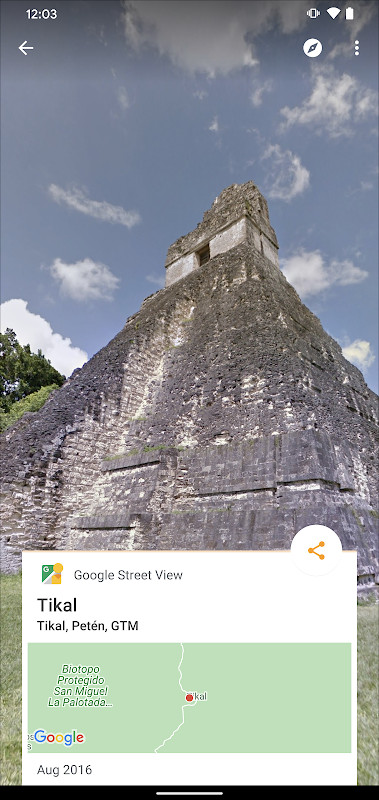
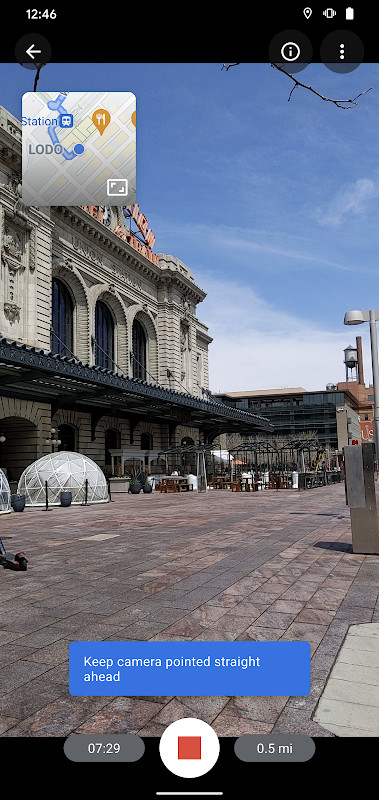
Google Street View is a travel and mapping utility by Google Inc. that lets you virtually explore locations around the globe or create and publish your own 360-degree imagery. It transforms your phone into a tool for both discovery and contribution.
The app is for users who want to go beyond standard maps. You can walk through distant cities, step inside a famous museum, or preview a restaurant before visiting. For content creators, it offers a way to capture and share immersive views of places that matter to them, building a more complete picture of the world.
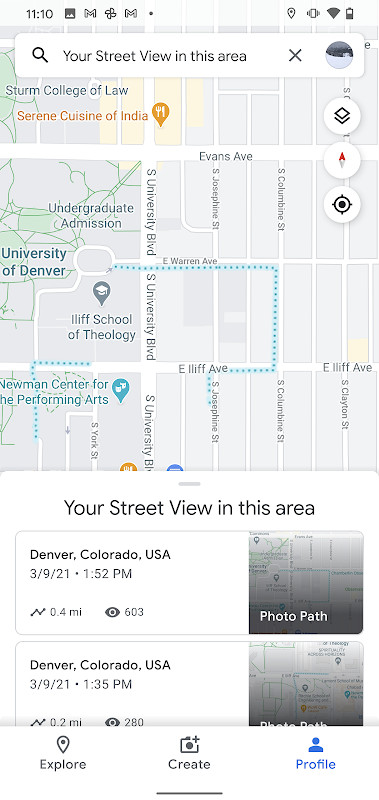
This version focuses on expanding your ability to contribute. You can now record a Photo Path as you move along a street or trail, connecting images into a navigable sequence. The interface has been redesigned to make it simpler to manage your captures, and a new badge system lets you track your public contributions. While the app provides access to a massive library of existing Google imagery, its real power lies in turning anyone with a compatible phone into a Street View publisher.
Key features
- Create and publish your own Photo Paths to map streets and trails for the world to see.
- Capture and share 360° Photo Spheres using your phone’s camera.
- Produce connected Street View panoramas when paired with a dedicated 360° camera.
- Virtually explore world landmarks, natural wonders, museums, and local businesses.
- Track your contribution progress with the integrated Street View badge.
- A refreshed user interface designed to simplify creating, organizing, and publishing your imagery.
How to install
- Tap the download button on this page to get the 42 MB APK file.
- When prompted by Android, allow your browser or file manager to install apps by enabling the 'Install unknown apps' setting.
- Open the downloaded APK file from your notifications or file manager.
- Tap 'Install' and wait for the process to complete.
- Open the app. Ensure your device runs Android 7.0 or newer as required by this version.
Pros
- Combines a massive, explorable global imagery database with powerful creation tools.
- The new Photo Paths feature adds a dynamic way to document linear routes like hiking trails.
- A clean, updated user interface makes managing and uploading large captures much easier.
- The contribution badge adds a gamified element for users interested in mapping their community.
Cons
- The extensive list of permissions, especially for location and media access, may be a concern for privacy-focused users.
- Creating Photo Paths requires a specific ARCore-compatible device, limiting this feature for some phones.
- The app’s primary 360° capture features are heavily dependent on your device's camera quality.
Latest changes · 2.0.0.484371618
Version 2.0.0.484371618 lets you create and publish a Photo Path while traveling along a street or trail. The interface has been refreshed to simplify creating, organizing, and publishing imagery. A new Street View badge tracks your contribution progress. Several bug fixes and other improvements are also included.
Previous versions
| Version | Size | Requires Android | Updated |
|---|---|---|---|
| 2.0.0.484371618 | 42 MB | 7.0 | Mar 6, 2025 |
This app is ideal for experienced users who frequently compare mapping solutions and want a hands-on tool for both consuming and creating immersive 360° content. It suits travelers scouting locations, photographers documenting spaces, and local guides contributing to the global map.
For the smoothest Photo Paths, move at a steady walking pace and keep your phone oriented in one direction. Before publishing, review your captures on a Wi-Fi connection, as the 42 MB app installation size doesn't reflect the much larger data footprint of uploading high-resolution panoramas.
Permissions
Frequently asked questions
How do I install the Google Street View APK on Android?
You can install the APK on an Android device that runs Android 7.0 or newer. The package size is about 42 MB.
What is the current version of Google Street View?
The current version is 2.0.0.484371618, updated on March 6, 2025.
Does Google Street View have ads or in-app purchases?
Google Street View is free and has no purchase price. It includes no in-app purchase note in the available data, and it is rated for Everyone.
Can I use Google Street View offline?
The app needs a network connection for many features, and the listed permissions include access to network and Wi-Fi state. Offline use is not described in the available information.
Are there alternatives to Google Street View in the same category?
You can look for other apps in the Travel & Local category that offer 360-degree imagery, virtual exploration, or map-based discovery without naming a specific competitor.
What is new in the current version?
The latest update added Photo Path creation while traveling, a refreshed interface for organizing and publishing imagery, a contribution progress badge, and several bug fixes.
Is Google Street View compatible with older Android versions?
Yes, it requires Android 7.0 or newer. The description mentions Android 4.4 KitKat or newer for the app, but the listed minimum OS version is 7.0.
Google Street View stands out as a powerful tool for both armchair explorers and active contributors. Its dual ability to consume and create immersive street-level imagery makes it a unique offering in the travel and mapping category for those who want more than a standard map view.
Similar apps





Updated: Oct 21, 2026