Google Health (Fitbit) for Android
Google Health (Fitbit) is a health and fitness app from Google LLC for tracking activity, sleep, and workouts with personalized AI coaching.
Download Google HealthGoogle Health (Fitbit) combines fitness, sleep, and wellness tracking with AI workout plans and sleep insights powered by Gemini. The app is free to install, requires Android 9 or later, and takes about 138 MB of storage. User ratings average 3.60 from more than 1.3 million ratings, and certain coaching features require a Premium subscription in selected countries.
- Size
- 138 MB
- Requires Android
- 9
- Updated
- Nov 19, 2026
- Installs
- 100M+
- Rating
- ★ 3.6 (1,332,331)
- Category
- Health & Fitness
- Developer
- Google LLC
- Content rating
- Everyone
- Package
- com.fitbit.FitbitMobile
- Free
- ✓ · In-app purchases
Screen gallery
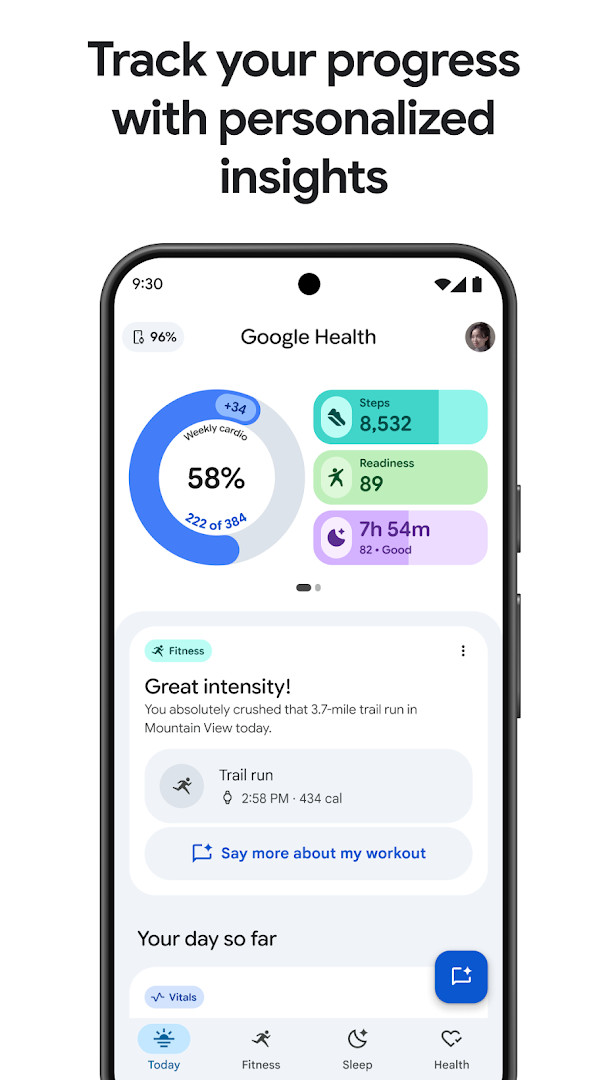
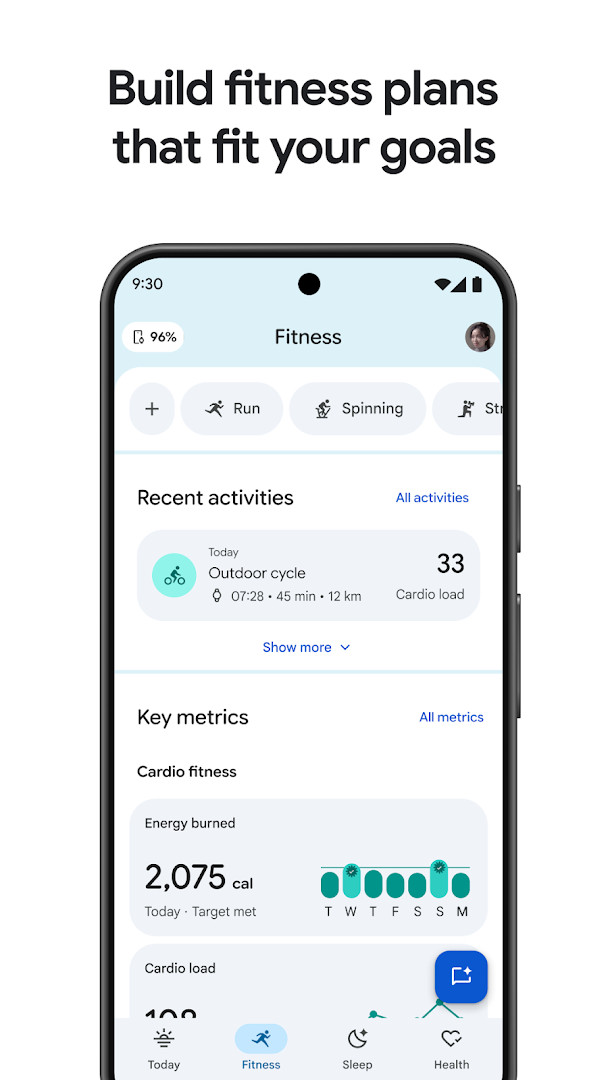
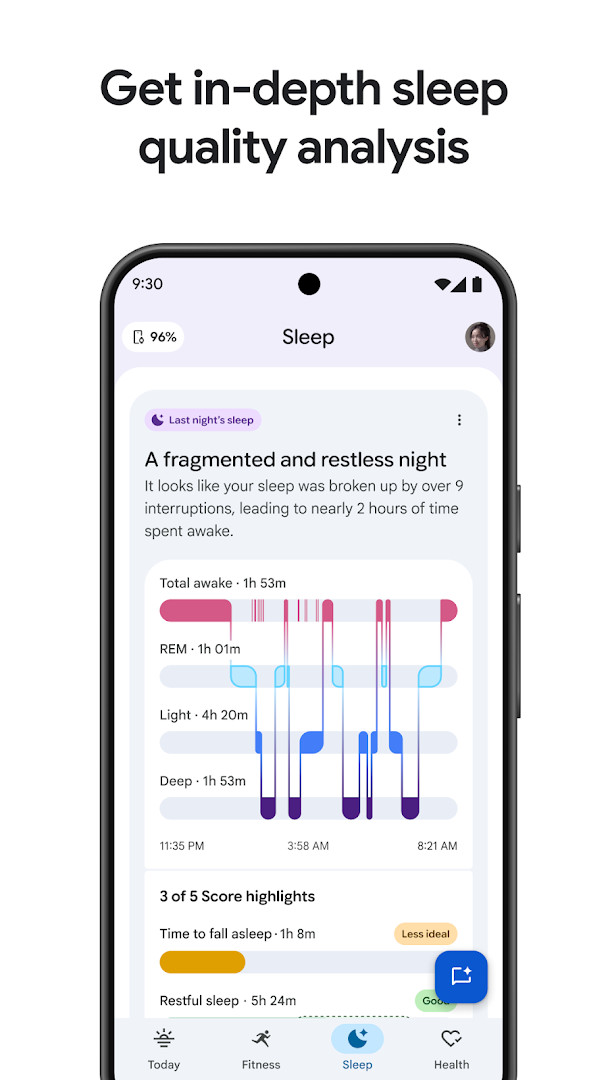
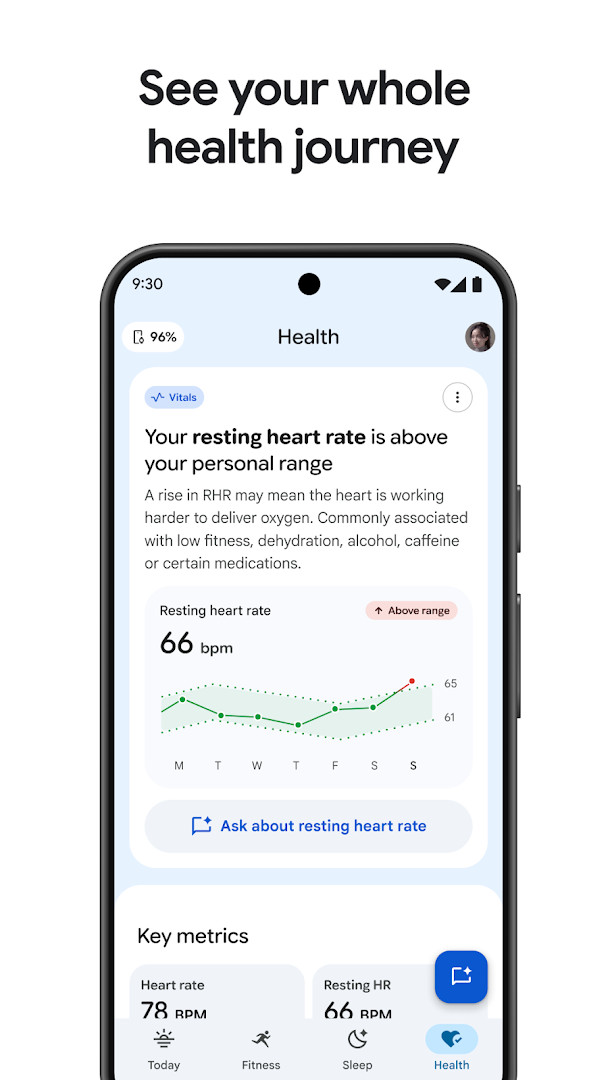
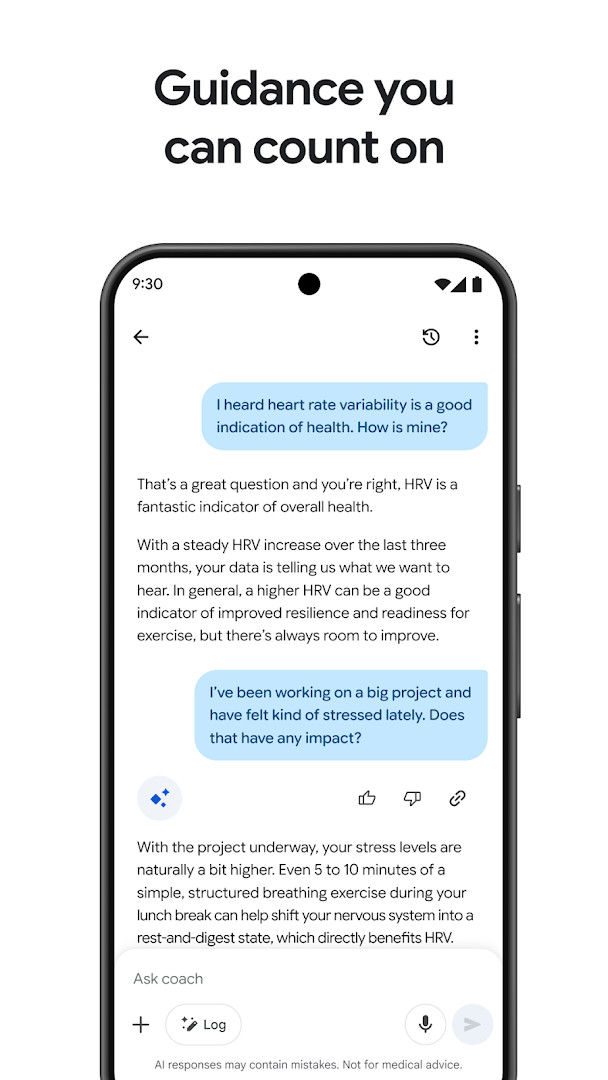
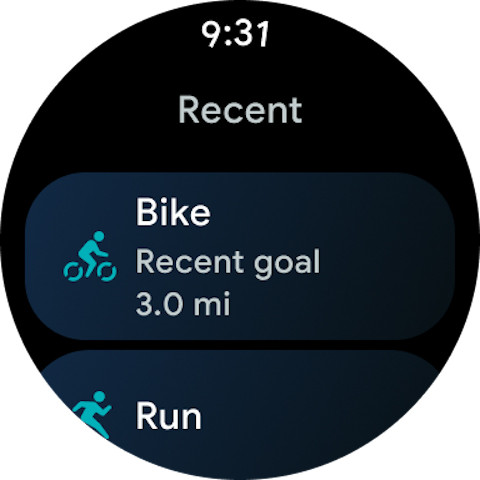
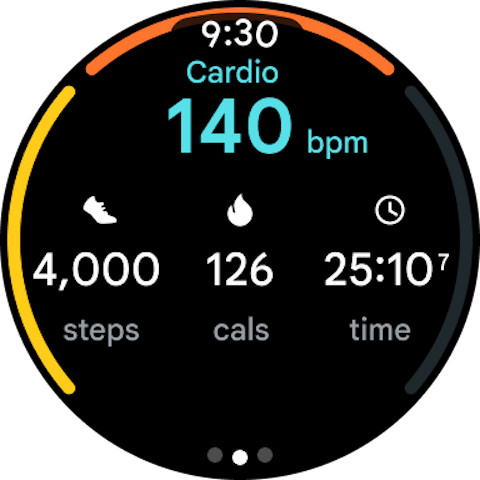
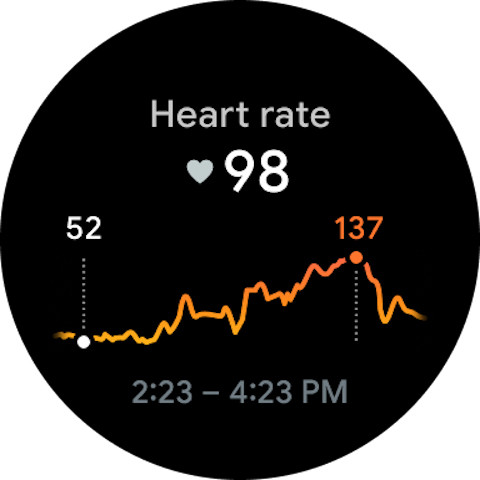
Google Health (Fitbit) is a health and fitness companion app by Google LLC that combines activity, sleep, nutrition, and wellness tracking with personalized AI coaching. It builds on a platform that has been around since 2012 and positions itself less as a step counter and more as a complete health hub. Users can log workouts, meals, sleep, and menstrual cycles, pull in data from Fitbit devices and the Pixel Watch, and view long-term trends across all of those areas in one place.
The latest update, dated October 2026, brings general stability improvements and bug fixes rather than new headline features. The heart of the experience is an AI coach powered by Gemini that creates customized fitness plans, answers follow-up questions about your metrics, and gives guidance on sleep, nutrition, running, and strength training. Some of those coaching functions require a Google Health Premium subscription and are limited to certain countries, and the app itself is not intended for medical purposes.
On the privacy front, the app emphasizes built-in security and easy-to-use settings that keep you in control of your data. At the same time, it requests a broad set of permissions, including identity, calendar, contacts, location, SMS, phone, photos, storage, camera, microphone, Wi-Fi information, and wearable sensors. That wide reach makes it wise to review each permission prompt and grant only what you genuinely need. The app is free with no ads, though in-app purchases are available, and it has surpassed 100 million installs.
Key features
- Personalized AI fitness plans built with Gemini around your goals, preferences, and daily routine
- Sleep tracking that analyzes nightly stages, identifies long-term trends, and suggests personalized sleep schedules
- 24/7 wellness insights with notifications that spotlight trends and celebrate achievements
- Menstrual cycle tracking to understand how each phase affects your exercise and energy
- Integration with Fitbit wearables, the Pixel Watch, other health apps, and medical records in supported countries
- Follow-up questions for the AI coach to dig deeper into any insight and get next-step suggestions
- Logging tools for metrics such as sleep, workouts, nutrition, and cycles in a single dashboard
- Built-in security and privacy controls that keep health data under your management
How to install
- Tap the download button on this page to save the APK file, which is about 138 MB.
- When Android asks, allow your browser or file manager to install unknown apps by enabling the 'Install unknown apps' setting.
- Open the downloaded APK file from your notifications or Downloads folder.
- Tap Install and wait for the installation to finish.
- Open the app and sign in or create an account when prompted.
- Keep in mind that Google Health (Fitbit) requires Android 9 or higher.
Pros
- Free to download with no ads
- Consolidates fitness, sleep, nutrition, and cycle data in one place
- AI coach offers guidance tailored to your own tracked metrics
- Syncs with Fitbit devices, Pixel Watch, and other health platforms
- Privacy settings are easy to reach and clearly presented
Cons
- Requests a very wide set of permissions, including SMS, contacts, camera, and microphone
- Several coaching features sit behind a paid Google Health Premium subscription
- Function availability varies by country
- Not intended for medical purposes
- Contains in-app purchases despite being free initially
Latest changes
The update brings general stability improvements and bug fixes. The app is now called Google Health, moving beyond the earlier Fitbit name, and adds personalized AI fitness plans, improved sleep insights, and a holistic health view. Some features depend on Google Health Premium and availability varies by country.
Previous versions
| Version | Size | Requires Android | Updated |
|---|---|---|---|
| 4.14.fitbit-mobile-110045073-617559692 | 138 MB | 9 | Mar 17, 2025 |
| 3.2 | 62 MB | 5.0 | Feb 7, 2020 |
| 1.9.6 | 15 MB | — | Jun 22, 2014 |
Google Health (Fitbit) suits Fitbit and Pixel Watch owners who want a single dashboard for their wellness data, fitness enthusiasts who want AI-generated workout and sleep guidance, and privacy-conscious users who value granular control over what the app can access.
Before your first workout, open the privacy settings and disable permissions you do not plan to use — for example, deny SMS and contacts access, and let location be used only while exercising — so the app collects as little as possible.
Permissions
Frequently asked questions
Is Google Health (Fitbit) free to download?
Yes, the app is free to download and costs nothing up front. Some features, like Google Health Coach, require a Google Health Premium subscription that is sold separately.
Which Android version do I need to install it?
The app requires Android 9 or higher. If your device runs Android 9 or a newer version, it should be compatible with the current release.
How big is the app file?
The app file is 138 MB. Make sure you have enough free storage space on your device before downloading.
What permissions does the app request?
The app requests access to identity, calendar, contacts, location, SMS, phone, photos and media files, storage, camera, microphone, Wi-Fi connection information, device ID and call information, and wearable sensors or activity data. These permissions are used to support health and fitness tracking features.
Does the app contain ads?
No, the app does not include ads. It does offer in-app purchases for optional premium features.
How do I update the app to a newer version?
Download the latest version from this page and install it over your current installation. Your existing data and settings should be preserved during the update.
Google Health (Fitbit) turns a long-running fitness tracker into a broader wellness platform with genuinely useful AI coaching. The wide permission list and premium paywall are real trade-offs, but for wearable owners who want personalized, consolidated guidance, it is a strong and free place to start.
Similar apps
 YouTubeGoogle LLC3.8
 Google GeminiGoogle LLC4.5
 Google WalletGoogle LLC4.3
 Six Pack in 30 DaysLeap Fitness Group4.9
 Sweatcoin・Walking Step CounterSweatco Ltd4.5
 Home Workout - No EquipmentLeap Fitness Group4.9
 Period Calendar Period TrackerSimple Design Ltd.4.9
 Flo Ovulation & Period TrackerFlo Health Inc.4.7
More from this developer



Updated: Nov 20, 2026