
Gallery: Photo and Video Gallery
Gallery is a photo and video gallery by Google LLC that automatically organizes photos into groups and works offline.
Download Gallery · v1.9.4.930218541 releaseGallery is a free photo and video gallery that includes no ads and no in-app purchases. It runs on Android 8.0 and later, offers one-tap auto-enhance editing, and supports folders and SD cards. The app has a 4.24 rating based on 646,391 ratings and more than 1 billion installs.
- Version
- 1.9.4.930218541 release
- Requires Android
- 8.0
- Updated
- Jun 24, 2026
- Installs
- 1B+
- Rating
- ★ 4.23 (650,954)
- Category
- Photography
- Developer
- Google LLC
- Content rating
- Everyone
- Package
- com.google.android.apps.photosgo
- Free
- ✓
Screen gallery
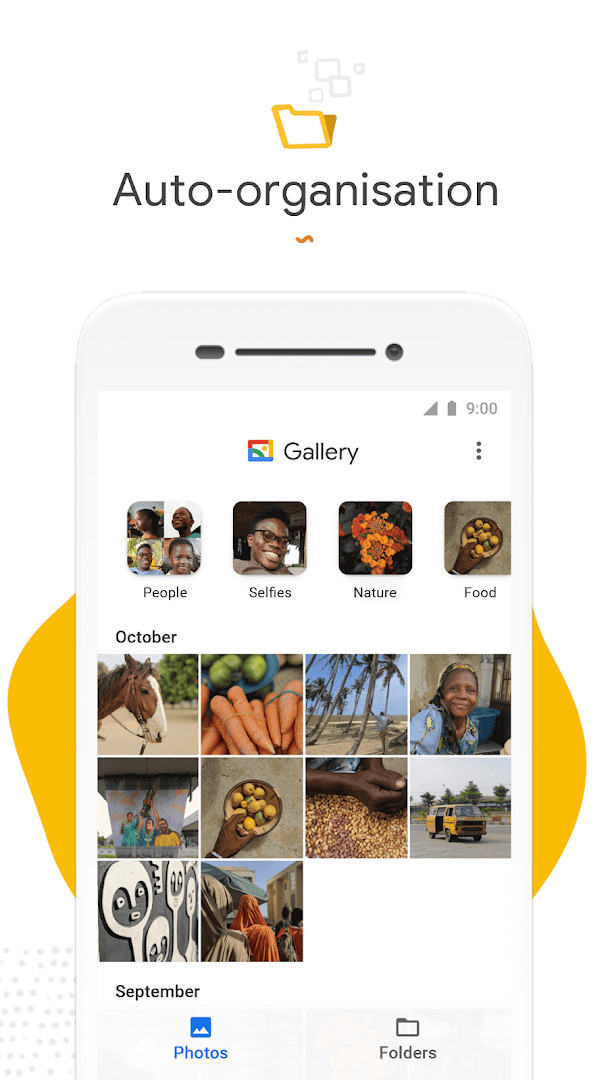
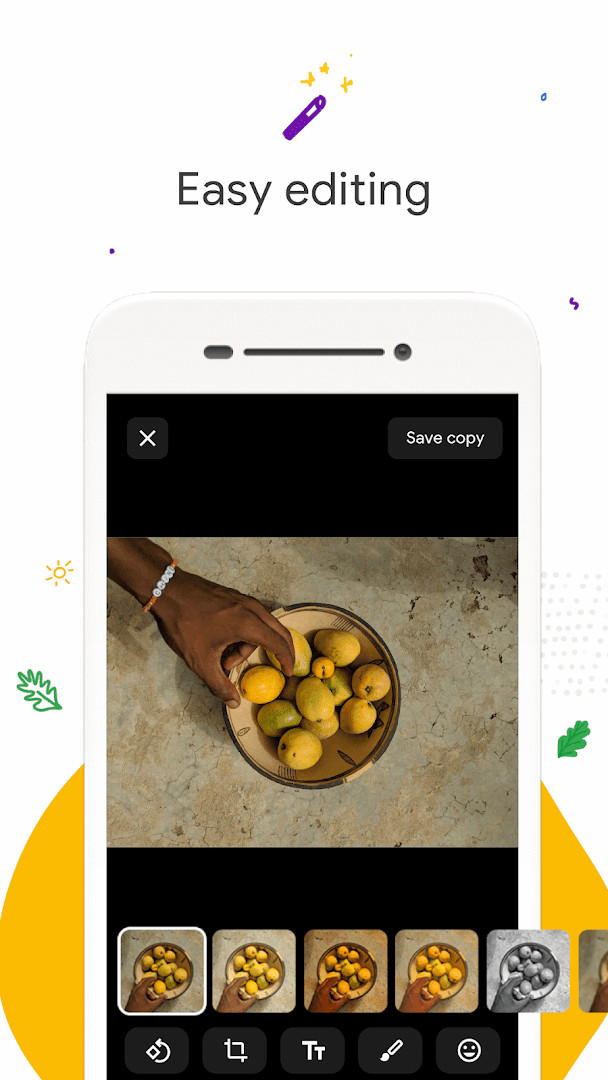
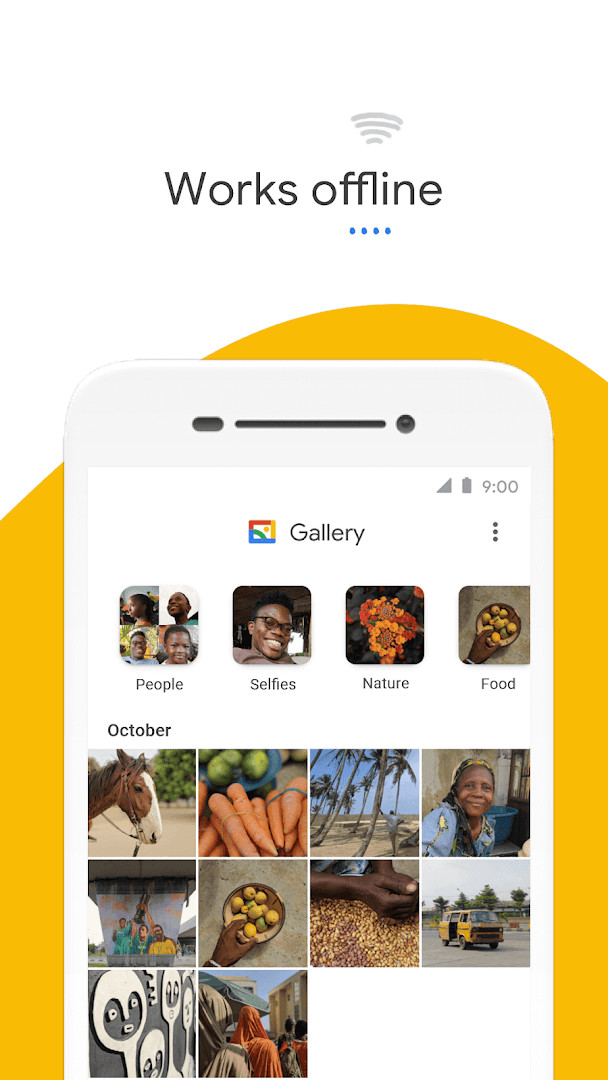
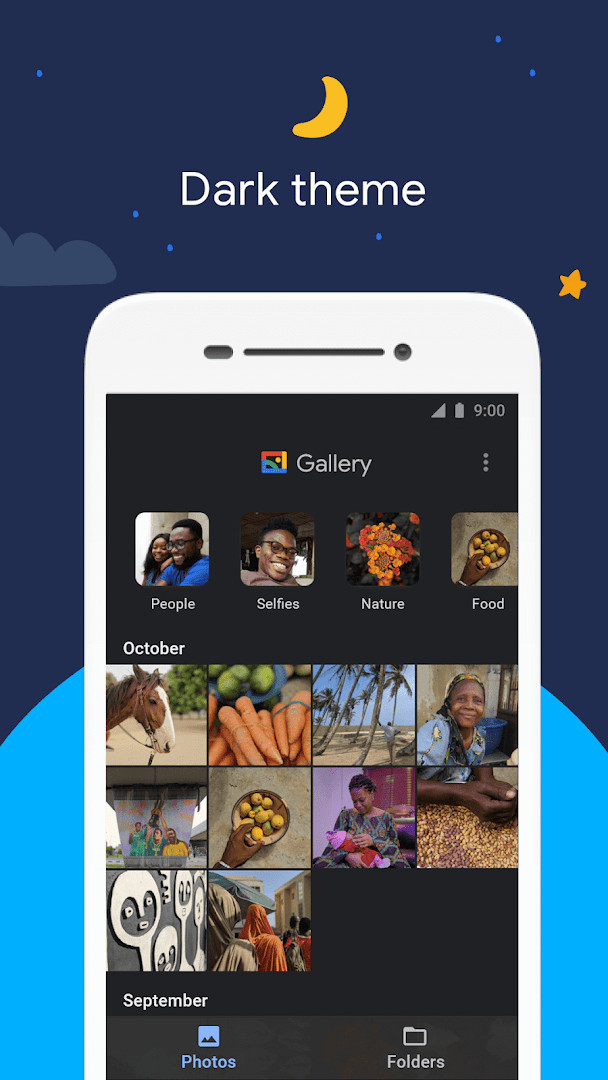
Gallery is a photo and video gallery app by Google LLC that helps users find, organize, and lightly edit their media. It addresses the common problem of endlessly scrolling through a camera roll by automatically sorting photos into useful groups overnight and offering a fast, low-memory alternative to heavier gallery apps. The app combines automatic organization, basic editing tools, folder support, and offline functionality in a compact package.
Key features
- Automatic nightly grouping of photos into categories such as People, Selfies, Nature, Animals, Documents, Videos, and Movies
- One-tap auto-enhance editing tool to quickly improve photo appearance
- Custom folder creation for manual organization alongside automatic grouping
- SD card support for viewing, copying, and transferring photos and videos
- Small app size and low memory usage to avoid slowing down the device
- Offline operation to manage and store photos and videos without consuming mobile data
How to install
- Tap the download button on this page to get the APK file.
- When Android asks, allow your browser or file manager to install apps by enabling the 'Install unknown apps' setting.
- Open the downloaded APK file from your notifications or file manager.
- Tap Install and wait for the process to finish.
- Open the app and grant the requested photo and storage permissions to start using it.
- The file size is not specified, and the app requires Android 8.0 or higher.
Pros
- Lightweight design with a small file size and low memory footprint
- Works fully offline, reducing data usage
- Automatic grouping saves time when searching for specific types of photos
- SD card support makes it easy to manage photos stored outside internal memory
- Free with no ads and no in-app purchases
- Simple one-tap auto-enhance improves photo quality without manual adjustments
Cons
- Face grouping is not available in all countries, which reduces the automatic organization benefit for some users.
- The app requests Photos/Media/Files and Storage permissions, which may feel broad to privacy-conscious users.
- Editing tools are limited to basics like auto-enhance; no advanced retouching or filters are provided.
- Automatic organization happens only nightly, so newly added photos may not be grouped until the next day.
- No in-app purchases or ads, but also no premium feature set for users who want more powerful tools.
Latest changes · 1.9.4.930218541 release
Version 1.9.4.930218541 release (June 24, 2026) includes bug fixes and minor improvements.
Previous versions
| Version | Size | Requires Android | Updated |
|---|---|---|---|
| 1.9.4.930218541 release | — | 8.0 | Jun 24, 2026 |
| 1.9.2.712403868 release | 0.1 MB | 8.0 | Apr 3, 2026 |
| 1.0.7.280110503 release | 10 MB | 8.1 | Nov 14, 2019 |
This app suits users who want a fast, no-frills gallery with automatic organization and basic editing without ads or paid extras. It is especially useful for people with limited storage or older devices, as well as those who prefer offline tools and need SD card support.
If automatic grouping matters to you, check whether face grouping is available in your region before relying on the People category. Use custom folders for photos you need to find quickly, since nightly organization may not immediately categorize new images.
Permissions
Frequently asked questions
How do I install the Gallery APK on an Android device?
The app requires Android 8.0 or higher. To install the APK, open the downloaded file on your device and follow the on-screen prompts. You may need to allow installation from unknown sources in your system settings first. The app requests access to photos, media, files, and storage.
What is new in version 1.9.4.930218541 release?
This release, dated 2026-06-24, focuses on bug fixes and minor improvements. It follows the previous version 1.9.2.712403868 release from 2026-04-03.
Does Gallery show ads or offer in-app purchases?
No. The app is free, with a price of 0.00 USD, and it contains no ads and no in-app purchases.
Can Gallery be used offline?
Yes. Gallery is optimized to work offline, so you can manage and store your photos and videos without consuming your mobile data. It also has a small file size to save space on your device.
Are there other apps in the Photography category similar to Gallery?
There are many photo and video gallery apps available for Android. Gallery distinguishes itself by offering automatic organization, one-tap auto-enhance editing, SD card support, and offline operation in a lightweight package.
Does Gallery support SD cards and folders?
Yes. You can organize photos into folders and easily view, copy, and transfer files to and from SD cards.
For anyone who wants fast, offline photo management without bloat, Gallery is a dependable choice. It covers everyday organization and quick edits well, though users needing advanced manual controls may find it limited.
Similar apps




More from this developer






Updated: Oct 21, 2026