
Video Editor & Maker - InShot for Android
Video Editor & Maker - InShot is a photography app from InShot Video Editor for editing videos and photos with music, effects, and more.
Download InShot · v2.231.1551Video Editor & Maker - InShot targets content creators and casual users who need to edit videos and photos on their Android device. The app is free to download, requires Android 8.0 or higher, and offers in-app purchases and ads. Its features include AI tools like auto captions and background removal, 4K 60fps export, and a collage maker supporting up to 20 photos.
- Version
- 2.231.1551
- Requires Android
- 8.0
- Updated
- Sep 21, 2026
- Installs
- 500M+
- Rating
- ★ 4.84 (24,707,806)
- Category
- Photography
- Developer
- InShot Video Editor
- Content rating
- Everyone
- Package
- com.camerasideas.instashot
- Free
- ✓ · Contains ads · In-app purchases
Screen gallery
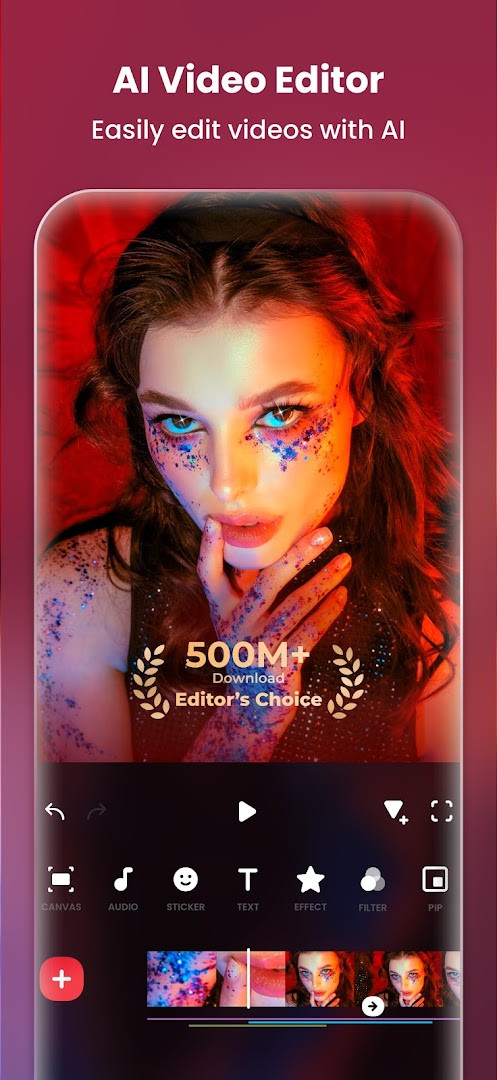
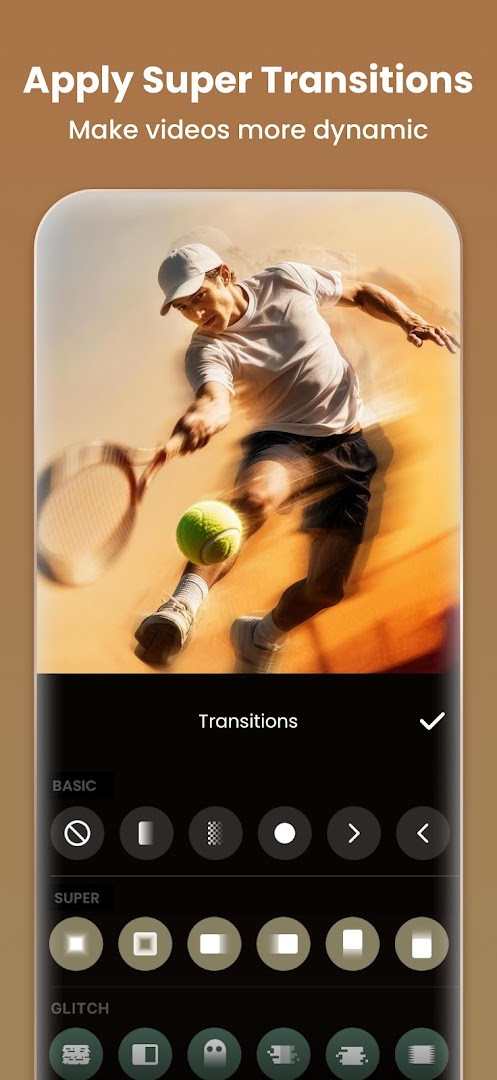
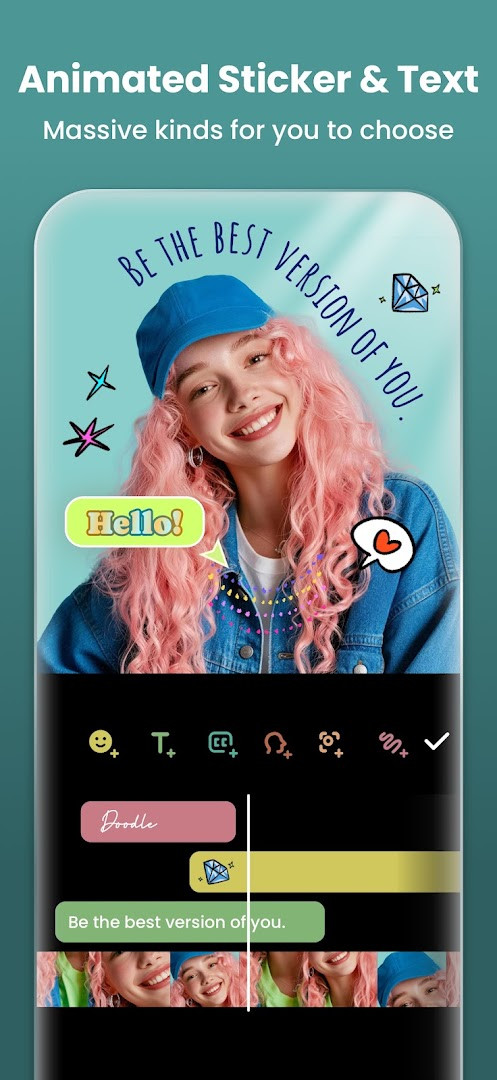
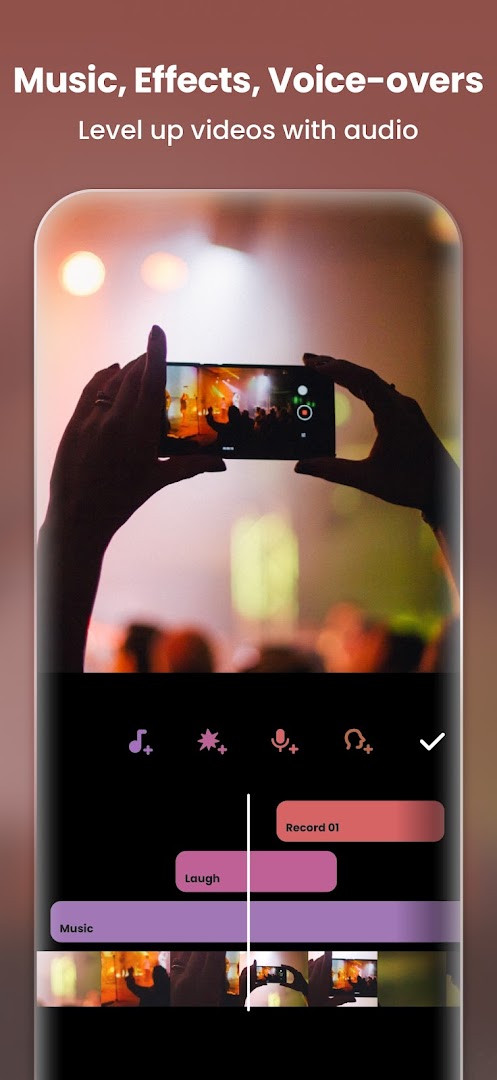
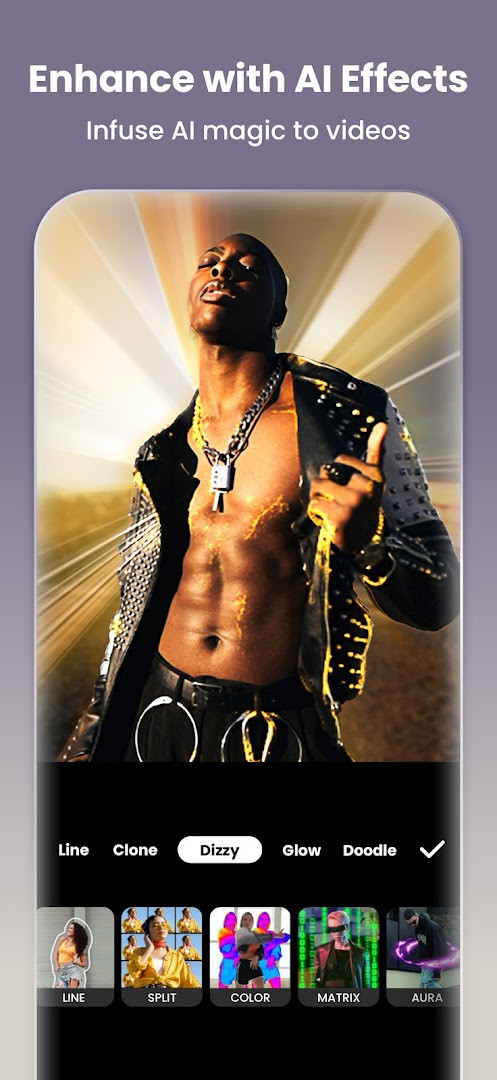
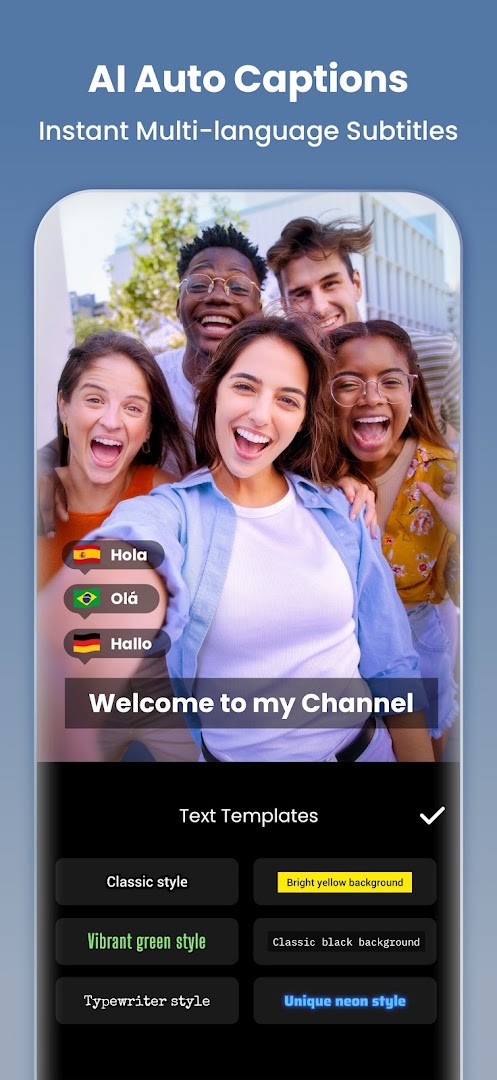
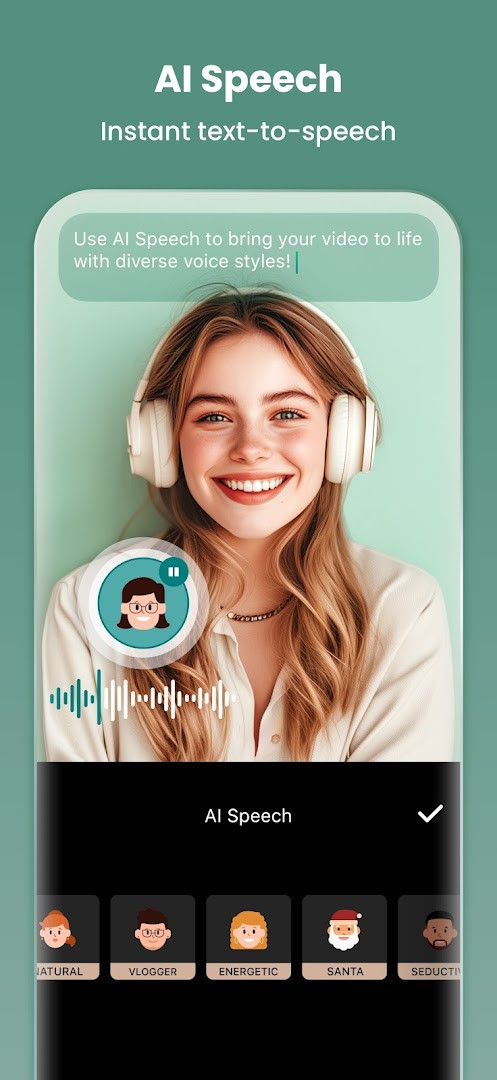
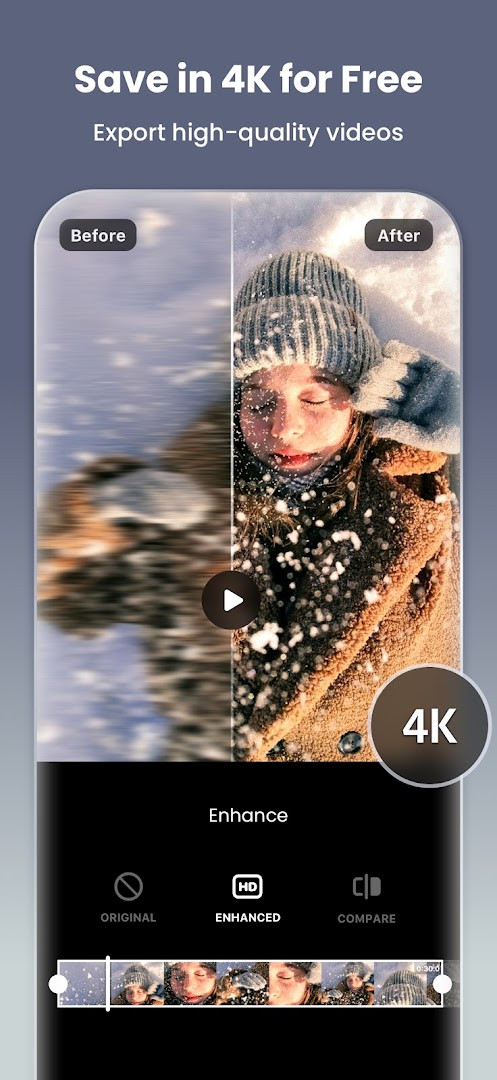
Video Editor & Maker - InShot is a multimedia editing application by InShot Video Editor that combines video trimming, effects, and music integration with photo editing and collage creation. The app addresses the common need for producing visually engaging content for social platforms without requiring complex desktop software. It solves this by offering an all-in-one workspace where users can cut clips, apply AI-driven enhancements like auto captions and background removal, adjust playback speed, and overlay text or stickers, then export in resolutions up to 4K at 60 frames per second. The package also includes a dedicated photo editor with object removal and an AI enhancer to sharpen blurry images, making it a versatile tool for everyday content creation on a single device.
Key features
- AI-powered auto captions that transcribe speech into subtitles quickly.
- AI Speech function to convert text into natural-sounding voiceovers with multiple accents.
- One-tap background removal for both videos and photos.
- Smart tracking to make stickers and text follow a moving object seamlessly.
- Keyframe editing for creating custom animations across clips.
- Chromakey support for editing green screen footage and creating layered compositions.
- Speed control with ramping for smooth slow-motion and fast-motion effects.
- Photo collage maker with grid, freestyle, and AI blend modes supporting up to 20 pictures.
How to install
- Tap the download button on this page to get the APK file.
- When prompted by Android, allow your browser or file manager to install apps by enabling the "Install unknown apps" setting.
- Open the downloaded APK file from your notifications or file manager.
- Tap "Install" and wait for the process to complete.
- Open the app and start editing your first video.
Pros
- Combines video editing, photo editing, and collage making in one app.
- Offers a wide range of AI tools like auto captions and smart tracking.
- Supports high-quality export up to 4K at 60fps.
- Includes advanced features like chromakey and keyframe animations.
- Intuitive interface suitable for quick social media content creation.
Cons
- Contains advertisements in the free version.
- Many advanced effects and features require in-app purchases.
- Requests access to the microphone and storage.
- Requires at least Android 8.0, which excludes some older devices.
Latest changes · 2.231.1551
Version 2.231.1551 adds Audio Stickers, letting stickers play sound effects. Group Edit for Tracks allows editing multiple tracks at once. A Hair Glow effect adds natural shine to hair. The update also includes bug fixes and other improvements.
Previous versions
| Version | Size | Requires Android | Updated |
|---|---|---|---|
| 2.231.1551 | — | 8.0 | Sep 21, 2026 |
| 1.680.2300.yingYongBao | 50 MB | 5.0 | May 1, 2025 |
| 1.950.1411 | 70 MB | 6.0 | Jul 25, 2023 |
| 1.649.1282.HW | 44 MB | 4.3 | May 31, 2020 |
| 1.441.164 | 21 MB | 4.0 | Jun 19, 2017 |
| 1.416.142 | 20 MB | — | Mar 21, 2017 |
| 1.162 | 6.6 MB | — | Jul 11, 2014 |
This app is for social media enthusiasts, vloggers, and small business owners who need to create polished video and photo content directly from their phone. It serves beginners looking for easy-to-apply templates and AI effects, as well as intermediate users who want manual controls like speed ramping, chromakey, and multi-layer editing without switching between multiple apps.
For cleaner edits, try using the keyframe editor to animate text and stickers precisely where you want them, and explore the blend modes under the 'Mixtures' tool to create unique double-exposure effects with your clips.
Permissions
Frequently asked questions
What were the changes in the most recent update dated 2026-09-21?
Version 2.231.1551 introduced Audio Stickers so stickers can include sound effects, group editing for multiple tracks at once, and a Hair Glow effect for adding natural shine to hair.
Can InShot export videos at 4K 60fps?
Yes, the app supports custom export resolution, including 4K at 60fps for HD output.
Which AI tools are included for editing?
AI-powered features include Auto Captions for speech-to-text subtitles, AI Speech for text-to-speech with multiple accents, one-tap background removal, Smart Tracking for moving stickers and text, and AI Body Effects with instant presets.
How many photos can a photo grid collage hold?
The collage maker supports up to 20 photos and offers more than 100 editable layouts, with additional Freestyle, AI Blend, and Pic Stitch collage modes.
What is the oldest supported operating system version?
The minimum Android version required is 8.0.
Ultimately, InShot is a practical choice for anyone wanting to produce polished short-form video without a steep learning curve. It manages to pack genuinely useful AI-assisted and manual tools into a single, approachable package.
Similar apps



Updated: Oct 21, 2026