
Samsung Gallery – Photo & Video Viewer
Samsung Gallery is a free photo and video viewing app by Samsung Electronics Co., Ltd. that lets you browse, manage, and sync your media.
Get App · v15.7.02.0Samsung Gallery has a download size of 51 MB and requires Android 11 or newer. It is free to use and does not mention ads or in-app purchases. The app is designed for Samsung Galaxy users who want fast image and video browsing with cloud sync and security features.
- Version
- 15.7.02.0
- Size
- 51 MB
- Requires Android
- 11
- Updated
- Apr 15, 2026
- Installs
- 1B+
- Rating
- ★ 3.81 (384)
- Category
- Photography
- Developer
- Samsung Electronics Co., Ltd.
- Content rating
- Everyone
- Package
- com.sec.android.gallery3d
- Free
- ✓
Screen gallery
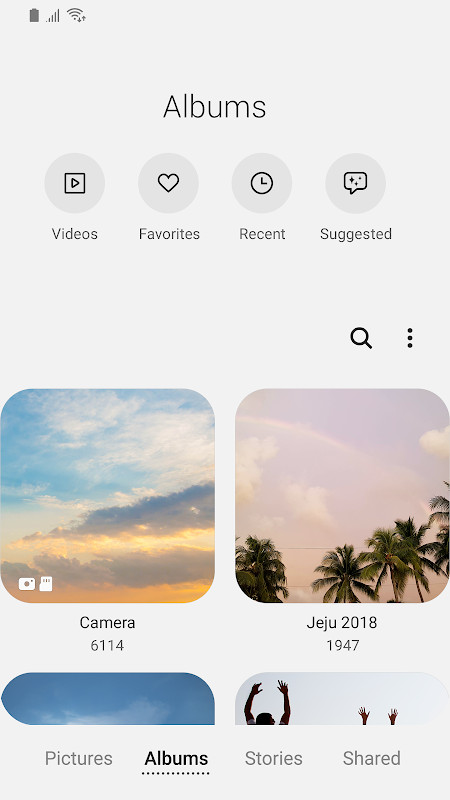
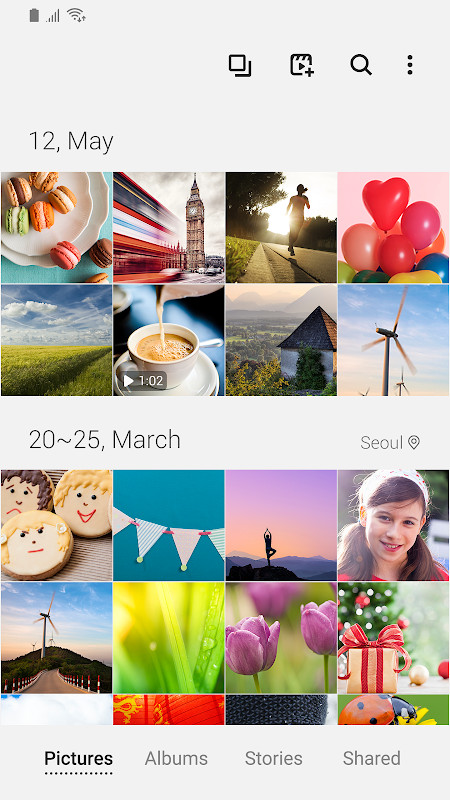
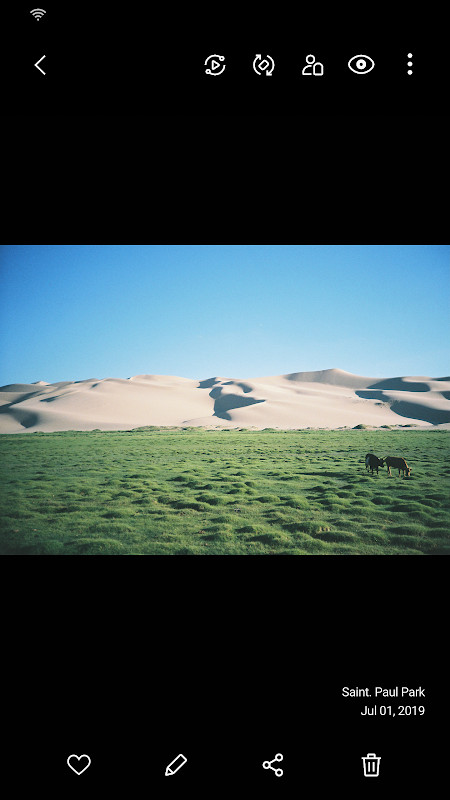
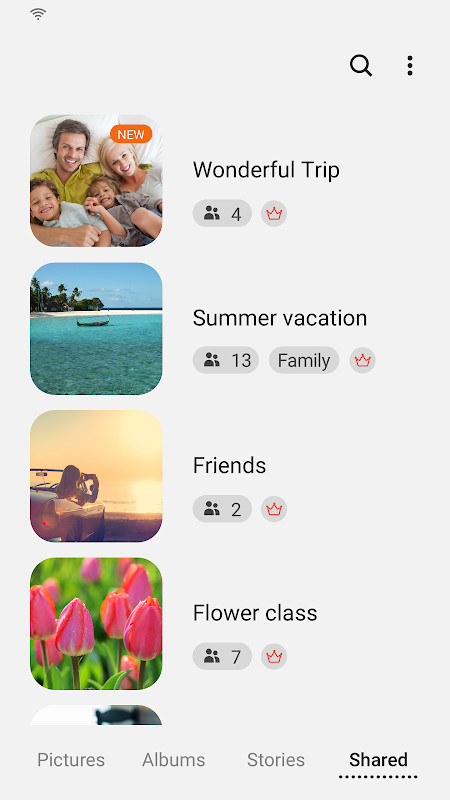
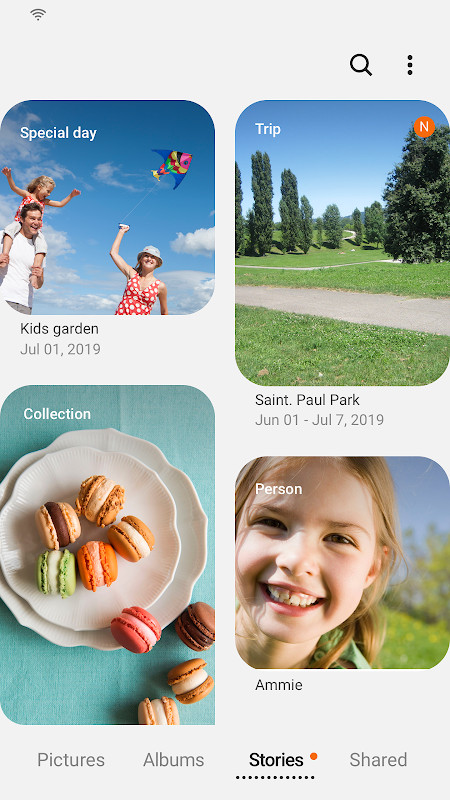
Samsung Gallery is a media management application by Samsung Electronics Co., Ltd. that provides image and video viewing, organization, and synchronization for Galaxy device users. It serves as the default gallery solution on Samsung smartphones, recognized globally for its deep integration with the Galaxy ecosystem. The app is designed to offer a fast and intuitive way to browse local media, with additional layers of functionality for those invested in Samsung's services.
Key features
- Fast image and video viewing optimized for Galaxy device hardware.
- Samsung Cloud sync for accessing your media library across devices signed into the same account.
- Enhanced security features to protect stored images and videos in a safe environment.
- Story cover image editing for customizing the appearance of your collections.
- Swipe-up gesture on the detail view screen to reveal more information about a media file.
- Touch-and-hold on the app icon to quickly open the Search menu for finding specific items.
- People tagging that uses optional contact permissions to add name tags.
How to install
- Tap the download button on this page to obtain the Samsung Gallery APK file, which is 51 MB in size.
- When your Android device prompts you, allow your browser or file manager to install applications by enabling the 'Install unknown apps' setting.
- Open the downloaded APK file from your notifications or file manager to begin the installation process.
- Review the required permissions, which include storage access for managing media, and tap Install.
- Open the app and sign in with your Samsung account to enable features like cloud sync and enhanced security.
Pros
- Tightly integrated with Samsung Galaxy devices, ensuring smooth performance and hardware-level optimizations.
- Cloud synchronization keeps your media accessible across multiple devices with a single Samsung account.
- Regular updates, such as version 15.7.02.0, introduce new features like improved search access and gesture controls.
Cons
- Exclusive to Samsung Galaxy devices, leaving other Android users without an official installation path.
- Reliance on Samsung Cloud and account services ties users into a specific ecosystem.
- The broad list of permissions, including optional access to contacts and location, may concern privacy-focused individuals.
- A 3.81 rating from a limited set of reviews suggests user satisfaction varies and may trail competing gallery apps.
Latest changes · 15.7.02.0
This update ends the Story sharing service, so previously shared stories will be removed while unshared ones will remain. You can now edit story cover images and swipe up on the detail view screen to see more details. Additionally, touching and holding the Gallery app icon opens the Search menu.
Previous versions
| Version | Size | Requires Android | Updated |
|---|---|---|---|
| 15.1.00.900 | 35 MB | 9 | May 1, 2026 |
| 15.7.02.0 | 51 MB | 11 | Apr 15, 2026 |
| 15.7.01.0 | 51 MB | 11 | Mar 27, 2026 |
| 15.6.04.2 | 49 MB | 11 | Jun 21, 2025 |
| 10.0.00.16 | 11 MB | 7.0 | Nov 3, 2018 |
Samsung Gallery is best suited for Samsung Galaxy smartphone owners who want a seamless, native media experience. It is also a good fit for users who rely on Samsung Cloud for multi-device photo access, and for those who appreciate receiving feature updates tied to new Galaxy device launches.
To quickly find a specific photo without scrolling, touch and hold the Gallery app icon on your home screen and select the Search option—a feature introduced in recent updates that can save significant time in large libraries.
Permissions
Frequently asked questions
What happened to the Story sharing service in Samsung Gallery?
The Story sharing service has been terminated. All shared stories are removed, but stories that were never shared are kept.
How can I access the Search menu quickly in Samsung Gallery?
You can open the Search menu by touching and holding the Gallery app icon.
Can I edit the cover image of a story in Samsung Gallery?
Yes, the app now supports editing story cover images.
What is the new way to view details in Samsung Gallery?
You can view details by swiping up on the detail view screen.
What are the required and optional permissions for Samsung Gallery?
Storage is required to save, load, edit, and delete pictures and videos. Optional permissions include Telephone (for Samsung Cloud device identification), Contacts (for adding name tags to People), and Location (for editing location information).
For Samsung device owners seeking a deeply integrated and feature-rich gallery app beyond basic photo viewing, Samsung Gallery version 15.7.02.0 is a logical choice. Its cloud sync and security tools provide a cohesive ecosystem experience, though users of non-Samsung devices or those desiring a lightweight, platform-agnostic tool should explore alternatives.
Similar apps



More from this developer



Updated: Oct 21, 2026