
SmartThings for Android
SmartThings is a smart home control app from Samsung Electronics Co., Ltd. for managing Samsung Smart TVs, appliances, and SmartThings-compatible devices.
Get SmartThingsSmartThings is for people who want to connect and control their Samsung Smart TVs, appliances, and other compatible smart home devices from a single app. SmartThings is free to download, requires Android 12 or later, is about 227 MB in size, and can be used with voice assistants such as Alexa, Bixby, and Google Assistant.
- Size
- 227 MB
- Requires Android
- 12
- Updated
- Oct 2, 2026
- Installs
- 1B+
- Rating
- ★ 4.57 (5,540,654)
- Category
- Lifestyle
- Developer
- Samsung Electronics Co., Ltd.
- Content rating
- Everyone
- Package
- com.samsung.android.oneconnect
- Free
- ✓
Screen gallery
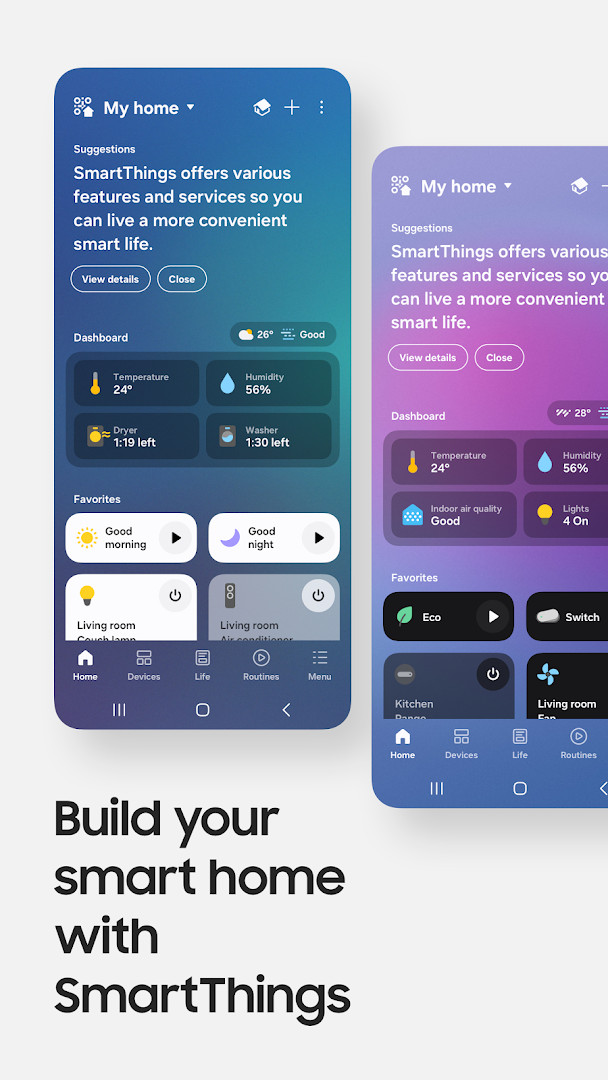
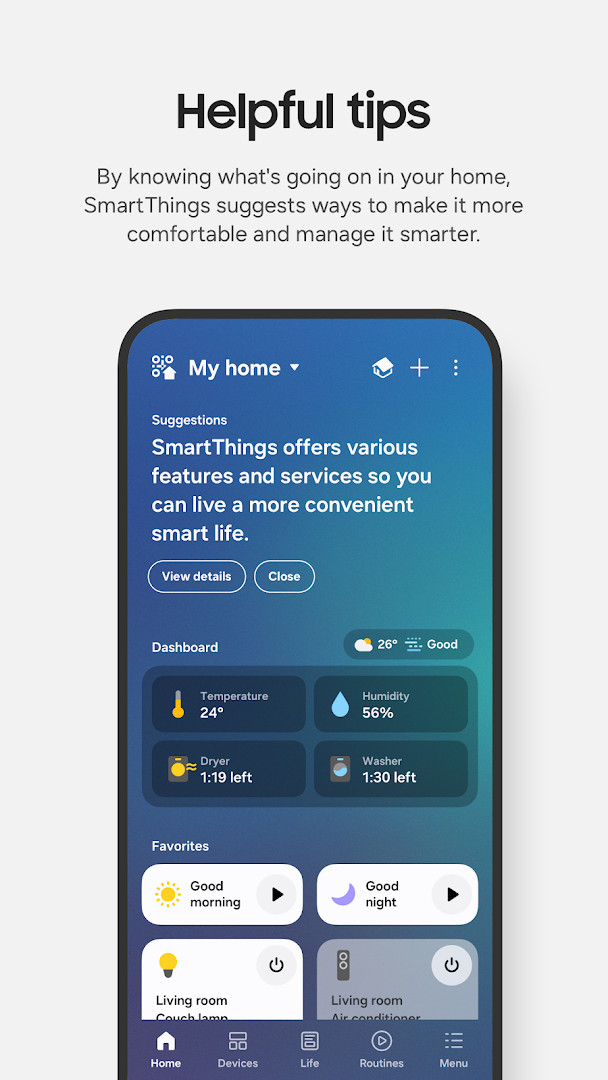
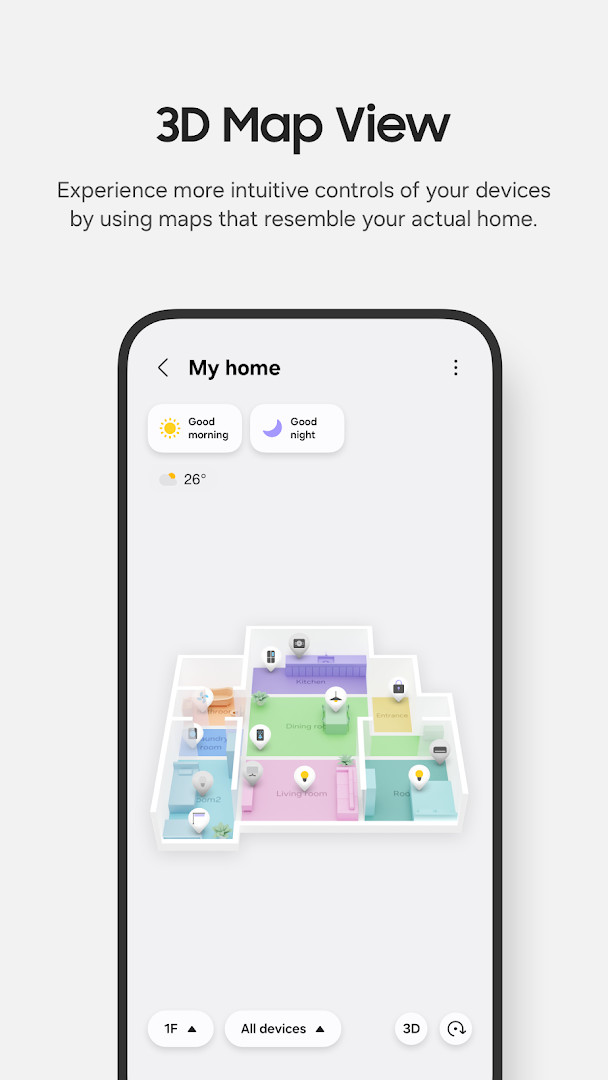
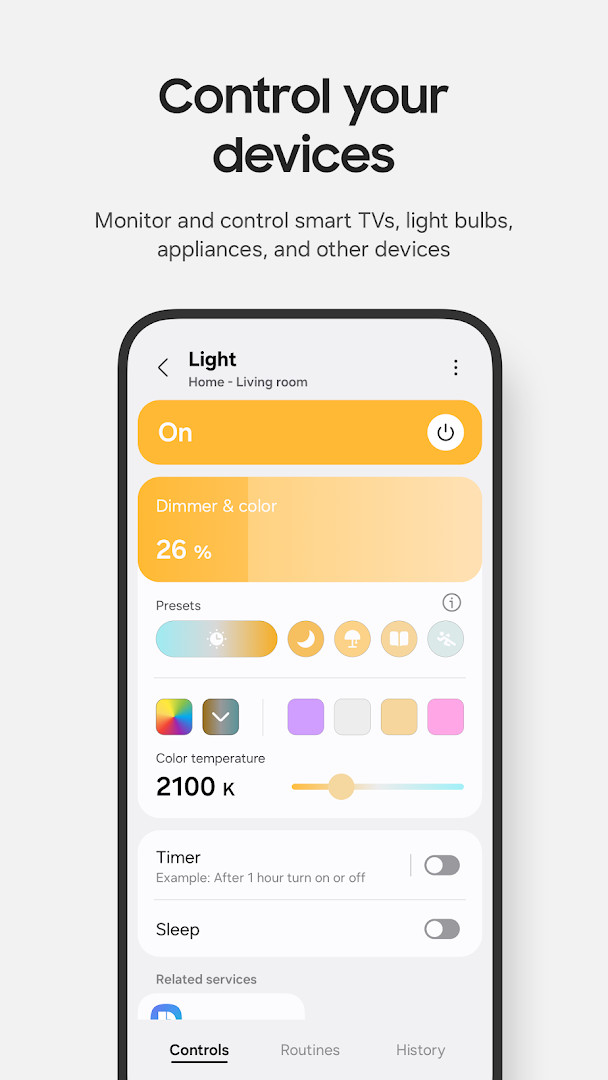
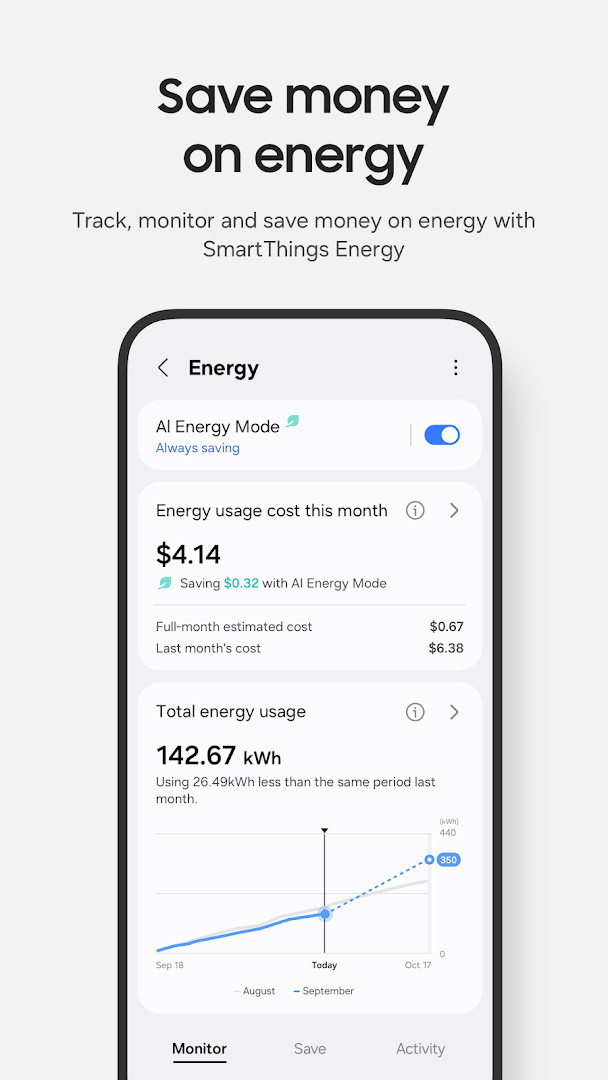
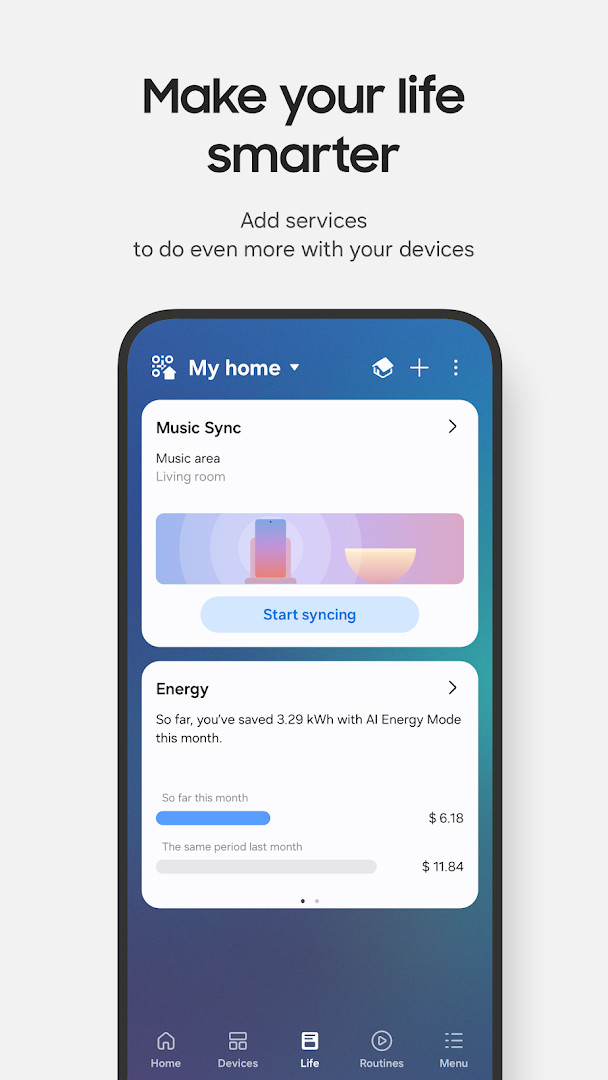
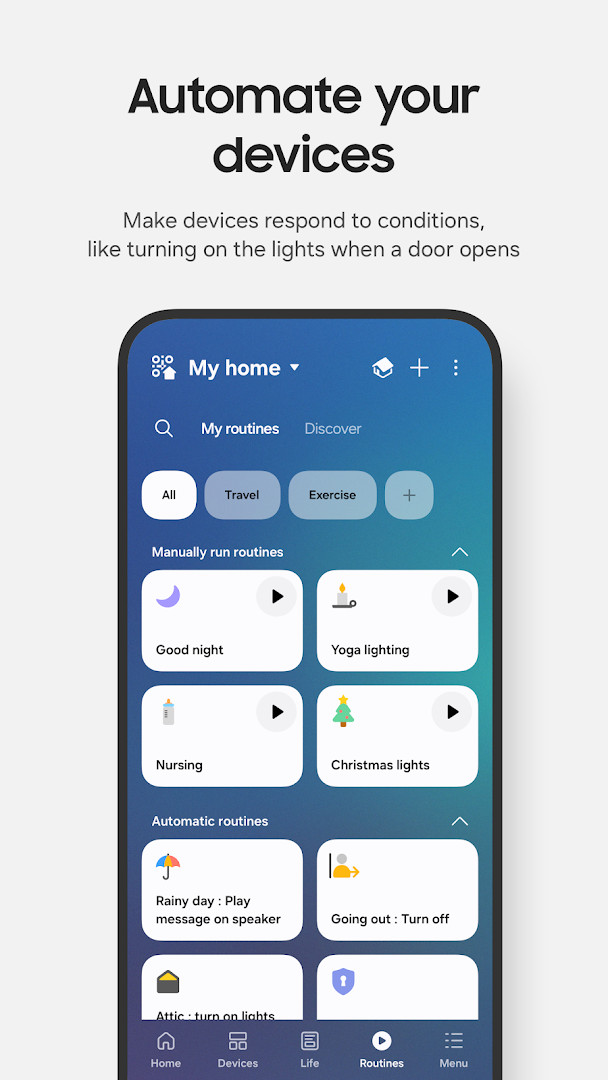
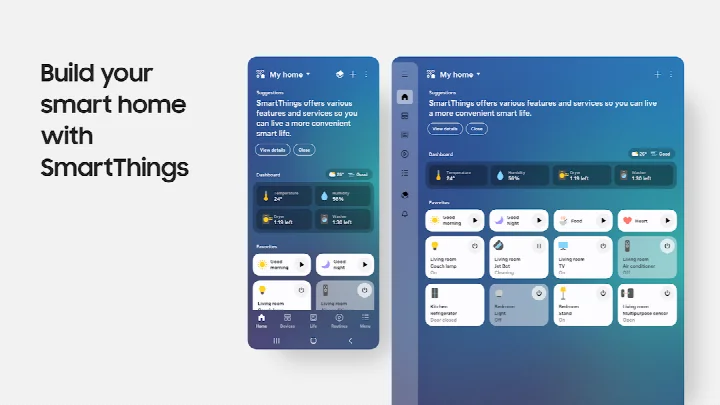
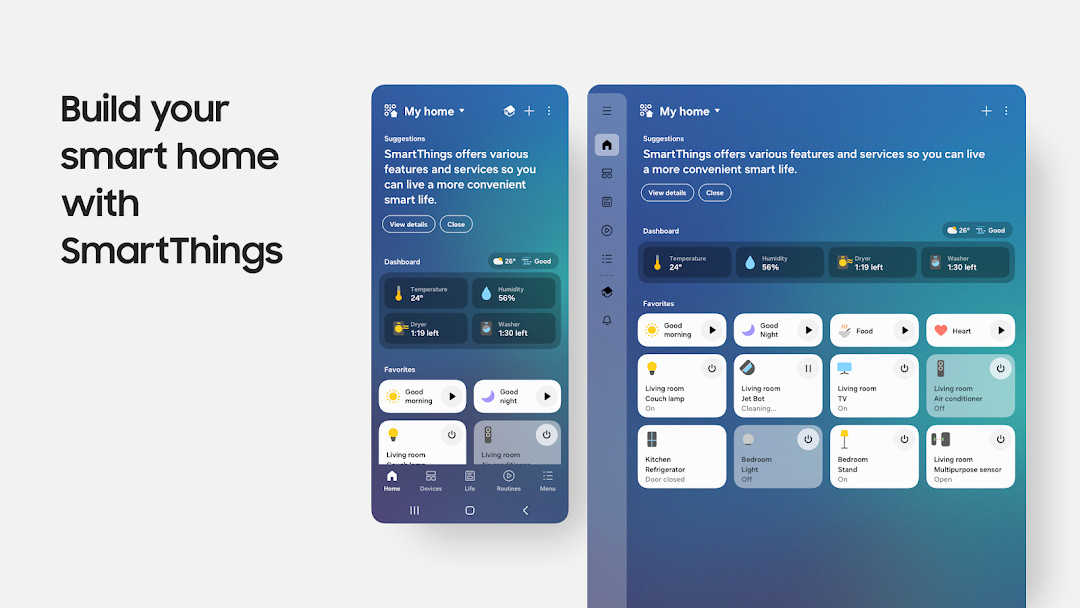
SmartThings is a lifestyle app by Samsung Electronics Co., Ltd. that lets you connect, monitor, and control a wide range of smart home devices from one place. It works with Samsung products such as smart TVs and appliances, as well as devices from many other brands.
The app is aimed at people who want a simpler way to manage multiple smart home gadgets without switching between different apps. You can check on your home remotely, create automatic routines, share control with family members, and receive notifications about device activity.
SmartThings supports voice control through Alexa, Bixby, and Google Assistant, so you can operate compatible devices hands-free. The experience is optimized for Samsung smartphones, though it can still work on other Android devices with some limitations.
For those using a Wear OS watch, a companion experience is available when the watch is connected to a phone, giving quick access to routines and device control from the wrist.
Key features
- Control and check in on your home from wherever you are
- Build routines based on time, weather, and device status so your home runs smoothly in the background
- Give access to other users for shared control
- Receive automated status updates about your devices
- Connect Samsung smart TVs, appliances, smart speakers, and brands like Ring, Nest, and Philips Hue in one app
- Control devices using voice assistants including Alexa, Bixby, and Google Assistant
How to install
- Tap the download button on this page to get the SmartThings APK file.
- When Android asks, allow your browser or file manager to install apps by enabling the Install unknown apps setting.
- Open the downloaded APK file. Make sure your device runs Android 12 or later and has enough space for the 227 MB file.
- Tap Install and wait for the process to finish.
- Open the app and follow the on-screen steps to connect your compatible devices.
Pros
- Brings many smart home brands together in a single app
- Supports voice control through Alexa, Bixby, and Google Assistant
- Routines can react to time, weather, and device status automatically
- Free to use with no ads or in-app purchases
- Shared control makes it easy to give family members access
- Works with Wear OS watches for quick access when connected to a phone
Cons
- The app is a sizable 227 MB download, which may be a consideration on devices with limited free storage.
- Many features are optimized for Samsung smartphones, so some functions may be more limited on other brands.
- Several optional permissions cover sensitive areas like contacts, phone, location, and physical activity if you want full functionality.
- Some features may not be available in all countries.
- Requires Android 12 or later, so owners of older devices cannot install this version.
Latest changes
This update brings a redesigned Home tab, making it easier to access frequently used features and key information right from the main screen. Devices connected to your hub should now respond faster when your phone and hub are on the same Wi-Fi network. You'll also find a dedicated screen for checking and recovering offline devices, plus Routine Insights that shows your top three most-used Routines and recent activity.
Previous versions
| Version | Size | Requires Android | Updated |
|---|---|---|---|
| 1.8.51.30 | 227 MB | 12 | Oct 4, 2026 |
| 1.8.47.24 | 231 MB | 12 | Sep 29, 2026 |
| 1.8.45.24 | 235 MB | 12 | Sep 6, 2026 |
| 1.8.37.23 | 234 MB | 11 | Jun 16, 2026 |
| 1.8.41.23 | 233 MB | 12 | Feb 22, 2026 |
| 1.8.00.22 | 107 MB | 8.0 | Nov 5, 2025 |
| 1.8.21.28 | 119 MB | 10 | Oct 31, 2024 |
| 1.8.14.26 | 115 MB | 9 | Apr 8, 2024 |
| 1.7.60.23 | 78 MB | 7.0 | Jan 27, 2021 |
| 1.6.00-45 | 30 MB | 6.0 | May 4, 2017 |
SmartThings is best for beginners who own Samsung devices or a mix of compatible smart home products and want one app to control everything without juggling multiple manufacturer apps.
Start with a few devices and simple routines before expanding your setup. Many permissions are optional, so you can decline ones you do not need and still use the core features, though some functions may be limited.
Permissions
Frequently asked questions
Is SmartThings free?
Yes, SmartThings is free to use. It has no ads and no in-app purchases.
Which Android version is required?
You need Android 12 or higher to install SmartThings.
How large is the download?
The app file is approximately 227 MB.
Do I need an account to use SmartThings?
Yes, you need a Samsung or SmartThings account to connect and control your devices.
What permissions does SmartThings ask for?
It may request access to identity, contacts, location, phone, photos and media, storage, camera, microphone, Wi-Fi connection information, and device ID and call information. Many of these are optional and only needed for specific features.
How do I update SmartThings?
To update, simply download the latest version from this page and install it over the existing app.
For Samsung users and anyone with a mix of compatible smart home gear, SmartThings brings scattered devices into one manageable place. The large install size and broad permission requests are worth weighing, but the app remains a capable way to simplify daily routines and check on your home from anywhere.
Similar apps



More from this developer


Updated: Oct 21, 2026