PENUP – Drawing-sharing SNS: social app for drawings
PENUP is a drawing-sharing SNS by Samsung Electronics Co., Ltd. that lets users communicate through drawings.
Download PENUP freePENUP – Drawing-sharing SNS is a free social drawing app with coloring book pages, templates, Live Drawing follow-along videos, and Photo Drawing aids. It suits anyone who wants to share sketches, join drawing challenges, comment on artwork, or browse Trending Works.
- Size
- 97 MB
- Requires Android
- 9
- Updated
- Sep 18, 2026
- Installs
- 100M+
- Rating
- ★ 4.53 (223,678)
- Category
- Art & Design
- Developer
- Samsung Electronics Co., Ltd.
- Content rating
- Teen
- Package
- com.sec.penup
- Free
- ✓
Screen gallery
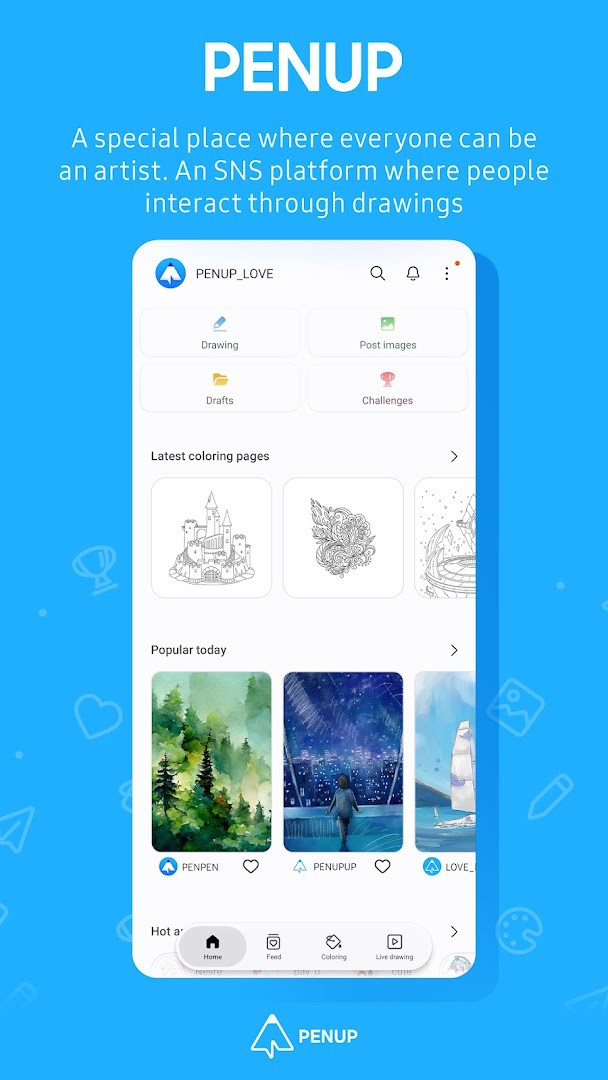
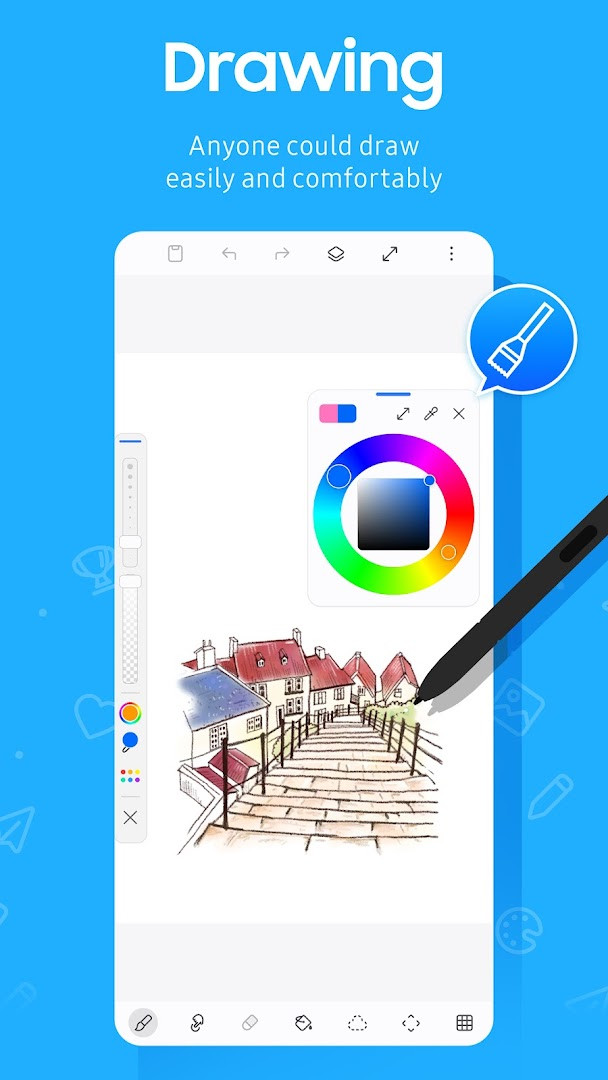
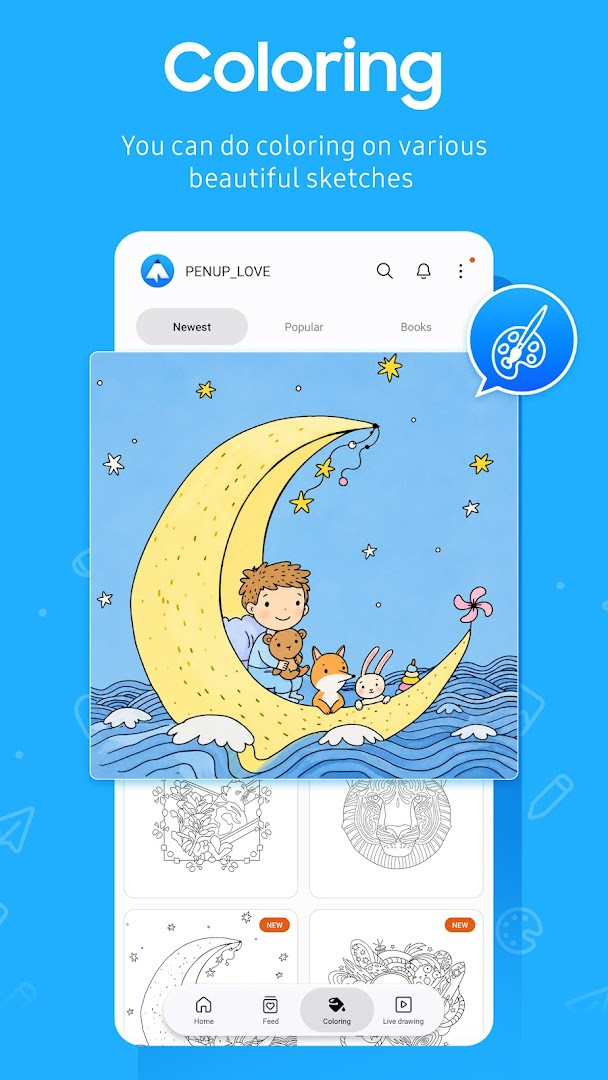
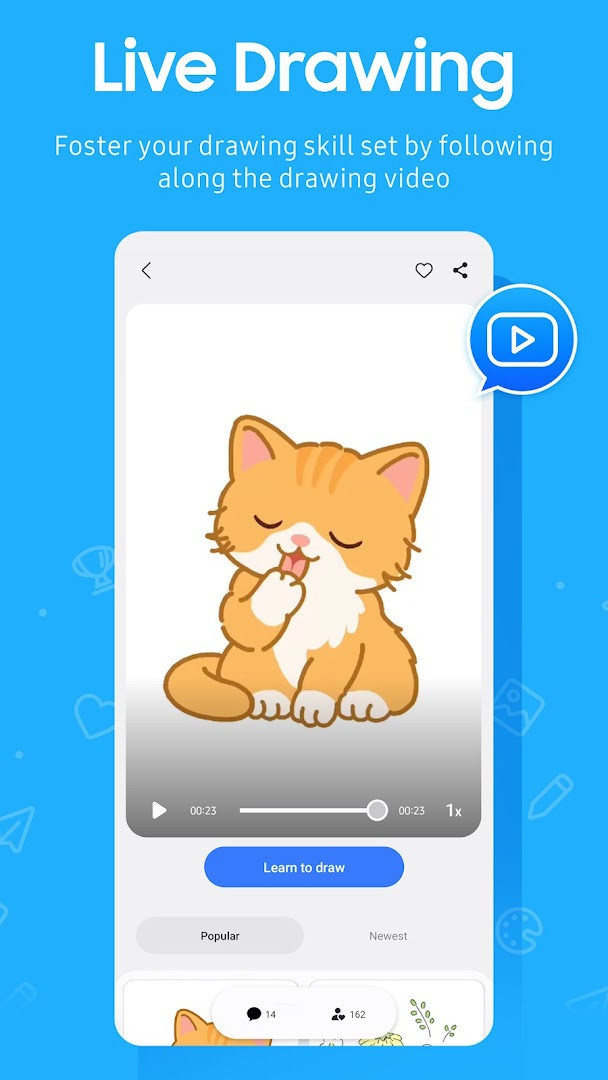
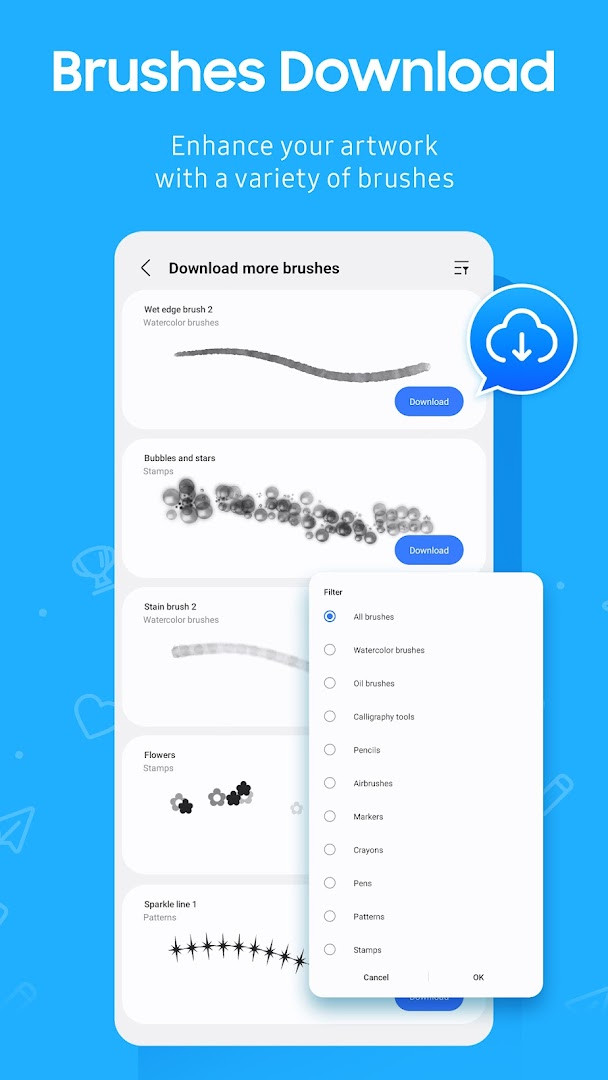
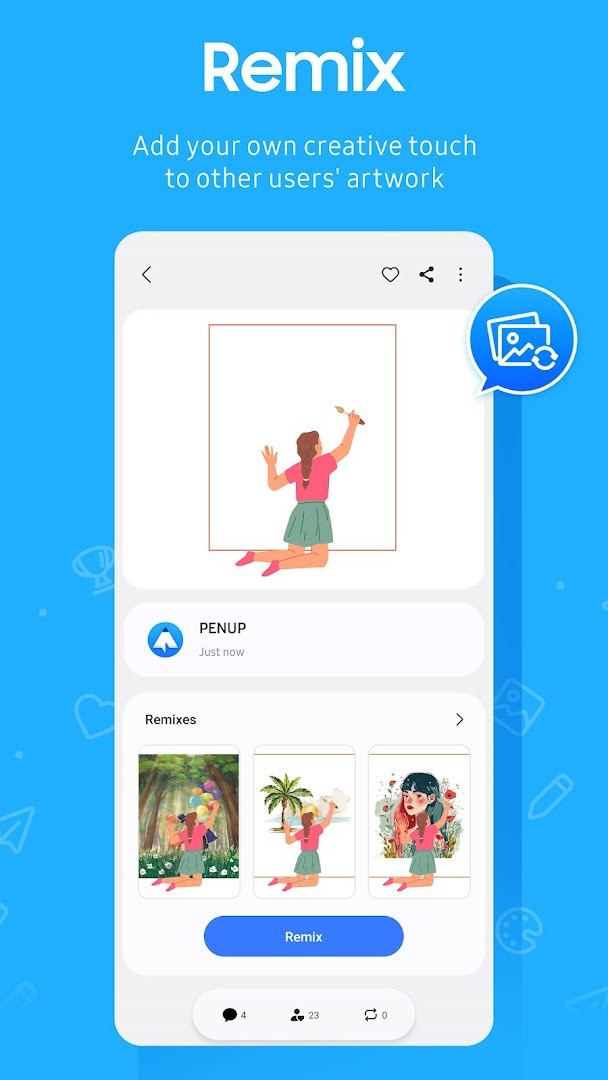
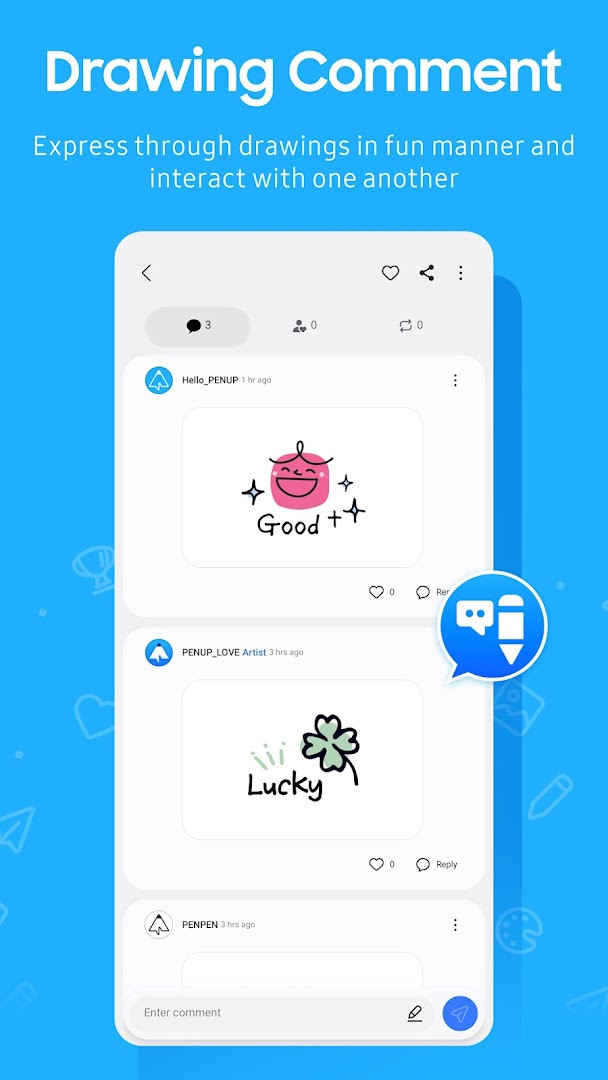
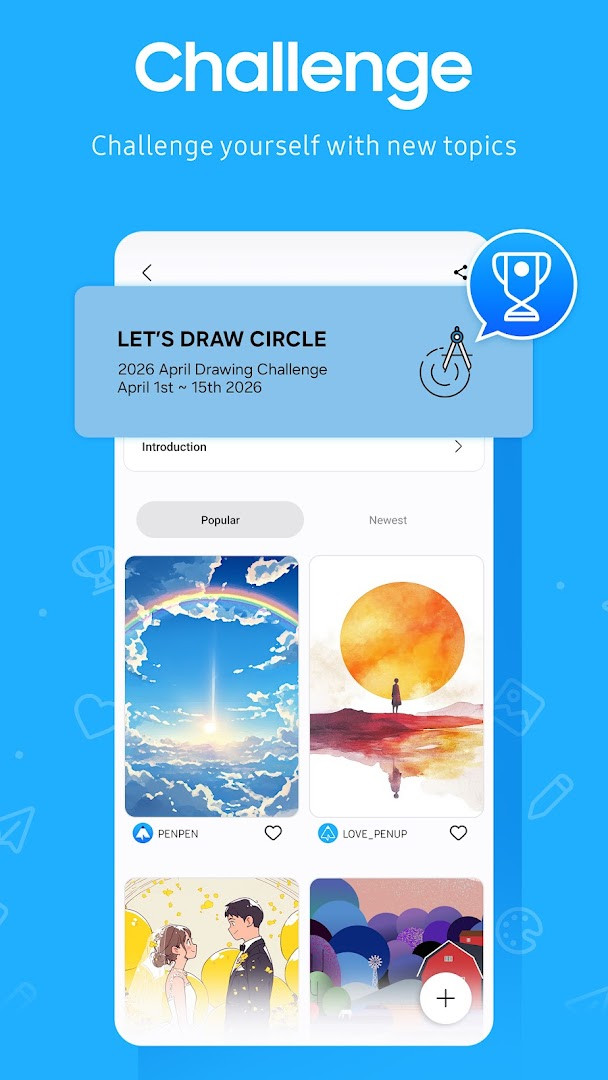
PENUP is a drawing-sharing social network app by Samsung Electronics Co., Ltd. that lets users share drawings and communicate through art. Intended for casual sketchers and dedicated illustrators alike, the app pairs drawing tools with a social feed where artwork is posted, viewed, and discussed instead of just stored on the device. The service has existed since 2013 and receives regular updates, with a version dated October 2026 already available.
On the creation side, users can color ready-made coloring book pages, build on templates, follow Live Drawing video tutorials, or trace photos with Photo Drawing. A set of drawing challenges gives artists reasons to practice and measure their progress.
On the social side, Trending Works surfaces popular pieces, and users can comment on other people's drawings or receive comments on their own, making the app a two-way conversation in images. The latest update also adds a new brush to the drawing toolkit.
Key features
- Coloring book pages with ready-made illustrations
- Templates for starting new drawings
- Live Drawing video follow-along tutorials
- Photo Drawing with a photo as a visual aid
- Drawing challenges to test and improve your skills
- Trending Works feed of popular user creations
- Commenting on other artists' drawings and receiving feedback
How to install
- Tap the download button on this page to fetch the PENUP APK, which is about 97 MB.
- Make sure your device runs Android 9 or higher.
- When Android prompts you, allow your browser or file manager to install unknown apps using the 'Install unknown apps' setting.
- Open the downloaded APK file from your notifications or file manager.
- Tap Install and wait for the process to finish.
- Open the app and sign in to begin drawing and sharing.
Pros
- Free to use with no ads and no in-app purchases
- Rated 4.54 based on more than 223,000 ratings
- Backed by a large community with over 100 million installs
- Practical learning tools such as Live Drawing and Photo Drawing
Cons
- Requires Android 9 or newer
- Requests access to identity, contacts, photos, media files, and storage
- The installer is relatively large at 97 MB
- Content is rated Teen, so it may not suit all ages
Latest changes
The latest update introduces a new brush option for the drawing tool, giving users an additional way to create artwork within the app.
Previous versions
| Version | Size | Requires Android | Updated |
|---|---|---|---|
| 3.9.24.3 | 97 MB | 9 | Oct 1, 2026 |
| 3.8.00.18 | 27 MB | 6.0 | Sep 29, 2026 |
| 3.9.23.13 | 97 MB | 9 | Sep 18, 2026 |
| 3.9.22.32 | 97 MB | 9 | Aug 14, 2026 |
| 3.9.21.33 | 124 MB | 9 | Jun 20, 2026 |
| 3.9.12.77 | 40 MB | 8.0 | Nov 13, 2025 |
| 3.2.01.1 | 21 MB | 5.0 | Jun 1, 2019 |
People who like sketching, coloring, or visual journaling and want to share their work with others, plus beginners who can learn from follow-along videos and experienced artists looking for community feedback.
Use Live Drawing to learn new techniques and Photo Drawing when you want to practice proportions. Allow notifications on Android 13 or above so you do not miss comments from followers. If your system is older than Android 6.0, update it first so you can manage the app's optional permissions.
Permissions
Frequently asked questions
Which drawing modes does PENUP offer beyond regular freehand drawing?
PENUP includes several guided ways to draw: you can color from a variety of coloring book pages, pick from a set of templates, follow along with Live Drawing videos to improve your skills, use Photo Drawing to draw with a photo as a reference, and take part in drawing challenges. A new brush was also added as a drawing tool.
What optional permissions does PENUP request, and when do they matter?
PENUP has two optional permissions. Storage is used to upload a drawing to or download a drawing from the service on Android 9 or lower. Notifications, for Android 13 and above, inform you about activity tied to your drawings, your followers, and people you follow. On system versions below Android 6.0, you need to update the software to configure permissions, and previously granted permissions can be reset from the Apps menu in device settings after an update.
How can you interact with other users' artwork on PENUP?
You can share your own drawings and browse other people's creations in the Trending Works section. The service is built around communicating through images, so you can leave comments on other users' drawings and receive comments on your own creations.
What are the main facts about PENUP's size, rating, and cost?
PENUP is published by Samsung Electronics, is free, has no ads, and does not offer in-app purchases. The app is about 97 MB in size, requires Android 9 or higher, has a Teen content rating, and was first released on 2013-09-07, with the latest update dated 2026-09-18. Its average rating is 4.54 based on 223505 ratings, and it has 100000000 installs.
Which PENUP versions are listed in the update history?
The available version history includes 3.9.24.3 from 2026-10-01, 3.8.00.18 from 2026-09-29, 3.9.23.13 from 2026-09-18, 3.9.22.32 from 2026-08-14, and 3.9.21.33 from 2026-06-20.
PENUP is a practical choice for anyone who treats drawing as a shared activity, combining a solid set of creation tools with an active audience for feedback and inspiration.
Similar apps


More from this developer


Updated: Oct 23, 2026