Sketchbook: Draw and Paint Anywhere
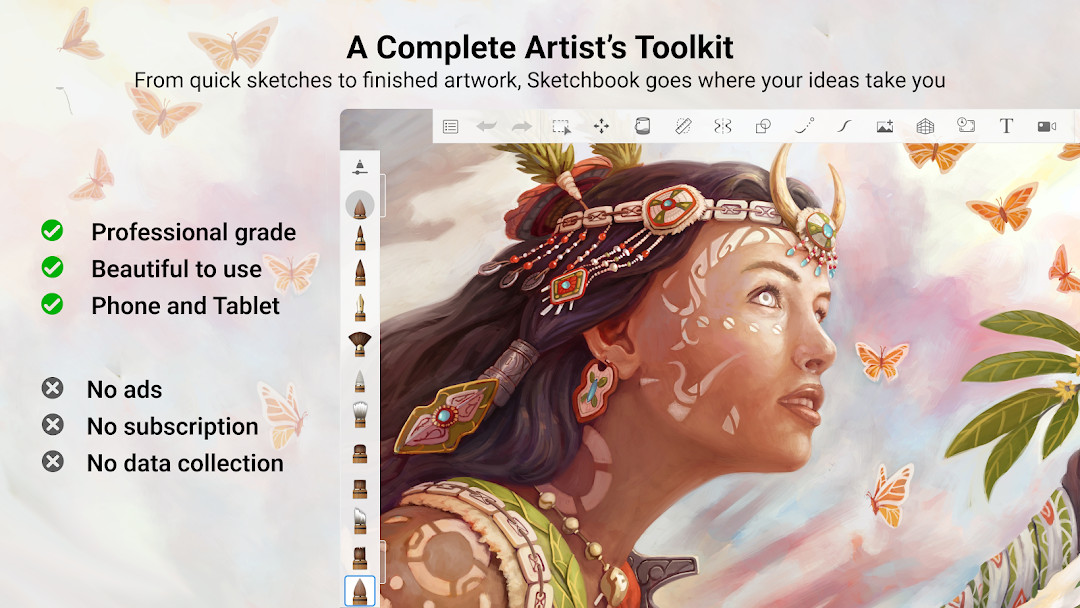
Sketchbook is a free drawing and painting app by Sketchbook that lets you create from quick sketches to finished artwork.
Get SketchbookSketchbook offers a complete artist's toolkit with customizable brushes, layers, and guides. The app is free to download, contains no ads, but offers in-app purchases. It requires Android 5.0 and is 69 MB in size, suitable for artists and hobbyists who want a distraction-free drawing experience.
- Size
- 69 MB
- Requires Android
- 5.0
- Updated
- May 30, 2026
- Installs
- 100M+
- Rating
- ★ 4.07 (706,663)
- Category
- Art & Design
- Developer
- Sketchbook
- Content rating
- Everyone
- Package
- com.adsk.sketchbook
- Free
- ✓ · In-app purchases
Screen gallery
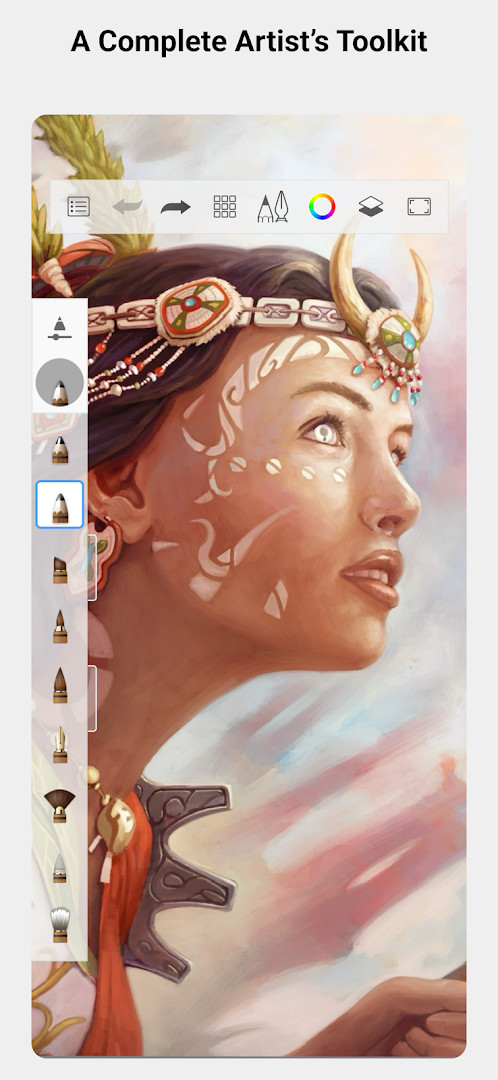
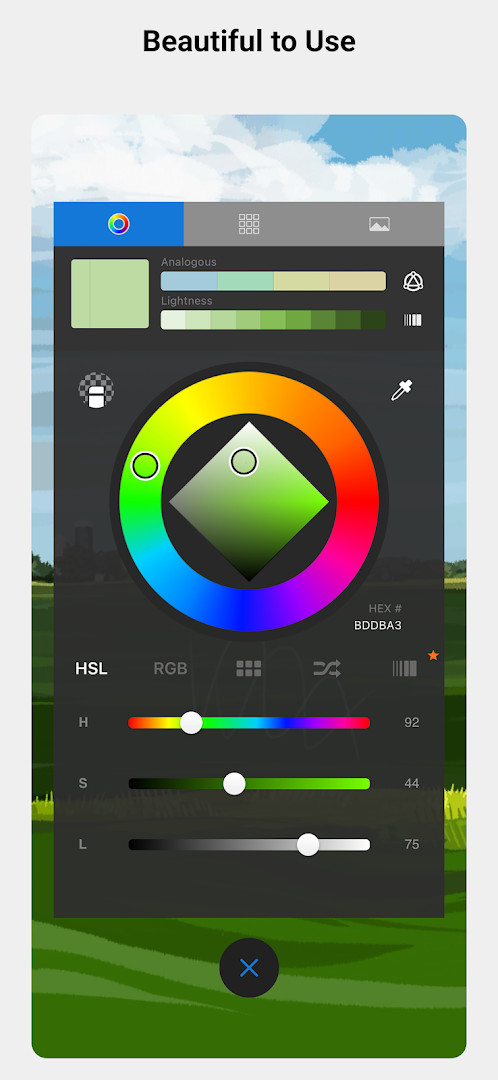
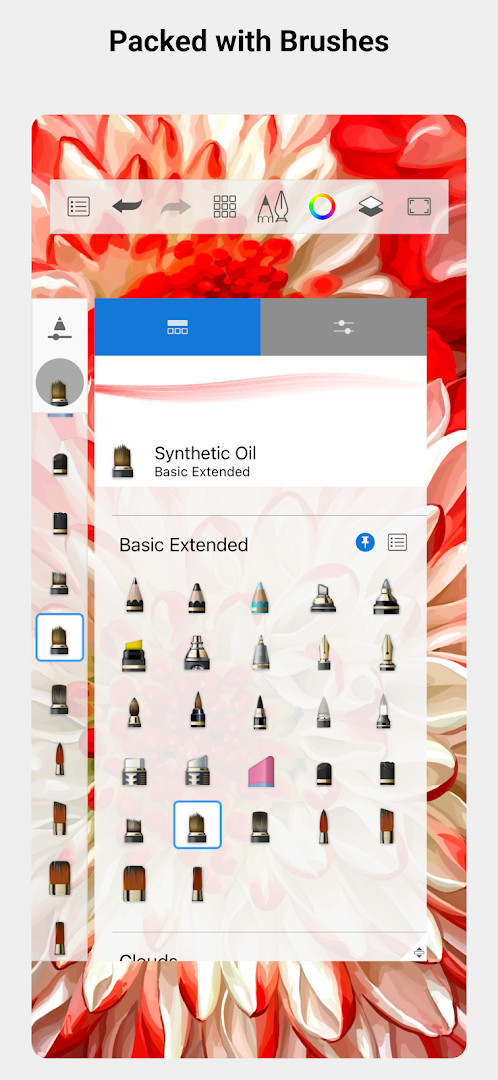
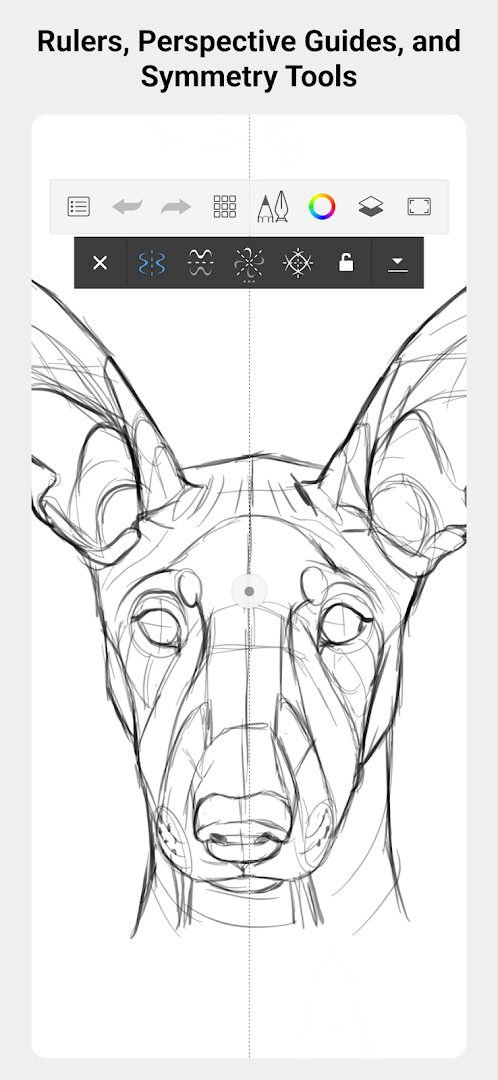
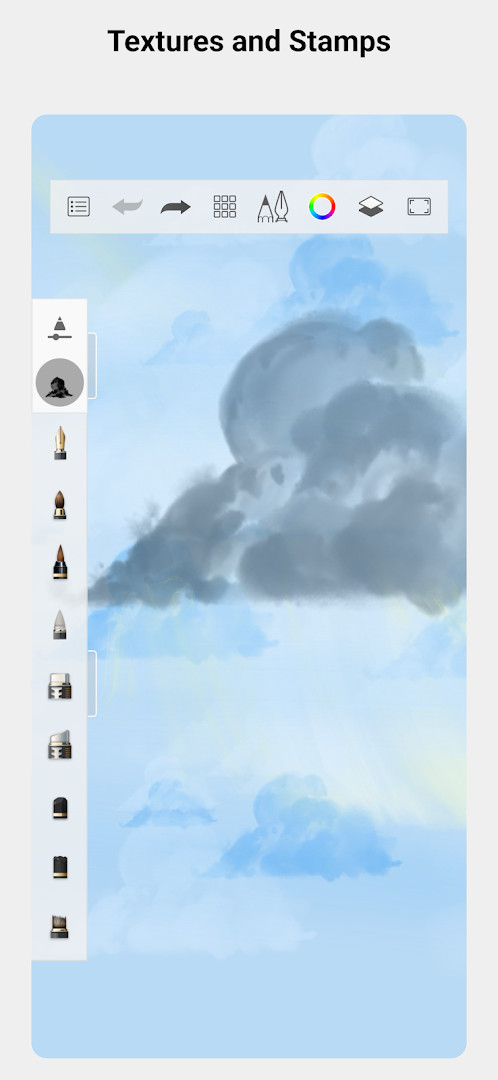
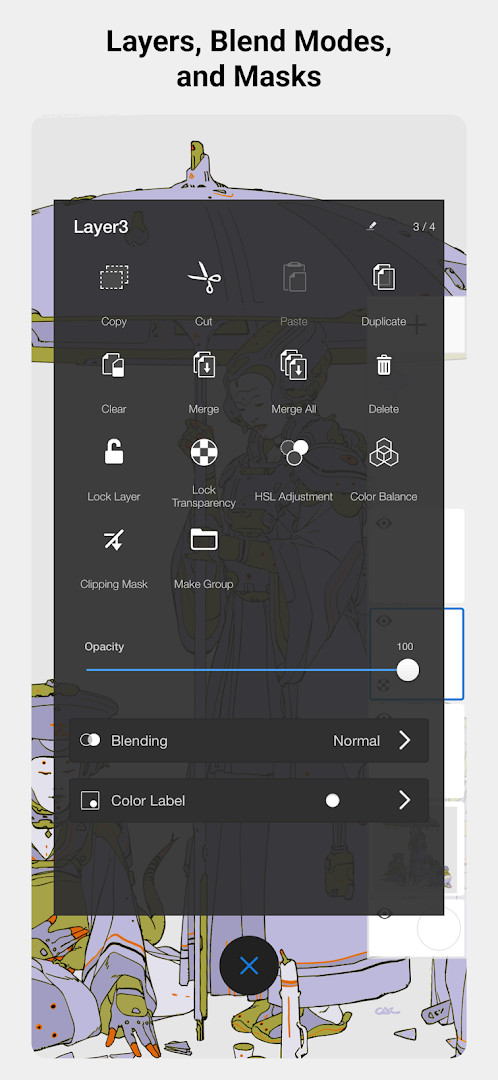
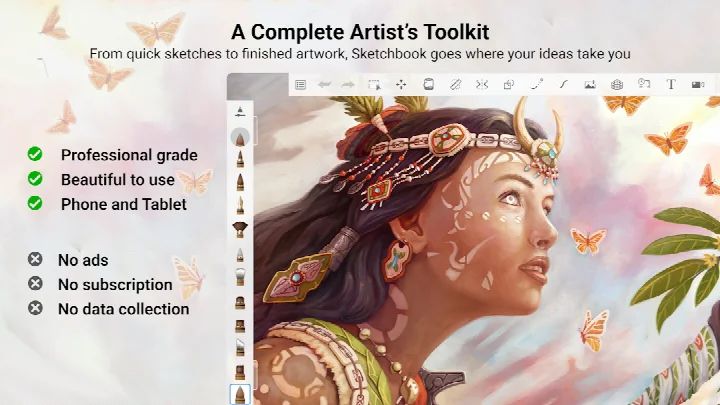
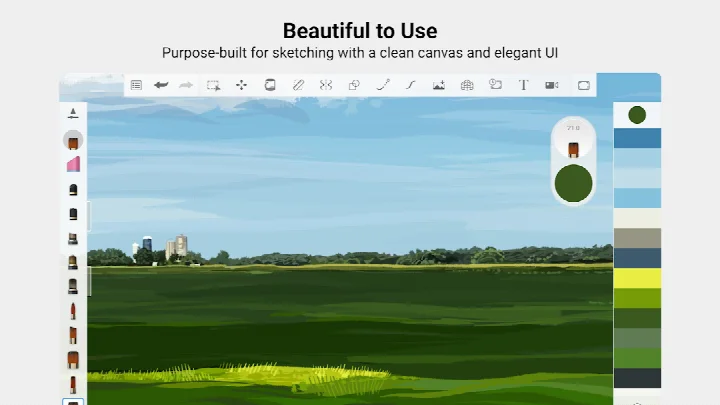
Sketchbook is a drawing and painting app by Sketchbook that provides a complete digital artist's toolkit. It addresses the common challenge of capturing creative ideas whenever inspiration strikes by offering a professional-grade sketching environment that is free of distractions. Instead of carrying physical supplies, a beginner can start drawing immediately with tools that feel natural and responsive. The app achieves this through a clean interface paired with a powerful set of brushes and precision aids, making the transition from paper to screen smooth and intuitive.
Key features
- A full set of brush types, including pencils, markers, airbrushes, and a smear tool, designed to mimic real art materials.
- Highly customizable brushes allow you to adjust settings to achieve the exact look you want.
- Guides, rulers, and stroke tools are available to help you draw with precision when needed.
- A layers system with multiple blend modes gives you the flexibility to build up complex drawings and experiment with color.
- The interface is purpose-built for sketching, remaining clean and unobtrusive to keep you focused on your art.
How to install
- Tap the download button on this page to get the APK file; the download size is approximately 69 MB.
- When your browser or file manager asks for permission, allow it to install apps by enabling the "Install unknown apps" setting.
- Open the downloaded APK file from your notifications or file manager.
- Tap "Install" and wait for the process to complete.
- Once installed, open the app and begin drawing. Your device needs to run Android 5.0 or higher.
Pros
- The app is completely free to download and use, making it accessible for beginners.
- It does not display ads, ensuring an uninterrupted drawing experience.
- The interface is minimal and designed to keep the focus on the canvas.
- Highly customizable brushes replicate the feel of real art supplies.
- Layer support with blend modes allows for non-destructive experimentation.
Cons
- In-app purchases are present, meaning some premium features or content may require additional spending.
- Requires the "Photos/Media/Files" and "Storage" permissions, which might concern privacy-focused users.
- The camera permission is requested, which is not essential for the core drawing function and may feel intrusive to some.
- The app has not received a major version update since 2019, suggesting development focus may have shifted.
Latest changes
The latest update to Sketchbook, released on May 30, 2026, focuses on bug fixes and performance improvements. These refinements help keep the drawing experience smooth and responsive, so artists can stay in their creative flow.
Previous versions
| Version | Size | Requires Android | Updated |
|---|---|---|---|
| 5.0.2 | 69 MB | 5.0 | Jul 29, 2019 |
| 4.1.14 | 82 MB | 5.0 | Apr 6, 2019 |
| 4.1.7 | 77 MB | 4.0.3 | May 4, 2018 |
This app is ideal for beginners who want to learn digital art without a financial commitment. It suits anyone from a complete novice looking to doodle for fun to a budding illustrator who needs a robust, portable sketchbook to practice techniques like layering, blending, and precision drawing. The distraction-free design also makes it a good choice for those who find other art apps cluttered or overwhelming.
Start by exploring the brush library and customizing a few favorites to match your hand pressure and style. Use layers early in your learning process to separate line art from coloring, which makes corrections far less intimidating. The ruler and guide tools are perfect for practicing perspective, so try them when sketching buildings or interiors.
Permissions
Frequently asked questions
Is Sketchbook really free?
Yes, the app is completely free to download and use, with no initial cost.
What Android version do I need?
It requires a device running Android 5.0 or newer.
How large is the download file?
The APK file size is approximately 69 MB.
Do I need to create an account to use it?
No, you can start drawing immediately without creating any account.
What permissions does the app require?
It may request access to Photos/Media/Files, Storage, and the Camera.
How do I get the newest version?
To update, simply download the latest version available on this page and install it over your current installation.
Sketchbook remains a standout drawing application, combining a professional toolset with a beginner-friendly approach. For anyone ready to explore digital art without upfront cost, it provides a solid and enjoyable foundation to start creating immediately.
Similar apps



Updated: Oct 21, 2026