Adobe Express: AI Photo, Video: photo and video editor
Adobe Express: AI Photo, Video is a photo and video editor by Adobe that lets you edit videos, enhance photos with AI, remove backgrounds, and create branded content.
Download Adobe Express · v31.0.1Adobe Express: AI Photo, Video is a free app with in-app purchases, designed for both beginners and professionals. It combines AI-powered photo editing, video editing with captions and background noise removal, background removal, QR code generation, PDF editing, and brand kits.
- Version
- 31.0.1
- Requires Android
- 10
- Updated
- Oct 12, 2026
- Installs
- 100M+
- Rating
- ★ 4.62 (865,419)
- Category
- Art & Design
- Developer
- Adobe
- Content rating
- Everyone
- Package
- com.adobe.spark.post
- Free
- ✓ · In-app purchases
Screen gallery
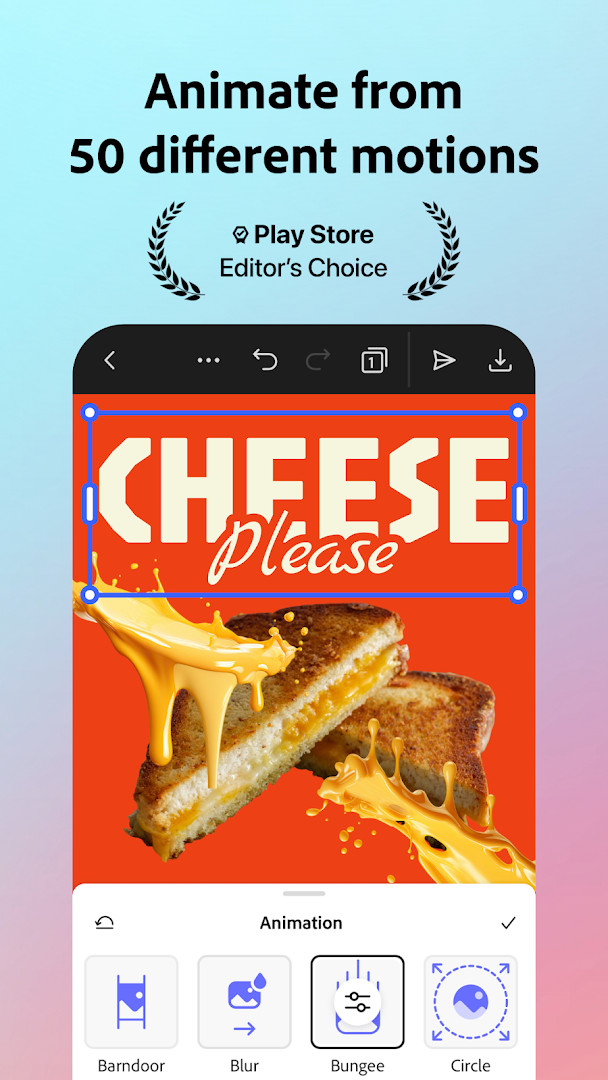
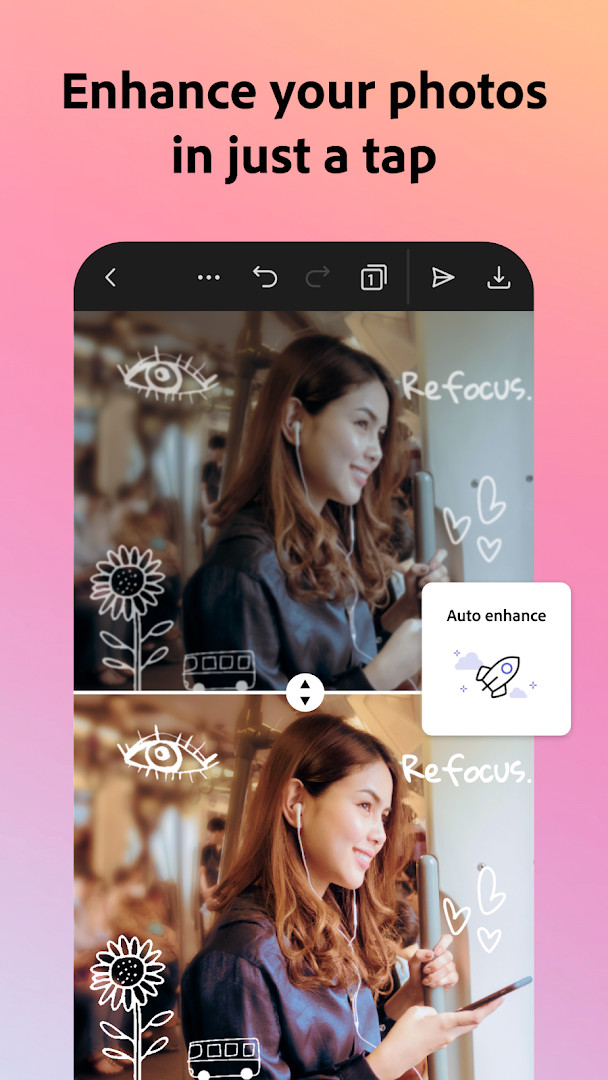
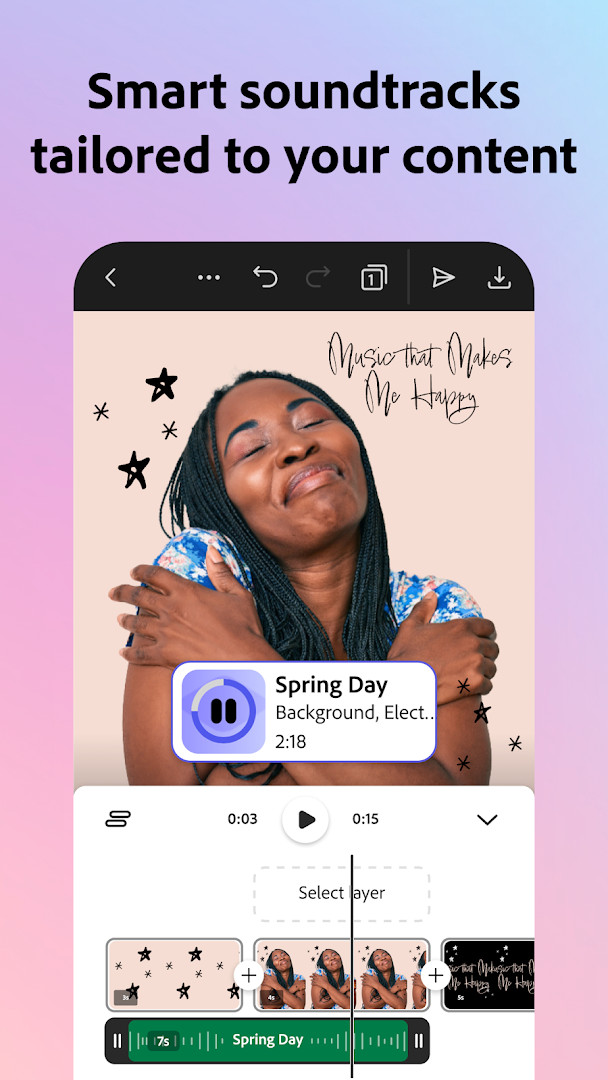
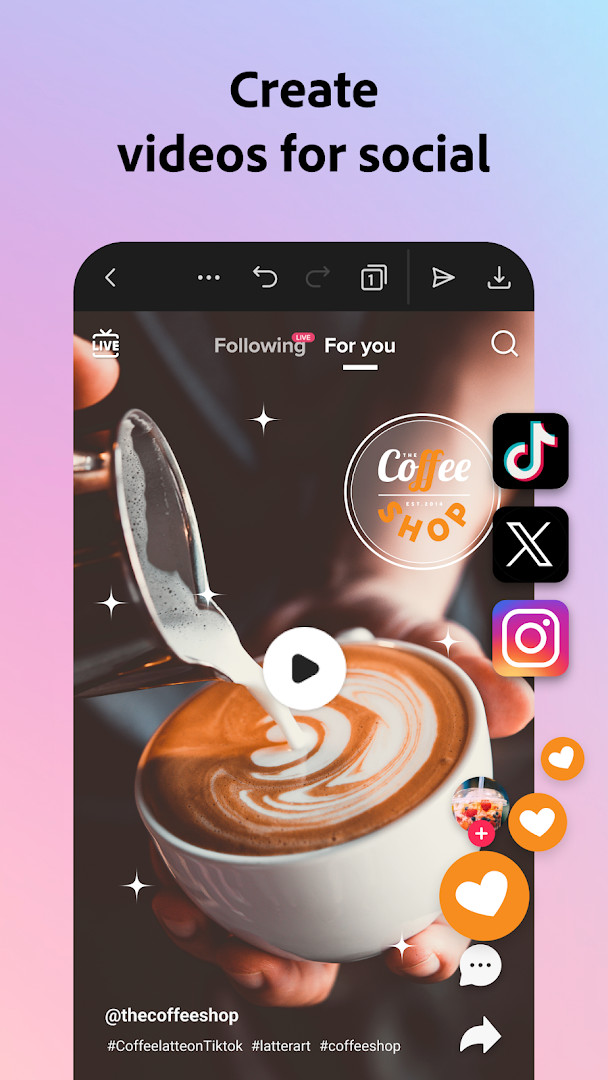
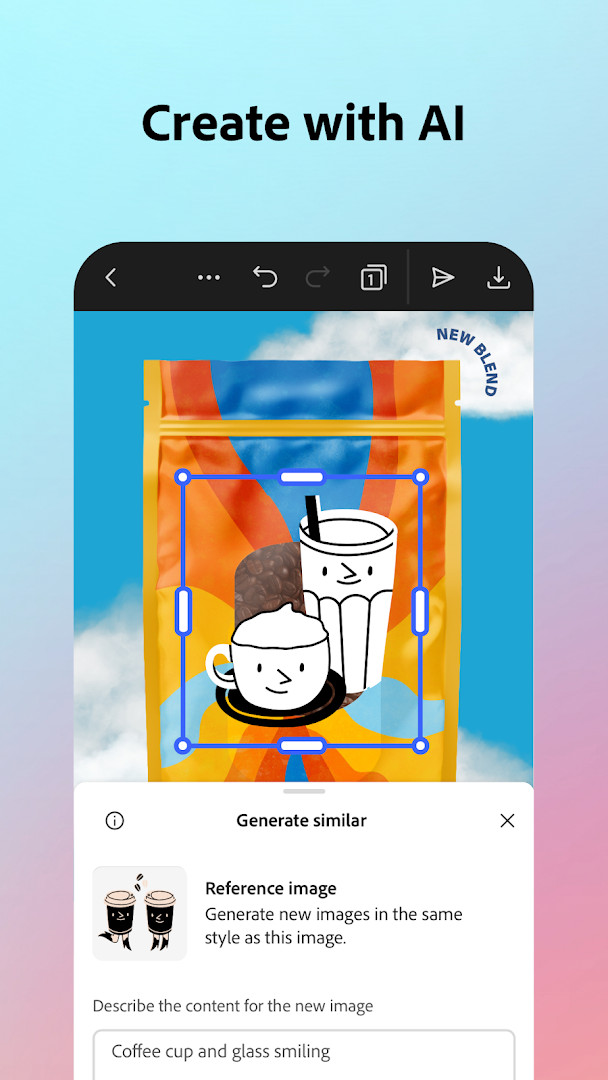
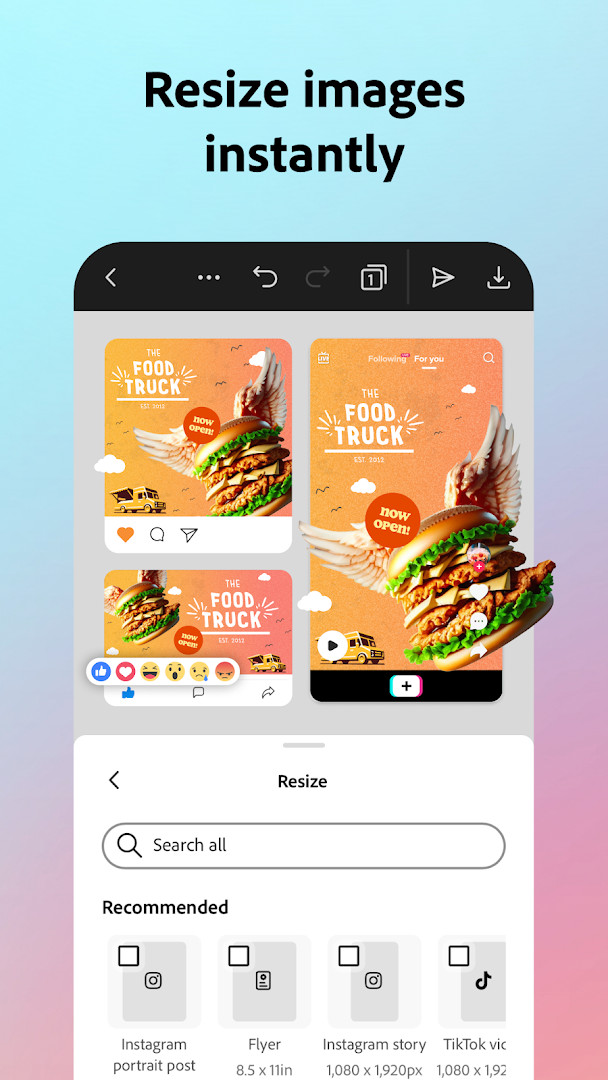
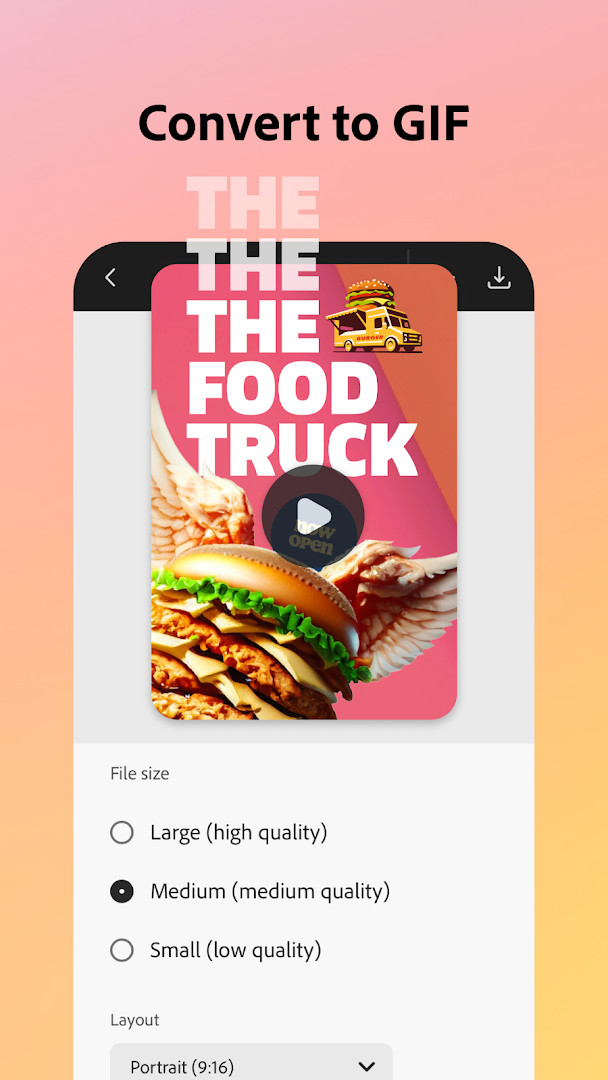
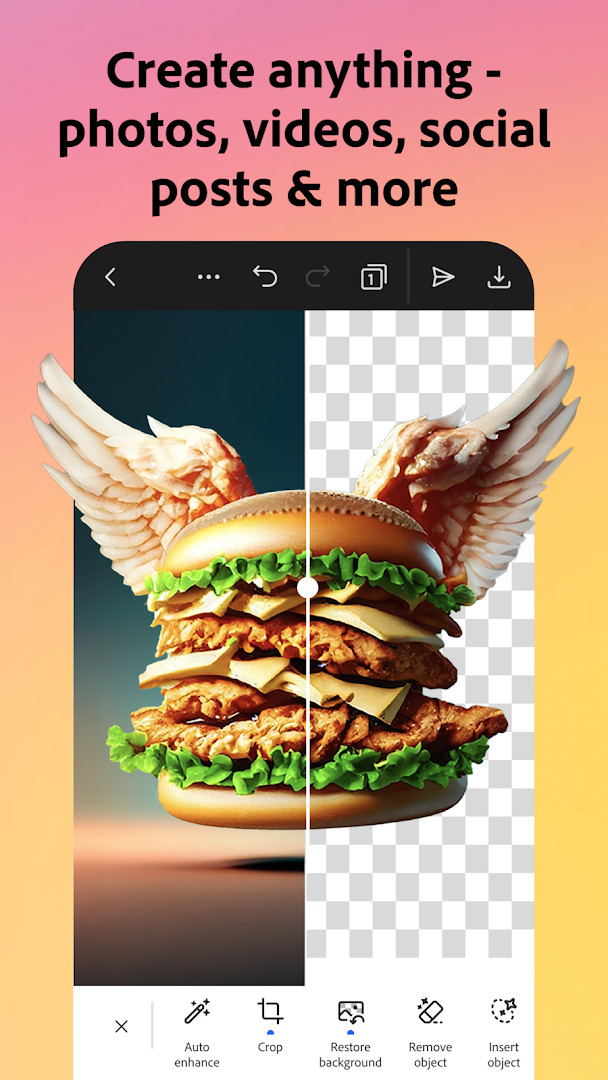
Adobe Express: AI Photo, Video is an Art & Design app by Adobe that combines photo editing, video creation, and design tools in a single mobile application. It is aimed at both beginners and experienced creators who need to produce on-brand content for business or personal projects. The app offers a range of quick actions, such as background removal, GIF creation, and resizing, along with more advanced features like AI-driven photo enhancement and customizable templates. With a focus on brand consistency, it includes brand kits to store fonts, colors, and logos for easy reuse. The app is free to use with optional in-app purchases for a premium membership that unlocks additional features and content.
For video editing, users can import clips, trim and combine footage, add text, music, transitions, and sound effects, and even auto-generate captions or reframe content for different social channels. The photo editing tools are powered by AI, allowing users to add or remove objects, apply filters, and generate unique photo art. Quick Actions simplify common tasks like removing backgrounds from photos or videos, converting images to GIFs, and resizing content with a single tap. The app also includes QR code generation with customizable styles and colors, PDF editing capabilities, and the ability to import and work with PDFs.
Adobe Express targets a wide audience, from social media managers and small business owners to casual users who want to enhance their personal photos and videos. Its interface is designed to be intuitive, making it accessible for beginners, while the breadth of features and brand management tools appeal to more experienced users. The app requires Android 10 or higher and is available at no cost, though some premium features require a subscription. It is important to note that not all features are supported on every device, and support is being expanded over time.
Key features
- Video editing with customizable templates, trimming, combining, text, music, transitions, and sound effects
- AI-powered photo editing: add or remove objects, apply Photoshop-powered filters, and generate photo art
- Quick Actions: remove backgrounds from photos or videos, convert images to GIFs, and resize with one tap
- QR code generator with customizable styles and colors
- Brand kits to keep fonts, colors, and logos ready for any design
- PDF editing: update content, swap images, refine layouts, and export as PDF
- Auto-captions and reframing for social channels
- Premium membership unlocks over 200 million royalty-free Adobe Stock assets, 250 generative credits, and advanced features
How to install
- Tap the download button on this page to get the APK file for Adobe Express version 31.0.1.
- When Android prompts, allow your browser or file manager to install apps by enabling the "Install unknown apps" setting.
- Open the downloaded APK file from your notification bar or file manager.
- Tap Install and wait for the installation to complete.
- Once installed, open the app. Note that the file size is not specified, and the minimum Android version required is Android 10.
Pros
- Comprehensive suite of tools covering photo, video, and design
- AI features for quick edits and creative effects
- Brand kits help maintain consistency across projects
- Free to use with no ads
- Regular updates with new features
- Integrates with Adobe Stock and Photoshop Express for premium users
Cons
- Some features require a premium subscription
- Not all features are supported on every device
- Requires access to phone, storage, camera, and microphone permissions
- May be overwhelming for users who only need basic editing
Latest changes · 31.0.1
Version 31.0.1 brings continued improvements to make Adobe Express faster and more reliable. The update focuses on refining the overall experience, so you can keep creating standout content with less friction. As always, we appreciate your feedback and encourage you to rate the app to help us improve it further.
Previous versions
| Version | Size | Requires Android | Updated |
|---|---|---|---|
| 31.0.1 | — | 10 | Oct 12, 2026 |
Adobe Express is ideal for content creators, small business owners, social media managers, and anyone who needs to produce polished photos and videos quickly, whether for professional marketing or personal projects.
Use the Quick Actions for one-tap edits like background removal and GIF conversion. If you manage multiple projects, set up brand kits to keep your colors and fonts consistent, and take advantage of the free version before considering a premium upgrade.
Permissions
Frequently asked questions
How do I install the Adobe Express APK on Android?
Download the APK from this page and open the file to begin installation. Make sure your device runs Android 10 or higher, and allow installation from unknown sources if prompted.
What is the current version of Adobe Express?
The current version is 31.0.1, released on October 12, 2026. It was first released on June 18, 2018.
Does Adobe Express contain ads or require a purchase?
The app is free to download and does not show ads. It offers in-app purchases for a Premium membership, which unlocks additional features like premium stock assets and generative credits.
Can I use Adobe Express offline?
The app description does not specify full offline functionality. Some features may require an internet connection, especially AI-based tools and access to cloud content.
Are there similar apps in the Art & Design category?
Yes, there are other apps with similar photo and video editing capabilities, but Adobe Express stands out with its AI-powered tools, template library, and brand kit features.
What permissions does Adobe Express request?
It requests access to phone, photos/media/files, storage, camera, microphone, Wi-Fi connection information, and device ID & call information. These permissions support features like importing media and recording audio.
Adobe Express offers a robust all-in-one solution for photo and video editing on Android, backed by powerful AI tools and a user-friendly interface. While some advanced features are locked behind a premium subscription, the free version is substantial and suitable for a wide range of creative tasks. For experienced users seeking a versatile mobile editor, it's a strong contender worth trying.
Similar apps




Updated: Oct 21, 2026