
Amazon Alexa: Smart Home Companion
Amazon Alexa is a lifestyle app by Amazon Mobile LLC that sets up, controls, and manages Alexa-enabled devices and everyday tasks.
Download Amazon Alexa · v2.2.718227.0Amazon Alexa is free and ad-free, with no in-app purchases, and serves owners of Echo and other Alexa-enabled devices. Amazon Alexa adapts to the user's voice and vocabulary and can manage devices, routines, music, lists, and calls. Amazon Alexa's current version, 2.2.718227.0, requires Android 10 or newer and has a 4.05 rating from roughly 5.75 million ratings.
- Version
- 2.2.718227.0
- Requires Android
- 10
- Updated
- Oct 8, 2026
- Installs
- 100M+
- Rating
- ★ 4.05 (5,754,989)
- Category
- Lifestyle
- Developer
- Amazon Mobile LLC
- Content rating
- Teen
- Package
- com.amazon.dee.app
- Free
- ✓
Screen gallery
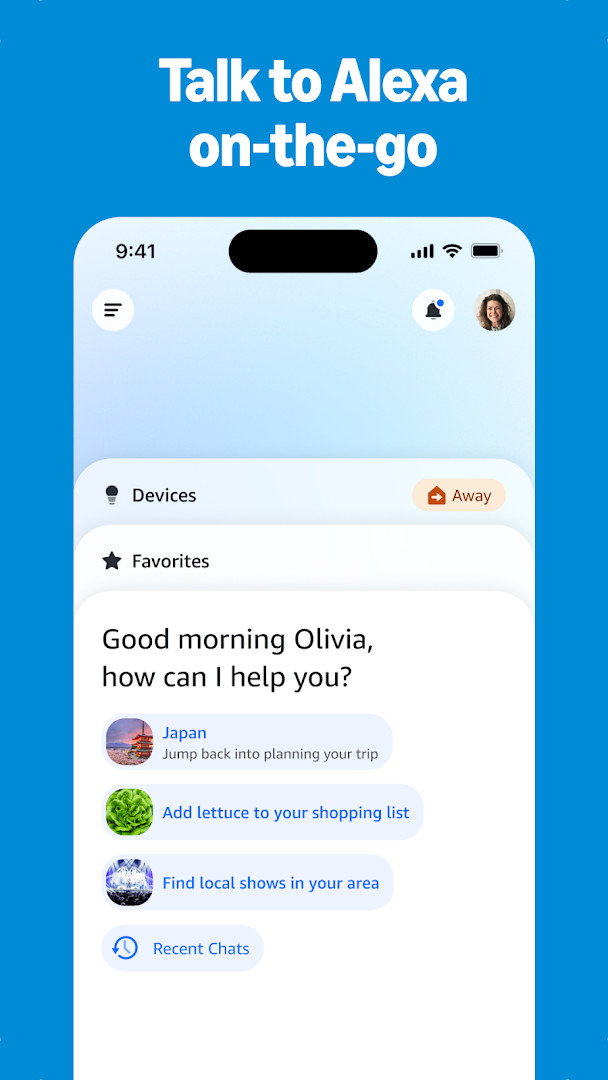
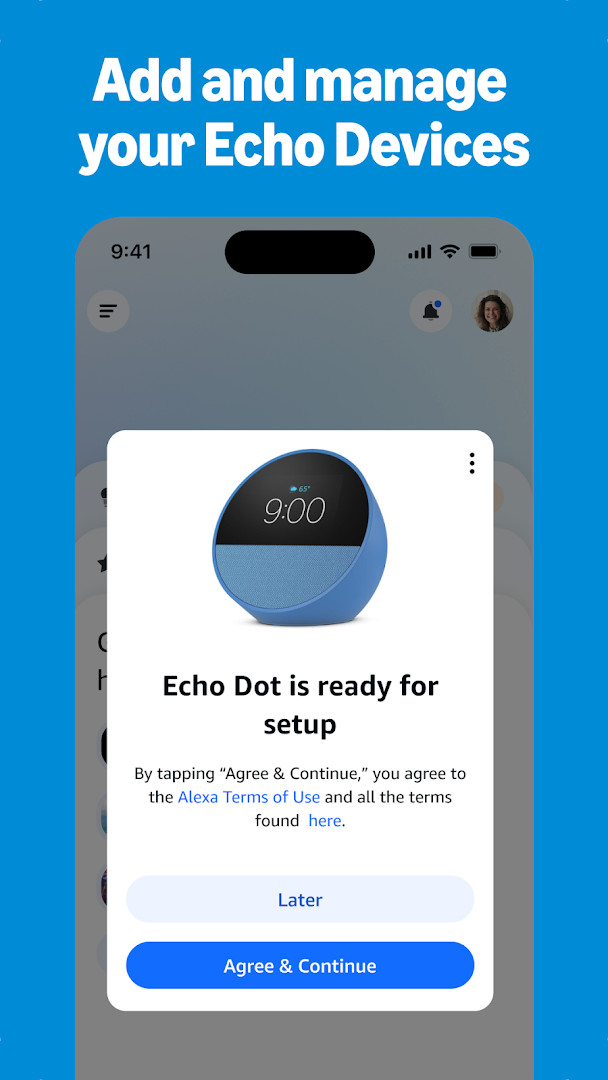
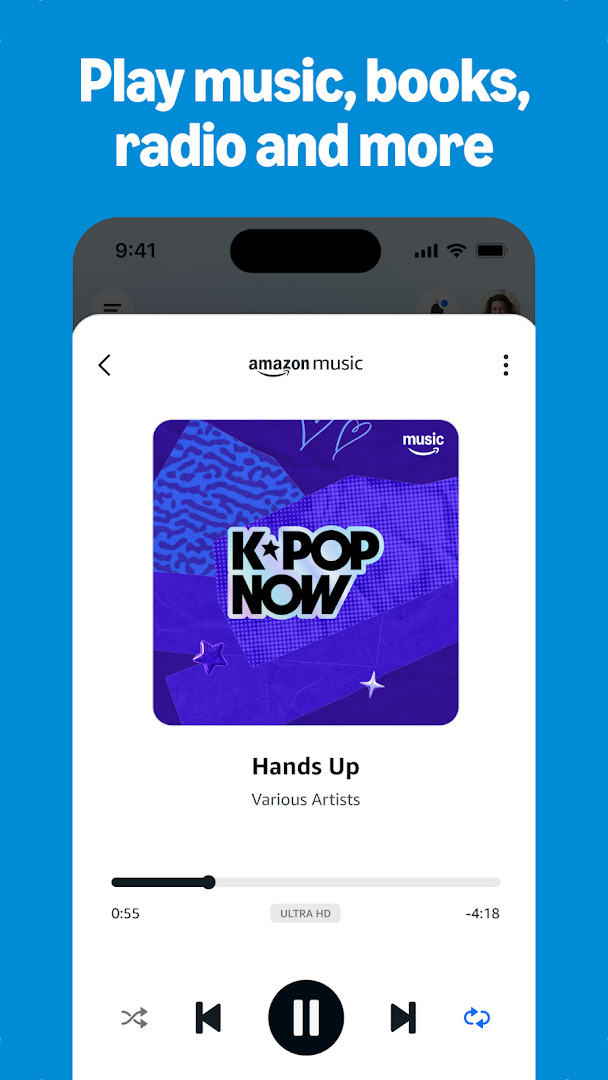

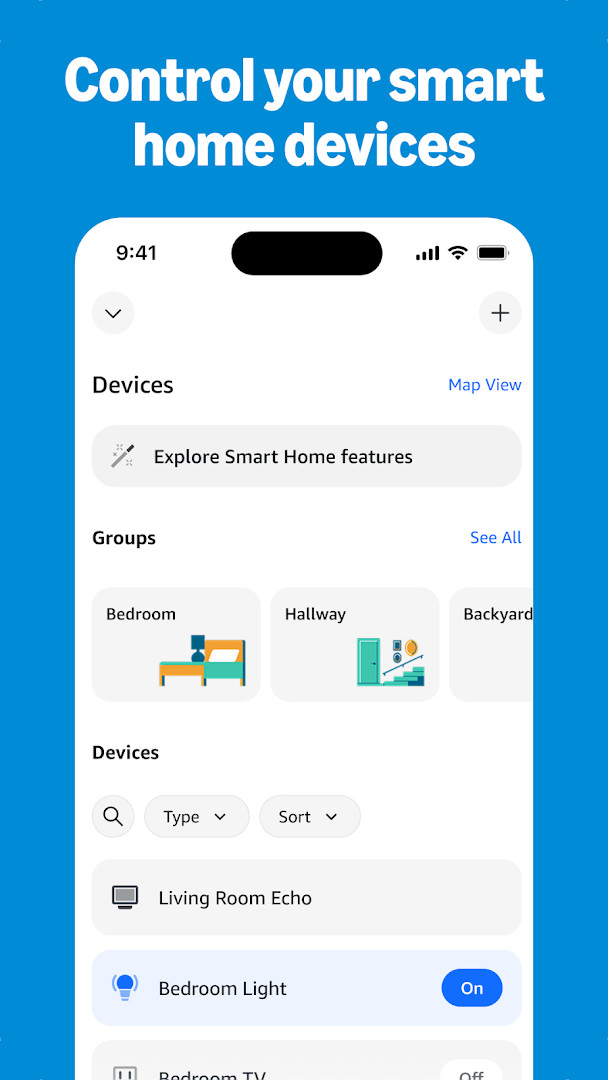

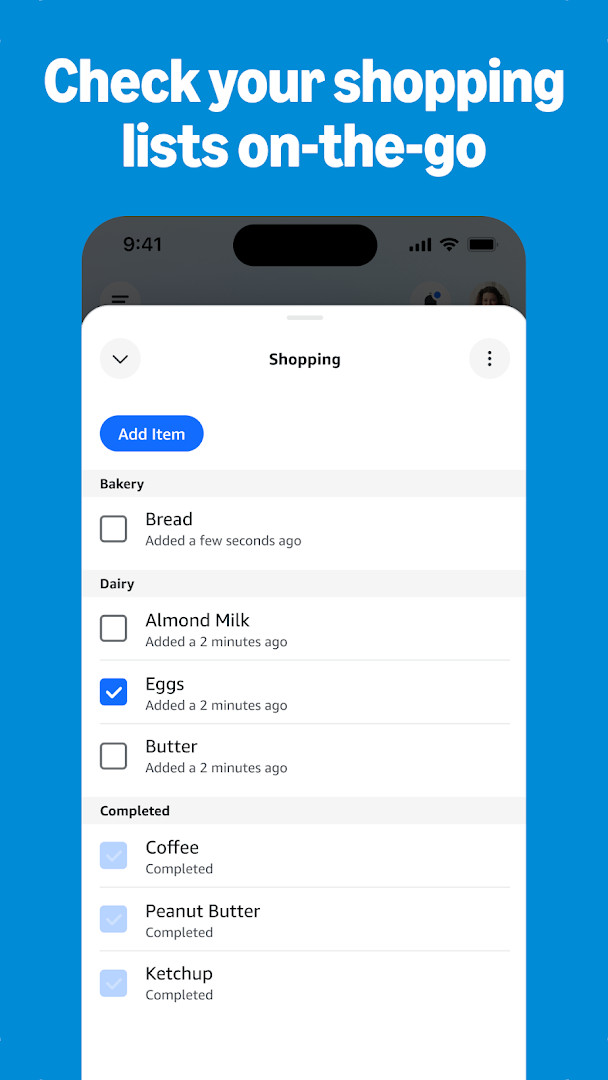
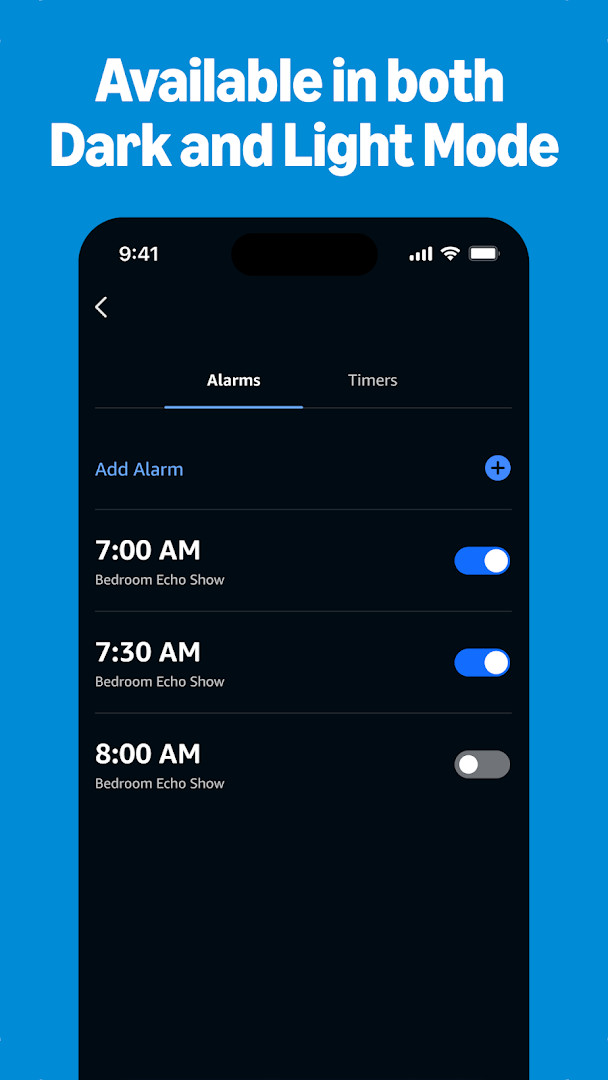
Amazon Alexa is a lifestyle app by Amazon Mobile LLC that gives Android users a single control surface for Alexa-enabled devices and assistant features. The problem it solves is fragmentation: smart lights, locks, thermostats, speakers, and communication tools each demand separate attention, and many of them are hard to manage once you leave the house. The app consolidates device setup, status checks, music playback, lists, timers, alarms, and intercom-style calling into one interface, and it supports routines that automate multiple actions at once. It also adapts to the user's voice, vocabulary, and preferences over time, which shapes the recommendations and skill suggestions it surfaces. Version 2.2.718227.0, updated October 8, 2026, includes a redesigned Home page for quicker access to smart home controls and Echo management, plus a Devices page with customizable views. The app has been available since November 17, 2014, carries a 4.05 rating from roughly 5.75 million ratings, and has been installed more than 100 million times.
Key features
- Set up Alexa-enabled devices and control or check the status of compatible smart lights, locks, and thermostats from home or while away.
- Create routines that trigger multiple smart home devices automatically, reducing the need for manual interaction.
- Connect to music services such as Amazon Music, Pandora, Spotify, TuneIn, and iHeartRadio, and choose songs or playlists to play on Alexa-enabled devices.
- Build speaker groups so music plays across compatible Echo devices for multi-room audio.
- View and edit shopping and to-do lists on the go, check weather and news updates, and manage timers and alarms from the app.
- Use Drop In to connect instantly with compatible Echo devices as a two-way intercom, and call or message supported Alexa-enabled devices at no additional cost.
- Discover and enable recommended Alexa skills, with personalized feature suggestions for Echo devices.
- Pick up where you left off from the home feed, resuming recently played music and books or returning to lists and shopping tasks.
How to install
- Tap the download button on this page. The file size is not specified (n/a), and the app requires a minimum Android version of 10.
- When Android asks, allow your browser or file manager to install apps by enabling the 'Install unknown apps' setting.
- Open the downloaded APK file from your browser or file manager once the download completes.
- Tap Install and wait for the installation process to finish.
- Open the app and follow the on-screen instructions to begin using it.
Pros
- No ads and no in-app purchases; the app is free to use.
- Broad smart home control covering lights, locks, and thermostats, with routine automation.
- Supports multiple music services and multi-room speaker groups on compatible Echo devices.
- Free calling, messaging, and Drop In intercom to supported Alexa-enabled devices.
- Wide adoption, with over 100 million installs and a 4.05 rating from about 5.75 million ratings.
- Regularly updated, with the current version released in October 2026.
Cons
- Requests a wide set of permissions, including contacts, location, SMS, phone, camera, microphone, storage, and device ID.
- Content is rated Teen, which may be a consideration in family environments with younger children.
- Requires Android 10 or newer, so devices running older versions cannot install the app.
- The microphone and communication-related permissions mean privacy-conscious users should review what they enable before granting access.
Latest changes · 2.2.718227.0
This update introduces a redesigned layout that makes favorite features and devices easier to reach. The Home page now gives quick access to smart home controls, Echo management, and various Alexa tools. The Devices page includes customizable views to help you manage your devices more conveniently.
Previous versions
| Version | Size | Requires Android | Updated |
|---|---|---|---|
| 2.2.718227.0 | — | 10 | Oct 8, 2026 |
| 2.2.527420.0 | 173 MB | 8.0 | May 30, 2025 |
| 2.2.418281.0 | 87 MB | 5.1 | Jul 16, 2022 |
| 2.2.462157.0 | 97 MB | 6.0 | Jun 3, 2022 |
| 2.2.245855.0 | 89 MB | 5.0 | Dec 31, 2018 |
This app suits households that already own Echo or other Alexa-enabled hardware and want to manage everything from an Android phone. It is also useful for people who depend on smart lighting, door locks, or thermostats and want remote status checks and automated routines. Music listeners who want playback across multiple rooms or who use several supported services will find the integration convenient, and users who need quick access to lists, timers, weather, and news from a single app will benefit as well. Because it includes intercom-style Drop In and free calls to supported devices, it can serve as a home communication hub, provided the user is comfortable with the wide permission set it requests.
Before opening the APK, enable the 'Install unknown apps' permission for your browser or file manager, and review the permission list when Android presents it. If you plan to use Drop In, calling, or messaging features, think about which devices and accounts are reachable through those controls. Creating routines for regularly repeated actions, such as turning off lights or setting alarms, can reduce how often you need to open the app throughout the day.
Permissions
Frequently asked questions
Is Amazon Alexa free to download and use?
The app is free to use and does not include ads or in-app purchases.
What Android version is needed for Amazon Alexa?
It requires Android 10 or newer to run.
Do I need an account to use the Amazon Alexa app?
Yes, you need an account to set up devices and use features like lists, music, and calling.
What permissions does Amazon Alexa ask for?
The app may request access to identity, contacts, location, SMS, phone, photos and media, storage, camera, microphone, Wi-Fi connection information, and device ID and call information.
How do I update the Amazon Alexa app?
To update, install the newest version available on this page.
Amazon Alexa delivers what its name implies: practical, centralized control of Alexa-enabled devices, music, lists, and home communication from an Android phone. Users with compatible hardware and Android 10 or newer will find a comprehensive, ad-free tool, while those who are cautious about broad permissions should weigh that trade-off before installing.
Similar apps




More from this developer
Updated: Oct 21, 2026