Facemoji AI Emoji Keyboard for Android
Facemoji AI Emoji Keyboard is a free AI-powered keyboard from Nexileap for personalizing chats with emojis, fonts, themes, and stickers.
Get Facemoji Keyboard · v3.7.0Facemoji AI Emoji Keyboard is for people who want to personalize their typing with emojis, fonts, themes, stickers, and AI-generated content. The keyboard is free with ads and in-app purchases, runs on Android 6.0 and newer, and the current version 3.6.8.3 holds a 4.68 rating based on about 1.51 million ratings.
- Version
- 3.7.0
- Requires Android
- 6.0
- Updated
- Nov 10, 2026
- Installs
- 100M+
- Rating
- ★ 4.68 (1,519,452)
- Category
- Personalization
- Developer
- Nexileap
- Content rating
- Teen
- Package
- com.simejikeyboard
- Free
- ✓ · Contains ads · In-app purchases
Screen gallery
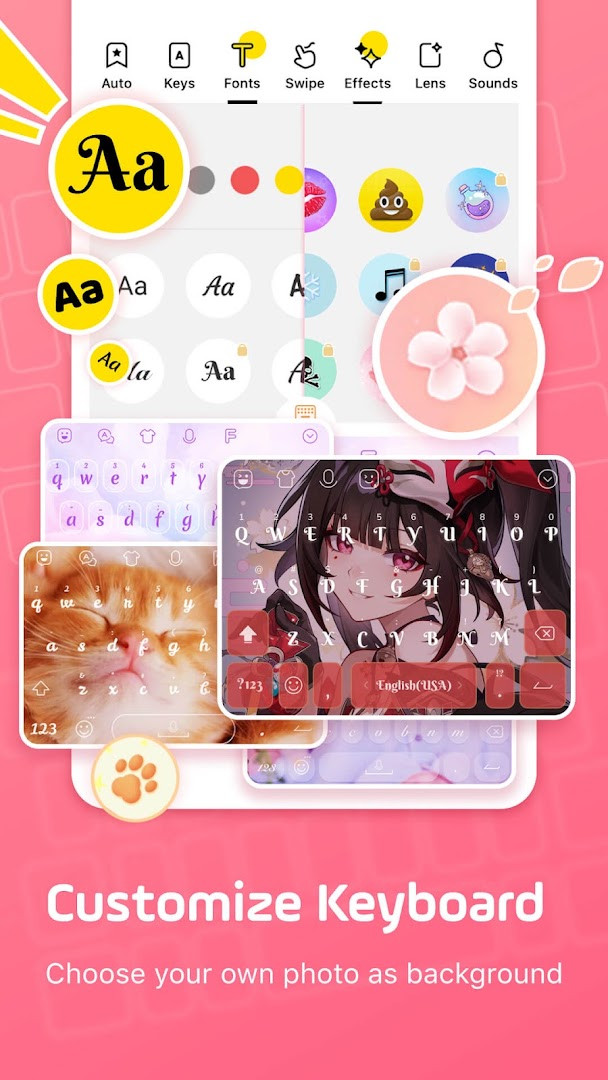
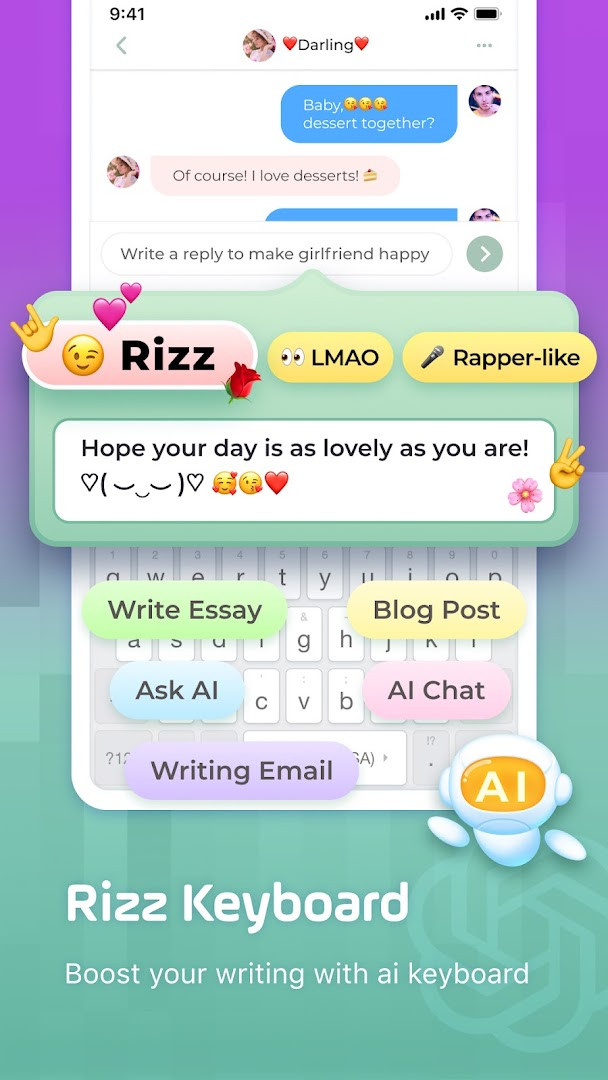
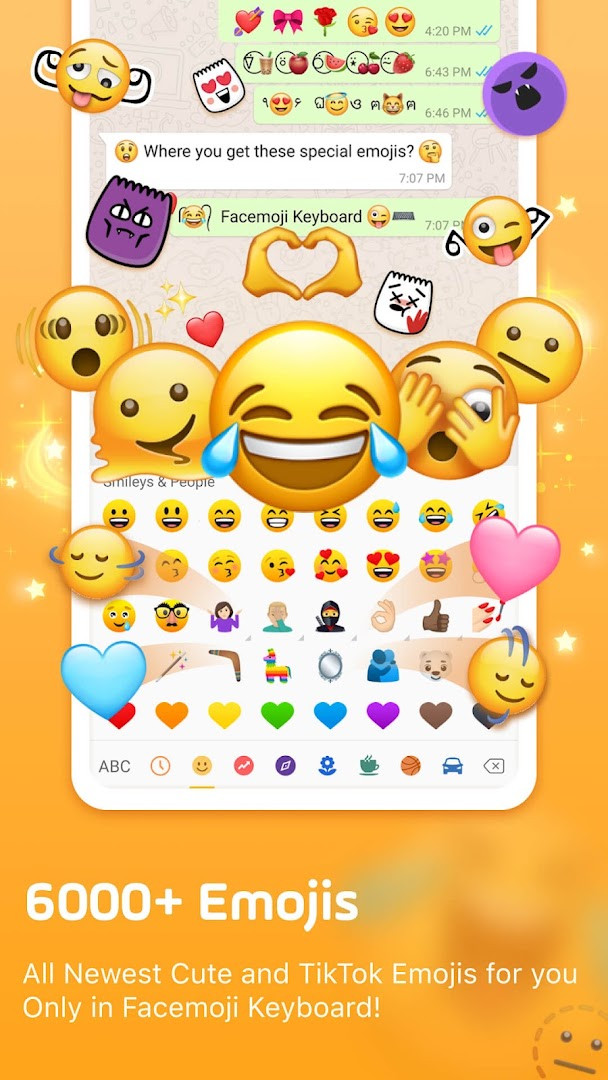
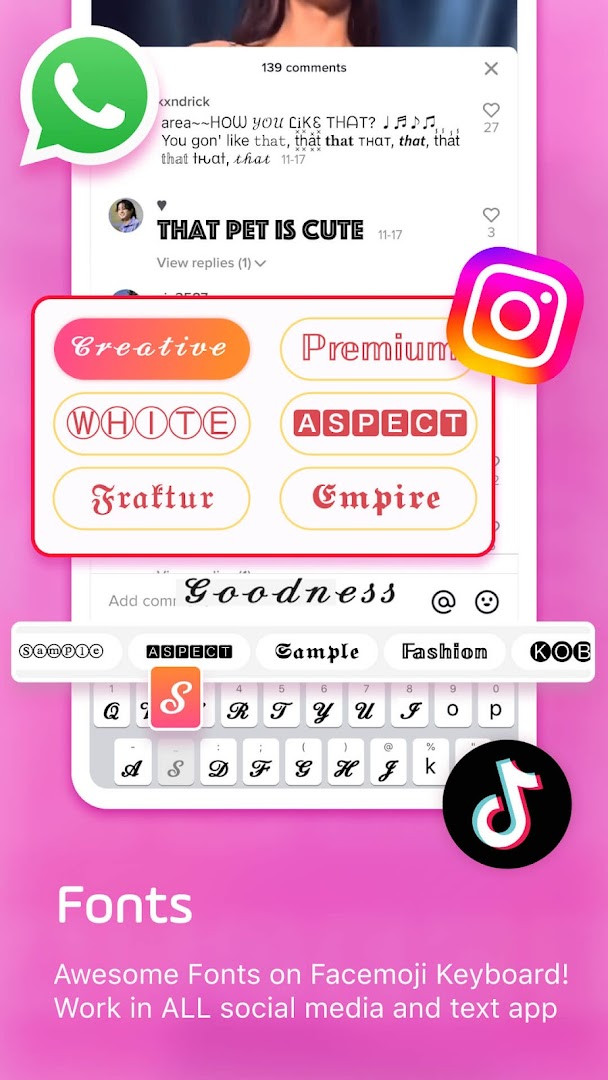
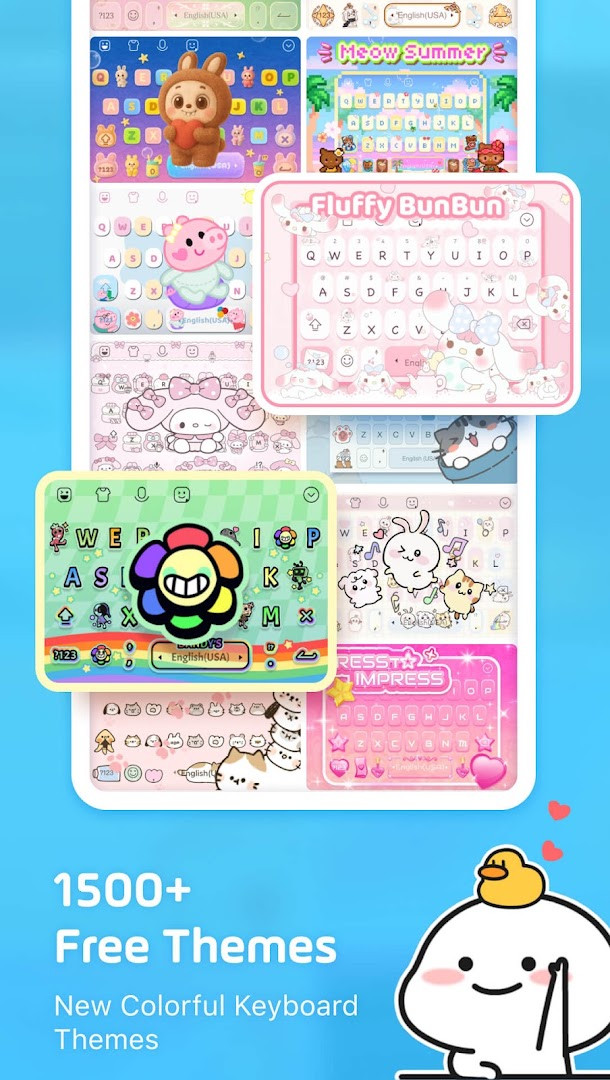
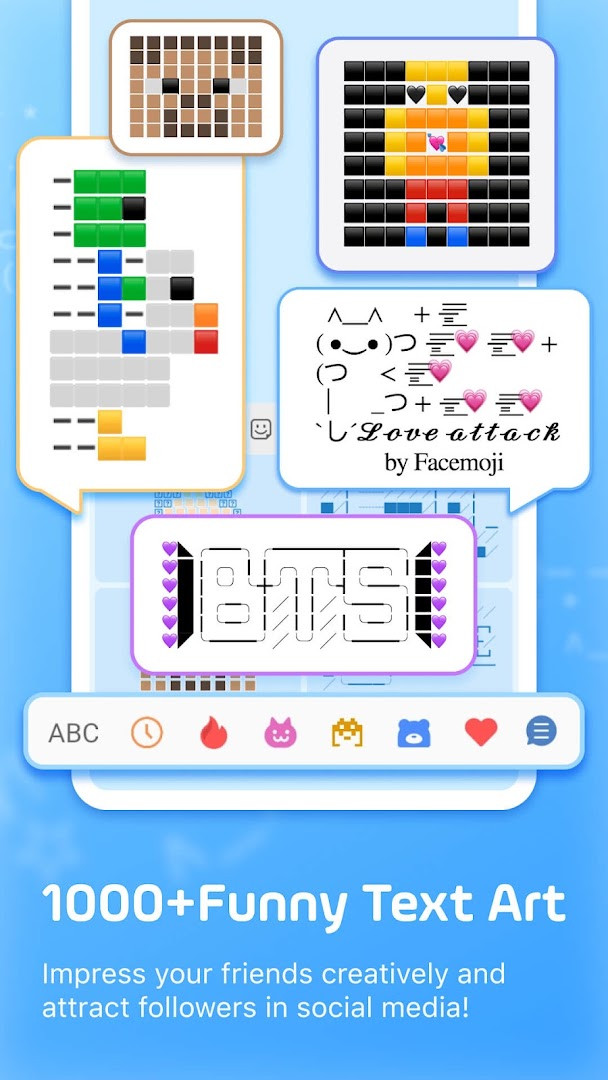
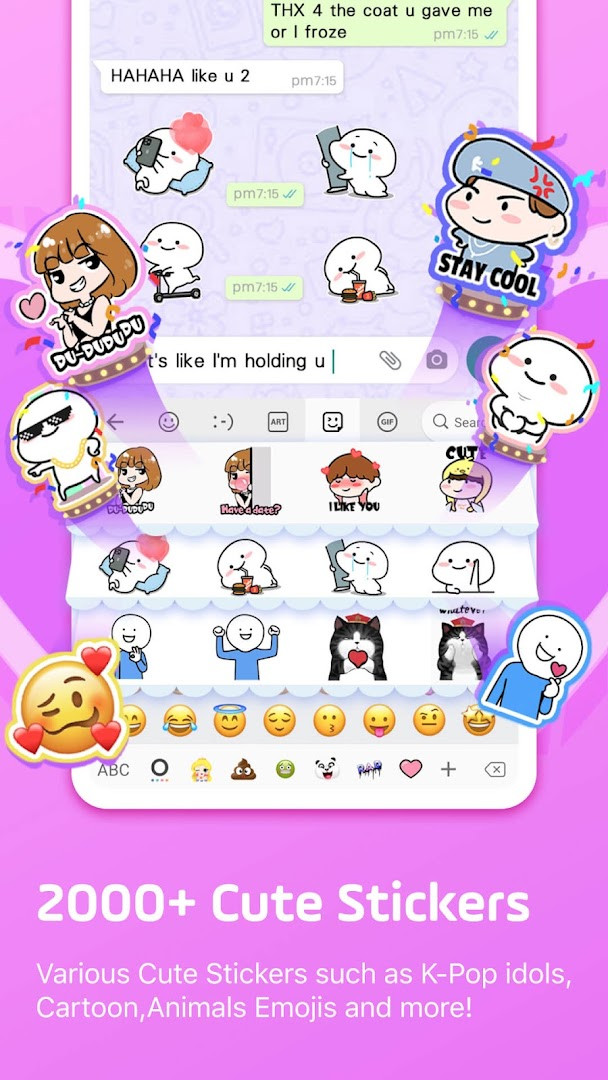
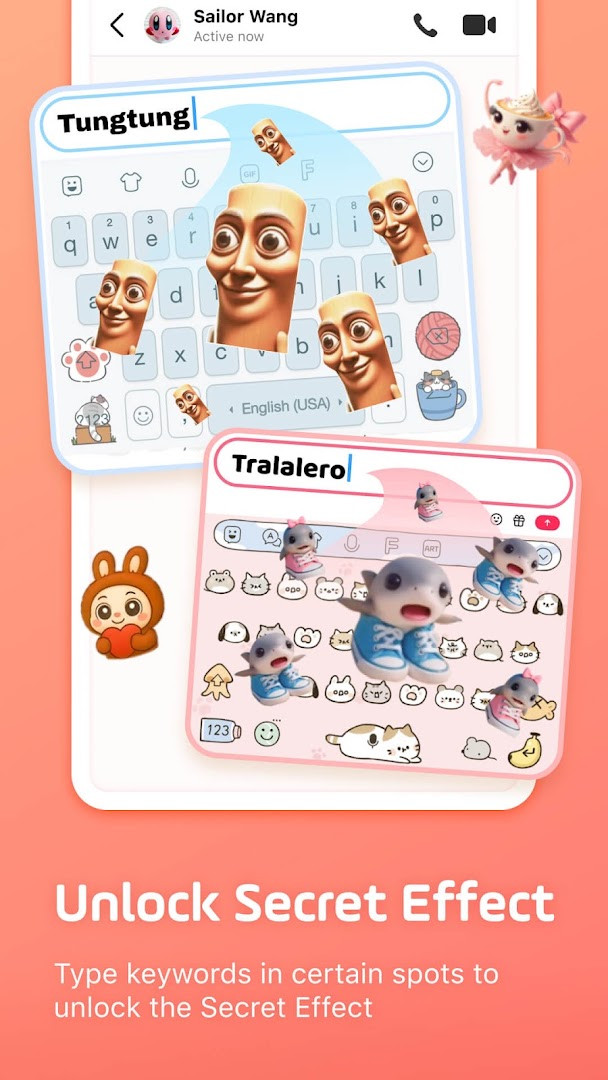
Facemoji AI Emoji Keyboard is a free custom keyboard app by Nexileap that brings emojis, stickers, themes, fonts, and AI-assisted content creation into the typing experience. It addresses the limited expressive options found in stock keyboards by bundling a large emoji library, animated stickers, visual themes, and an integrated AI generator into one input method. The app combines a 6000+ emoji collection, more than 1500 free themes, and a Genmoji-style emoji maker that lets you design personalized characters and look-alike stickers based on your face. It also adds practical typing aids such as swipe input, smart autocorrect, emoji and sticker predictions, a clipboard keyboard, and a built-in translator, making it a versatile replacement for anyone who wants more personality in everyday messaging.
Key features
- Access to 6000+ emojis, stickers, symbols, GIFs, and emoticons, including trending 2025 emoji additions
- AI-powered emoji creator that generates custom emoji characters, look-alike face stickers, and animated GIFs
- Over 1500 free keyboard themes with DIY customization for wallpapers, button colors, fonts, tap effects, and tapping sounds
- More than 100 cool fonts plus 1000+ unicode symbols and nickname templates for social profiles
- Swift typing tools including swipe gesture input, smart autocorrect, emoji predictions, and sticker predictions for messaging apps
- Paste keyboard and clipboard for saving copied notes and sending repeated messages with a long press
- Specialized game keyboards for Among Us, Roblox, Minecraft, Free Fire, PUBG, and Mobile Legends with quick messages
- Bilingual support for 100+ languages with a built-in translator, plus K-Pop themed content for groups like BTS and Blackpink
How to install
- Tap the download button on this page to save the APK file; note that no file size is listed for this app.
- Check that your device runs Android 6.0 or newer before installing.
- When Android prompts you, allow your browser or file manager to install apps from unknown sources using the 'Install unknown apps' setting.
- Open the downloaded APK file from your notifications or file manager.
- Tap Install and wait for the installation to finish.
- Open the app, enable Facemoji as your active keyboard in system settings, and grant the requested permissions.
Pros
- Free to use with a very large emoji, sticker, and theme library
- AI-powered emoji and sticker generation adds creative options not found in standard keyboards
- Deep customization of keyboard appearance, sounds, and behavior
- Swipe typing, autocorrect, and predictive suggestions improve input speed
- Supports 100+ languages with a built-in translator
- Game-specific keyboard modes and K-Pop content add niche value
Cons
- Contains ads, which may interrupt the typing experience
- Offers in-app purchases for additional content
- Requires permission to access photos, media, and storage
- Requests microphone access, which privacy-conscious users should consider
- Reads Wi-Fi connection information, and the Teen content rating may not suit all households
Latest changes · 3.7.0
This update brings Facemoji AI, a new assistant that can generate responses based on whatever you ask or type. You can now also create Magic Avatars and Face Emojis to add a personal touch to your messages. The release is designed to make chatting more playful and creative.
Previous versions
| Version | Size | Requires Android | Updated |
|---|---|---|---|
| 3.7.0 | — | 6.0 | Nov 10, 2026 |
| 3.6.8.3 | — | 6.0 | Sep 23, 2026 |
| 1.5 | 15 MB | 4.0.3 | Jun 21, 2026 |
Experienced users comparing keyboard alternatives will appreciate Facemoji if they want a highly customizable input method with more than text entry. It suits people who frequently use emoji, stickers, GIFs, and stylized fonts in chats and social posts, as well as anyone interested in AI-generated avatars or themed keyboards. Gamers who play Among Us, Roblox, or similar titles may also like the quick-message layouts, while K-Pop fans get hidden group-specific content. Because the app includes ads, in-app purchases, and broad permissions, it is better suited to users comfortable with those trade-offs.
Type band names like BTS or Blackpink to unlock hidden content, and use the DIY theme tools to create a keyboard wallpaper from your own photos. The clipboard keyboard is handy for repeated messages, and checking back weekly is worthwhile since new themes are added regularly.
Permissions
Frequently asked questions
How do I install the APK on Android?
Make sure your device runs Android 6.0 or higher. Download the APK file, tap it to open, and if prompted, allow installation from unknown sources. Then follow the on-screen instructions to finish setup.
What is the current version of the app?
The current version is 3.6.8.3, updated on September 23, 2026. An earlier listed version is 1.5 from June 21, 2026.
Does the app cost anything or contain ads?
The app is free to download with a price of $0.00. It does contain ads and also offers optional in-app purchases.
How does the app handle my data?
The developer states that the keyboard never collects personal information without your explicit permission. It requests access to photos/media/files, storage, microphone, and Wi-Fi connection information to support its features.
Are there alternatives in the same category?
Yes, the Personalization category includes other keyboard apps with emojis, themes, and stickers. Facemoji stands out with its AI-powered features, custom emoji maker, and a library of over 6000 emojis.
Can I use the app offline?
Offline use is not addressed in the available information, so there is no confirmed statement about which features can be used without an internet connection.
Facemoji AI Emoji Keyboard delivers a broad set of expressive tools for users who want more from their typing experience. It is a capable option with solid customization and AI features, though ads, in-app purchases, and permission requirements are factors to weigh before installing.
Similar apps







Updated: Nov 12, 2026