Launcher OS™ for Android
Launcher OS™ is a personalization app from Apps Genz for making your phone simple and pretty with a customizable lock screen and launcher.
Get Launcher OS · v7.0.1Launcher OS™ is for Android users who want a cleaner, more personal home screen and lock screen experience. The app is free to download and works on Android 8.0 and up, with a file size that supports its many features.
- Version
- 7.0.1
- Requires Android
- 8.0
- Updated
- Oct 16, 2026
- Installs
- 100M+
- Rating
- ★ 4.4 (1,857,359)
- Category
- Personalization
- Developer
- Apps Genz
- Content rating
- Everyone
- Package
- com.babydola.launcherios
- Free
- ✓ · Contains ads · In-app purchases
Screen gallery
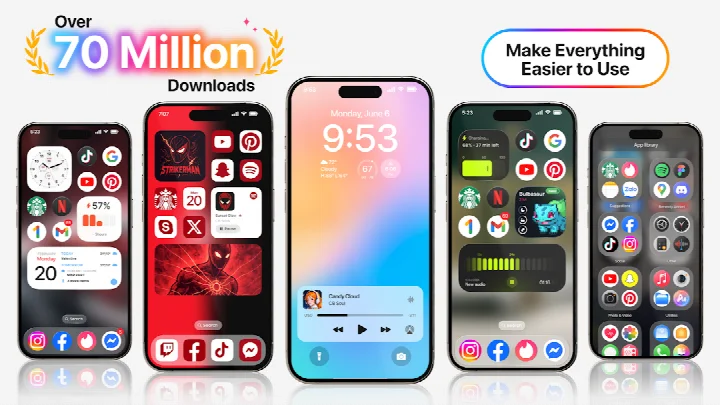
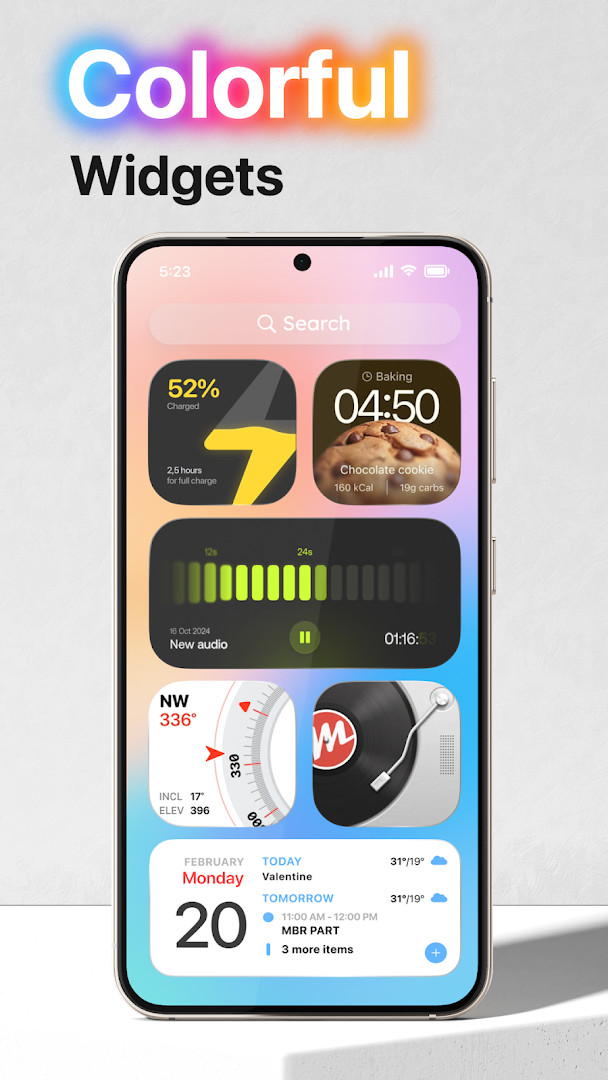
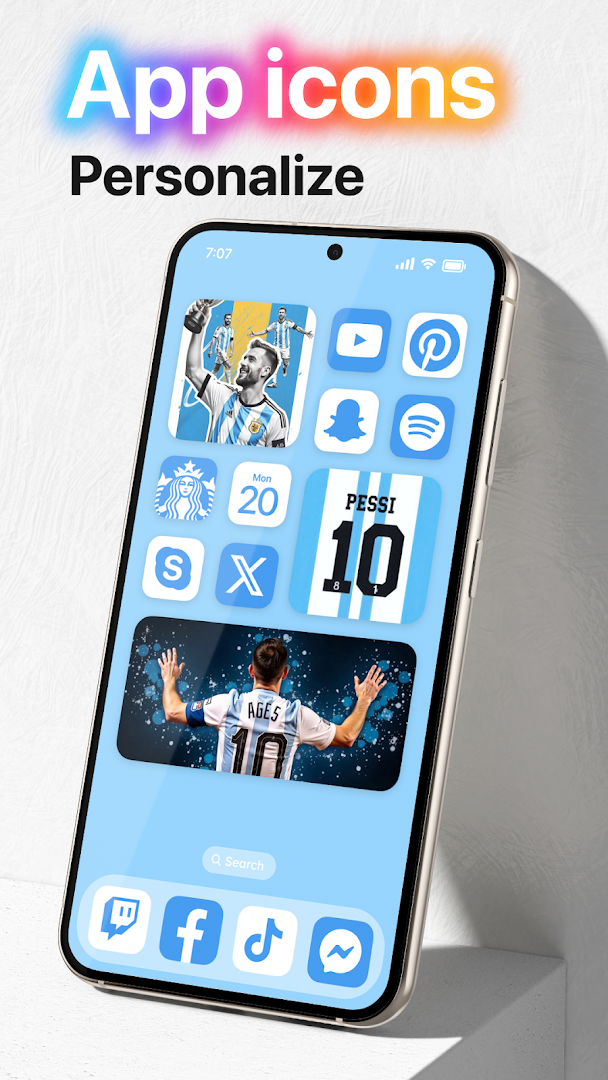
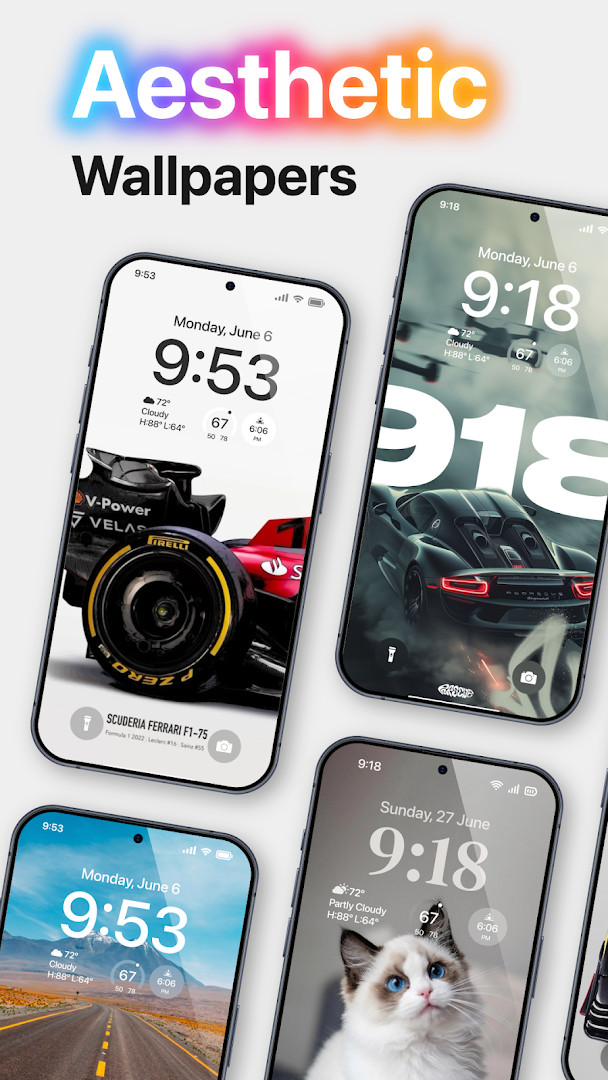
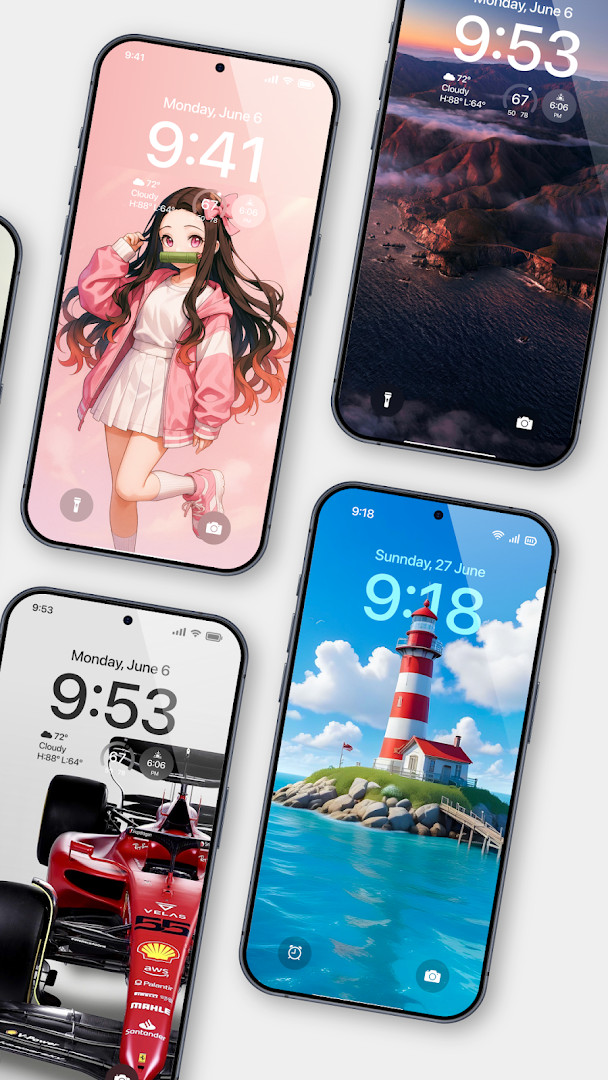
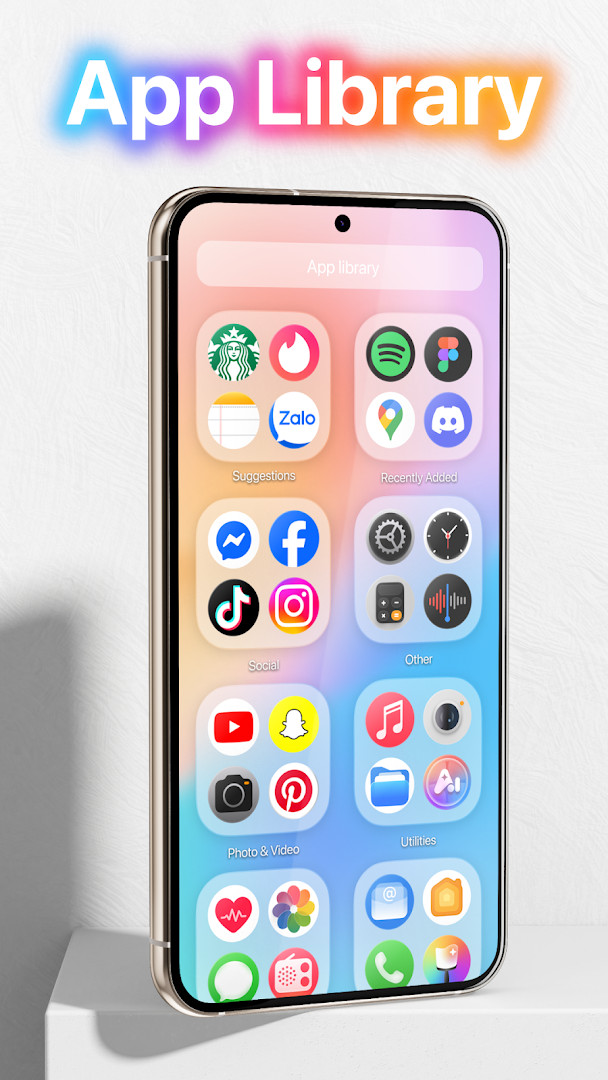
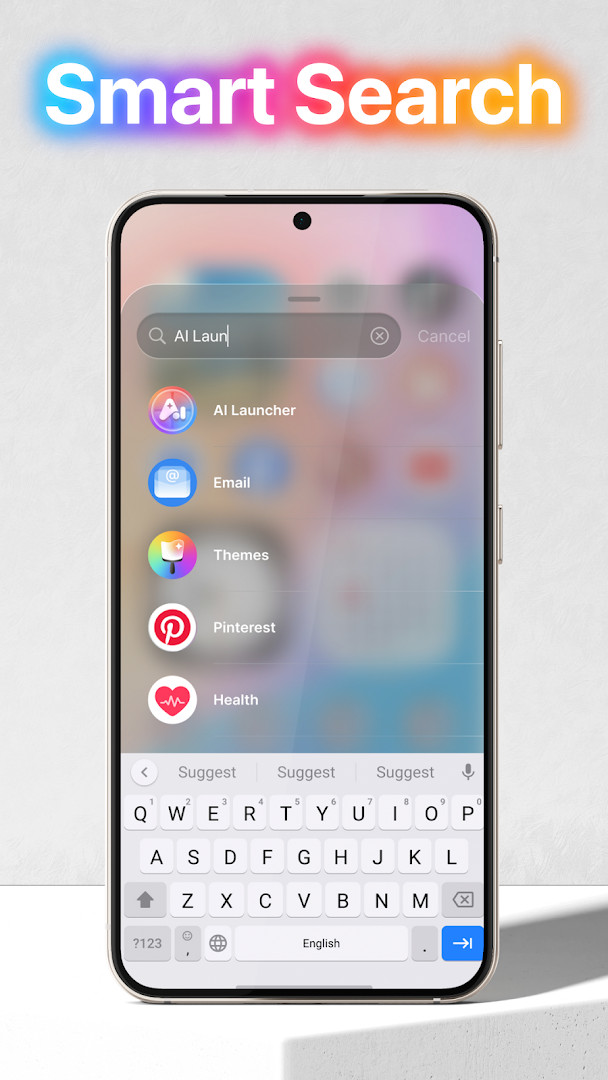
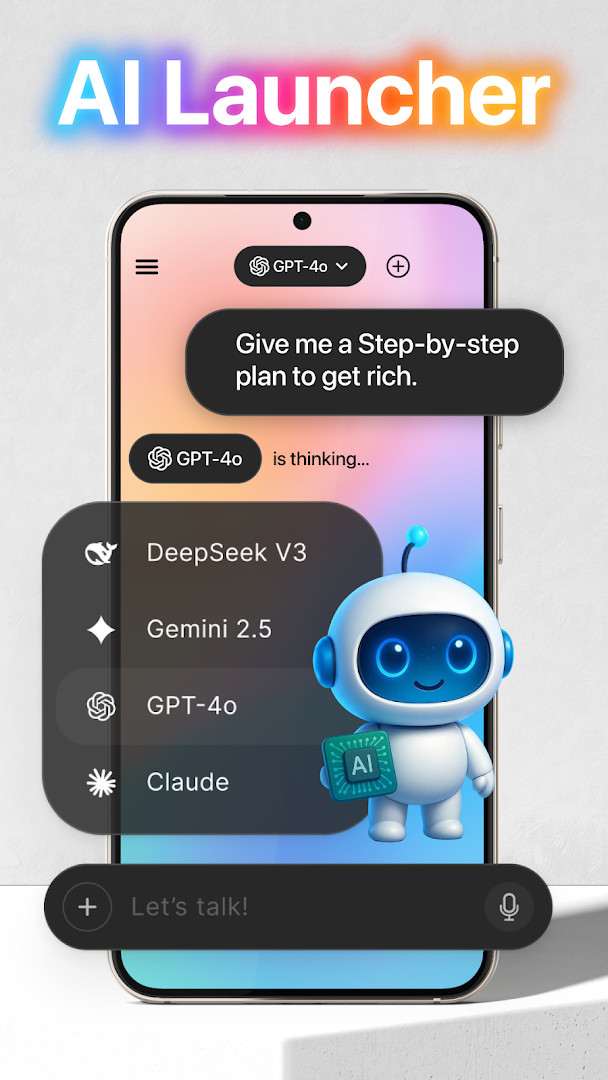
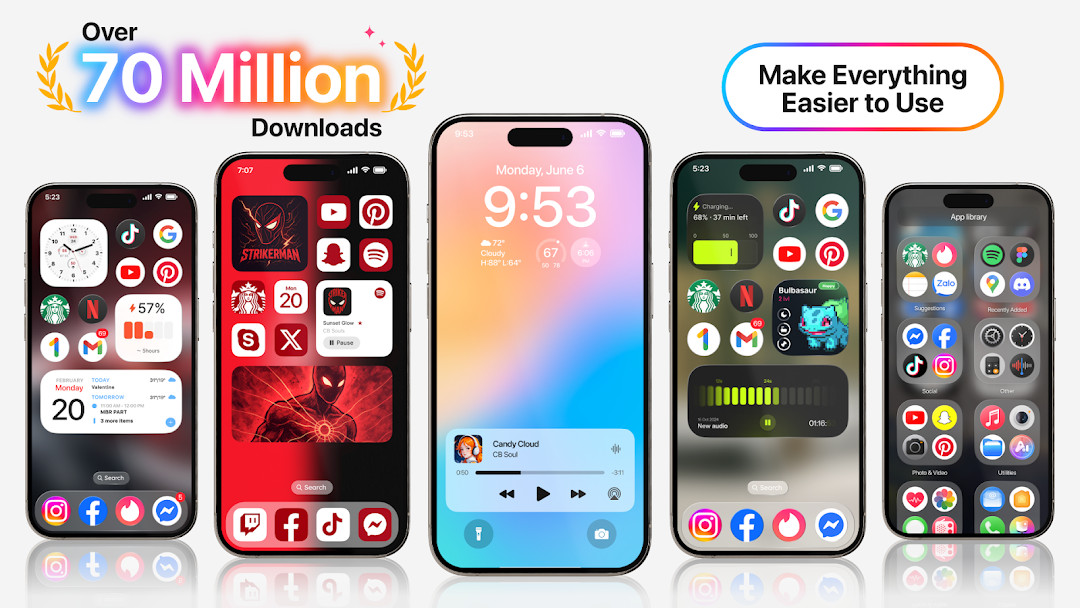
Launcher OS™ is a personalization launcher app by Apps Genz that replaces the standard home screen and lock screen experience on Android devices. It aims to make a phone simpler and more visually appealing while adding convenience features, such as showing calls, notifications, and a camera shortcut on the lock screen. The app solves the problem of a cluttered or limited default interface by providing a unified launcher with a built-in universal file search and AI chat that uses voice input. It requires several permissions to function as designed, including camera, phone state, notification access, storage, and microphone access, which are used for lock screen shortcuts and file search. The app is free to use but includes ads and offers in-app purchases, which may affect the user experience. As of the latest update, the app is at version 6.3.15 and requires Android 8.0 or higher.
Key features
- Lock screen camera shortcut: opens the camera directly when the screen is locked.
- Lock screen call display: shows incoming phone calls on the lock screen.
- Lock screen notifications: displays notifications on the lock screen via notification access.
- Wallpaper support: set wallpapers from your storage or from the app's server.
- Draw-over-screen lock screen: overlays the lock screen on top of other apps.
- Universal file search: quickly find any file on the device using storage permissions.
- AI chat with voice input: converts your voice to text using microphone access.
- Customizable home screen: personalizes the look and feel of your phone's interface.
How to install
- Tap the download button on this page to get the APK file.
- When Android prompts, allow your browser or file manager to install apps by enabling the 'Install unknown apps' setting.
- Open the downloaded APK file from your notifications or file manager.
- Tap 'Install' on the installation screen.
- After installation, open the app. Note: the file size is not specified, and the minimum Android version required is 8.0.
Pros
- Free to download and use.
- High user rating of 4.39 based on over 1.8 million ratings.
- Wide user base with over 100 million installs.
- Offers a unified lock screen and launcher experience.
- Includes a universal file search feature.
- Supports AI chat with voice input.
Cons
- Contains ads, which may interrupt the experience.
- Offers in-app purchases, which may be required for full functionality.
- Requires extensive permissions, including camera, microphone, and storage access, which may raise privacy concerns.
- Uses MANAGE_EXTERNAL_STORAGE permission, which is sensitive and may require user trust.
Latest changes · 7.0.1
Version 6.3.15 (380) is the latest update, released on September 3, 2026. This version is identified as new in the changelog, though specific change details are not listed. The app remains free with ads and in-app purchases, and continues to require various permissions for lock screen features, file search, and AI chat voice input.
Previous versions
| Version | Size | Requires Android | Updated |
|---|---|---|---|
| 7.0.1 | — | 8.0 | Oct 16, 2026 |
| 6.3.15 | — | 8.0 | Sep 3, 2026 |
Launcher OS™ is designed for Android users who want to customize their phone's home screen and lock screen with a more streamlined and visually appealing interface. It is suitable for those who frequently use lock screen shortcuts, such as quick camera access, and who need a universal file search tool. Users who are comfortable granting multiple permissions for enhanced functionality and who can tolerate ads and in-app purchases will find this app useful. It is also for those who want to integrate AI chat with voice input, making it handy for hands-free interaction.
To get the most out of Launcher OS™, review the permissions it requests and ensure you are comfortable with the access they provide. You can customize the lock screen shortcuts to match your daily habits, and use the file search feature to quickly locate documents or media. Be aware that ads may appear; consider in-app purchases if you prefer an ad-free experience.
Permissions
Frequently asked questions
What is the most recent version of Launcher OS™ and when did it arrive?
According to the provided information, version 6.3.15 was released on September 3, 2026.
Why does Launcher OS™ request permission to use the camera, phone state, notifications, and storage?
From the listed permissions, it needs camera access to open the camera from the lock screen, phone state access to show calls on the lock screen, notification access to display notifications there, and storage access to support wallpapers and its built-in file search.
Is Launcher OS™ completely free, or does it include ads and optional purchases?
Yes, the app is free to download, but the information indicates that it includes ads and offers in-app purchases.
What is the oldest Android OS version that Launcher OS™ supports?
The app requires a minimum operating system version of 8.0.
What category and content rating does Launcher OS™ have?
It falls under the Personalization category and is rated as suitable for Everyone.
Launcher OS™ offers a feature-rich alternative to the stock launcher with useful lock screen conveniences and file search capabilities. It is a solid choice for users who prioritize customization and are willing to manage the required permissions and ads.
Similar apps






Updated: Nov 13, 2026