
Parallel Space - app cloning for multiple accounts
Parallel Space - app cloning is a free personalization app by LBE Tech that lets you run multiple accounts of the same app on one device.
Get Parallel Space · v4.0.9631Parallel Space - app cloning has over 100 million installs and a 4.07 rating from 5.1 million ratings. It requires Android 7.0 or higher, contains ads, and offers in-app purchases; the free plan supports two accounts simultaneously, with Pro unlocking more.
- Version
- 4.0.9631
- Requires Android
- 7.0
- Updated
- Nov 12, 2026
- Installs
- 100M+
- Rating
- ★ 4.07 (5,113,750)
- Category
- Personalization
- Developer
- LBE Tech
- Content rating
- Everyone
- Package
- com.lbe.parallel.intl
- Free
- ✓ · Contains ads · In-app purchases
Screen gallery
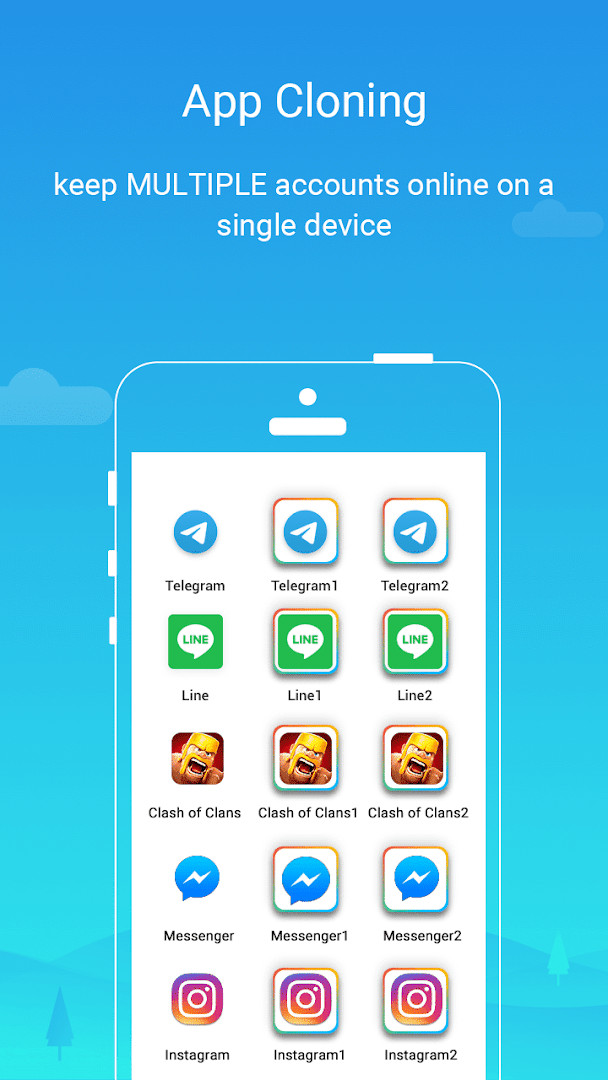
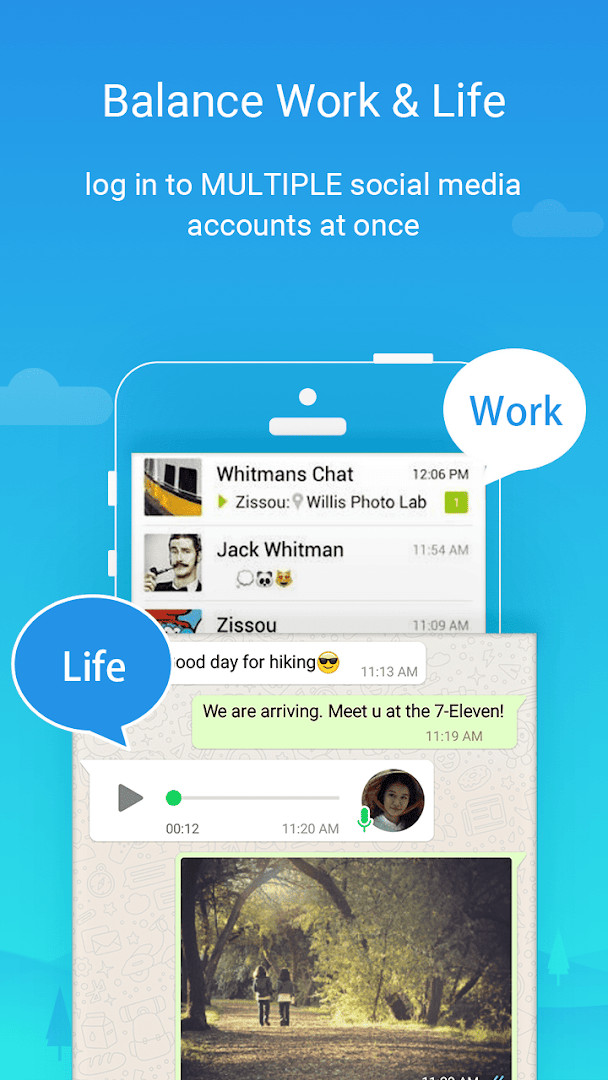
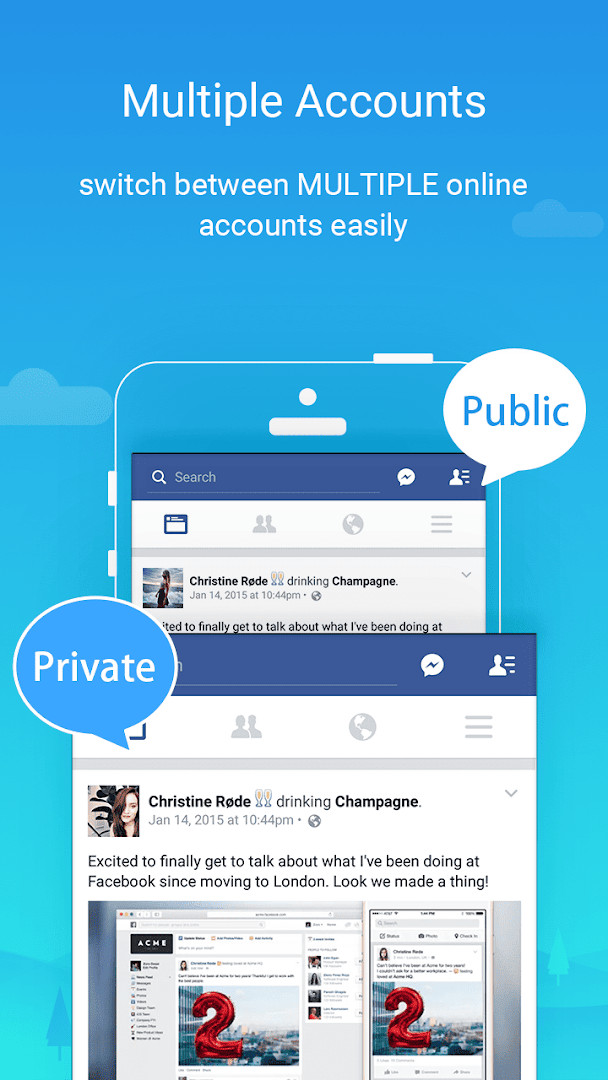
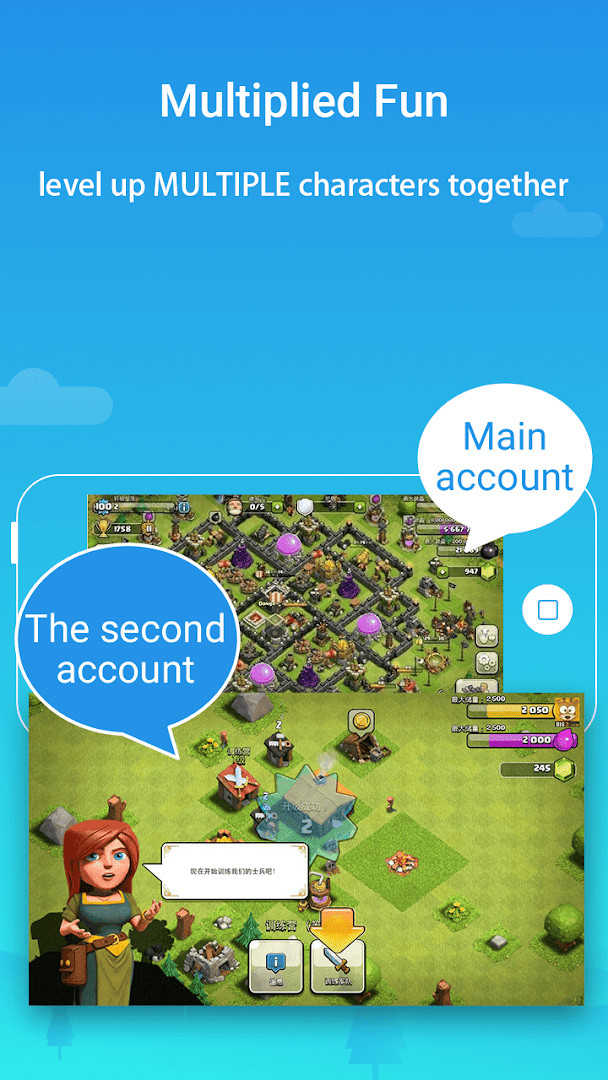
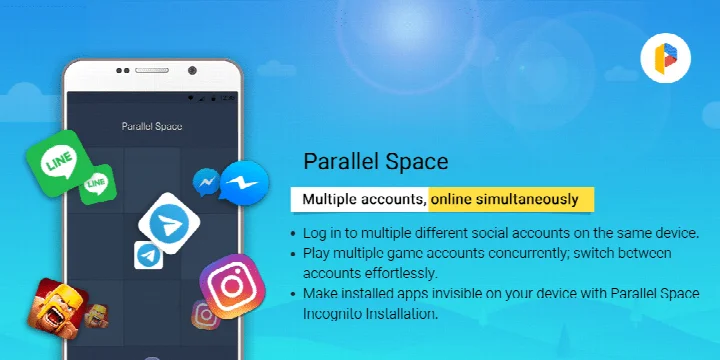
Parallel Space is a personalization app by LBE Tech that lets you clone and run multiple accounts of the same app on a single Android device. Instead of logging out and back in to switch between a personal and a work profile, or juggling separate devices for different game characters, this tool creates isolated copies of supported applications. Each clone operates independently, so you can stay signed into several accounts at once and switch between them with a single tap. The app has been around since early 2016 and has been downloaded over 100 million times, with a rating of about 4.07 from more than five million users. It is free to use, though it includes ads and offers in-app purchases for a Pro tier that removes the limit of two simultaneous accounts. The latest update, version 4.0.9631, released in November 2026, brings full compatibility with Android 15, drops support for cloning apps that use the REQUIRE_SECURE_ENV flag, optimizes overall performance, fixes several known bugs, and now allows multiple accounts to run concurrently rather than just two. For everyday use, this means you can keep work and personal messaging separate, run multiple game profiles, or hide sensitive apps from your main home screen. The app supports 24 languages and works with most Android applications, though some apps are excluded due to policy or technical limitations. Resource usage is mostly tied to the apps running inside the clones, and you can monitor that through the built-in Storage and Task Manager options. Overall, it is a practical tool for anyone who needs more than one identity on a single phone without constantly signing in and out.
Key features
- Run multiple accounts of the same app simultaneously on one device
- Incognito Installation hides cloned apps from your device's app list
- Secure lock feature adds an extra layer of privacy to your private space
- Switch between accounts seamlessly with a single tap
- Keep personal and work accounts separate with isolated data
- Supports 24 languages and is compatible with most Android apps
- Built on multiDroid, an application virtualization engine for Android
- View resource usage per cloned app via Storage and Task Manager settings
- Free plan supports two concurrent accounts; Pro plan unlocks more
- Compatible with Android 15 as of version 4.0.9631
How to install
- Tap the download button on this page to get the APK file for Parallel Space (file size is not specified; the app requires Android 7.0 or higher).
- When your browser or file manager asks for permission to install apps, allow it by enabling the 'Install unknown apps' setting for that app.
- Open the downloaded APK file from your notifications or Downloads folder.
- Tap Install on the system prompt, then wait for the installation to finish.
- Open Parallel Space from your app drawer and grant the necessary permissions it requests.
- Add the apps you want to clone and start using multiple accounts.
- If you encounter any issues, check that your device allows installations from this source.
Pros
- Free to use with no upfront cost, though ads and in-app purchases exist
- Very large user base and long track record since 2016
- Supports a wide range of apps and 24 languages
- Includes privacy features like hidden apps and a secure lock
- Allows multiple concurrent accounts in the latest version
- Provides tools to monitor resource usage of cloned apps
Cons
- Some apps are not supported, especially those with the REQUIRE_SECURE_ENV flag
- Requires many permissions, including camera, microphone, location, and contacts
- Resource consumption can be noticeable since it runs multiple app instances
- Free plan limits you to two concurrent accounts unless you upgrade
- Notifications for some social apps may need extra whitelist configuration
Latest changes · 4.0.9631
Version 4.0.9631 of Parallel Space brings full compatibility with Android 15, along with optimized overall performance and fixes for several known bugs. In addition, the app now supports concurrent online sessions for multiple accounts rather than just two, while discontinuing cloning support for apps that declare the REQUIRE_SECURE_ENV flag.
Previous versions
| Version | Size | Requires Android | Updated |
|---|---|---|---|
| 4.0.9631 | — | 7.0 | Nov 12, 2026 |
| 4.0.9544 | 46 MB | 7.0 | Nov 2, 2026 |
| 4.0.9548 | 46 MB | 7.0 | Nov 2, 2026 |
| 4.0.9620 | 58 MB | 7.0 | Oct 21, 2026 |
| 4.0.9614 | 58 MB | 7.0 | Sep 23, 2026 |
| 4.0.9618 | 58 MB | 7.0 | Sep 23, 2026 |
| 4.0.9553 | 46 MB | 7.0 | Mar 18, 2026 |
| 4.0.9274 | 16 MB | 4.4 | Jan 13, 2026 |
| 4.0.9403 | 18 MB | 9 | Dec 1, 2025 |
| 4.0.9001 | 11 MB | 4.0.3 | Dec 1, 2025 |
This app is for people who juggle multiple personal and work accounts on one phone, gamers who want to run several characters or game profiles simultaneously, and anyone concerned about privacy who wants to hide sensitive apps from their main device view.
For reliable notifications from social apps running inside Parallel Space, add Parallel Space to the whitelist or exception list of any battery booster or task manager app you use, and remember that some social networks require each account to have a unique active mobile number for verification.
Permissions
Frequently asked questions
How many accounts can I run simultaneously with the free plan versus the Pro plan?
With the free plan, Parallel Space lets you run two accounts at the same time. Upgrading to the Pro plan unlocks the ability to run multiple accounts simultaneously, beyond just two.
Why can't I clone certain apps, such as those that declare the REQUIRE_SECURE_ENV flag?
Due to policy or technical limitations, some apps are not supported in Parallel Space. Specifically, the latest version has discontinued support for app cloning for apps that declare the REQUIRE_SECURE_ENV flag.
What does the Incognito Installation feature do?
The Incognito Installation feature makes cloned apps invisible on your device, helping to protect your privacy. It is one of the privacy-focused options available within Parallel Space.
Which Android version is the latest release of Parallel Space compatible with?
The latest version of Parallel Space, 4.0.9631, is fully compatible with Android 15. The app requires a minimum operating system of Android 7.0.
How can I monitor the resources used by apps running inside Parallel Space?
Most resource usage is attributed to the apps running inside Parallel Space. You can view specific resource usage through the 'Storage' and 'Task Manager' options within Parallel Space settings.
Parallel Space delivers on its core promise of letting you run multiple accounts of the same app on one device, backed by a massive user base and years of updates. The privacy features and wide app compatibility make it a solid choice, though the permission load and the two-account limit on the free plan are worth weighing. For most people who need a second or third account, it is a practical and dependable tool.
Similar apps




Updated: Nov 19, 2026