Zedge™ Wallpapers & Ringtones for Android
Zedge™ Wallpapers & Ringtones is a personalization app from Zedge for customizing devices with millions of wallpapers, ringtones, and AI-generated content.
Download Zedge™ for freeZedge™ Wallpapers & Ringtones is built for anyone who wants to refresh their device's look and sound without spending money, solving the problem of finding varied, high-quality personalization content in one place.
- Size
- 24 MB
- Requires Android
- 9
- Updated
- Nov 4, 2026
- Installs
- 500M+
- Rating
- ★ 4.67 (18,022,872)
- Category
- Personalization
- Developer
- Zedge
- Content rating
- Teen
- Package
- net.zedge.android
- Free
- ✓ · Contains ads · In-app purchases
Screen gallery
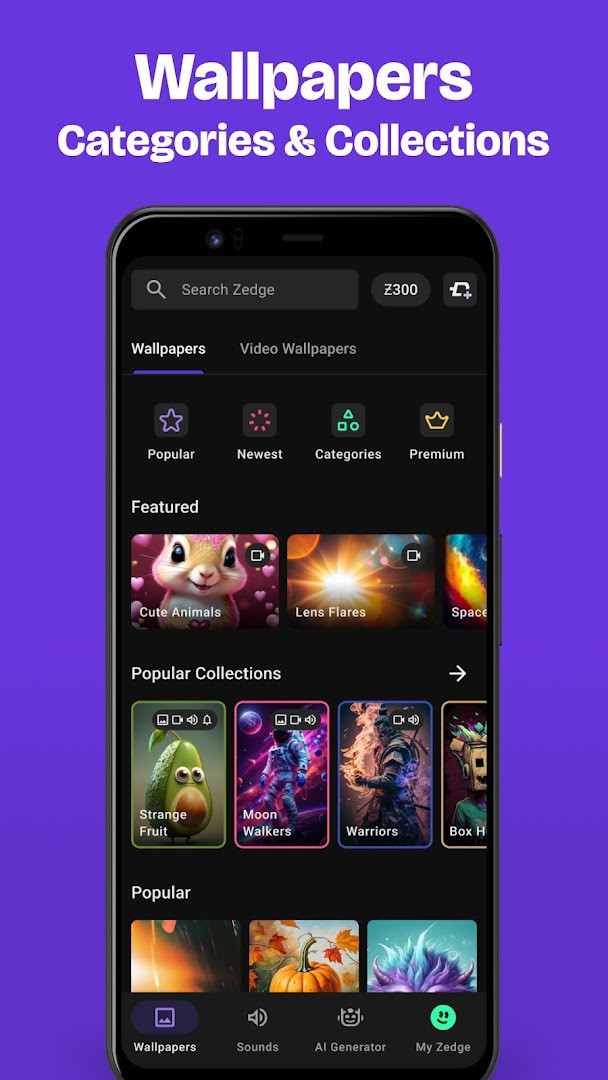
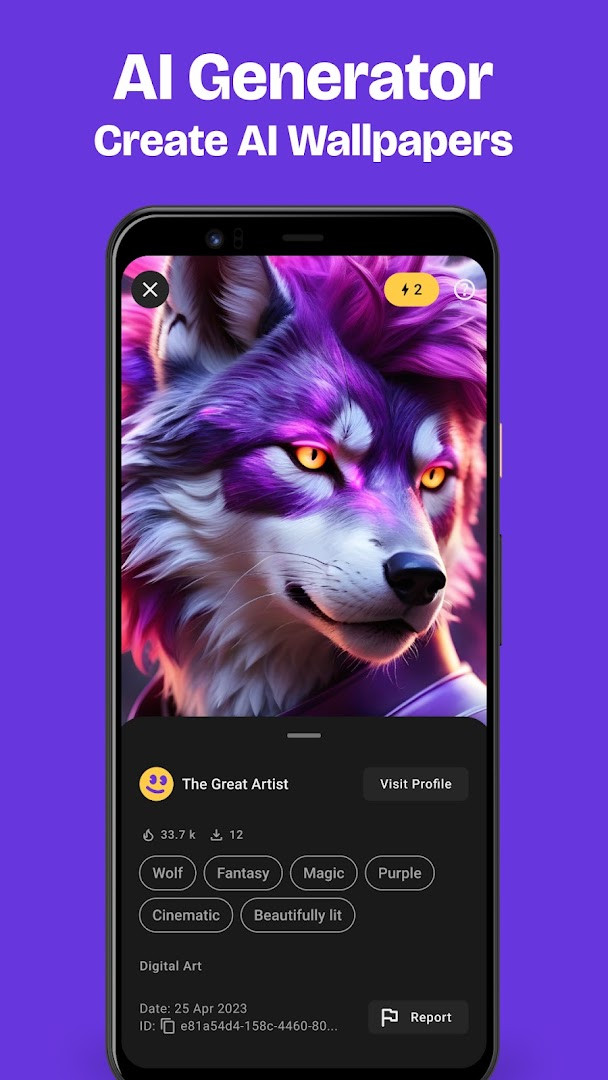
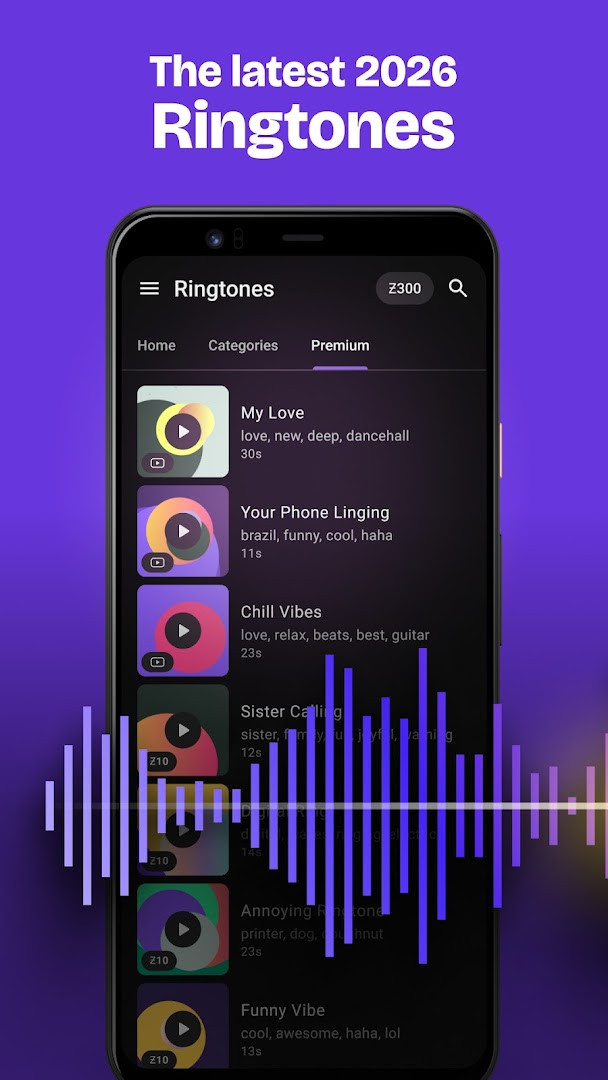
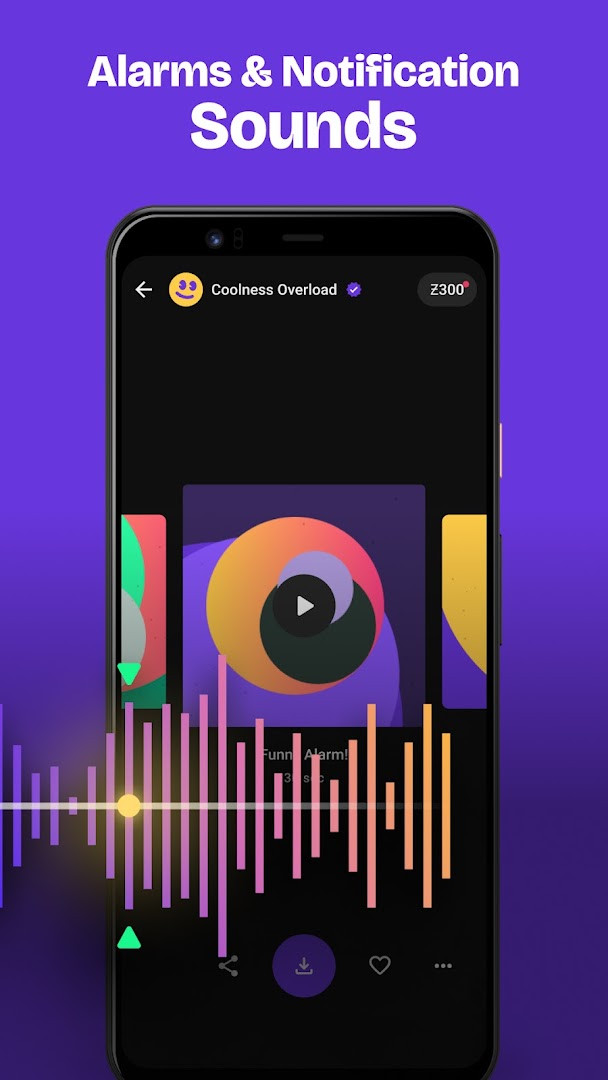
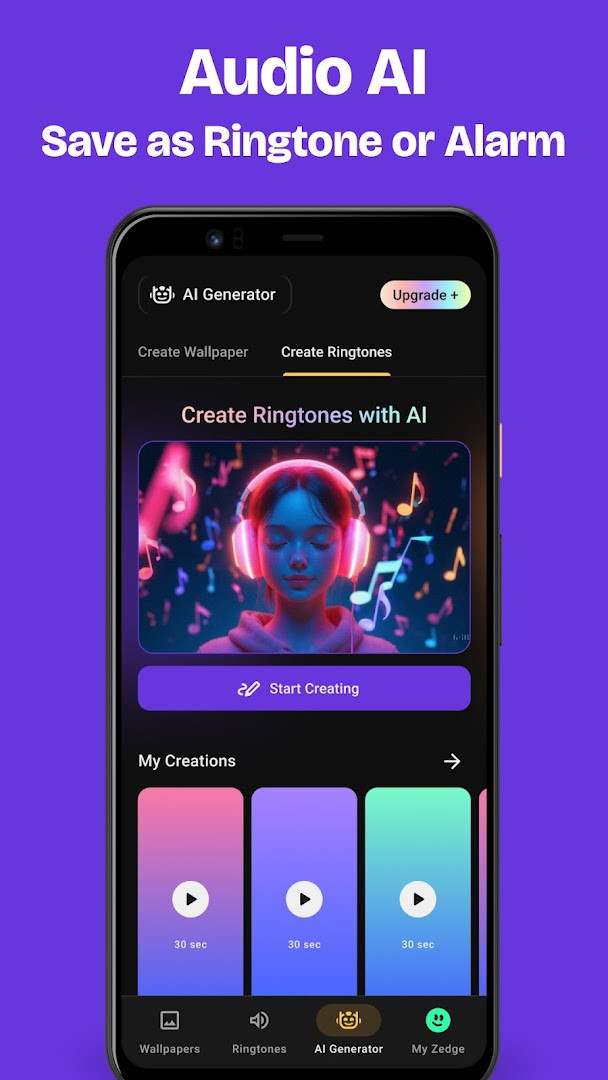
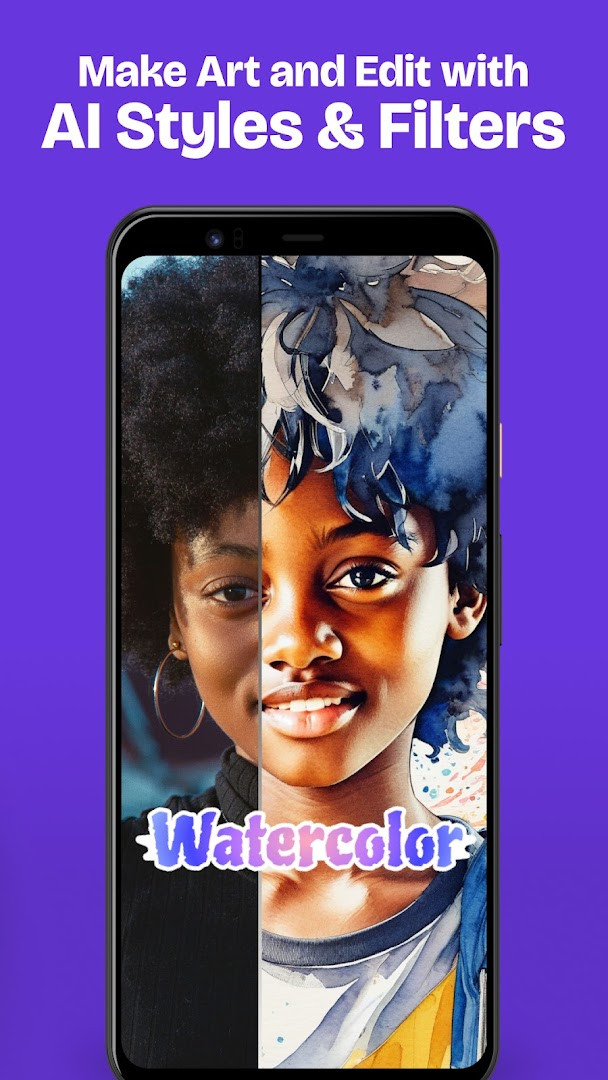
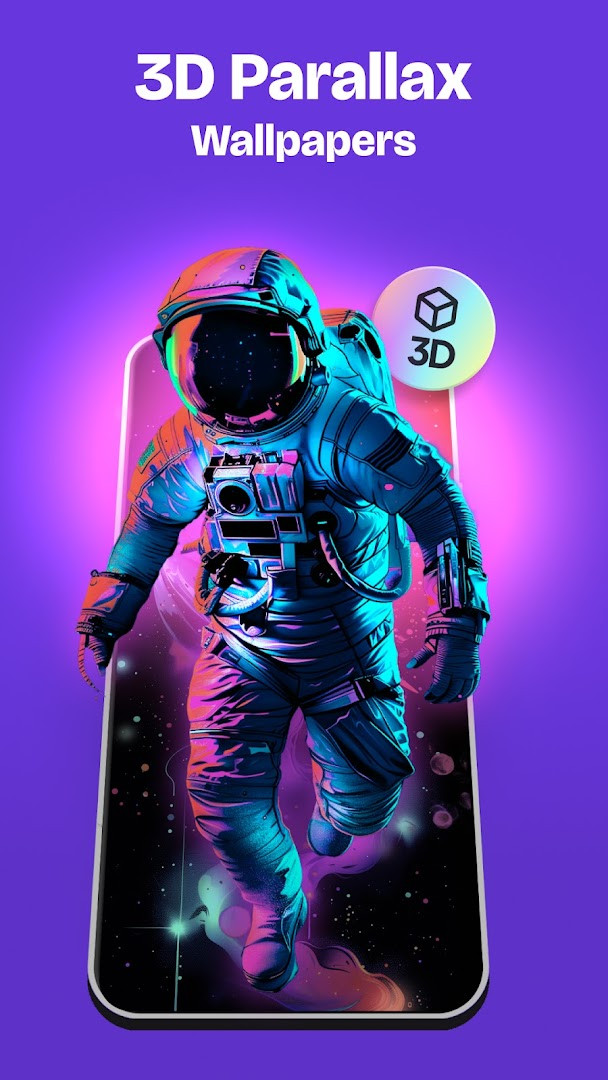
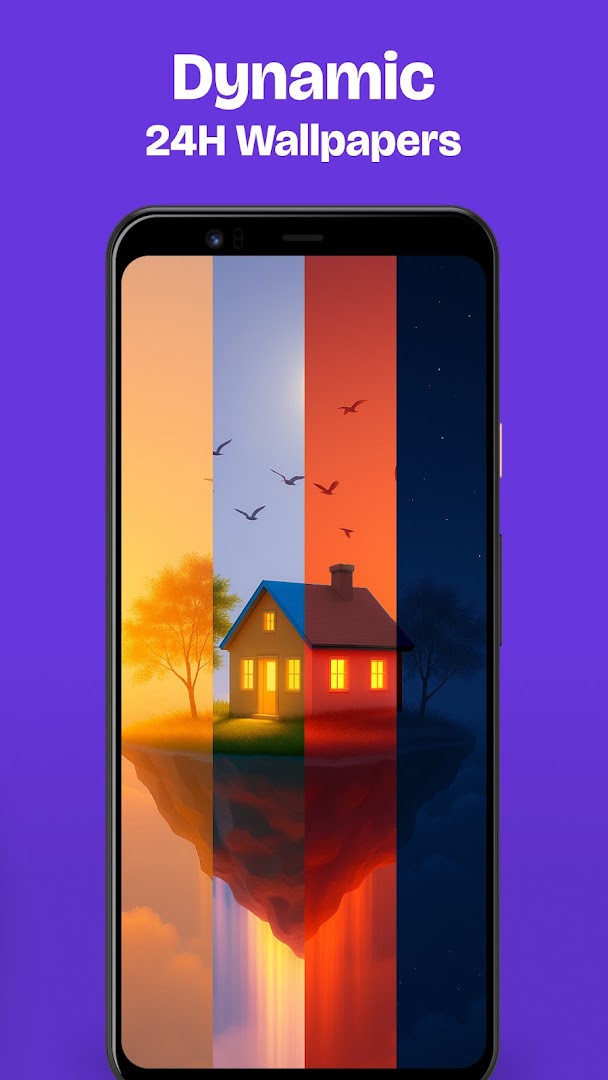
Zedge™ Wallpapers & Ringtones is a personalization app by Zedge that provides a vast, centralized library of wallpapers, ringtones, and notification sounds. It addresses the often time-consuming search for unique and high-quality device customization by aggregating millions of free assets and integrating generative AI tools. Users can instantly create bespoke visual and audio content by simply describing what they want, eliminating the need for separate design software or multiple niche websites.
Key features
- Access millions of free HD and 4K wallpapers across dozens of curated collections including anime, sci-fi, and urban art.
- Generate custom wallpapers instantly by describing a scene or style using the built-in AI Wallpaper Maker.
- Apply AI-driven artistic filters and styles like Cyberpunk, Watercolor, or Comic to existing photos.
- Create unique ringtones and notification sounds with the Audio AI tool by typing a descriptive prompt and selecting a mood.
- Set a coordinated Lock Screen and Home Screen wallpaper pair simultaneously with the Dual Wallpapers function.
- Browse and set Live Wallpapers that use a single data packet download without constant re-downloading.
- Save wallpapers and ringtones to a favorites list without downloading them and sync across devices via login.
- Receive notifications for limited-edition seasonal content for holidays and special occasions.
How to install
- Tap the download button on this page to get the APK file.
- When prompted by Android, allow your browser or file manager to install apps by enabling the "Install unknown apps" setting.
- Open the downloaded APK file from your notifications or file manager.
- Tap the "Install" button and wait for the process to complete.
- Open the app and begin browsing or creating customizations. The installation requires a device running Android 9 or newer.
Pros
- Enormous catalog of free wallpapers, ringtones, and notification sounds.
- Powerful AI generation tools for creating both custom wallpapers and audio.
- Includes dynamic 24H wallpapers that shift based on local time of day.
- Dual Wallpapers feature sets a matched lock and home screen pair in one step.
- Supports content syncing and favorites lists across multiple devices.
Cons
- Contains advertisements that can interrupt browsing.
- Offers in-app purchases for premium content or features.
- Requests access to Contacts, which seems unnecessary for its core functionality.
- Requires Camera permission, likely for AI photo filters rather than a primary function.
- Live wallpapers are optimized for battery but only animate once upon waking the screen.
Latest changes
This update focuses on making the app run more smoothly overall. It includes enhancements to ad delivery and search results, along with better audio playback and landing page behavior. AI creation tools received refinements, including improved wallpaper support. The release also fixes duplicated items, improves image aspect ratios, resolves some account-related issues, and addresses minor bugs for greater stability and reliability.
Previous versions
| Version | Size | Requires Android | Updated |
|---|---|---|---|
| 9.42.1 | — | 9 | Nov 3, 2026 |
| 9.40.1 | — | 9 | Oct 27, 2026 |
| 5.51b239 | 24 MB | 4.4 | Jul 31, 2026 |
| 5.7b4 | 11 MB | 4.0.3 | Sep 6, 2016 |
| 4.3 | 4.8 MB | — | Apr 25, 2014 |
| 2.5 | 1.1 MB | — | Sep 27, 2011 |
This app is for Android users who want a single, endlessly scrollable source for refreshing their device's aesthetic and audio identity. It suits those who enjoy browsing curated art collections just as much as creative individuals who prefer to generate their own unique wallpapers and ringtones using AI.
To get the most out of the AI tools, experiment with detailed prompts in the Audio AI and Wallpaper Maker. For a less cluttered experience, use the favorites feature to bookmark items without downloading them immediately.
Permissions
Frequently asked questions
How do I install the Zedge APK on my Android device?
To install the APK, download the installation file from the download button on this page. Before opening it, make sure your device allows installations from unknown sources—this option is usually found in Security settings. Then tap the file to install. The app requires Android 9 or higher.
What is the current version of Zedge?
The current version is 9.40.1, released on October 6, 2026. This update brings performance improvements, enhanced ad delivery, refined AI features, and various bug fixes.
Does Zedge contain ads or in-app purchases?
Yes, the app is free to use but includes ads and offers in-app purchases. You can browse and download content for free, but some premium features or content may require payment.
Can I use Zedge offline?
The app description does not mention offline functionality. Most features, such as searching and downloading wallpapers or creating AI-generated content, require an internet connection. However, once downloaded, wallpapers and ringtones are saved to your device and can be used offline.
Are there alternatives in the personalization category?
Yes, there are other apps that offer wallpapers, ringtones, and customization options. These alternatives may have different content libraries, features, or pricing models. You can explore similar personalization apps to find one that suits your needs.
Zedge remains a comprehensive solution for those who want to refresh their device's look and sound with minimal effort, though the ad-supported model and some permission requests may give privacy-conscious users pause. Its massive library and integrated AI tools make it a versatile hub for nearly any customization need.
Similar apps


Updated: Nov 12, 2026