
YouTube Music: Music And Audio App
YouTube Music is a music and audio app by Google LLC that connects you to music content, curated playlists, and personalized mixes.
Download YouTube MusicYouTube Music offers a listening experience centered on personalization, with curated playlists, mixes built around favorite types of music, and activity mixes for workout, relax, and focus sessions. It is suited for music fans who want access to live performances, covers, remixes, and content that can be hard to find elsewhere.
- Size
- 68 MB
- Requires Android
- 8.0
- Updated
- Oct 12, 2026
- Installs
- 5B+
- Rating
- ★ 4.46 (7,853,494)
- Category
- Entertainment
- Developer
- Google LLC
- Content rating
- Teen
- Package
- com.google.android.apps.youtube.music
- Free
- ✓ · Contains ads · In-app purchases
Screen gallery
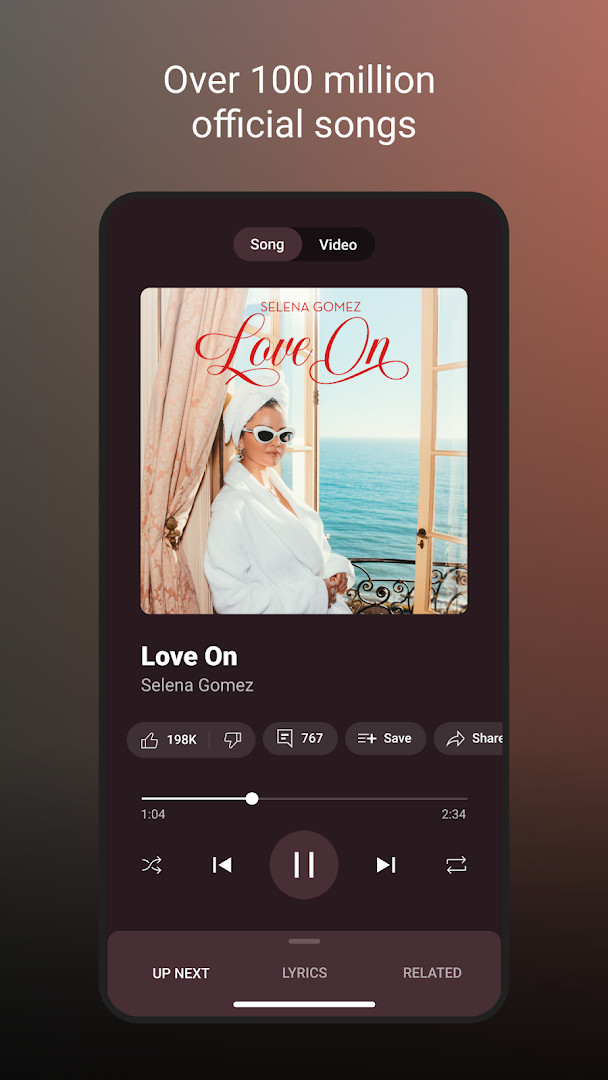
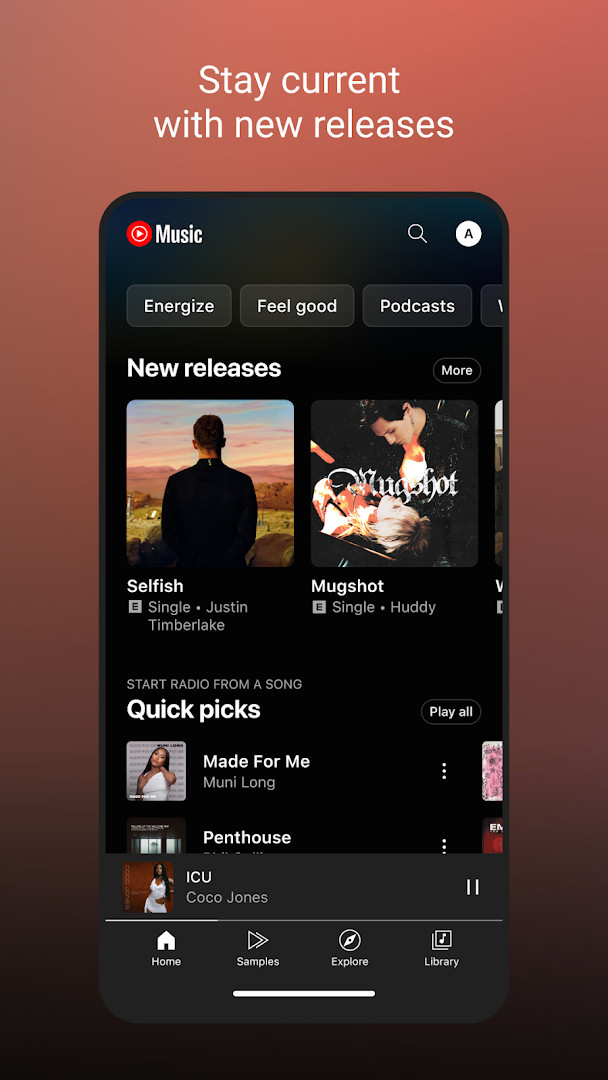
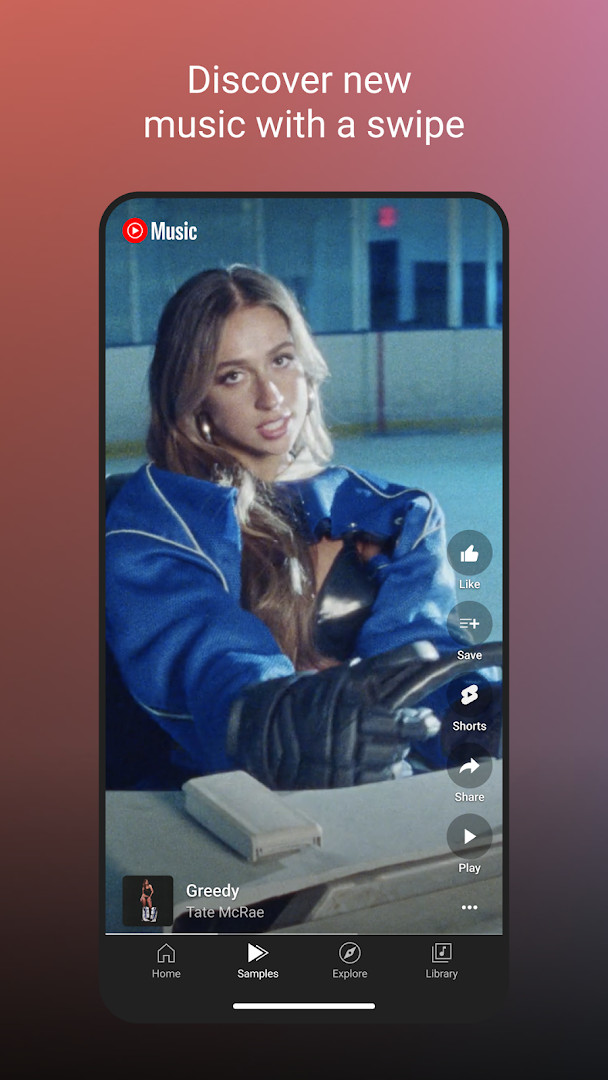
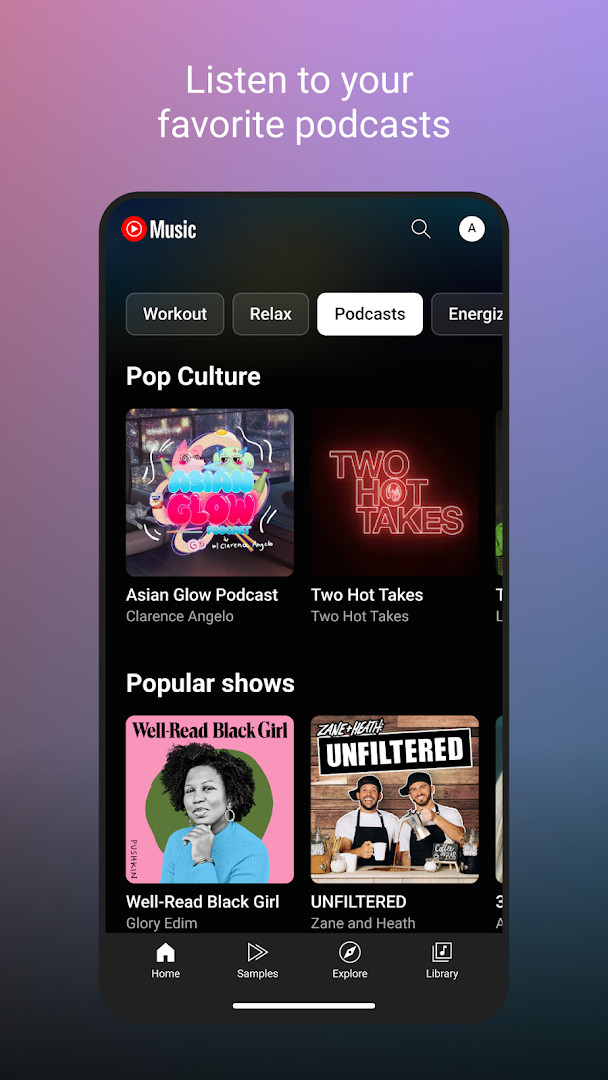
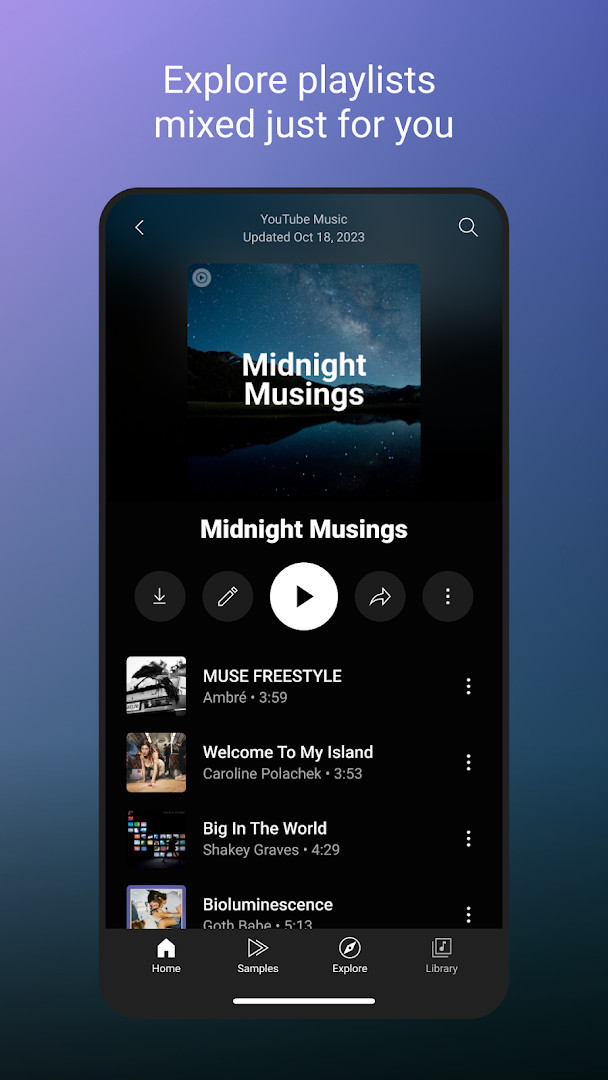
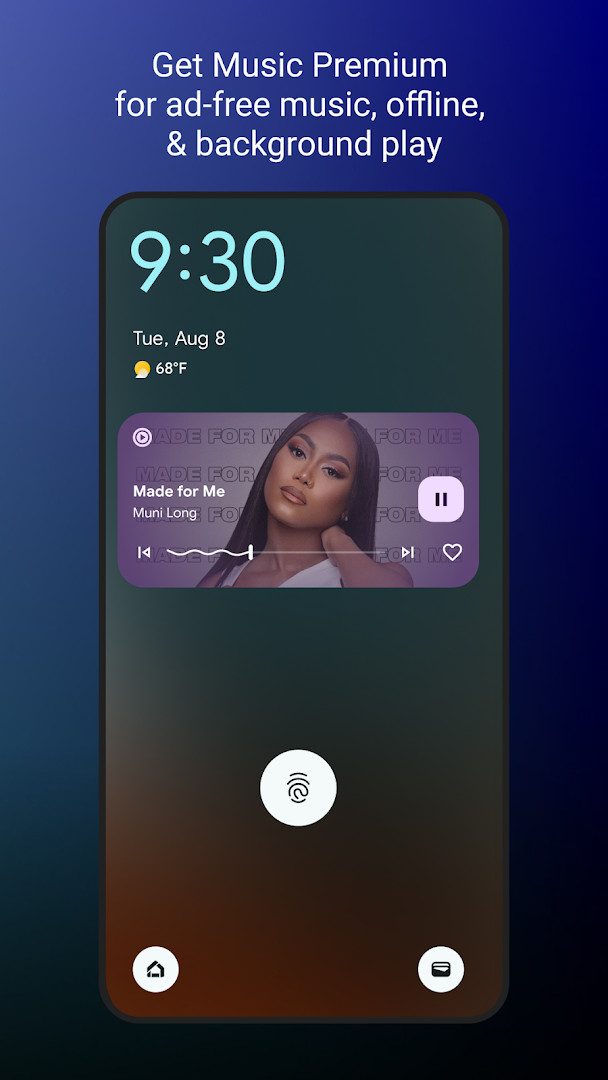
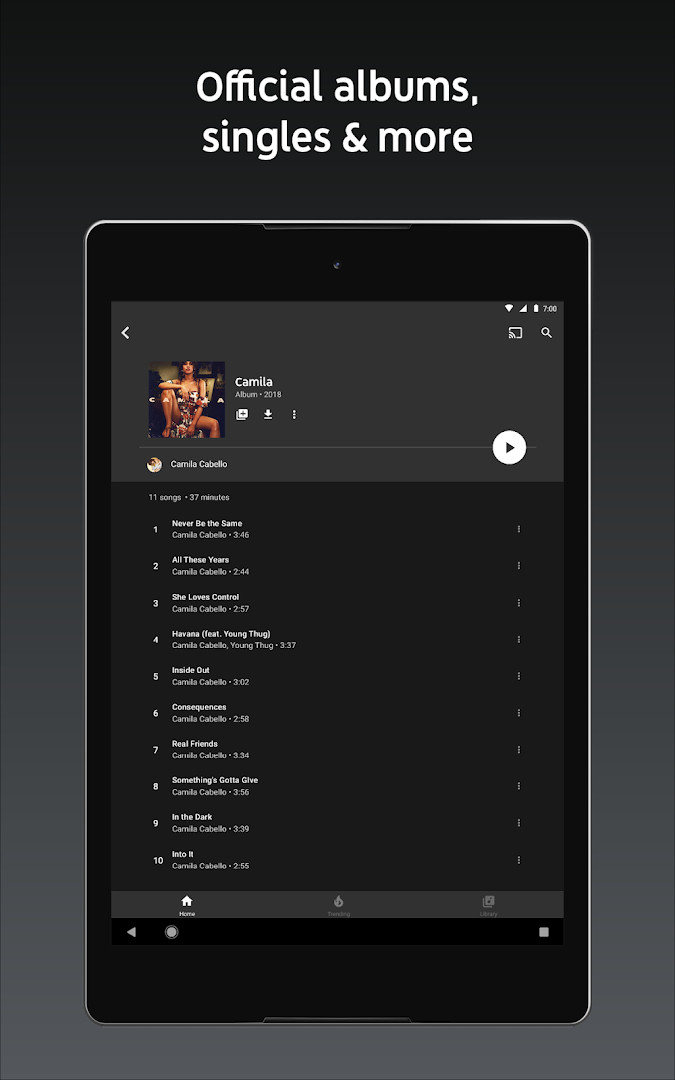
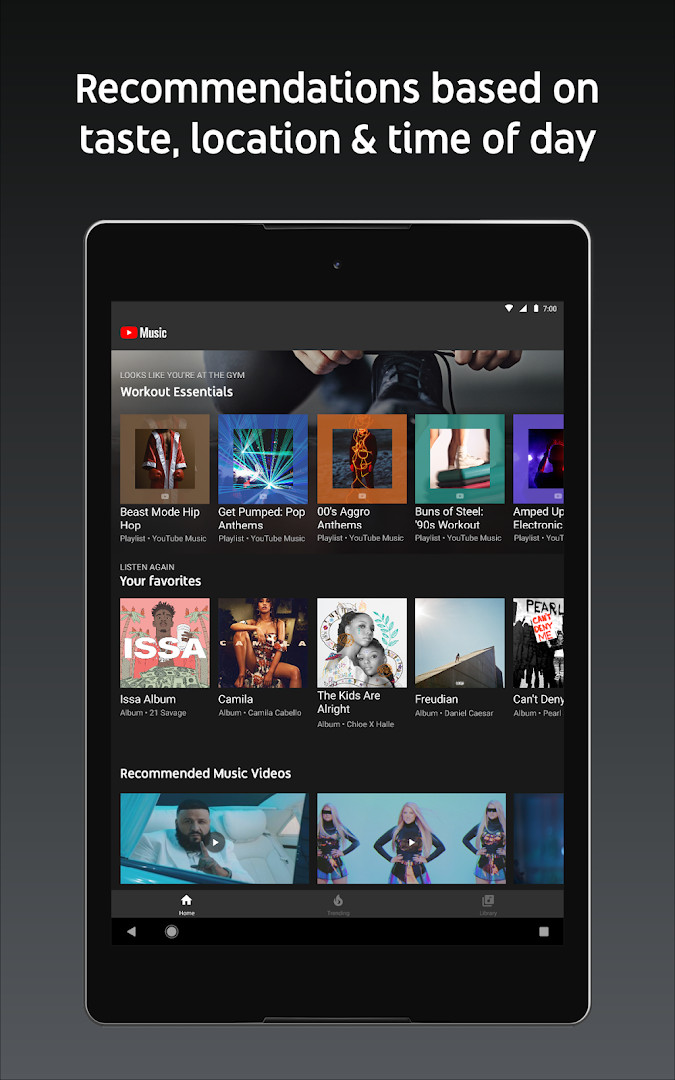
YouTube Music is a music streaming application by Google LLC that provides access to a vast catalog of songs, live performances, covers, remixes, and other music content. It addresses the challenge of discovering and organizing music by offering personalized playlists, curated mixes, and genre- and mood-based exploration. The app solves the problem of finding the right music for any moment by leveraging your listening history to generate custom playlists like Discover Mix and New Release Mix, and by allowing you to create collaborative playlists. It also enhances the listening experience with features such as lyrics, seamless audio-video switching, and compatibility with various devices and platforms. While the app is free to use, it includes ads and offers in-app purchases for a premium subscription that removes ads, enables background playback, and provides download capabilities.
Key features
- Access to a wide range of music content, including live performances, covers, remixes, and exclusive tracks
- Personalized playlists and mixes tailored to your favorite music types, including activity-based mixes for Workout, Relax, and Focus
- Create and collaborate on playlists with song suggestions and shared editing with other music fans
- Curated mixes like Discover Mix and New Release Mix, updated regularly to introduce new songs
- Explore music by genre (Hip Hop, Pop, Country, Dance & Electronic, etc.) or by mood (Chill, Feel Good, Energy Booster, Sleep, etc.)
- View top charts from around the world to stay on top of trends
- Song lyrics for sing-along, and seamless switching between audio and video
- Compatibility with phones, desktop, smart speakers, smart TVs, cars, smart watches, and integration with apps like Google Maps and Waze
How to install
- Tap the download button on this page to get the APK file (68 MB).
- When Android asks, allow your browser or file manager to install apps by enabling the 'Install unknown apps' setting.
- Open the downloaded APK file from your notifications or file manager.
- Tap Install on the installation screen to proceed.
- Once installed, tap Open to launch YouTube Music and start using it.
- Note: The app requires Android 8.0 or higher.
Pros
- Free to download and use
- Extensive personalization with playlists and mixes
- Large library including live performances and remixes
- Seamless audio-video switching
- Works across multiple devices and platforms
- Collaborative playlist creation
Cons
- Contains ads that may interrupt listening
- In-app purchases required for ad-free experience and background playback
- Requests many permissions, including identity, contacts, location, camera, and microphone, which may raise privacy concerns
- Some features like Music Premium are only available in select countries
Latest changes
The latest update to YouTube Music introduces the new Discover Mix, a personalized playlist that refreshes every Wednesday with songs tailored to your listening habits. This feature is designed to help you change up your routine and explore new music you are likely to enjoy.
Previous versions
| Version | Size | Requires Android | Updated |
|---|---|---|---|
| 8.29.52 | 71 MB | 8.0 | Oct 10, 2026 |
| 6.42.52 | 56 MB | 7.0 | Oct 7, 2026 |
| 8.24.52 | 70 MB | 8.0 | Oct 6, 2026 |
| 9.40.51 | 68 MB | 8.0 | Oct 5, 2026 |
| 9.37.54 | 69 MB | 8.0 | Sep 17, 2026 |
This app is for music enthusiasts who want a highly personalized listening experience across various genres and moods. It suits users who enjoy discovering new music through curated playlists and mixes, as well as those who like to switch between audio and video formats. It is also ideal for people who want to listen on multiple devices, from phones to smart speakers, and who value integration with other apps like Google Maps. However, given the extensive permissions and the presence of ads, users who are privacy-conscious or prefer an uninterrupted experience may need to consider the premium option or alternative apps.
To minimize data usage, consider downloading songs for offline listening (available with a premium subscription). Also, explore the activity mixes for workouts or focus sessions to get the most out of the personalization features.
Permissions
Frequently asked questions
Is YouTube Music free to use?
Yes, the base app is free to install and use. It includes ads and optional in-app purchases.
What Android version do I need?
The app requires Android 8.0 or higher.
How large is the file?
The download size is 68 MB.
Do I need an account to use it?
While you can browse some content without signing in, an account is needed for personalized playlists, likes, and your library.
What permissions does the app ask for?
The app may request access to identity, contacts, location, photos and media files, storage, camera, microphone, and Wi-Fi connection information.
How do I update YouTube Music?
To update, download the new version from this page and install it over the existing app.
YouTube Music offers a robust and personalized music streaming experience with a wealth of content and features. While the free version includes ads and the app requests many permissions, its comprehensive customization and multi-device support make it a strong choice for music lovers.
Similar apps




More from this developer



Updated: Oct 21, 2026