
Spotify: Music and Podcasts for Android
Spotify: Music and Podcasts is a music and audio app from Spotify AB for streaming songs, podcasts, and audiobooks on Android.
Download SpotifySpotify: Music and Podcasts is designed for listeners who want a large catalog of songs, podcasts, and audiobooks in one app. The app streams over 80 million songs, 4 million podcasts, and over 300,000 audiobook titles at no cost, supported by ads. It requires Android 7.0 or higher and installs at about 145 MB; offline downloads are a Premium feature.
- Size
- 145 MB
- Requires Android
- 7.0
- Updated
- Oct 7, 2026
- Installs
- 1B+
- Rating
- ★ 4.35 (36,473,612)
- Category
- Entertainment
- Developer
- Spotify AB
- Content rating
- Teen
- Package
- com.spotify.music
- Free
- ✓ · Contains ads · In-app purchases
Screen gallery
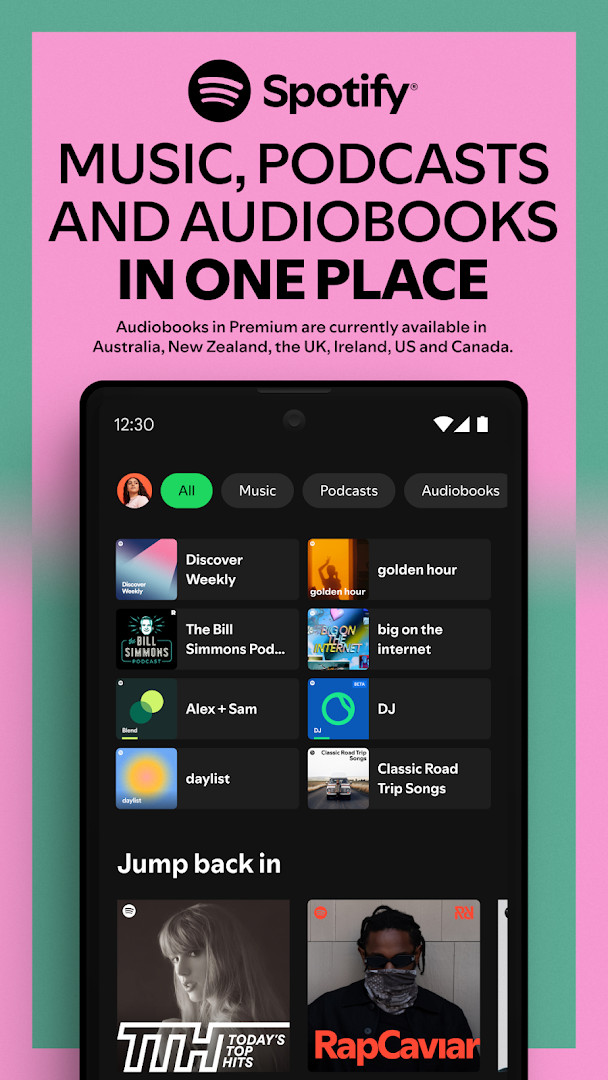
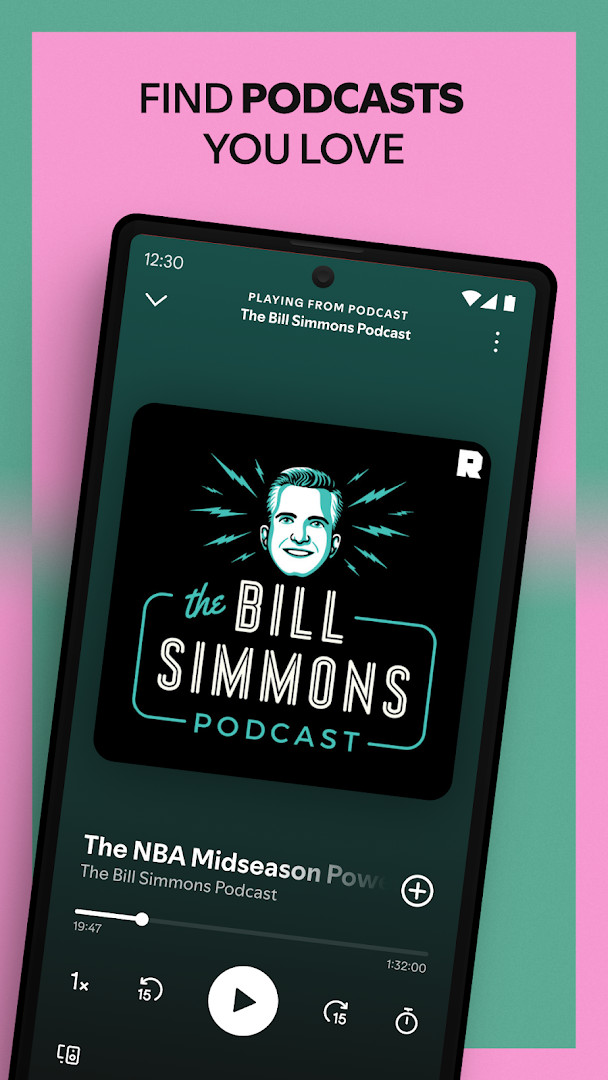
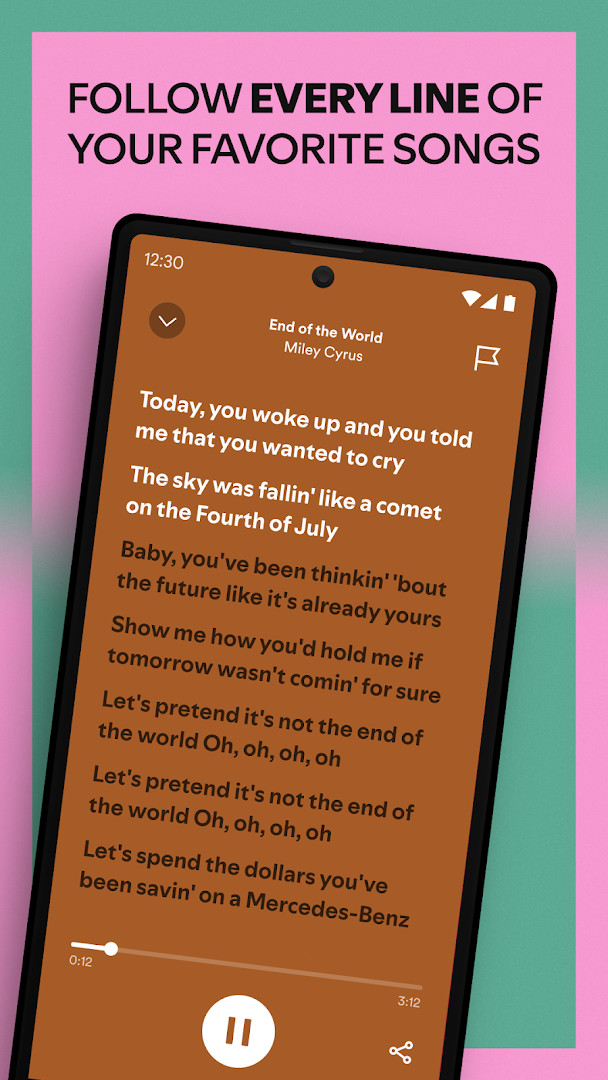
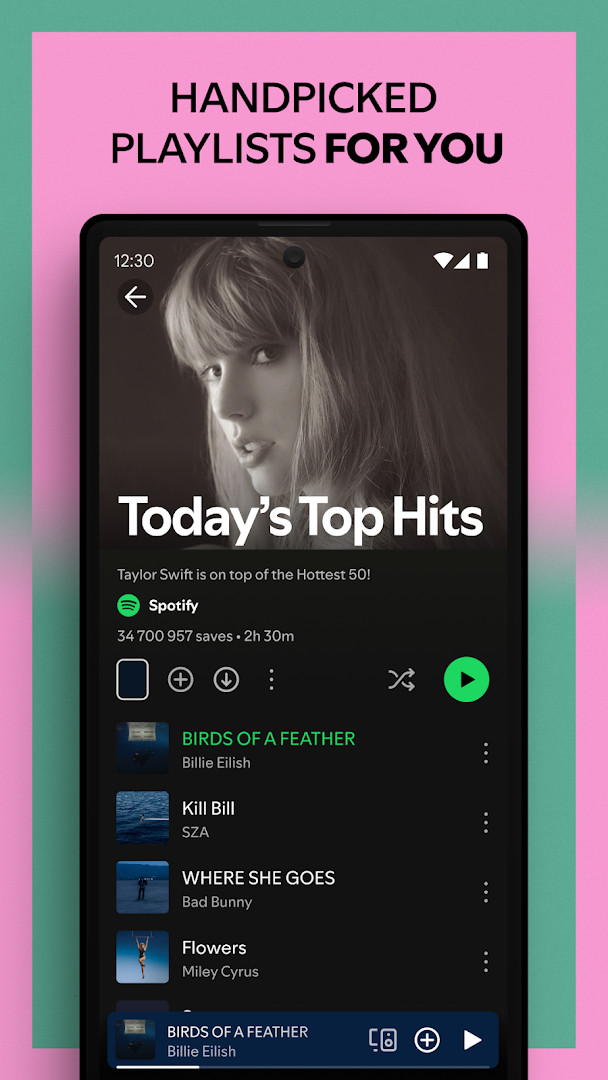
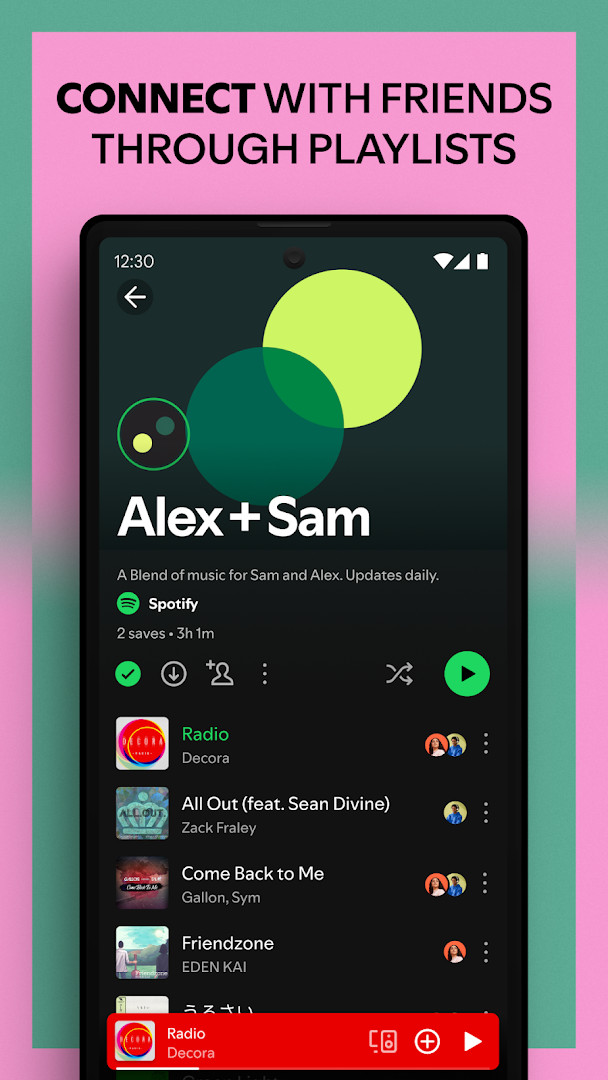
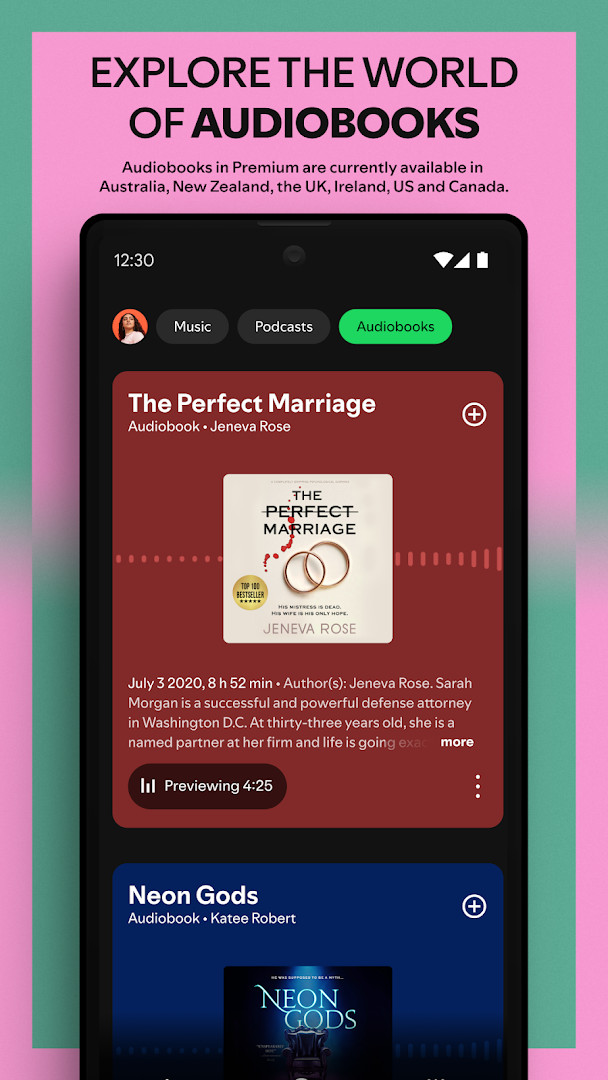
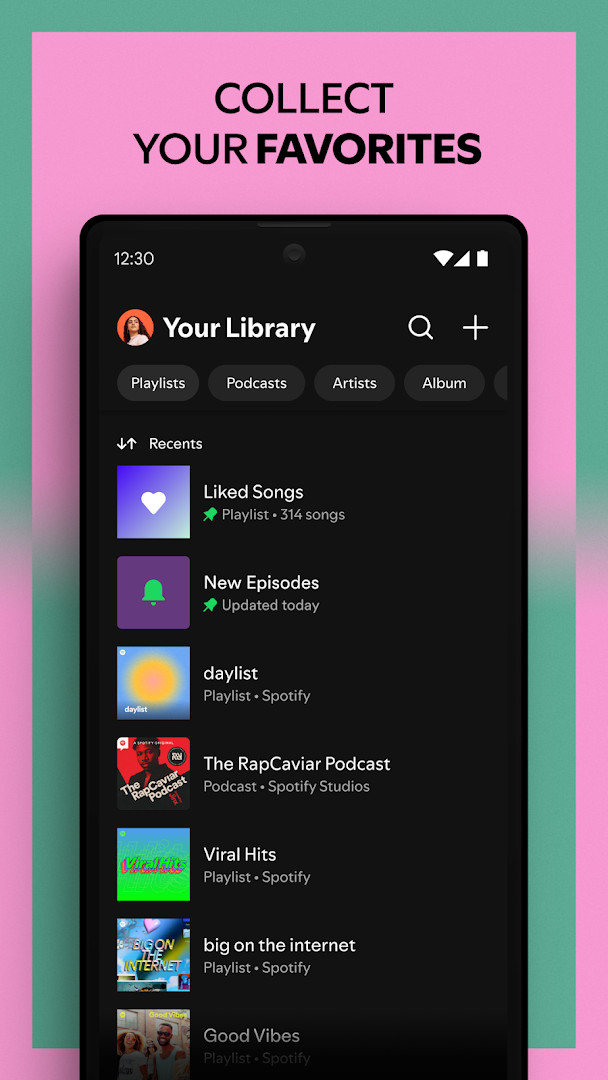
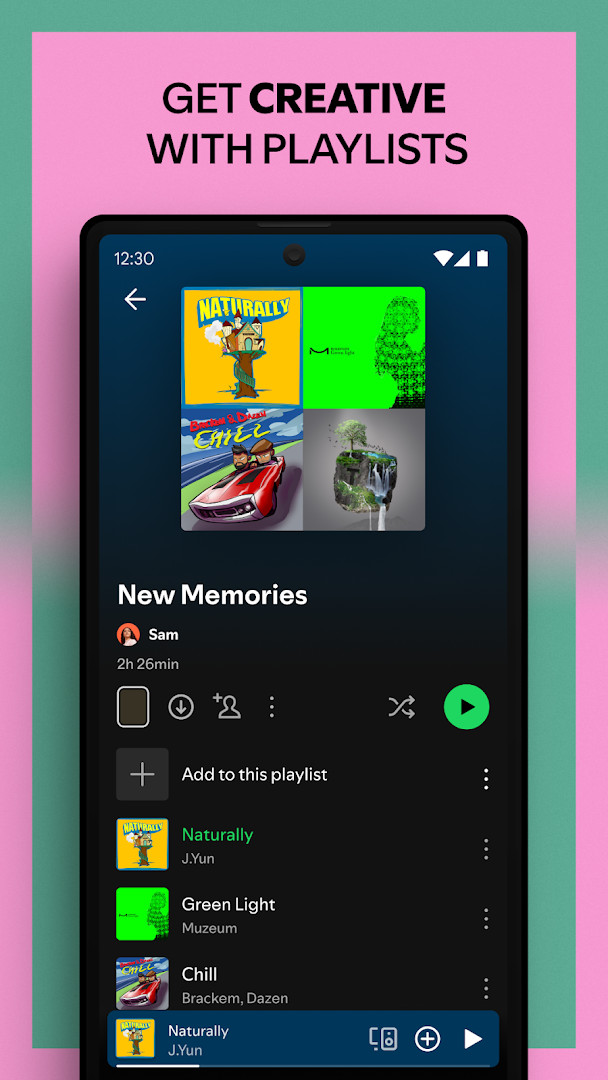
Spotify: Music and Podcasts is a music and audio streaming app by Spotify AB that lets you play songs, albums, podcasts and audiobooks from a single library. It addresses a common problem: building a personal collection of audio usually means buying tracks, juggling several apps and managing storage on a phone. Spotify takes a different route by streaming content over an internet connection, so you can start listening right after installing and do not need to store files locally to get going. The catalog covers a very wide range of material, from chart hits and older favorites to spoken-word shows and long-form titles, and the app organizes it around playlists, mixes and recommendations rather than folders. You can listen without paying, and the free tier is supported by advertising, so the trade-off is periodic ad breaks. Paid options remove those breaks, allow downloading for offline listening and add on-demand playback. The app also runs on more than phones, including tablets, TVs, consoles and Wear OS devices, which makes it easy to move between screens without losing your place.
Key features
- Stream a catalog described as over 80 million songs and 4 million podcasts, with more than 300,000 audiobook titles added
- Search for a song or artist by typing part of a lyric instead of the exact title
- Create and share your own playlists, or browse playlists other listeners have put together
- Get daily music mixes built around your listening habits
- Browse more than 40 categories covering genres, moods, decades, activities and regions
- Subscribe to podcasts and bookmark individual episodes into playlists so you can return to them
- Listen across phones, tablets, desktop, PlayStation, Chromecast, TV and Wear OS devices
- Premium adds offline downloads, ad-free listening and on-demand playback, with Individual, Duo, Family and Student plans
How to install
- Tap the download button on this page to get the app file.
- When Android asks for permission, allow your browser or file manager to install apps by enabling the Install unknown apps setting for that app.
- Open the downloaded APK file; the package is about 145 MB, so keep some free storage available.
- Tap Install and wait for the process to finish.
- Open the app and sign in or create an account to start listening. Your device needs Android 7.0 or newer.
Pros
- Free to use, with no purchase required to start streaming
- Very large combined catalog of music, podcasts and audiobooks
- Playlists, mixes and recommendations make discovery straightforward
- Works across many device types, not just phones
- High install base and a 4.35 rating from a large number of reviewers
- Regular updates keep the app maintained
Cons
- The free tier includes advertising, so listening is interrupted by ad breaks
- In-app purchases are offered, and some features such as offline downloads are tied to a subscription
- Requests a broad set of permissions, including contacts, location, camera, microphone and device information
- Audiobook availability in Premium is limited to certain countries
- Streaming depends on a stable connection unless you are on a paid plan with downloads
Latest changes
The latest update notes for Spotify do not list any specific changes. They only mention that the app is continuously improved and suggest keeping updates enabled. The most recent version listed is 9.1.84.2231, dated September 26, 2026. Older versions include 8.4.90.722 (December 2019), 8.4.58.675 (June 2018), and 1.0.0 (July 2018).
Previous versions
| Version | Size | Requires Android | Updated |
|---|---|---|---|
| 9.1.84.2231 | 145 MB | 7.0 | Sep 26, 2026 |
| 8.4.90.722 | 4.3 MB | 7.1 | Dec 13, 2019 |
| 1.0.0 | 0.1 MB | — | Jul 16, 2018 |
| 8.4.58.675 | 37 MB | 4.0.3 | Jun 13, 2018 |
This app suits people who want one place for music, podcasts and audiobooks without buying individual tracks or managing a large local library. It works well for casual listeners who follow a few artists and shows, for commuters who want mixes and playlists ready to go, and for households that want to share a plan across several people. If you prefer to own your files outright or avoid ads and subscriptions entirely, the free tier will feel limited, but the paid options cover offline listening and uninterrupted playback. The wide device support also helps anyone who likes to start something on a phone and continue it on a TV or wearable.
If ads bother you during free listening, the premium plans remove them and add offline downloads. Podcast listeners can subscribe and then group episodes into playlists to keep a queue ready. If you are concerned about the audience measurement component mentioned in the app description, you can opt out inside the app settings. Also check storage before installing, since the package is around 145 MB and cached audio grows over time.
Permissions
Frequently asked questions
How much content can I access with Spotify?
The app gives you access to over 80 million songs and more than 4 million podcasts, plus more than 300,000 newly added audiobook titles, so there is a wide range of music, spoken word, and story content to explore.
Can I find a song if I only remember part of the lyrics?
Yes. You can search for a song or artist by typing in a lyric you remember, which helps when you don't know the exact title or artist name.
What does Spotify Premium add and what plans are available?
Premium removes ad breaks from albums and playlists, enables downloads for offline listening of music and podcasts, and provides on-demand playback of your top songs. There are four subscription choices: Individual, Duo, Family, and Student, all with no commitment and the option to cancel at any time.
Are audiobooks included for Premium subscribers?
Audiobook access is currently available in Australia, the UK, and the US for Premium. Subscribers can discover more than 250,000 titles, and Premium Individual members along with Duo and Family plan managers receive 15 hours of audiobook listening per month.
How can I use Spotify on a wearable device?
On supported wearable devices, you can enjoy your favorite music and podcasts without keeping your phone nearby, control playback on your phone or other compatible devices, and with Premium download content for offline listening. You also get quick access through Tiles and Complications.
Spotify: Music and Podcasts covers a lot of ground in one app, combining a large music catalog with podcasts and audiobooks, and it remains usable without paying. Just weigh the advertising and subscription options against your own listening habits before deciding how you want to use it.
Similar apps




Updated: Oct 23, 2026