FaceApp: Perfect Face Editor for Selfie Retouching
FaceApp: Perfect Face Editor is a free photography app by FaceApp Technology Ltd that lets you retouch selfies and portraits with photorealistic filters.
Get APKFaceApp: Perfect Face Editor occupies 36 MB and runs on Android 5.0 and above. The app shows no ads and offers in-app purchases, and it has drawn more than 5.3 million ratings since its February 2017 release. FaceApp: Perfect Face Editor suits people who want quick one-tap edits to selfies and portraits before sharing them.
- Size
- 36 MB
- Requires Android
- 5.0
- Updated
- Nov 1, 2026
- Installs
- 500M+
- Rating
- ★ 4.33 (5,361,288)
- Category
- Photography
- Developer
- FaceApp Technology Ltd
- Content rating
- Everyone
- Package
- io.faceapp
- Free
- ✓ · In-app purchases
Screen gallery
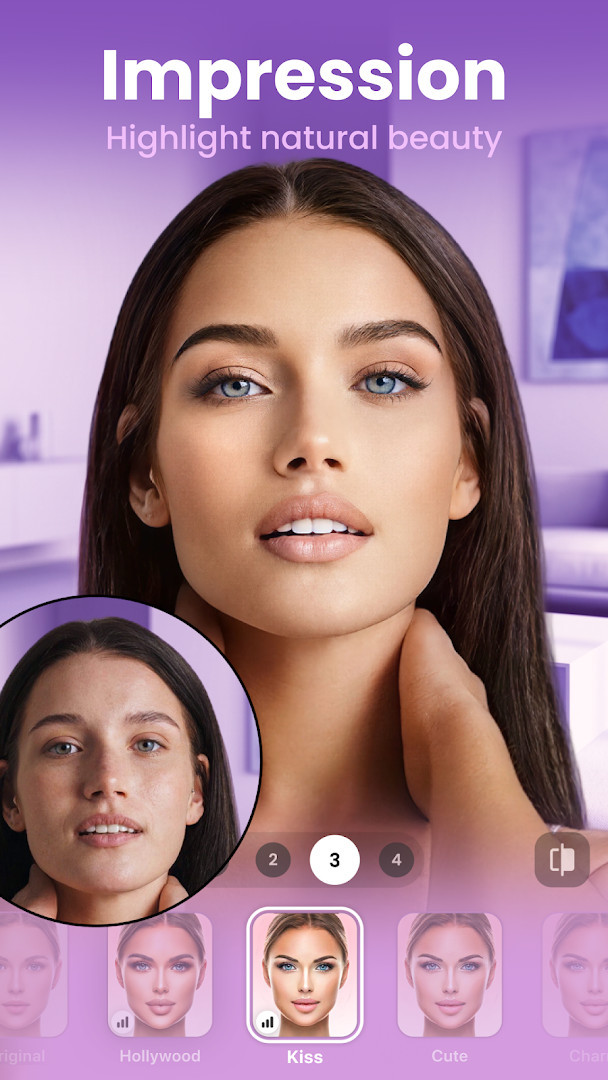
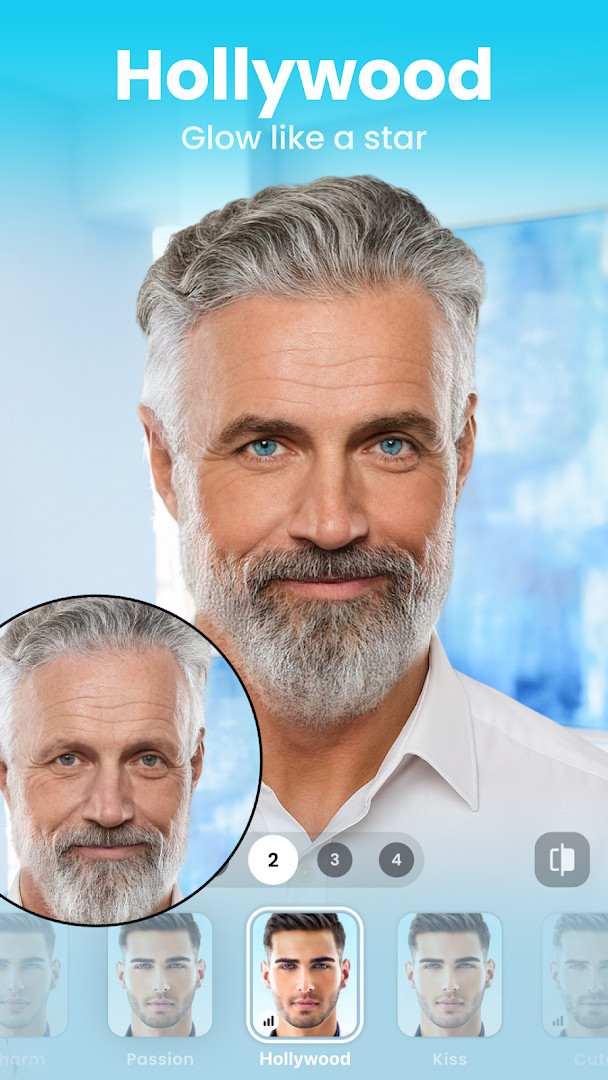
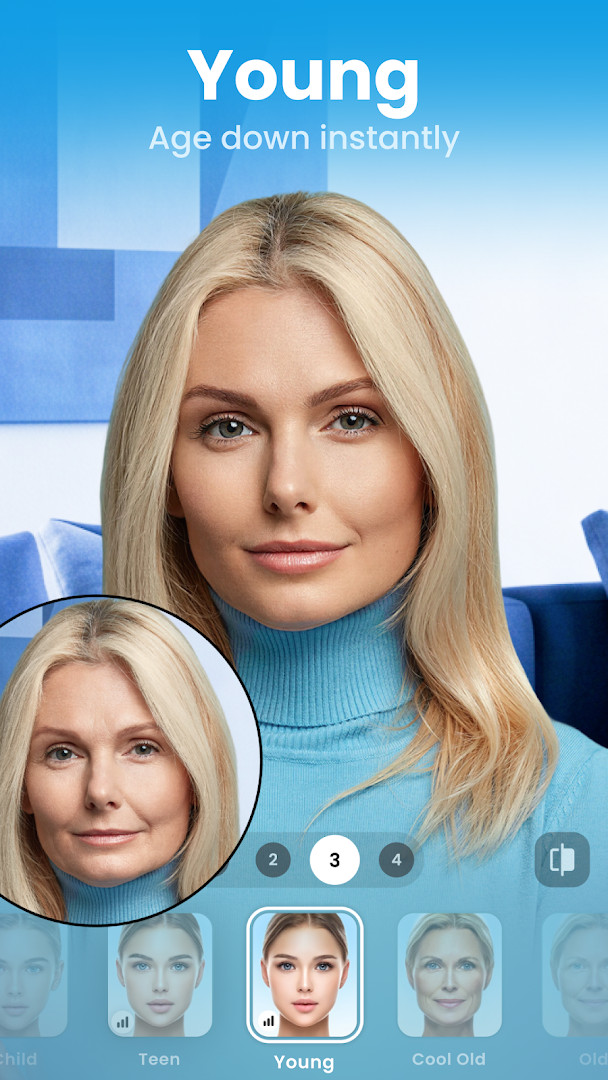
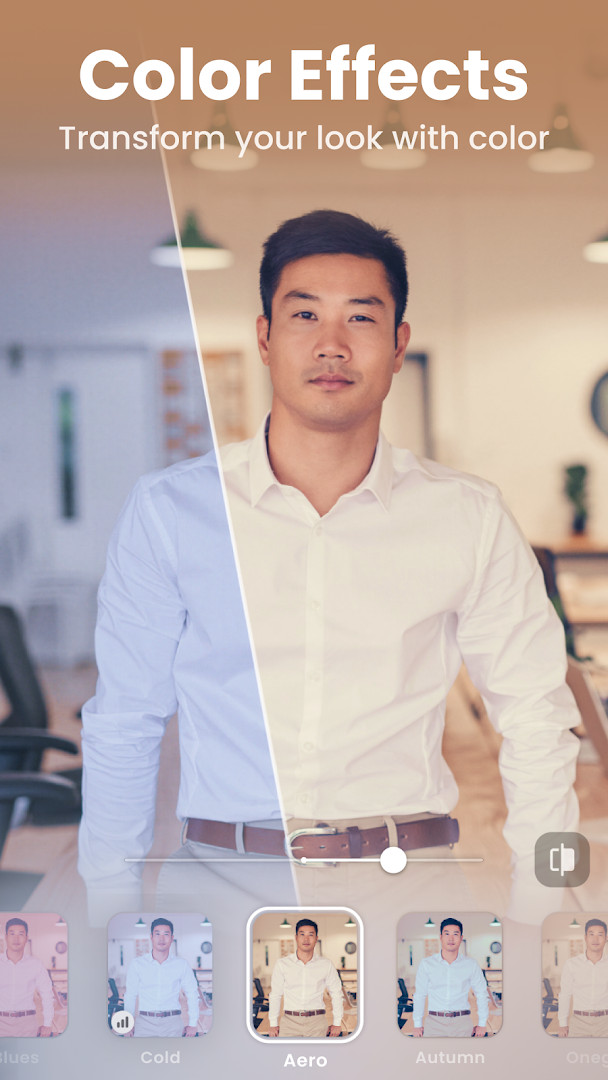
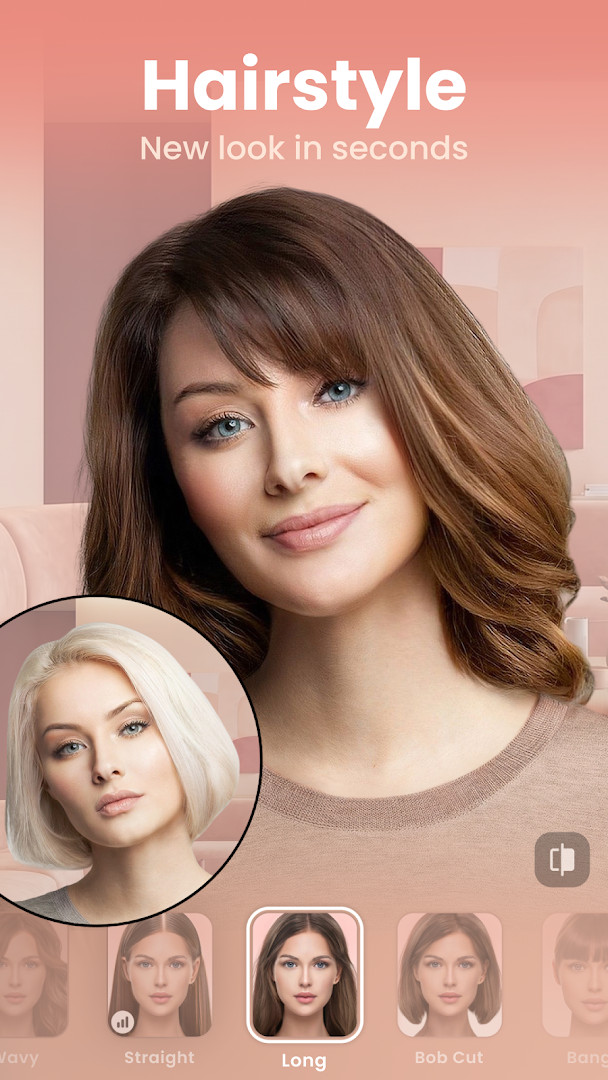
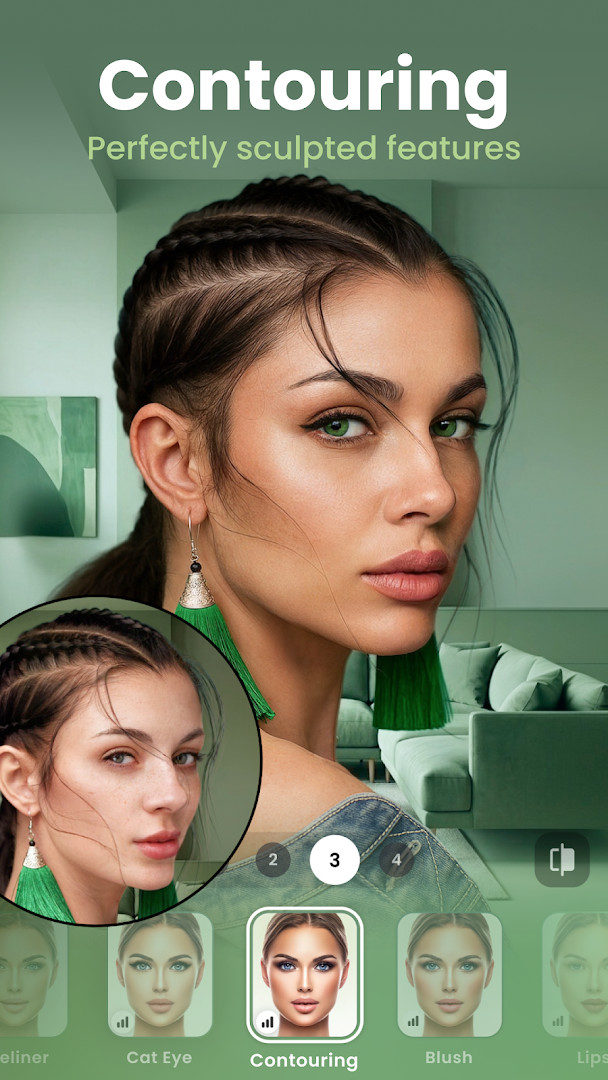
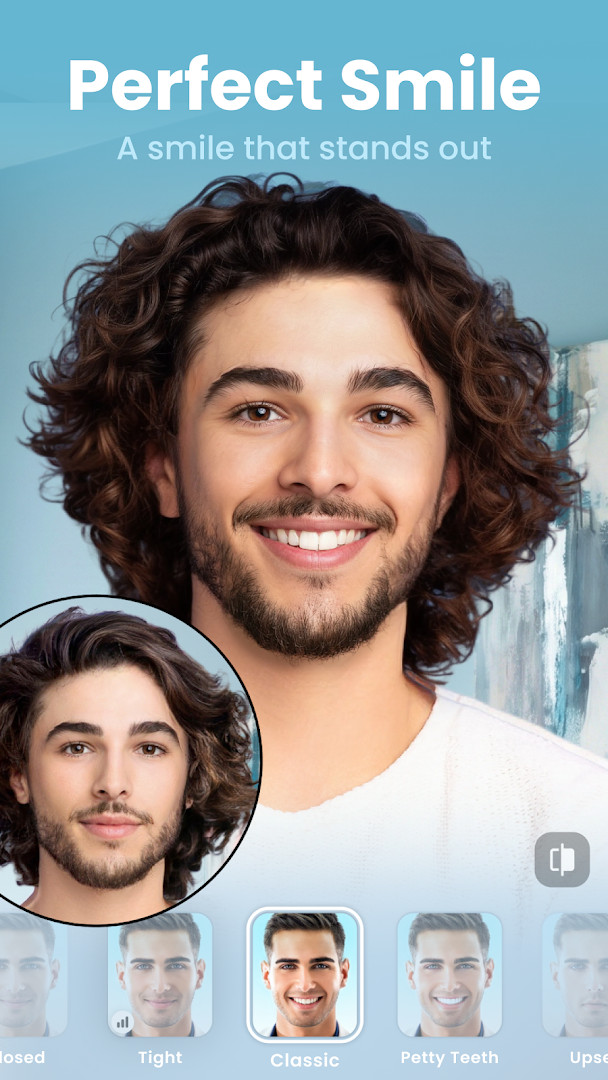
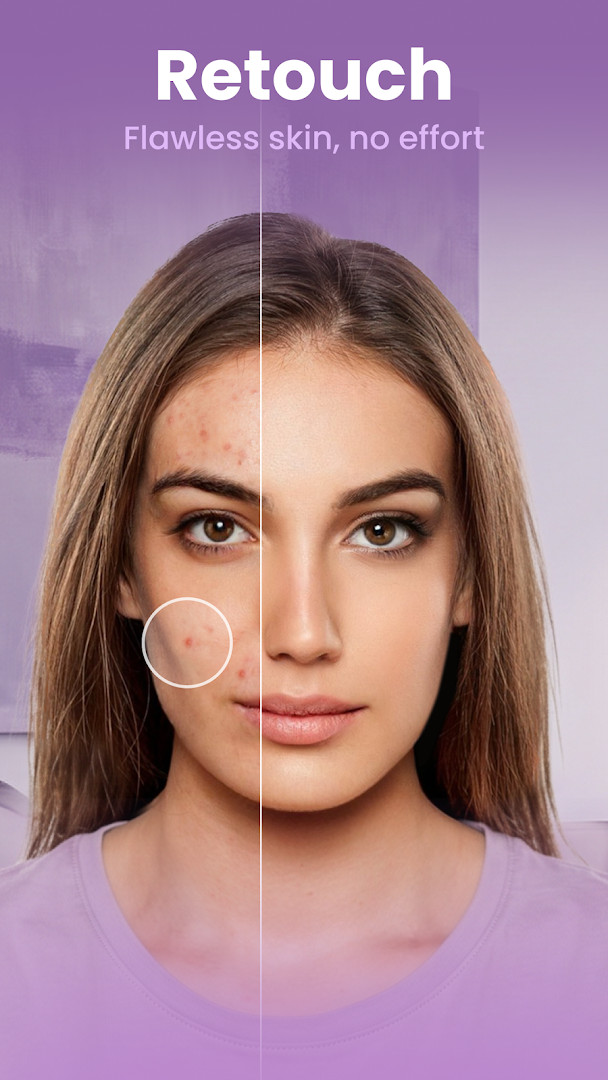
FaceApp: Perfect Face Editor is a photography tool by FaceApp Technology Ltd that applies photorealistic editing and appearance-altering effects to selfies and portraits. The app solves the problem of slow, labor-intensive portrait retouching by bundling more than 60 photorealistic filters, face-shaping controls, skin refinement tools, and playful transformations into a workflow that promises finished results in a single tap. Instead of switching between multiple editing apps or mastering complex desktop software, a user can open a photo, select a filter or cosmetic adjustment, and see the change applied almost instantly. The editor also includes a built-in Compare tool at every step, so the original image and the current edit can be checked side by side before exporting or sharing. Beyond basic corrections, the app supports more experimental features such as gender swap, aging effects, weight adjustments, and hairstyle changes, and it provides manual sliders for color temperature, saturation, and related parameters for those who want finer control. FaceApp originally released on February 14, 2017, and the most recent update, dated October 9, 2026, focuses on minor fixes and stability improvements. The application requires a minimum Android version of 5.0, and the installation package is 36 MB in size. It is available free of charge, contains no advertising, and offers in-app purchases. The aggregate user rating stands at 4.32 from approximately 5.36 million ratings, and the reported installation count is 500,000,000. The content rating is set to Everyone, and the app asks for access to photos, media, and storage in order to load and save images.
Key features
- More than 60 photorealistic filters, including Impression filters designed for flattering selfie enhancement.
- Gender Swap and aging effects (Old and Young filters) that let users preview alternate versions of their appearance.
- Hair tools that add beards or mustaches, change hair color and style, and increase hair volume.
- Makeup filters, color contact lenses, and creative light effects for stylized portraits.
- Skin correction tools that remove acne and blemishes and smooth wrinkles.
- Facial feature resizing that enlarges or minimizes individual features, plus weight filters to appear bigger or smaller.
- An easy-to-access Compare tool at every step to evaluate the before and after result.
- Manual adjustment controls for temperature, saturation, and additional parameters, along with direct sharing of finished edits to social media accounts.
How to install
- Tap the download button on this page to obtain the FaceApp APK file, which is 36 MB in size.
- When your browser or file manager asks for permission, allow it to install apps by enabling the Install unknown apps setting for that application in your device settings.
- Open the downloaded APK file from your notification bar, Downloads folder, or file manager.
- Tap Install and wait for the package to finish installing on your device.
- Open FaceApp from your app drawer or home screen. The app requires Android 5.0 or newer to run.
Pros
- Single-tap photorealistic edits reduce the time needed to retouch a portrait.
- Broad selection of filters and transformations, from skin correction to gender swap and aging.
- Integrated Compare tool makes it easy to verify changes against the original.
- Manual sliders allow precise control over color temperature and saturation.
- Free to install with no advertising interruptions.
- Regularly updated with fixes and stability improvements.
Cons
- Requires access to photos, media, and storage permissions to function.
- Offers in-app purchases, so some features or effects may require payment.
- The volume of filters and tools can feel overwhelming for users wanting only simple edits.
- Permissions that grant media access may raise privacy concerns for cautious users.
- Automatic edits may not always match user expectations for a natural look, requiring manual fine-tuning.
Latest changes
The latest update, dated 2026-10-09, brings minor fixes and stability improvements for a smoother editing experience. No new tools or filters are listed in this release. The app remains free, 36 MB in size, and runs on Android 5.0 and above. It is a photography app for photorealistic selfie and portrait edits, with optional in-app purchases and no ads.
Previous versions
| Version | Size | Requires Android | Updated |
|---|---|---|---|
| 4.5.0.10 | 36 MB | 5.0 | Jul 27, 2021 |
| 3.4.2.2 | 12 MB | 4.4 | Jun 21, 2019 |
FaceApp is aimed at smartphone users who want quick, convincing portrait edits without learning complicated editing software. Casual selfie takers will find the one-tap filters useful for everyday social media posts, while more engaged content creators can use the manual temperature and saturation controls plus the sharing options to prepare finished images directly on their phone. The playful features such as gender swap, aging filters, and hair transformations also appeal to people who enjoy experimenting with their appearance for entertainment or to preview different looks. Because the app is free and demands no special technical knowledge, it suits beginners, but the range of controls also gives intermediate users enough flexibility to adjust results beyond simple presets.
Use the Compare tool before exporting so you can verify whether an effect has gone too far. If a filter feels overpowering, check the manual temperature and saturation sliders to tone the result down. For social posts, apply only one or two adjustments at a time to keep the edit looking natural.
Permissions
Frequently asked questions
Does FaceApp: Perfect Face Editor cost anything to use?
The app itself is free to use and is listed at 0.00 USD, and it does not show ads. In-app purchases are available if you want additional options beyond the free experience.
What are the storage and Android version requirements for FaceApp?
The download is about 36 MB, so it does not take up much space on your device. It runs on Android 5.0 and later. The app also requests access to photos, media, and files as well as storage, which it needs to open and save the images you edit.
How many filters does FaceApp include, and how long does an edit take?
There are more than 60 photorealistic filters in the app's collection. The idea is that a single tap is enough to produce a finished look, so you do not have to spend hours manually retouching a photo.
Can I compare my photo before and after editing in FaceApp?
Yes. The app includes an easy Compare tool that is available at every step, letting you check the original against the edited version as you work. You also get direct control over settings such as temperature and saturation.
What playful transformations besides beauty retouching does FaceApp offer?
Beyond smoothing wrinkles, removing blemishes, and applying makeup or hair color, the app includes fun options such as Gender Swap, the well-known Old and Young aging filters, and weight filters that make a face look bigger or smaller. It can also suggest a hairstyle and color for you.
How is FaceApp rated, and how widely is it used?
The app holds a rating of 4.32 based on more than 5.35 million ratings, and it has been installed over 500 million times. It was first released on February 14, 2017, and the latest update arrived on October 9, 2026, bringing minor fixes and stability improvements. It is rated Everyone.
FaceApp delivers a broad, approachable set of photorealistic editing and transformation tools in a compact package. It is a practical choice for quick selfie retouching, though users should weigh the storage permissions and in-app purchases before committing.
Similar apps







Updated: Nov 12, 2026