BeautyPlus-Selfie Photo Editor: AI Photo Editor and Beauty Camera
BeautyPlus-Selfie Photo Editor is a photo editor and beauty camera by PIXOCIAL TECHNOLOGY (SINGAPORE) PTE. LTD. that uses AI to beautify selfies.
Download BeautyPlus · v7.50.0BeautyPlus-Selfie Photo Editor is free to download and includes ads and in-app purchases for premium features. BeautyPlus-Selfie Photo Editor offers 50+ editing tools, AI anime filters, a background eraser, a body editor, and video editing. This photo editor requires Android 8.0 or higher, has been installed more than 500 million times, and holds a 4.54 rating.
- Version
- 7.50.0
- Requires Android
- 8.0
- Updated
- Nov 11, 2026
- Installs
- 500M+
- Rating
- ★ 4.53 (4,989,861)
- Category
- Photography
- Developer
- PIXOCIAL TECHNOLOGY (SINGAPORE) PTE. LTD.
- Content rating
- Teen
- Package
- com.commsource.beautyplus
- Free
- ✓ · Contains ads · In-app purchases
Screen gallery
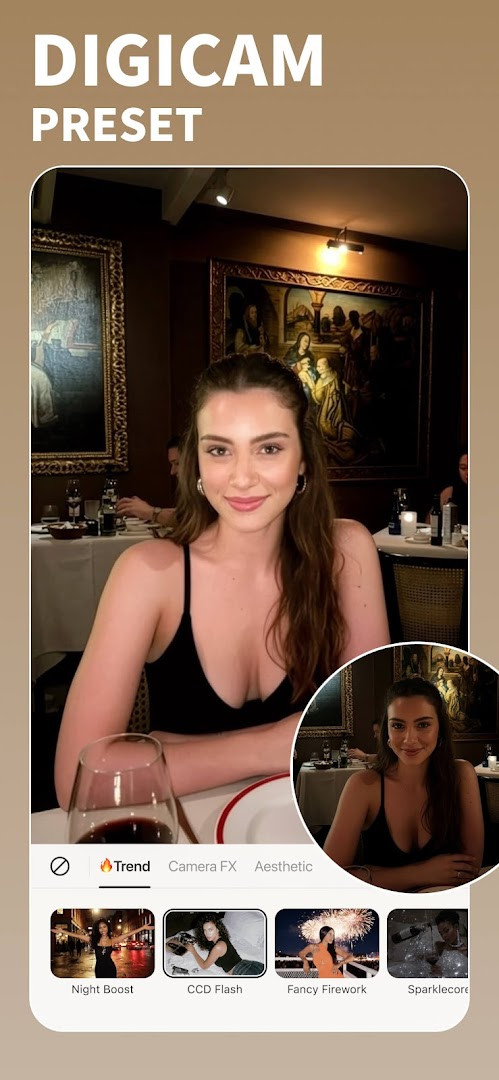
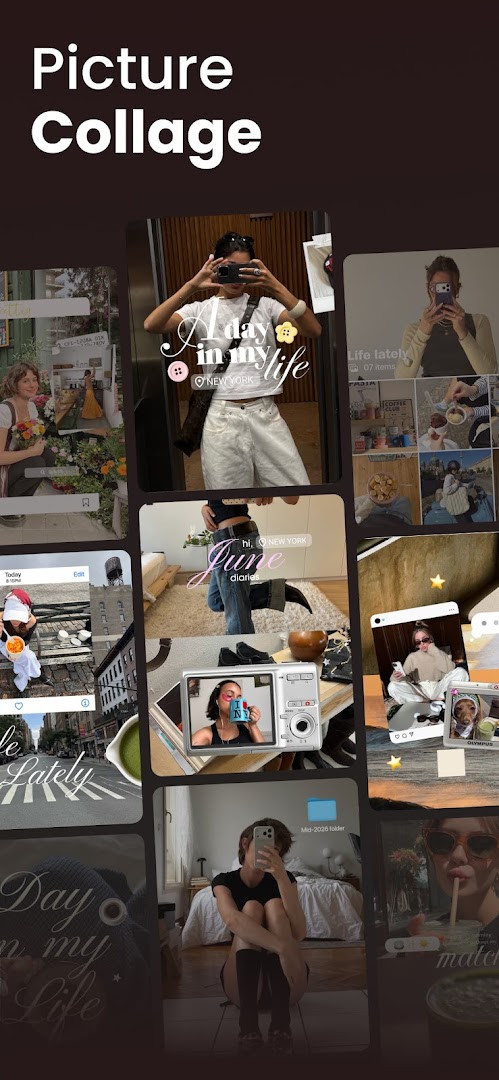
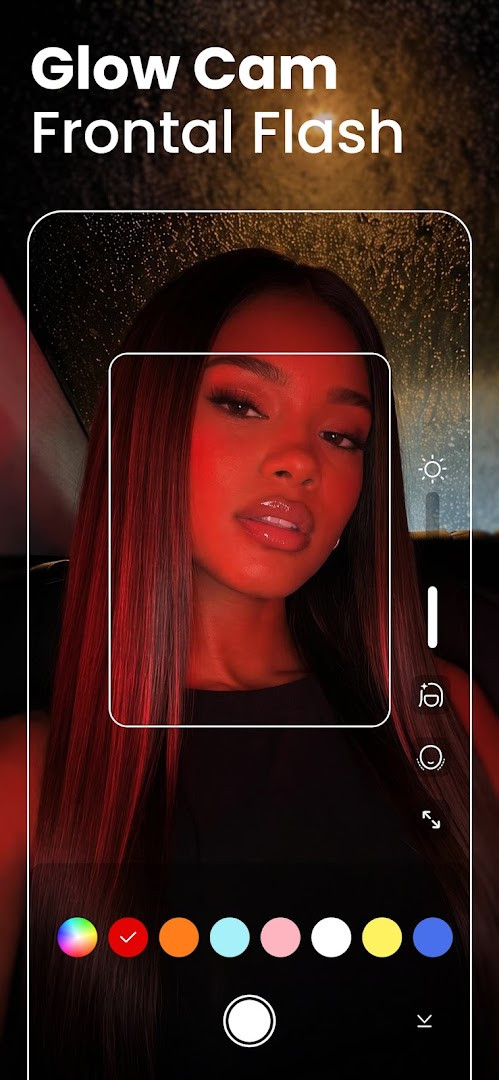
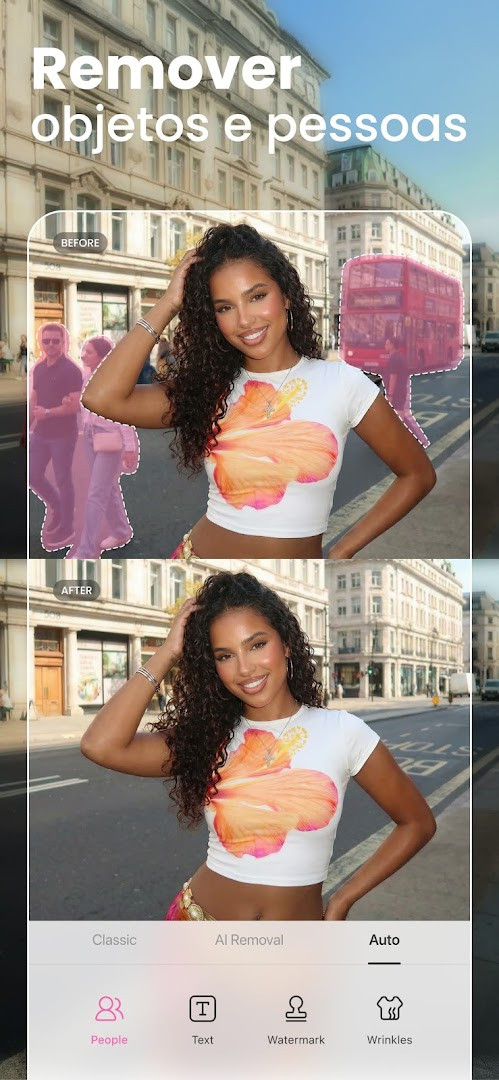
BeautyPlus-Selfie Photo Editor is a photography app by PIXOCIAL TECHNOLOGY (SINGAPORE) PTE. LTD. that offers AI-powered beautification and editing tools for selfies, photos, and videos. First released in 2013, it has grown into a widely used beauty camera and photo editor, with the developer reporting that it is trusted by hundreds of millions of users around the world. Despite the polish of its AI features, the app remains free to download, though it includes ads and optional in-app purchases.
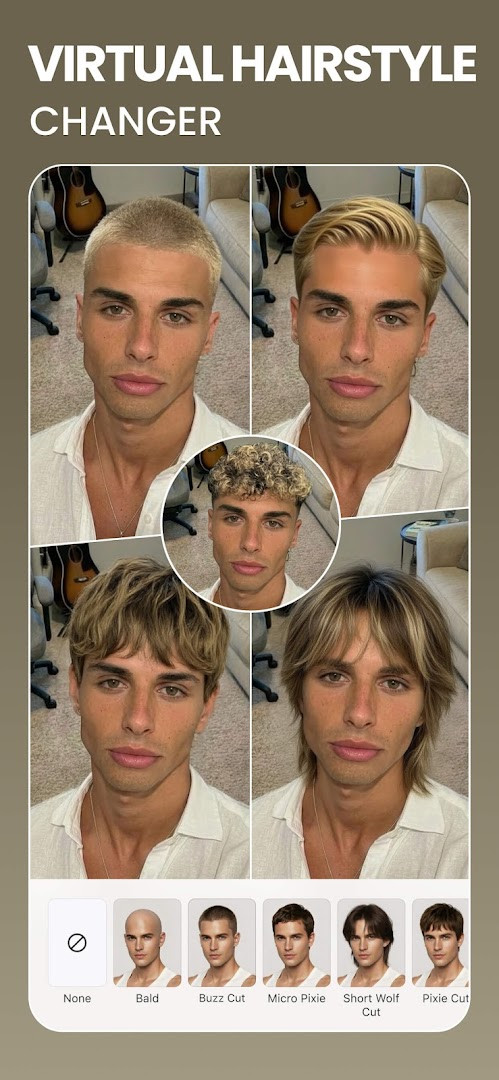
The main workflow is built around snapping or importing a photo and then applying one-tap improvements. HD Retouch smooths skin, removes blemishes and dark circles, whitens teeth, and brightens the eyes for a natural-looking result. For users who want more control, there is a full makeup editor with lipstick and eyebrow options, a hair color changer, and a body editor that can adjust height, waist, arms, and other areas. The app also handles backgrounds, with tools to erase, blur, or swap them, and it includes a photo enhancer that can restore faded images and sharpen blurry shots. Video editing is covered too, with options to add music, apply filters, and refine the face in clips.
Version 7.47.0 introduces a new Fan Merch page where users can show support for their favorite artists, alongside the usual bug fixes and performance improvements. The update keeps the overall experience familiar, but the developers have also maintained several creative extras, such as a film-inspired vintage camera with six camera models, AI Anime filters, and AI Avatars that transform selfies into stylized versions of the user. It is a broad toolkit that tries to cover everything from casual selfie touch-ups to more involved creative projects.
Key features
- One-tap HD Retouch for natural skin smoothing, blemish removal, and brightening
- Makeup editor with lipstick, eyebrows, and other beauty enhancements
- Hair color changer to preview different shades before committing
- Body editor for adjusting height, waist, arms, and other areas
- AI Anime camera, Anime filters, and AI Avatars for stylized portraits
- Background eraser, background blur, and background replacement tools
- Photo enhancer that restores old photos, unblurs, and sharpens images
- Video editor with music, filters, and face tuning
- Vintage Film Cam with six camera models and optional stickers and filters
- Over 300 designer fonts and a large sticker collection for adding text and fun elements
How to install
- Tap the download button on this page to save the APK file to your device.
- When Android asks for permission, allow your browser or file manager to install apps by enabling the "Install unknown apps" setting.
- Open the downloaded APK file from your notifications or Downloads folder.
- Tap Install and wait for the process to finish; the file size is not specified, so downloading time may vary.
- Open BeautyPlus-Selfie Photo Editor from your app drawer to start editing.
- Keep in mind that the app requires Android 8.0 or higher to run properly.
Pros
- Free to download and use, with a generous set of features included
- AI tools make complex retouching approachable for beginners
- All-in-one editing for both photos and videos
- Natural-looking results with one-tap HD Retouch
- Regular updates add new features and improvements
- Vintage camera mode offers a fun, creative alternative to standard filters
Cons
- Contains ads, which can interrupt the editing flow
- Many premium features require in-app purchases or a subscription
- Requests access to several sensitive permissions, such as location and microphone
- Some advanced AI tools may not work as well on older devices
Latest changes · 7.50.0
Version 7.47.0 introduces a new Fan Merch page, allowing users to show support for their favorite artists. The update also brings bug fixes and performance improvements. This release is dated October 13, 2026.
Previous versions
| Version | Size | Requires Android | Updated |
|---|---|---|---|
| 7.49.2 | — | 8.0 | Nov 11, 2026 |
| 7.50.0 | — | 8.0 | Nov 11, 2026 |
| 7.47.0 | — | 8.0 | Oct 13, 2026 |
| 6.9.111 | 58 MB | 4.1 | Jun 20, 2026 |
| 7.0.270 | 59 MB | 4.4 | Jan 15, 2020 |
| 6.4.5 | 47 MB | 4.0 | May 20, 2017 |
This app is well suited for selfie lovers who want quick, natural-looking touch-ups, social media creators who need versatile photo and video editing on the go, and makeup or style explorers who want to try different looks virtually before committing to them.
Start with the one-tap HD Retouch on a new photo, then use the slider to lower the effect intensity if the result looks too strong; this keeps the edit subtle and more realistic, especially for close-up selfies.
Permissions
Frequently asked questions
Is BeautyPlus free to download?
Yes, the app is free to download and use. It includes ads and offers optional in-app purchases for premium perks such as an ad-free experience and extra features.
Which Android version is required?
BeautyPlus requires Android 8.0 or higher. The current version is 7.47.0, with the most recent update released on October 13, 2026.
What is the file size of the APK?
The exact file size is not specified in the available information. You can get the APK directly from the download button on this page.
Do I need an account to use the app?
The available information does not mention any account requirement. After installing, you can start using the beauty cam and photo editor features right away.
What permissions does the app request?
The app requests access to location, photos/media/files, storage, camera, microphone, and Wi-Fi connection information. These are used for taking selfies, editing photos, and applying filters and effects.
How do I update BeautyPlus?
To update, download the newest version from this page and install it over your current installation. The latest version listed is 7.47.0.
BeautyPlus-Selfie Photo Editor is a solid choice for anyone looking for a free, feature-rich editing app, balancing powerful AI tools with a simple interface. Ads and premium upsells can be annoying, and the wide permission list deserves attention, but for everyday selfie retouching and creative experimentation, it delivers strong value, especially for beginners.
Similar apps





Updated: Nov 16, 2026