
Cash App: Send Money and Invest
Cash App is a free finance app by Block, Inc. that lets you send money, buy bitcoin, invest, and bank.
Get Cash App · v5.72.0Cash App requires Android 10 or higher, contains ads, and does not offer in-app purchases. Cash App has a rating of 4.71 based on 4.49 million ratings and more than 100 million installs. Cash App is intended for a general audience, including teens from 13 to 17 who are sponsored by a parent or guardian.
- Version
- 5.72.0
- Requires Android
- 10
- Updated
- Oct 9, 2026
- Installs
- 100M+
- Rating
- ★ 4.71 (4,489,524)
- Category
- Finance
- Developer
- Block, Inc.
- Content rating
- Everyone
- Package
- com.squareup.cash
- Free
- ✓ · Contains ads
Screen gallery
Cash App is a peer-to-peer and personal finance app by Block, Inc. that lets people send, spend, save and invest money from a phone. It first arrived on 2013-10-15 and has since become one of the most widely installed finance apps, with more than 100,000,000 installs and a 4.71 rating built from roughly 4.49 million ratings.
The heart of it is person-to-person payments: money moves to a phone number, an email address, a $cashtag or a scanned QR code. Around that core sit several connected products — a customizable debit card, banking features with no minimum balance delivered through partner banks, savings tools with round-ups and paycheck splitting, commission-free stock buying and bitcoin purchases starting at $1. Families can add sponsored accounts for teens aged 13 to 17, complete with parental controls.
Privacy is where the picture becomes more complicated. The app requests a broad set of permissions: Identity, Contacts, Location, Phone, Photos/Media/Files, Storage, Camera, Wi-Fi connection information, and Device ID & call information. Some map to obvious functions — the camera reads QR codes, contacts help locate people to pay, identity data supports financial verification. Others, such as location and device and call information, are harder to justify and are commonly used for fraud checks, analytics and ad delivery; the listing does include advertising. Version 5.72.0, dated 2026-10-09, is described only as bug fixes and improvements, so that release does not change what the app can reach. The minimum Android version is 10, while the download size is not stated in the available data.
Key features
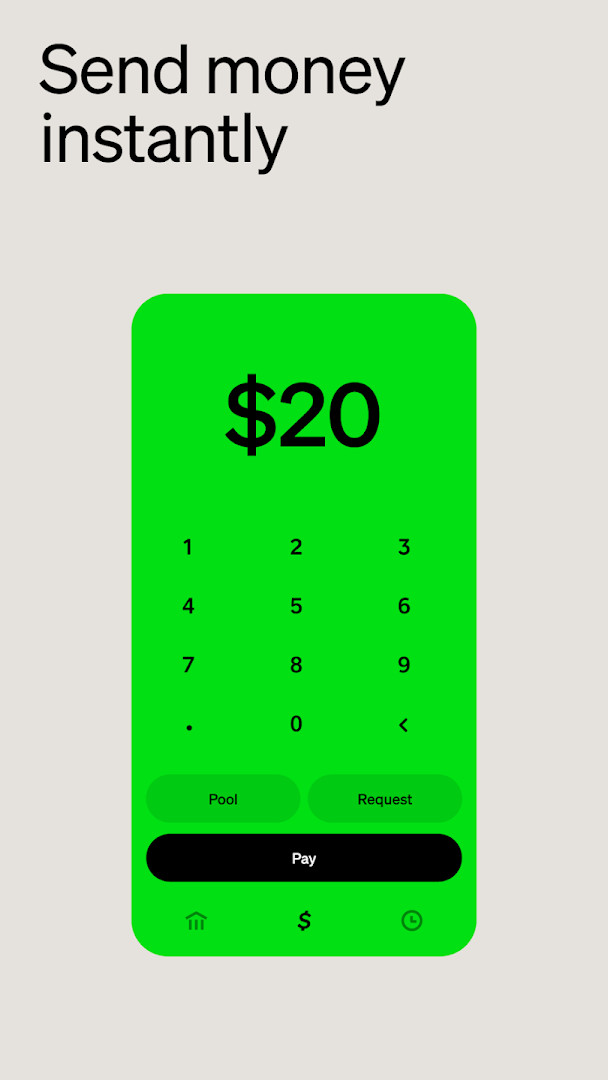
- Send and receive money using a phone number, email, $cashtag or QR code
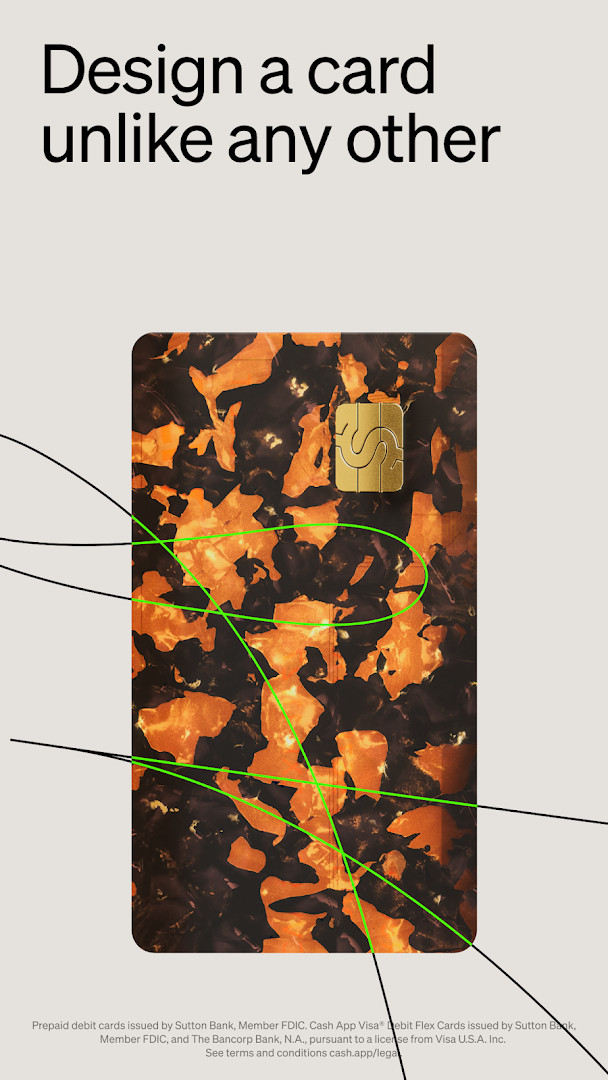
- Customizable debit card with real-time alerts and 24/7 fraud monitoring
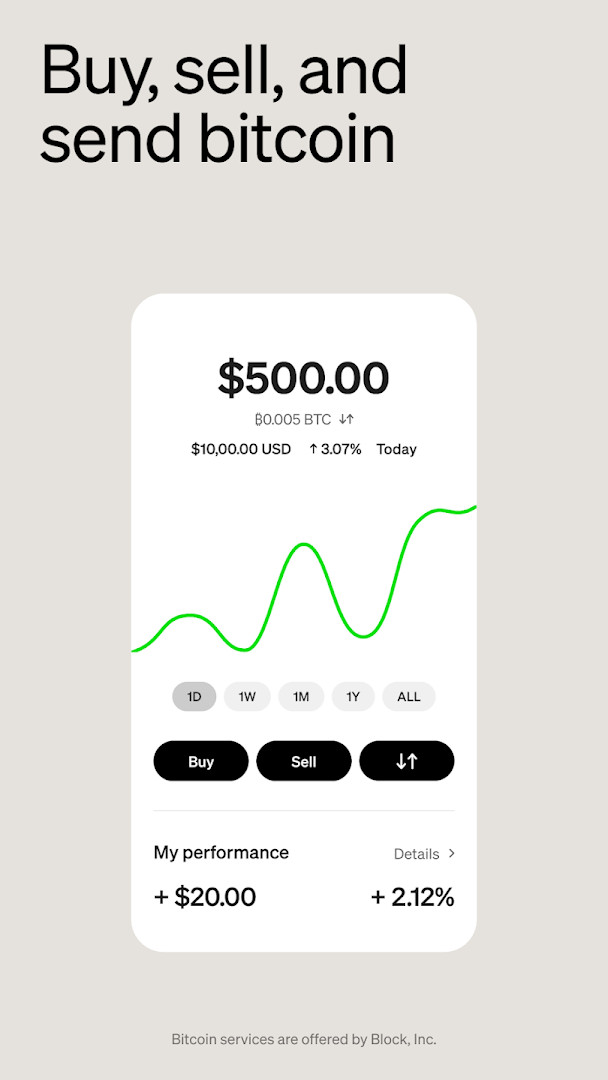
- Savings tools, round-ups and paycheck splitting into savings, stocks or bitcoin
- No minimum balance requirements and free in-network ATM withdrawals under Green status
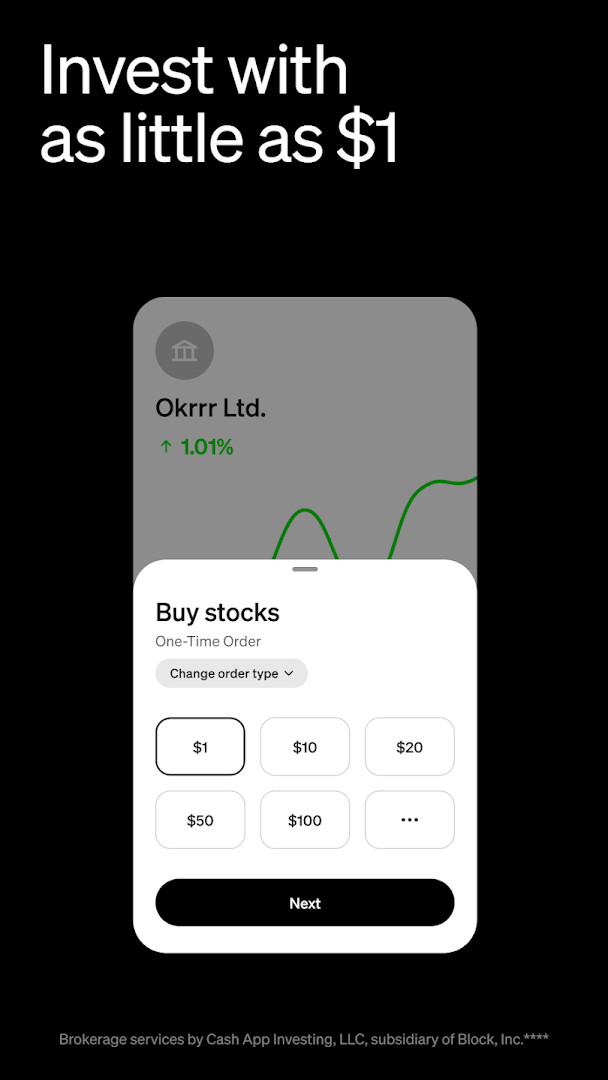
- Stock investing and bitcoin buying starting at $1
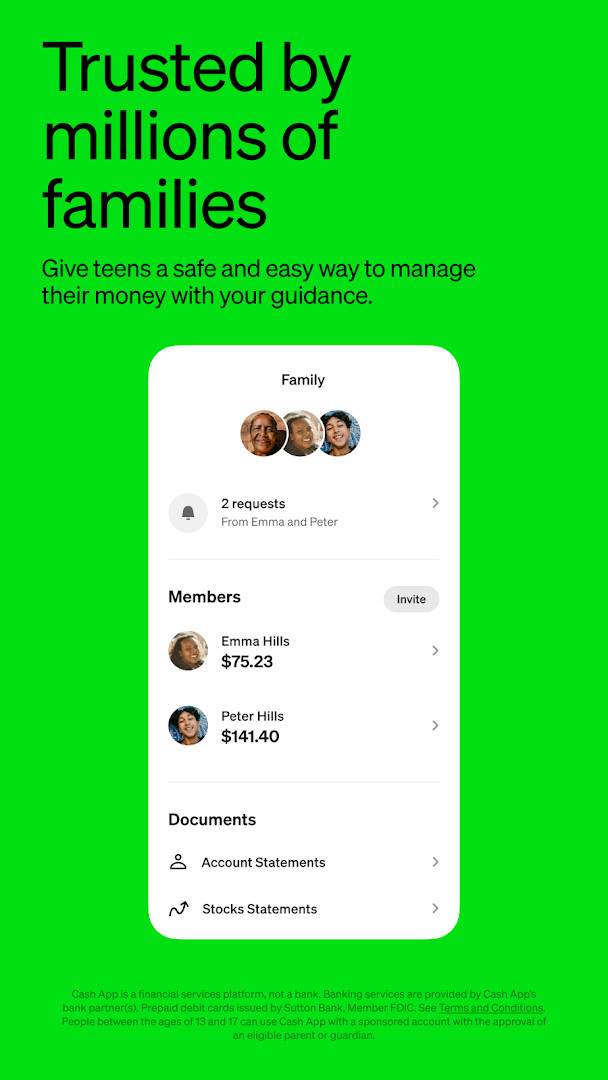
- Sponsored accounts for teens aged 13 to 17 with parental controls
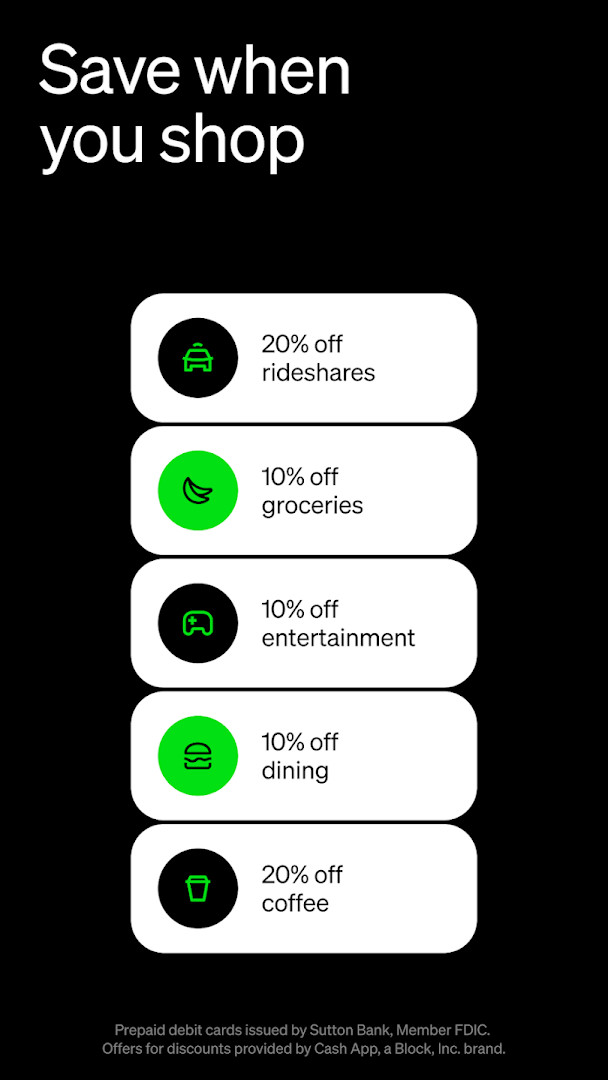
- Offers and discounts on everyday spending plus access to presales and events
- Proactive security features intended to help users avoid scams
How to install
- Tap the download button on this page to get the app file; the size is not listed here, so check available storage on your device.
- Confirm that your phone runs Android 10 or newer, the minimum version the app supports.
- When Android prompts you, allow your browser or file manager to install apps — this is the "Install unknown apps" setting.
- Open the downloaded APK file from your notifications or file manager.
- Tap Install and wait for the process to finish, then open the app and sign in or create an account.
- Review the permission requests the app makes before granting them, and deny anything you do not need.
Pros
- Large, established user base with a high rating from millions of reviews
- Payment, card, savings and investing features live in one app
- Teen accounts with parental oversight give families a shared setup
- Stock and bitcoin purchases can start with very small amounts
Cons
- The permission list is broad, covering location, camera, contacts, storage and device and call information
- Identity and account data are central to the experience, so the app holds sensitive information
- Advertising is present alongside the free features
- Teen access depends on an eligible parent or guardian sponsoring the account
Latest changes · 5.72.0
Version 5.72.0, released on October 9, 2026, includes an assortment of bug fixes and refinements to improve overall reliability. This update helps keep everyday money actions—like sending payments, saving, and investing—running more smoothly.
Previous versions
| Version | Size | Requires Android | Updated |
|---|---|---|---|
| 5.72.0 | — | 10 | Oct 9, 2026 |
It suits adults who want everyday peer-to-peer transfers plus a debit card and light saving or investing in one place, families who want to give teenagers supervised access to money, and anyone already active in bitcoin or stock investing at small amounts.
Before installing, look at which permissions matter to you, and consider granting camera and contacts access only when you actually use QR scanning or payment suggestions. Keeping the app updated to the current 5.72.0 build is also worthwhile, since releases described as bug fixes and improvements often tighten security behind the scenes.
Permissions
Frequently asked questions
Can teenagers use Cash App, and what controls come with it?
Teens between 13 and 17 can use the app when an eligible parent or guardian sponsors them. Their setup includes a personalized debit card, extra security features, and parental controls, and eligibility requirements apply.
How do you qualify for Cash App Green, and what benefits does it provide?
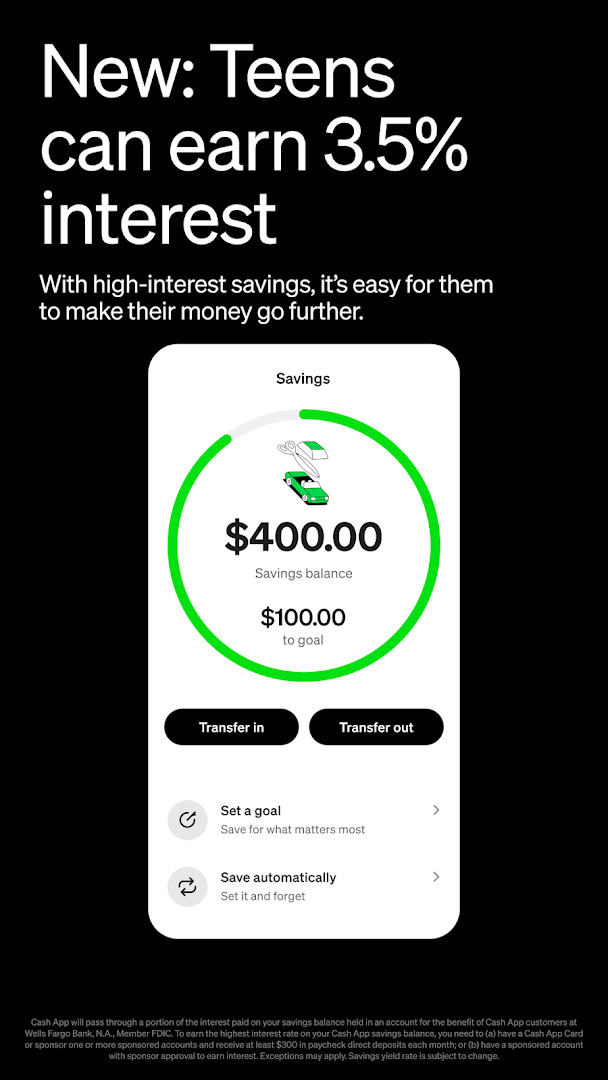
Green status can be reached by spending $500 in qualifying purchases with the Cash App Card or Cash App Pay each month, or by depositing $300 in qualifying deposits per month. Depending on eligibility, benefits include up to 3.5% interest on savings, free in-network ATM withdrawals, and up to $200 in free overdraft coverage.
In what ways can money be sent to another person through Cash App?
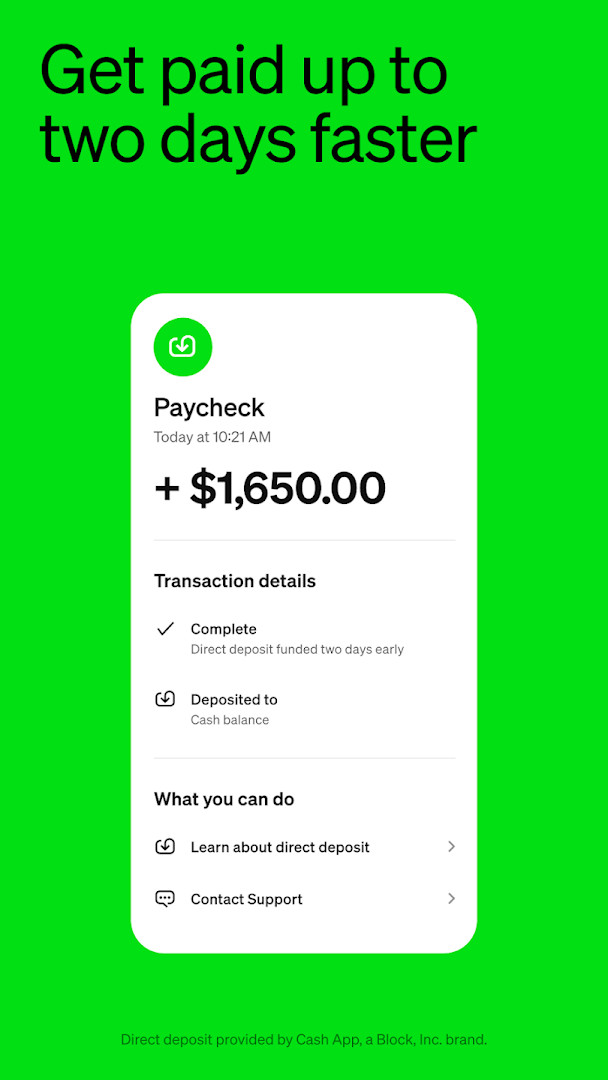
Payments can go to someone using their phone number, email, $cashtag, or QR code. Instant transfers are free, and setting up direct deposit allows paychecks to arrive up to two days early.
What is the minimum amount needed to invest in stocks or buy bitcoin?
You can begin with as little as $1. Stock purchases have no commission fees, and bitcoin services are provided by Block, Inc. Additional securities fees may apply, such as regulatory fees and fees for transferring securities externally.
What does the Cash App Card include?
It is a customizable debit card that works where Visa is accepted and supports Apple Pay, Google Pay, and other digital wallets. It comes with no monthly or hidden fees, exclusive styles, real-time alerts, and 24/7 fraud monitoring. Prepaid cards are issued by Sutton Bank, Member FDIC, while Cash App Visa Debit Flex Cards are issued by Sutton Bank and The Bancorp Bank, N.A. under a license from Visa U.S.A. Inc.
Cash App packs payments, banking-style tools, saving, stocks and bitcoin into a single popular app with a strong rating and a huge install base. The trade-off is straightforward: a wide permission set and a lot of personal and financial data in one place. If those terms are acceptable to you, it is a capable everyday finance tool; if not, weigh the access it asks for before you sign up.
Similar apps





Updated: Oct 23, 2026