
bKash: Send Money and Mobile Banking
bKash is a free finance app by bKash Limited that lets you send money, pay bills, recharge, and scan QR codes.
Get bKash · v7.4.0bKash version 7.4.0 requires Android 6.0 or higher and has no ads or in-app purchases. It has over 100 million installs and a 4.33 rating from about 1.7 million ratings. The app serves people who want mobile money services, bill payments, and lifestyle transactions in Bangla or English.
- Version
- 7.4.0
- Requires Android
- 6.0
- Updated
- Oct 30, 2026
- Installs
- 100M+
- Rating
- ★ 4.33 (1,715,702)
- Category
- Finance
- Developer
- bKash Limited
- Content rating
- Everyone
- Package
- com.bKash.customerapp
- Free
- ✓
Screen gallery
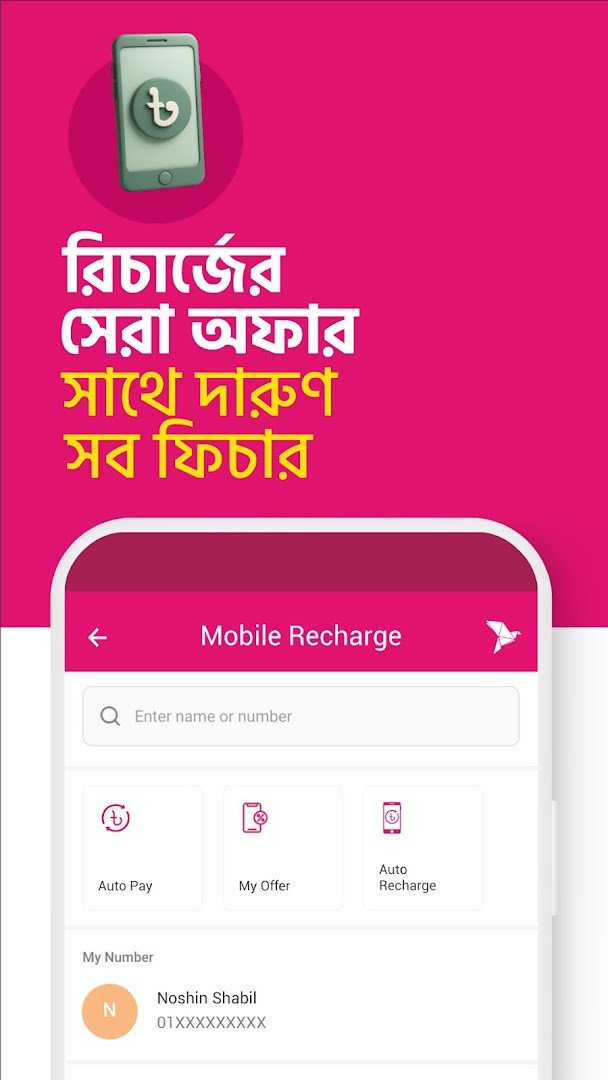
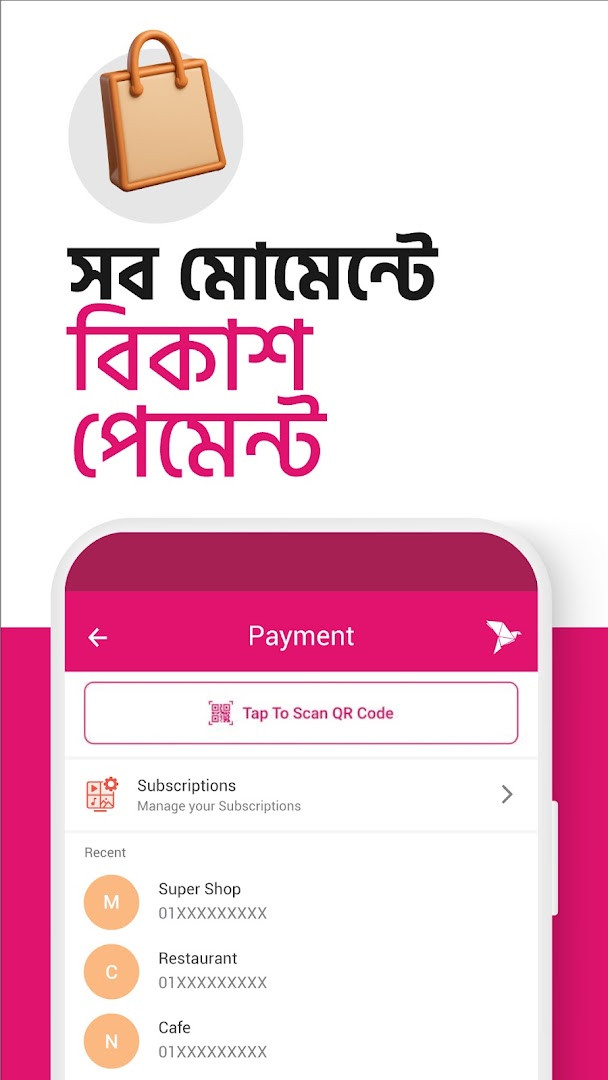
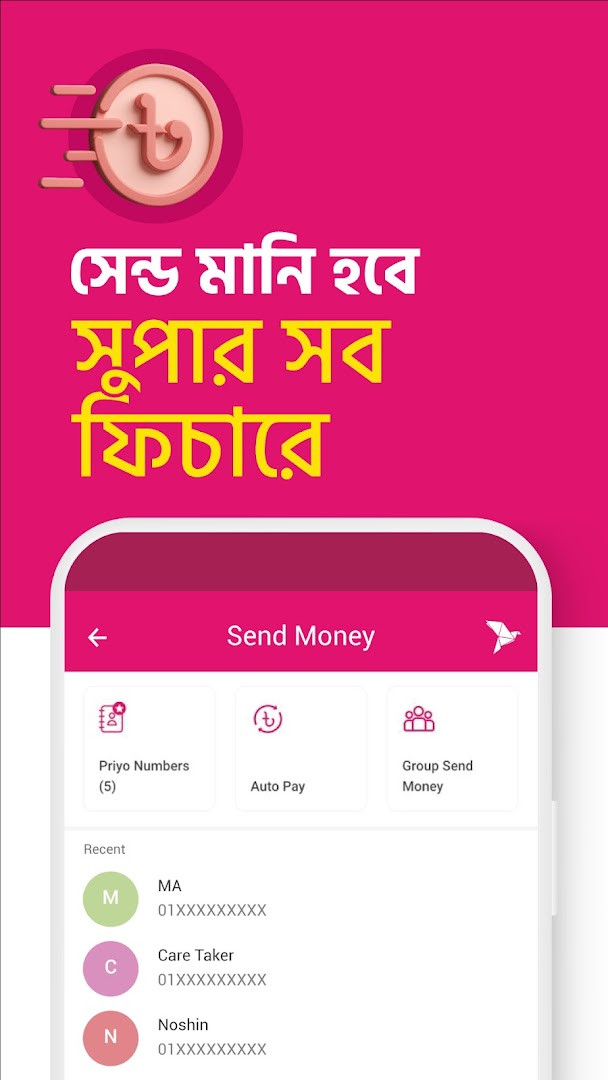
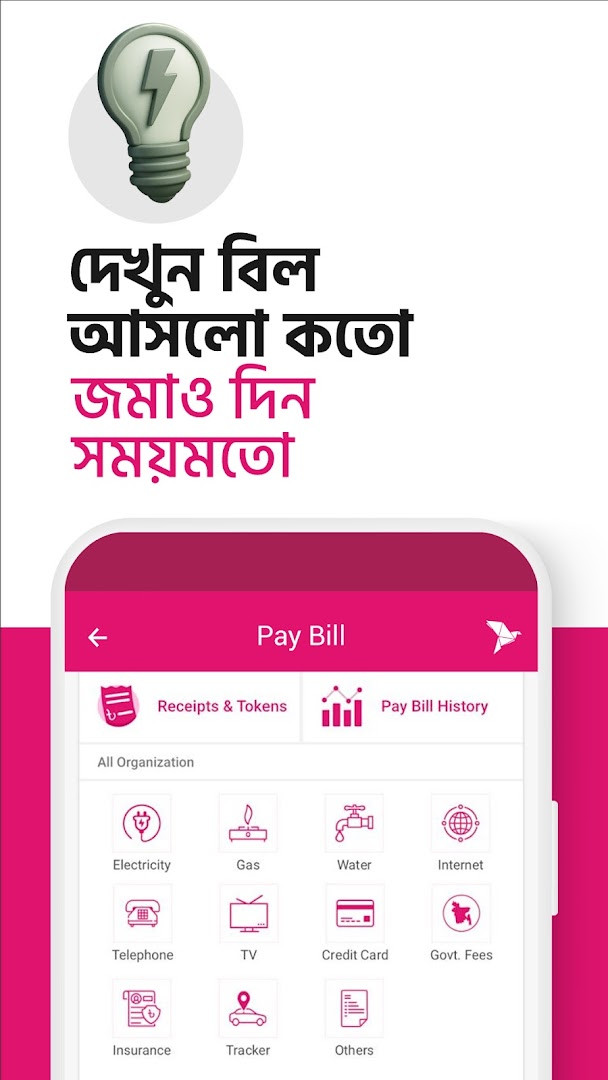
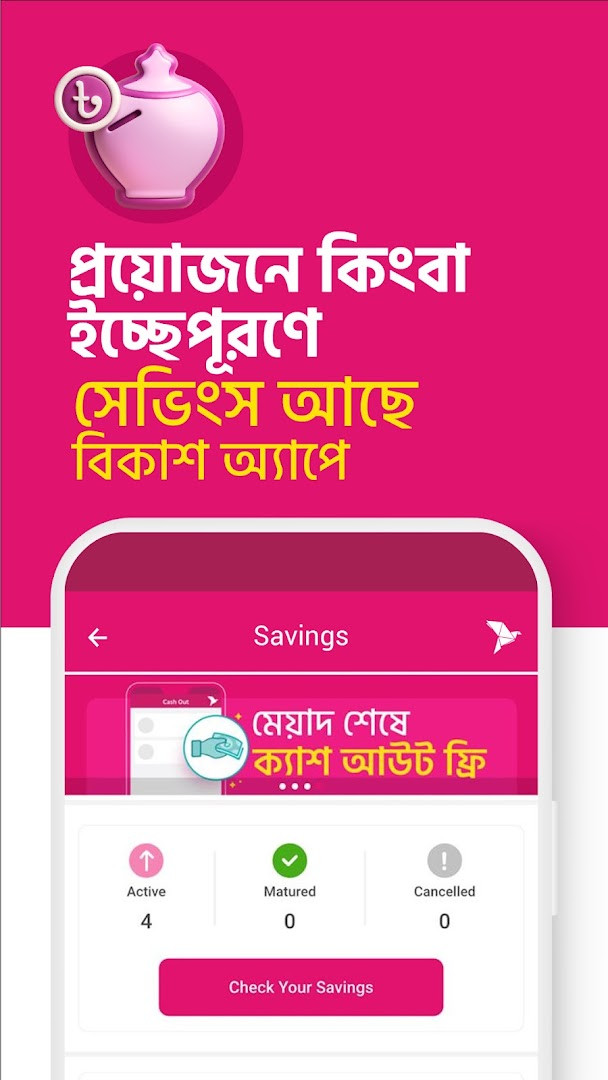
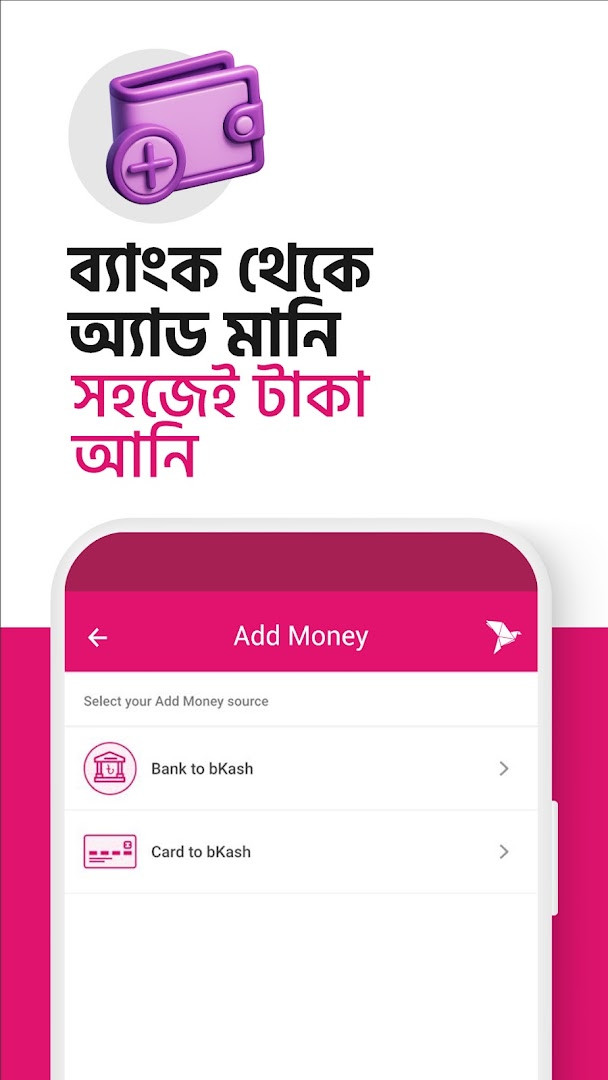
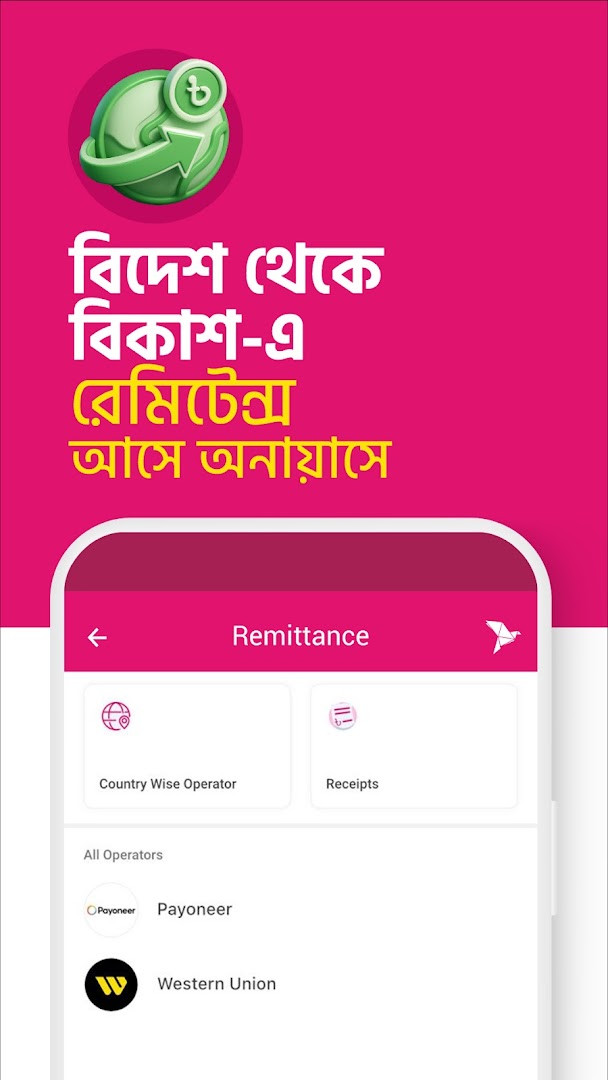
bKash is a mobile money app by bKash Limited that handles sending money, mobile recharges, QR payments, bill settlements, and transfers within one interface. First released in April 2018 and updated as of late October 2026, the app has gathered roughly 100 million installs and holds a 4.33 star average based on over 1.7 million ratings. It is free, carries no ads, and includes no in-app purchases.
The app lets newcomers register directly with a National ID, add funds from a bank account or card, and quickly scan QR codes at shops, agent points, or between users. Daily tasks include recharging prepaid balances for Robi, Airtel, Banglalink, Grameenphone, and Teletalk, clearing electricity, gas, and internet bills, and booking tickets, food delivery, hotels, and other lifestyle services. Security relies on OTP verification and PIN prompts, while helpers like statement history, monthly summaries, one-tap balance checks, and real-time transaction limits give users more control. The interface can be switched between Bangla and English.
Version 7.4.0 simplifies instant transfers: users can scan a grouped My QR or a QR that already contains an amount, so typing a name, number, or amount is no longer needed. It also introduces buyable Cash Out Bundles for lower cash-out fees at agent points, lets users pay bills and education fees through a saved Visa card even when the bKash balance is low, and makes Pay Later services easier to use, manage, and track.
Key features
- Fast account registration using a valid National ID, without needing an existing account.
- Add Money transfers straight from a linked bank account or card.
- QR scanning for payments, cash out, and person-to-person sending.
- Mobile recharge and postpaid bill payments for Robi, Airtel, Banglalink, Grameenphone, and Teletalk.
- Utility payments and lifestyle services such as tickets, hotels, food, and shopping.
- Offers near you plus personalized service suggestions and transaction shortcuts.
- OTP and PIN protection, detailed statements, monthly summaries, and a tap-based balance check that hides itself after a few seconds.
- Version 7.4.0 brings QR with amount, Cash Out Bundles, low-balance Visa card payments, and improved Pay Later management.
How to install
- Tap the download button on this page to save the APK file.
- When Android asks, allow your browser or file manager to install apps by enabling the 'Install unknown apps' setting.
- Open the downloaded APK from your notifications or Downloads folder.
- Tap Install and wait for the process to finish; the file size is not specified and Android 6.0 or newer is required.
- Launch bKash from your home screen or app drawer.
- Register a new account with your National ID or log in to an existing one.
Pros
- Free to use with no ads or in-app purchases.
- Broad feature set covering recharges, bills, QR payments, and lifestyle services.
- Bilingual Bangla and English interface.
- Multiple layers of security, including OTP and PIN prompts.
- Transparent transaction view with service charge and projected balance.
- Recent updates improve QR transfers, low-balance card payments, and Pay Later tracking.
Cons
- Registration requires a National ID, which may not suit every user.
- Requests access to contacts, location, camera, microphone, and other device data.
- Requires Android 6.0 or newer, leaving older devices unsupported.
Latest changes · 7.4.0
Version 7.4.0 lets you send and receive money instantly by scanning a QR code, so you don't have to type in a name, number, or amount. You can now buy Cash Out Bundles as needed and enjoy lower Cash Out charges at any agent point. Even with a low bKash balance, you can pay bills and education fees directly through your saved Visa card. Pay Later services can also be used, managed, and tracked more seamlessly.
Previous versions
| Version | Size | Requires Android | Updated |
|---|---|---|---|
| 7.4.0 | — | 6.0 | Oct 30, 2026 |
| 7.3.5 | — | 6.0 | Oct 1, 2026 |
bKash suits people who regularly send money to family or friends, users who want to settle utility bills and recharge phones from home, and shoppers looking to pay quickly by scanning QR codes while taking advantage of nearby offers.
Before making a large transfer, open the Check Limit section for a real-time view of how much more you can transact, so you can split or delay payments accordingly.
Permissions
Frequently asked questions
How can I register a new bKash account directly in the app?
You can explore the app's services, features, and offers without an account first. When you are ready, register a new bKash account in a few minutes from within the app using your National ID.
What can I do with the Scan QR feature?
The Scan QR button on the home screen lets you pay at stores and shops, cash out at agent points, or send money to other bKash users. The latest update adds the ability to send or receive money instantly by scanning My QR or a QR that includes an amount, without typing a name, number, or amount.
How do transaction shortcuts and suggestions work?
In the My bKash section, you can use shortcuts for your most frequent transactions to make them faster. The app also provides suggestions for other services, merchants, billers, and partners you may want to try.
What security measures does the app use?
The app sends an OTP to verify your account during the first log-in, and asks for your PIN during both log-in and transactions. It also hides your balance after a few seconds to help protect your data.
What new features were added in the latest version?
Version 7.4.0, updated on 2026-10-30, includes scanning My QR or QR with amount for instant send and receive, the ability to buy Cash Out Bundles for lower Cash Out charges at agent points, paying bills and education fees with a saved Visa card even with a low bKash balance, and more seamless management of Pay Later services.
With a huge user base, a long feature list, and recent QR and card payment improvements, bKash is a practical everyday choice for mobile money in Bangladesh, though the broad permission requests may give privacy-minded users pause.
Similar apps







Updated: Nov 20, 2026