
MX Player for Android
MX Player is a video and music player from Amazon Mobile LLC for watching media with advanced hardware acceleration and subtitle support.
Download MX Player · v3.5.3MX Player is for Android users who want a capable video and music player that handles many file formats and subtitle types on their device. It uses hardware acceleration and multi-core decoding, and it works offline without requiring an account.
- Version
- 3.5.3
- Requires Android
- 7.0
- Updated
- Nov 14, 2026
- Installs
- 1B+
- Rating
- ★ 4.22 (14,377,492)
- Category
- Entertainment
- Developer
- Amazon Mobile LLC
- Content rating
- Everyone
- Package
- com.mxtech.videoplayer.ad
- Free
- ✓ · Contains ads · In-app purchases
Screen gallery
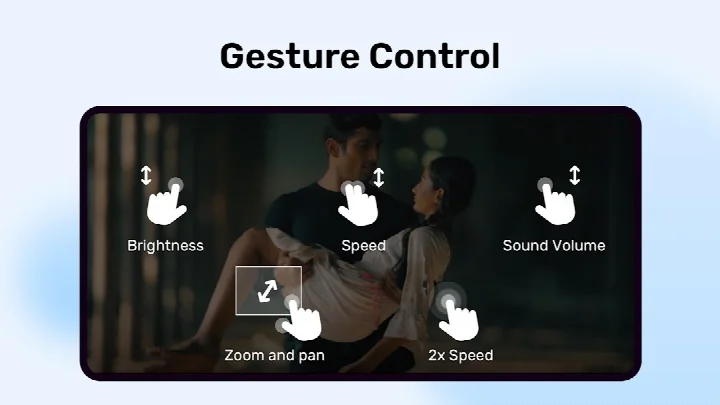
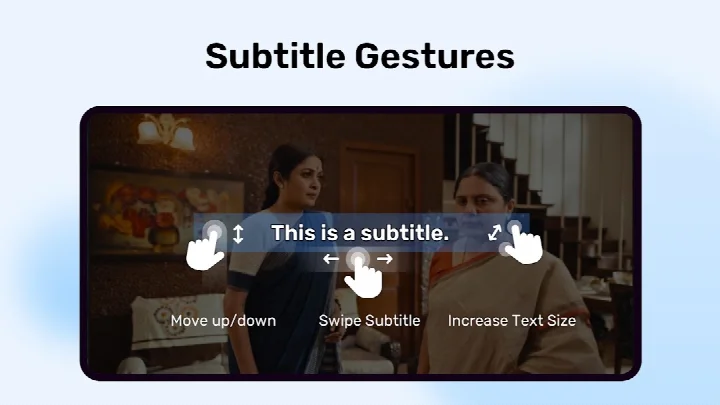
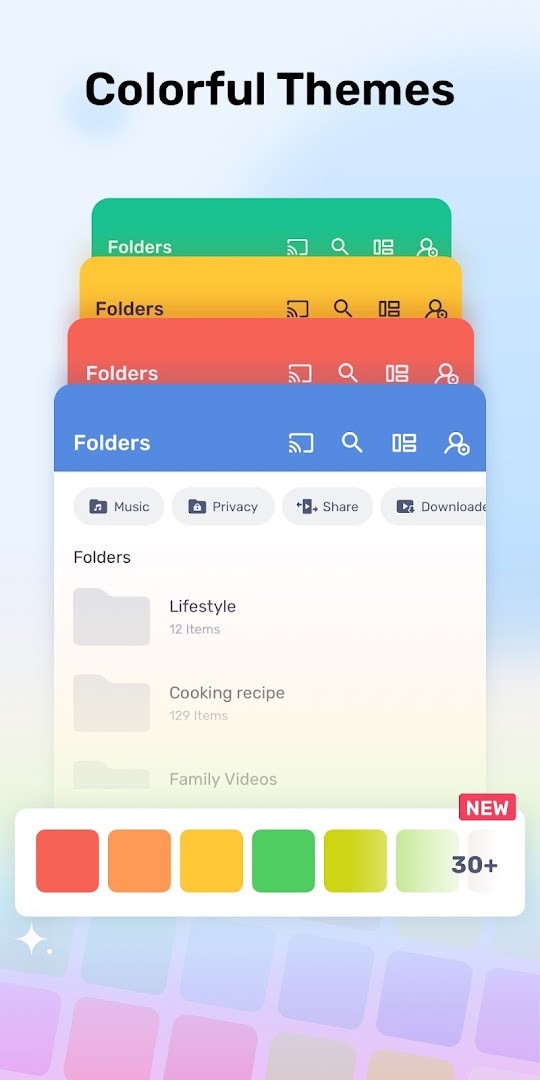
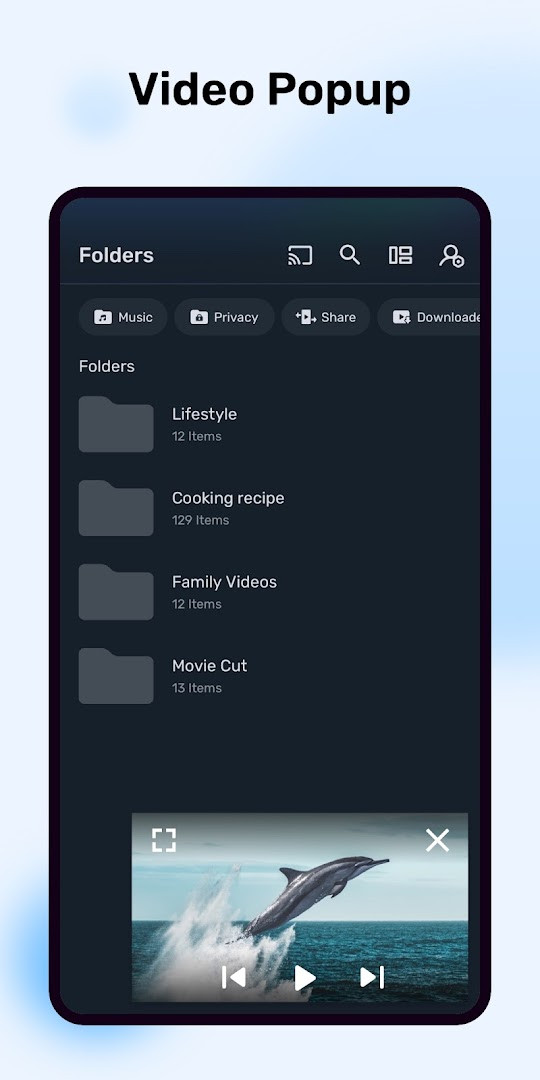
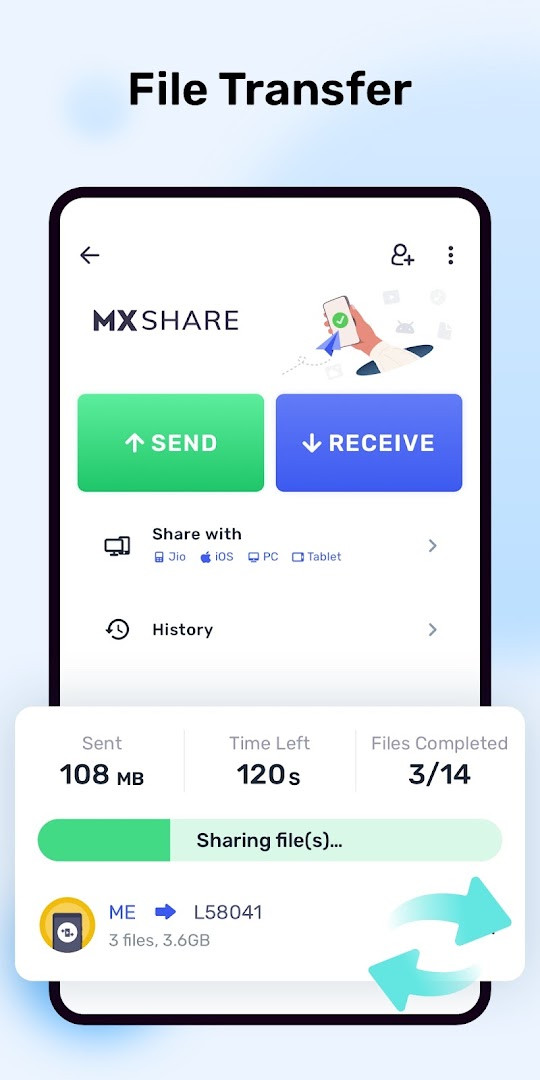
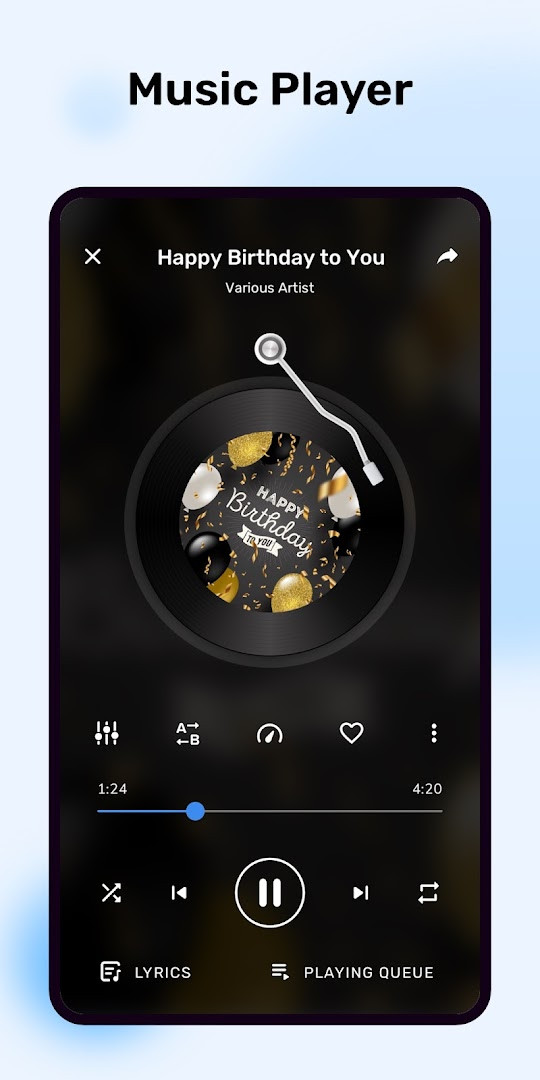
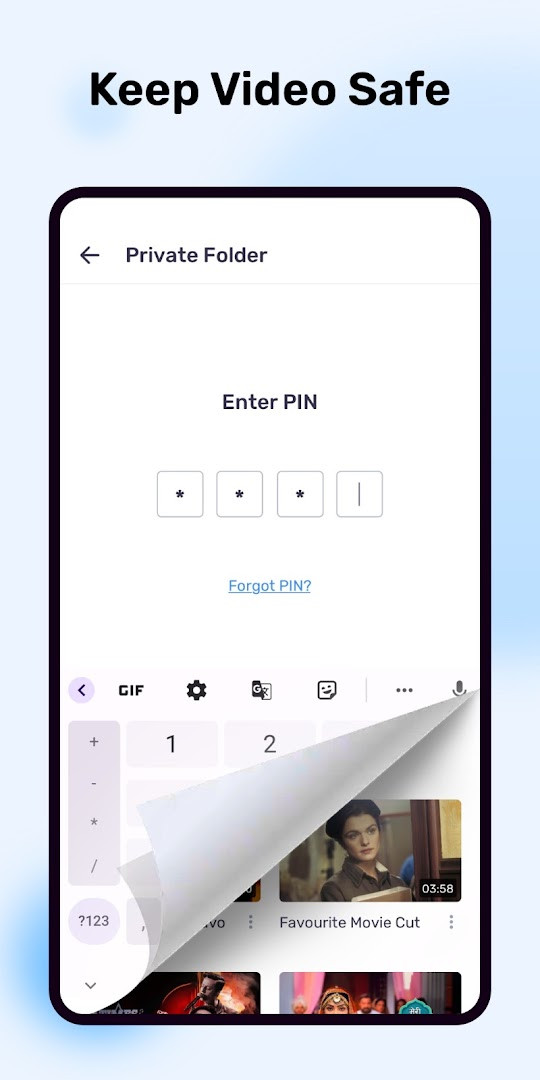
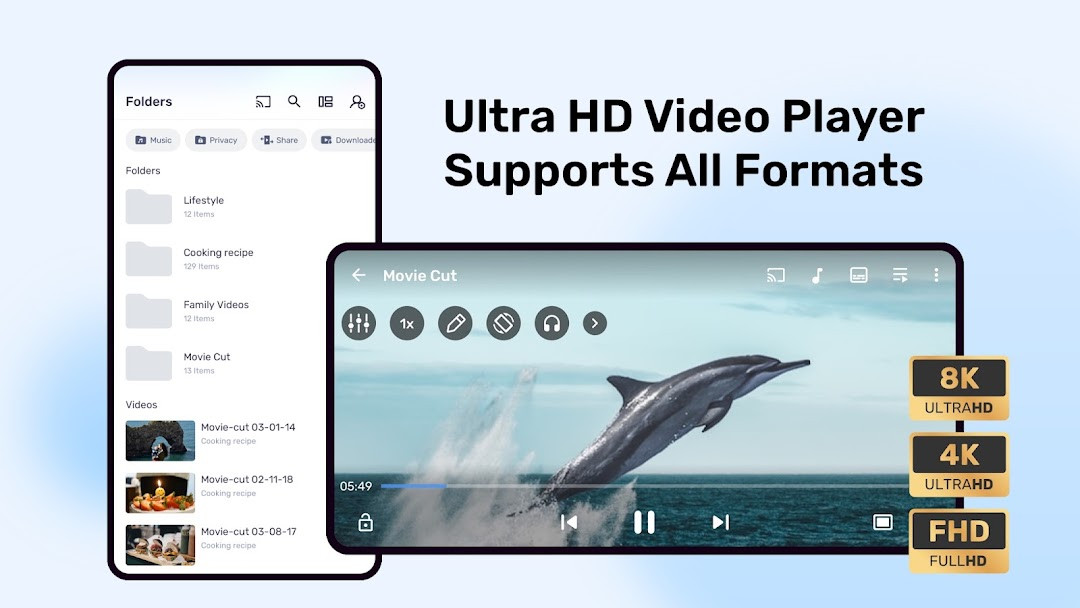
MX Player is a video and music player app by Amazon Mobile LLC that delivers hardware-accelerated playback along with extensive subtitle support. First released in 2011, it has grown into one of the most widely used media players on Android, with over a billion installs and a large, active user base. The app is designed to handle a wide variety of video formats smoothly, even on modest hardware, thanks to its multi-core decoding and the newer HW+ decoder that extends hardware acceleration to more files. Version 3.4.3, updated in November 2026, focuses on stability and performance: the developers report squashed bugs and optimizations aimed at making the app smoother, faster, and more reliable. For beginners, this means fewer crashes, quicker launches, and a generally more polished experience when playing local media. Beyond core playback, MX Player includes several practical tools. You can zoom and pan with pinch gestures, manage subtitles with intuitive swipe and zoom controls, hide private videos in a dedicated folder, and enable a Kids Lock so children can watch content without accidentally leaving the app or making calls. The player supports a long list of subtitle formats, including SRT, ASS/SSA, VobSub, and WebVTT, with full styling for SubStation Alpha files. There are also optional features like picture-in-picture playback, file transfer over Wi-Fi Direct, and notification controls. The app is free, but it shows ads and offers in-app purchases; it requires Android 7.0 or higher and needs storage access to find and play your media files.
Key features
- Hardware acceleration with a new HW+ decoder for smoother playback on more video files
- Multi-core decoding, the first of its kind on Android, improving performance by up to 70% on multi-core devices
- Pinch to zoom, plus zoom and pan options for close-up viewing
- Subtitle gestures: swipe to move between text tracks, swipe up/down to reposition, and pinch to resize subtitles
- Privacy Folder to hide secret videos behind a private, protected space
- Kids Lock to keep children entertained without letting them access other apps or make calls
- Support for numerous subtitle formats including SRT, ASS/SSA, SAMI, MicroDVD, VobSub, SubViewer, MPL2, Teletext, PJS, and WebVTT
- Picture-in-picture playback with custom controls (optional permission)
- File transfer feature using Wi-Fi Direct or hotspot, with QR code scanning (optional permissions)
How to install
- Tap the download button on this page to get the APK file; the file size is not specified, so ensure you have enough free space on your device.
- When your browser or file manager asks for permission, allow it to install apps by enabling the 'Install unknown apps' setting for that app.
- Open the downloaded APK file from your notifications or Downloads folder.
- Tap 'Install' on the confirmation screen and wait for the installation to finish.
- Open MX Player from your app drawer or home screen.
- The app requires Android 7.0 or higher, so make sure your device meets this minimum version before installing.
Pros
- Excellent hardware acceleration and multi-core decoding for smooth playback
- Very wide subtitle format support with gesture-based controls
- Useful extras like Privacy Folder and Kids Lock for family-friendly use
- Free to download with no upfront cost
- Regular updates that focus on bug fixes and performance improvements
Cons
- Contains ads and offers in-app purchases, which can be intrusive for some users
- Requires broad storage and all-files access to identify and play media
- Some advanced features like file transfer demand additional permissions that you may prefer to deny
Latest changes · 3.5.3
This update for MX Player version 3.4.3 focuses on making the app smoother, faster, and more reliable. It includes bug fixes and performance optimizations to improve your overall experience.
Previous versions
| Version | Size | Requires Android | Updated |
|---|---|---|---|
| 3.5.3 | — | 7.0 | Nov 14, 2026 |
| 3.4.3 | — | 7.0 | Nov 14, 2026 |
| 3.2.13 | 107 MB | 7.0 | Nov 5, 2026 |
| 3.3.1 | — | 7.0 | Nov 3, 2026 |
| 1.28.7 | 37 MB | 4.2 | Jan 24, 2026 |
| 1.96.4 | 114 MB | 5.0 | Dec 13, 2025 |
| 1.31.3 | 38 MB | 4.2 | Apr 11, 2025 |
| 1.10.47 | 29 MB | 4.0 | Mar 12, 2019 |
| 1.10.20 | 27 MB | 4.0 | Oct 30, 2018 |
| 1.7.41 | 12 MB | — | Jun 5, 2018 |
MX Player suits casual users who just want a reliable player for downloaded movies and shows, parents who want a Kids Lock to keep children safe while watching, and subtitle enthusiasts who need robust support for many formats and styling options.
After installing, spend a few minutes exploring the settings to enable hardware acceleration and adjust subtitle defaults; this will noticeably improve playback on older or less powerful devices.
Permissions
Frequently asked questions
How do I install the MX Player APK on an Android device?
Download the APK file and open it from your device's file manager. If prompted, allow installation from unknown sources in your security settings, then follow the on-screen steps to complete the setup.
What is the current version of MX Player and when was it updated?
The current version is 3.4.3, released on November 14, 2026. It includes bug fixes and performance optimizations for a smoother experience.
Does MX Player contain ads or in-app purchases?
Yes, the app is free to download and includes ads as well as in-app purchases. You can use the player without paying, but some features or content may require purchases.
Can I use MX Player offline to watch videos without an internet connection?
Yes, MX Player can play videos stored locally on your device without needing an internet connection. It supports various subtitle formats and offers hardware acceleration for smooth playback.
Are there other video player apps in the same category as MX Player?
Yes, the Video Players category includes several other options. When choosing an alternative, consider features like subtitle support, hardware acceleration, and privacy controls that match your needs.
What Android version is required to run MX Player?
MX Player requires Android 7.0 or higher. It also asks for storage access to identify and play media files, plus optional permissions for features like file transfer and notifications.
Does MX Player offer privacy features for hiding videos?
Yes, it includes a Privacy Folder that lets you hide secret videos in a private folder to protect your privacy. There is also a Kids Lock to prevent children from making calls or accessing other apps.
MX Player remains a solid, feature-rich choice for Android media playback, especially if you rely on subtitles or have an older phone that benefits from hardware acceleration. The latest update improves stability and speed, though the presence of ads and in-app purchases may be a drawback for some. Overall, it is a dependable app worth trying for local video playback, with enough depth to satisfy both beginners and more experienced users.
Similar apps








More from this developer

Updated: Nov 19, 2026