Amazon Kindle: Reading App - Read Ebooks On Mobile
Amazon Kindle: Reading App is a free Books and Reference app by Amazon Mobile LLC that lets you read ebooks, magazines, comics, and audiobooks.
Get the AppAmazon Kindle: Reading App is a 147 MB app that requires Android 9 or newer. Amazon Kindle: Reading App contains ads and offers in-app purchases. It suits readers who want ebooks, magazines, comics, and audiobooks available on their phone at any time.
- Size
- 147 MB
- Requires Android
- 9
- Updated
- Nov 16, 2026
- Installs
- 100M+
- Rating
- ★ 4.77 (4,877,026)
- Category
- Education
- Developer
- Amazon Mobile LLC
- Content rating
- Teen
- Package
- com.amazon.kindle
- Free
- ✓ · Contains ads · In-app purchases
Screen gallery
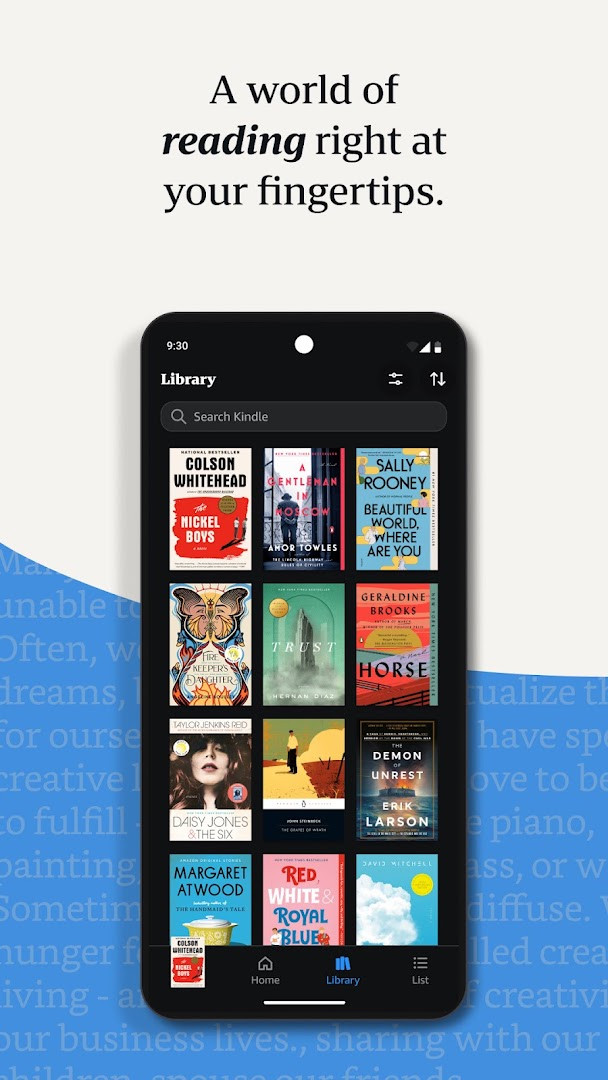
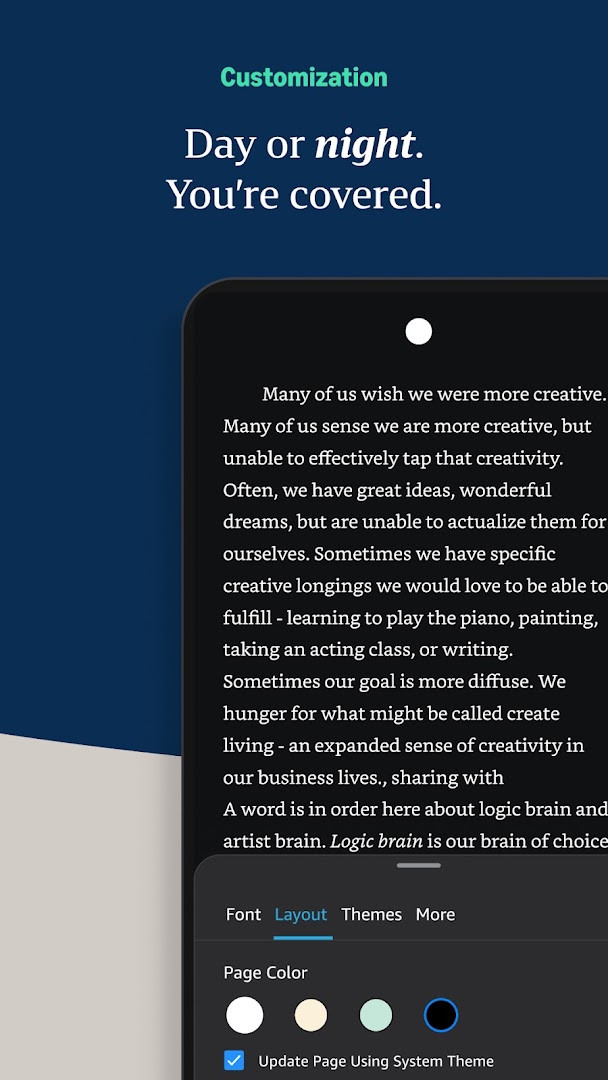
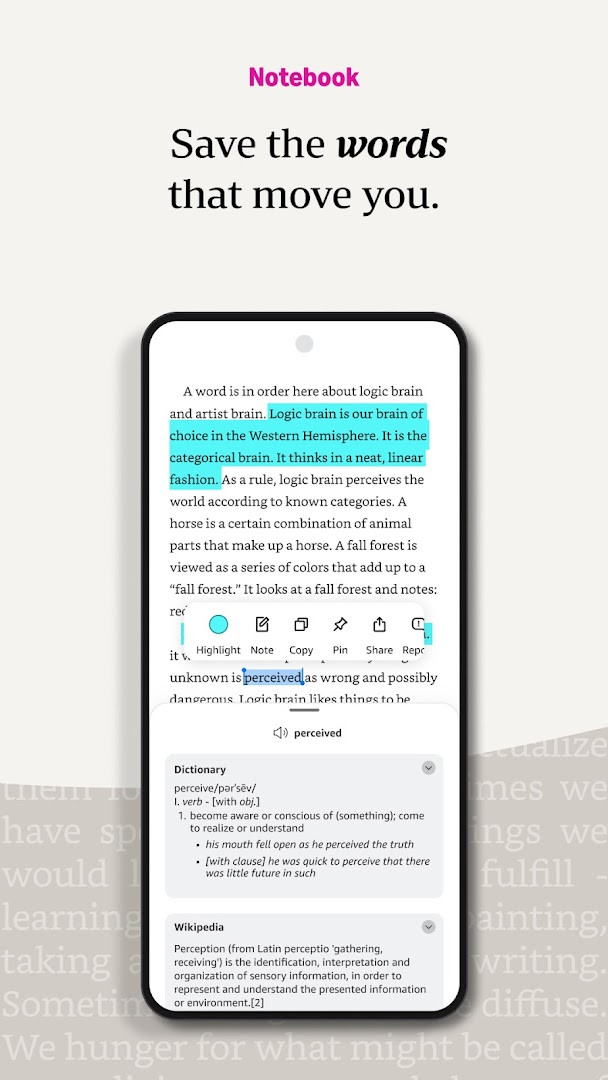
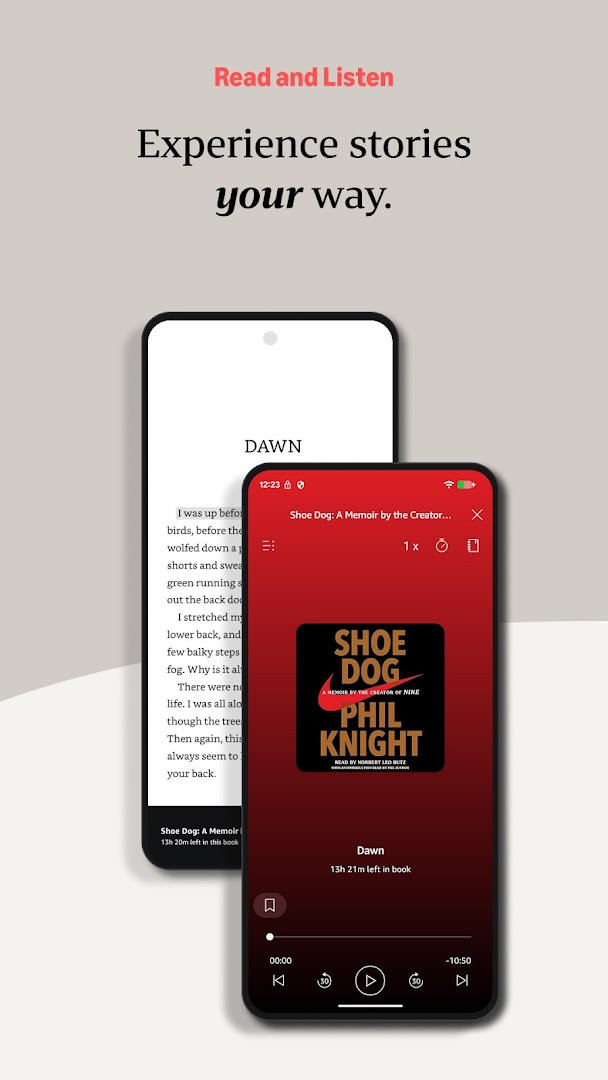
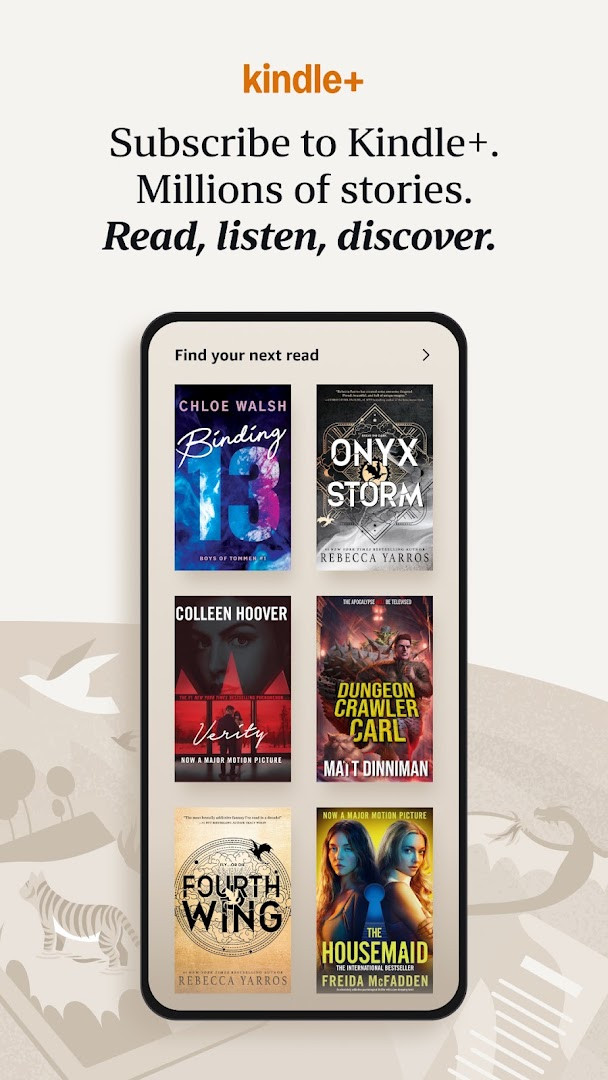
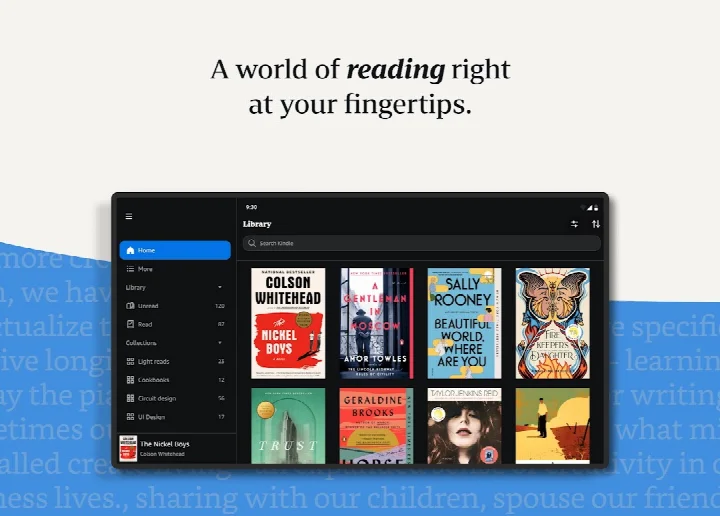
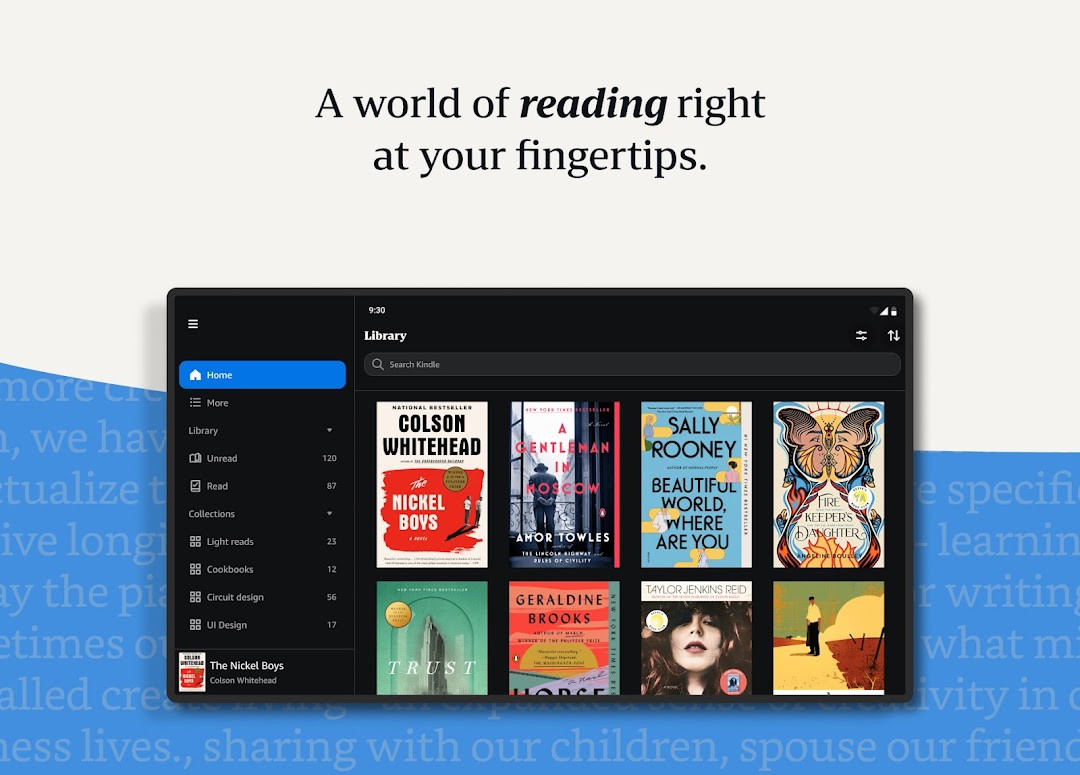
Amazon Kindle: Reading App is a reading application by Amazon Mobile LLC that lets Android users purchase, download, and read ebooks, magazines, newspapers, comics, and manga, and switch to Audible narration on compatible titles. The app functions as a portable library: it automatically syncs your reading position, bookmarks, highlights, and notes across devices, and it provides tools for customizing text, looking up words, tracking progress, and navigating a book visually. No dedicated e-reader hardware is required.
The app is aimed at both casual and committed readers, from people who want something to read during a commute to subscribers of Amazon reading plans such as Kindle Unlimited or Amazon Prime members who want access to included titles. A free tier lets you sample books before purchasing, and millions of titles are available across genres including romance, science fiction, children's books, self-help, and nonfiction.
Reading features include adjustable font, margins, alignment, brightness, and background colors, plus a built-in dictionary, X-Ray, Wikipedia lookup, in-book search, instant translations, progress percentages, time-left estimates based on actual reading speed, Page Flip navigation, and zoomable high-definition images. The app also notifies you when followed authors publish new releases.
The version covered here is 8.158.0.100 (2.0.109808.0), which requires Android 9 or newer and has a download size of 147 MB. It is free to install, contains ads, offers in-app purchases, and carries a Teen content rating. The app requests access to device and app history, identity, location, phone, photos/media/files, storage, Wi-Fi connection information, and device ID and call information.
Key features
- Automatically syncs the furthest page read, bookmarks, highlights, and notes across your devices.
- Customizes text size, font, margins, alignment, orientation, brightness, background colors, page turns, or continuous scrolling.
- Offers tap-and-hold lookups for dictionary definitions, X-Ray, Wikipedia articles, translations, and in-book search.
- Shows reading progress as percent complete, real page numbers for most major titles, and estimated time left in a chapter or book.
- Supports bookmarking, highlighting, and note-taking, with a My Notebook view that consolidates annotations.
- Provides Page Flip mode for skimming, hopping between pages, and a bird's-eye view of the book while saving your place.
- Enables zooming on high-definition color images in books, magazines, comics, and manga.
- Allows switching between reading a Kindle book and listening to its Audible narration within the app.
- Sends notifications when authors you follow release new titles.
- Adds a 'Last Book Read' widget to the Android Home screen for quick access to your most recent read.
How to install
- Tap the download button on this page to obtain the APK file; note that it is approximately 147 MB and requires Android 9 or newer.
- When Android prompts, allow your browser or file manager to install apps by enabling the 'Install unknown apps' setting for that application.
- Open the downloaded APK file from your Downloads folder or file manager.
- Tap Install and wait while the installation completes.
- Tap Done or Open to launch the app, then sign in to access your library.
Pros
- Free to install, with optional subscription-based content plans.
- Works without a dedicated e-reader device.
- Automatic multi-device sync for reading position and annotations.
- Extensive personalization of text and layout settings.
- Integrated dictionary, X-Ray, Wikipedia, and translation tools.
- Home screen widget for quick access to the last book read.
Cons
- Contains ads.
- Includes in-app purchases, so some content requires payment or a subscription.
- Requests broad permissions, including location, phone, identity, and device ID.
- Teen content rating may not suit younger readers without supervision.
- The 147 MB download may be large for users on limited data plans.
Latest changes
The October 6, 2026 update introduces a handy Kindle “Last Book Read” widget for your Android home screen, giving you one-tap access to the title you were most recently reading. To set it up, press and hold the Kindle app icon, choose “Widgets” from the menu, then press and hold the widget and drag it to your preferred spot on the home screen.
Previous versions
| Version | Size | Requires Android | Updated |
|---|---|---|---|
| 8.159.0.100(2.0.115180.0) | 129 MB | 11 | Nov 12, 2026 |
| 8.158.0.100(2.0.109808.0) | 127 MB | 11 | Oct 9, 2026 |
| 8.51.1.0(1.3.272119.0) | 62 MB | 5.0 | Oct 9, 2026 |
| 8.157.0.100(2.0.104818.0) | 128 MB | 11 | Oct 8, 2026 |
| 8.154.0.100(2.0.95887.0) | 125 MB | 10 | Sep 22, 2026 |
| 7.8.1.5 | 53 MB | 4.1 | Nov 12, 2025 |
| 14.122.100(2.0.41248.0) | 147 MB | 9 | May 30, 2025 |
| 14.121.100(2.0.40027.0) | 146 MB | 9 | May 11, 2025 |
| 14.113.100(2.0.29451.0) | 168 MB | 9 | Jan 30, 2025 |
| 14.34.100(1.3.228187.0) | 43 MB | 5.0 | Oct 28, 2020 |
Readers who want a large book catalog and a complete reading toolset on a phone or tablet, particularly Amazon Prime or Kindle Unlimited subscribers and anyone who regularly reads across multiple devices.
Sample a book before buying, use the Aa menu to adjust brightness and background colors for night reading, enable the Last Book Read widget for one-tap access, and rely on automatic synchronization to move seamlessly between your phone and tablet.
Permissions
Frequently asked questions
How do I install the Amazon Kindle app APK on my Android device?
Use the download button on this page to get the APK file. The app requires Android 9 or later and is about 147 MB, so make sure you have enough free space. If your phone asks for permission to install apps from your browser or file manager, allow it, then open the downloaded file and confirm the installation.
What is the current version of the Amazon Kindle app?
The newest version listed is 8.158.0.100 (2.0.109808.0), dated 2026-10-09. The app entry itself was last updated on 2026-10-06. Older builds, such as 7.8.1.5 from 2025-11-12, also appear in the version history.
Does the app show ads or include paid purchases?
The app is free to download, with a listed price of 0.00 USD, but it does contain ads and offers in-app purchases. Items such as individual books, audiobooks and subscription programs fall into that paid category. The content rating is Teen.
Will my reading position and notes stay in sync between devices?
Yes. The Kindle app syncs where you left off, along with bookmarks, highlights and notes, so you can continue on another device at the same point. The app also provides a Last Book Read home screen widget for quick access to your most recent read.
Does it require a lot of storage or special permissions?
The listed download size is 147 MB, so expect it to take up a noticeable amount of space. The app requests access to storage, photos and media, device and app history, identity, location, phone, Wi-Fi connection information, and device ID and call information. The storage permission supports keeping content on your device.
Can I adjust how books look or look up words while reading?
Yes. You can change text size, font type, margins, alignment and orientation, and pick page-turn or continuous scrolling, plus brightness and background colors. Built-in tools include a dictionary, X-Ray, instant translation, Wikipedia lookup and search inside the book, along with Page Flip and support for listening through Audible narration.
What are some alternatives in the same category?
Other e-book and reading apps are available in the Books And Reference category, so you can compare them by rating, download size, permissions, offline reading support and how they handle notes. Since reading habits vary, checking a few options helps you find one that matches your device and the way you like to read.
Amazon Kindle: Reading App turns an Android phone or tablet into a capable ebook reader with a huge catalog, broad customization options, and dependable syncing. Whether you are new to digital reading or an existing Prime or Unlimited subscriber, this app offers a practical way to keep your library within reach anywhere.
Similar apps
 Amazon ShoppingAmazon Mobile LLC4.4
 Amazon AlexaAmazon Mobile LLC4.1
 Duolingo: Learn LanguagesDuolingo4.8
 Google Play Books & AudiobooksGoogle LLC4.7
 Samsung Global GoalsSamsung Electronics Co., Ltd.3.7
 King James Bible - Verse+AudioOzion4.8
 Wattpad - Read & Write StoriesWattpad.com3.7
 Bible Offline-KJV Holy BibleBíblia Offline4.9
More from this developer

Updated: Nov 20, 2026