FlipaClip: Draw 2D Animation for Android
FlipaClip: Draw 2D Animation is a 2D animation maker from Visual Blasters LLC for drawing cartoons, characters, and animated stories.
Get FlipaClip · v5.0.2FlipaClip: Draw 2D Animation is a free animation maker for beginners and professionals who want to create cartoons, anime, and frame-by-frame stories. FlipaClip includes up to 10 layers, onion skinning, audio tracks, and export to MP4, GIF, or PNG, and supports pressure-sensitive styluses. The app carries a 4.33 rating from 798,881 ratings and requires Android 7.0 or later.
- Version
- 5.0.2
- Requires Android
- 7.0
- Updated
- Oct 10, 2026
- Installs
- 50M+
- Rating
- ★ 4.33 (798,881)
- Category
- Art & Design
- Developer
- Visual Blasters LLC
- Content rating
- Everyone
- Package
- com.vblast.flipaclip
- Free
- ✓ · Contains ads · In-app purchases
Screen gallery
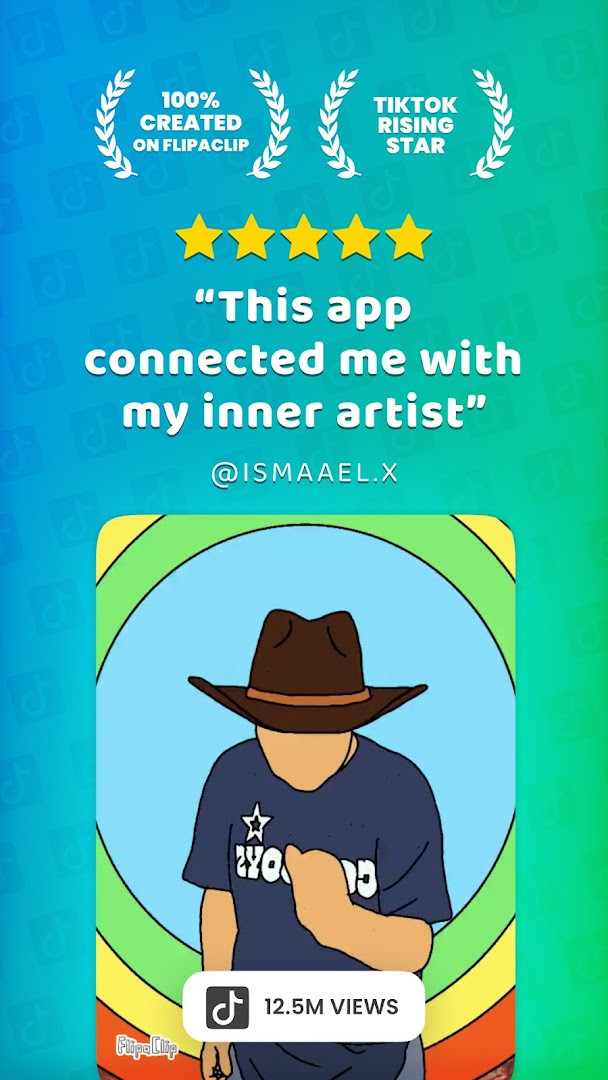
FlipaClip: Draw 2D Animation is a 2D animation and drawing application by Visual Blasters LLC that lets you sketch frame by frame and assemble those frames into finished animated clips. It first appeared in April 2012 and has been updated regularly since; the current build is version 5.0.2, dated October 10, 2026. The install base stands at roughly 50 million, and the accumulated rating is 4.33 from 798,881 user scores — figures that place it among the more widely adopted tools of its kind.
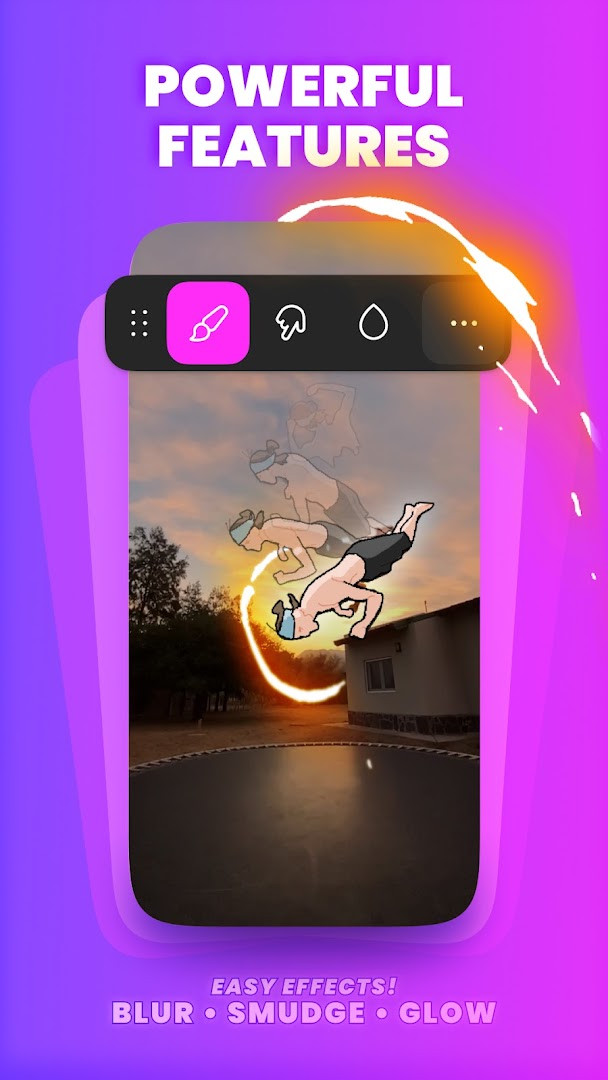
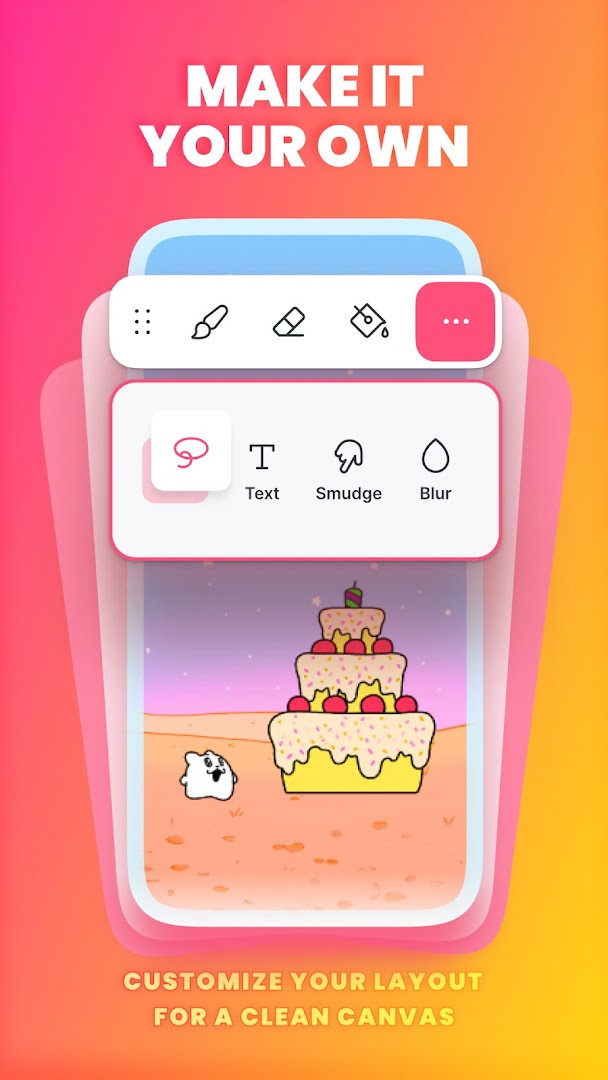
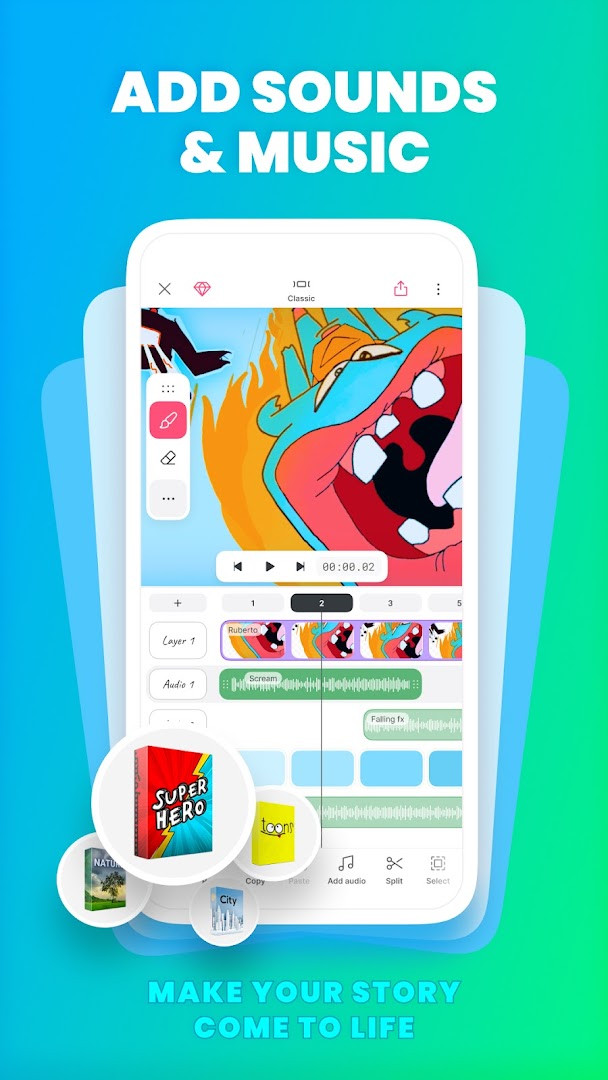
The core workflow will feel familiar to anyone who has flipped through a paper pad: draw one frame, advance the timeline, draw the next, and let onion skinning show the preceding frame underneath so the movement reads correctly. The drawing suite covers brushes, fill, lasso, eraser, ruler, text and shape tools, and canvases can be set to custom dimensions. Pressure-sensitive stylus input is supported, including Samsung S Pen and SonarPen. Projects can hold up to ten layers, three of them free, with glow effects and blending modes available at no cost. Animators can import photos or video to rotoscope over them, then add up to six free audio tracks, custom sound effects, or AI-generated narration to finish the piece.
Version 5.0.2 is a rework rather than a cosmetic patch. Drawings, frames and audio now live in a single project view, and the editor ships with two layouts — Classic for focused drawing and Studio for working with the complete timeline — both of which expose the same actions. You can draw outside the canvas to keep reference material beside the scene, stretch a frame or group and loop frames instead of copying and pasting, undo almost any step including the deletion of a frame or layer, and expect lighter project files that take up less space. The app is free to download and is supported by advertising and optional in-app purchases; it carries an Everyone content rating and requests permissions covering identity, contacts, photos and media, storage, microphone and Wi-Fi information.
Key features
- Frame-by-frame timeline with onion skinning for smoother transitions
- Up to 10 layers available, with 3 free, plus glow effects and blending modes at no cost
- Drawing tools including brushes, fill, lasso, eraser, ruler, text and shapes
- Custom canvas sizes with pressure-sensitive stylus support for Samsung S Pen and SonarPen
- Import photos or video to build rotoscope-style animation
- Export finished animation as MP4, GIF, or PNG with transparency
- Up to 6 free audio tracks, custom sound imports, and an AI voice maker for narration
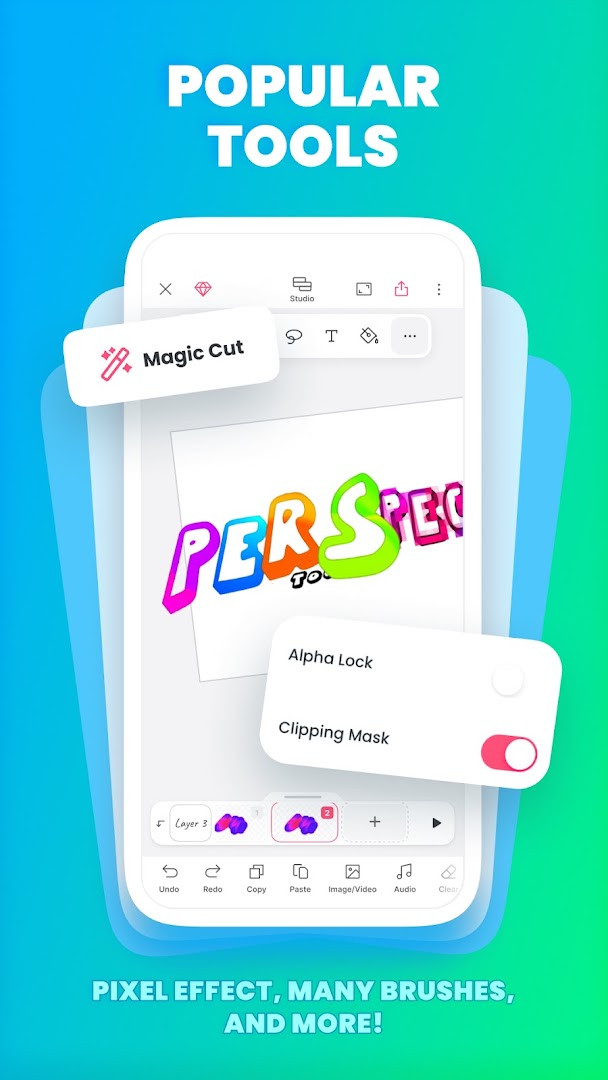
- Magic Cut, an AI-powered tool that slices images and objects out of frames
- Two editor layouts introduced in version 5.0.2: Classic for focus, Studio for the full timeline
How to install
- Tap the download button on this page to get the installation file; the package size is not stated in the details available here.
- If Android shows a prompt, allow your browser or file manager to install apps by enabling the "Install unknown apps" setting for that app.
- Open the downloaded APK file from your notifications shade or your file manager.
- Tap Install and wait for the process to finish; the app requires Android 7.0 or newer.
- Open the app, review the permission requests it makes, and decide which to grant before starting your first project.
Pros
- Long track record stretching back to 2012, backed by frequent updates and a very large user base
- Deep toolset for a free app: layers, onion skinning, rotoscoping, blending modes and glow effects
- Flexible export options, including GIF and PNG with transparency
- Solid stylus support that suits artists who draw with a pen rather than a fingertip
- Built-in audio tracks and AI narration reduce the need to finish projects elsewhere
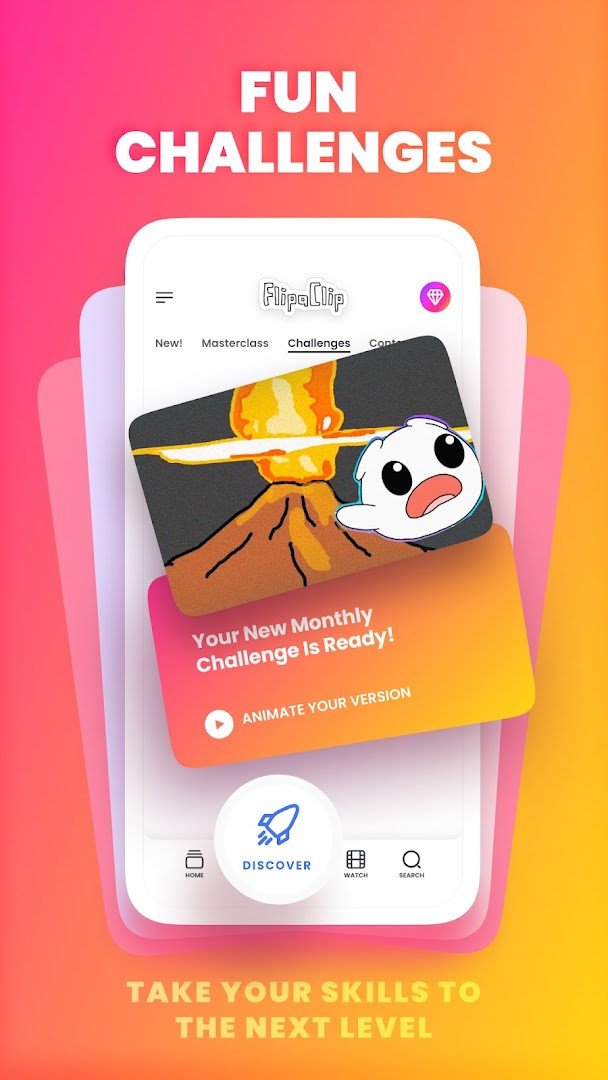
- Ongoing challenges and events give learners a reason to keep drawing
Cons
- Advertising and in-app purchases are part of the free experience
- Layer count is capped at 3 unless you pay
- Permission requests include identity and contacts, which some users will find excessive
- The 5.0.2 interface rework means returning users must relearn where several controls now live
Latest changes · 5.0.2
Version 5.0.2 brings a unified project view where drawings, frames, and audio are visible and editable in one place. The editor now offers two layouts: Classic for focused work and Studio for the full timeline, with all functions available in both. Artists can draw outside the canvas to keep references near the scene. Frames or groups can be stretched, and frames can be looped to reduce copy-pasting. Undo now covers deleting frames or layers. Projects are lighter and use less storage.
Previous versions
| Version | Size | Requires Android | Updated |
|---|---|---|---|
| 5.0.2 | — | 7.0 | Oct 10, 2026 |
Hobbyist animators who want a low-friction way to produce short clips, students and teachers using frame-by-frame work to explain ideas or practice timing, and social content creators who need quick cartoon, meme or character loops for their feeds. Storyboarders will also find the timeline and layer stack useful for planning shots before committing to full production.
Decide your export format before you get deep into a project: a transparent PNG sequence suits compositing, a GIF is ideal for short looping clips, and MP4 is the safer choice for anything longer or sound-driven.
Permissions
Frequently asked questions
What drawing tools does FlipaClip offer for creating frame-by-frame animation?
The app includes brushes, fill, lasso, eraser, ruler, text and shape tools, and you can paint on custom canvas sizes. Drawings are built frame by frame with an animation timeline, and pressure-sensitive stylus input is supported for the Samsung S Pen and SonarPen. Extra help comes from an onion skin tool for smoother transitions, a glow effect, blending modes available at no cost, and support for up to 10 layers, of which 3 are free.
How does audio work in FlipaClip?
You can add as many as 6 audio tracks at no cost and bring in your own songs or sound effects. Tracks can be lined up with the animation timeline so audio and visuals stay in sync, and an AI Voice Maker is available for adding narration.
What file formats can I export my animation in?
Finished work can be exported as MP4 video, as GIF, or as PNG with transparency. The app also allows photos and videos to be imported so you can build rotoscope-style animations from existing footage.
What changed in version 5.0.2, released on 2026-10-10?
This release reworks how a project is viewed: drawings, frames and audio appear together in one place, and you can switch between a Classic layout for focused work and a Studio layout with the full timeline. Drawing is now possible outside the canvas area to keep references beside the scene, frames or groups can be stretched and looped instead of copied repeatedly, undo covers actions such as removing a frame or layer, and projects take up less space.
Does FlipaClip cost anything, and what does it require to run?
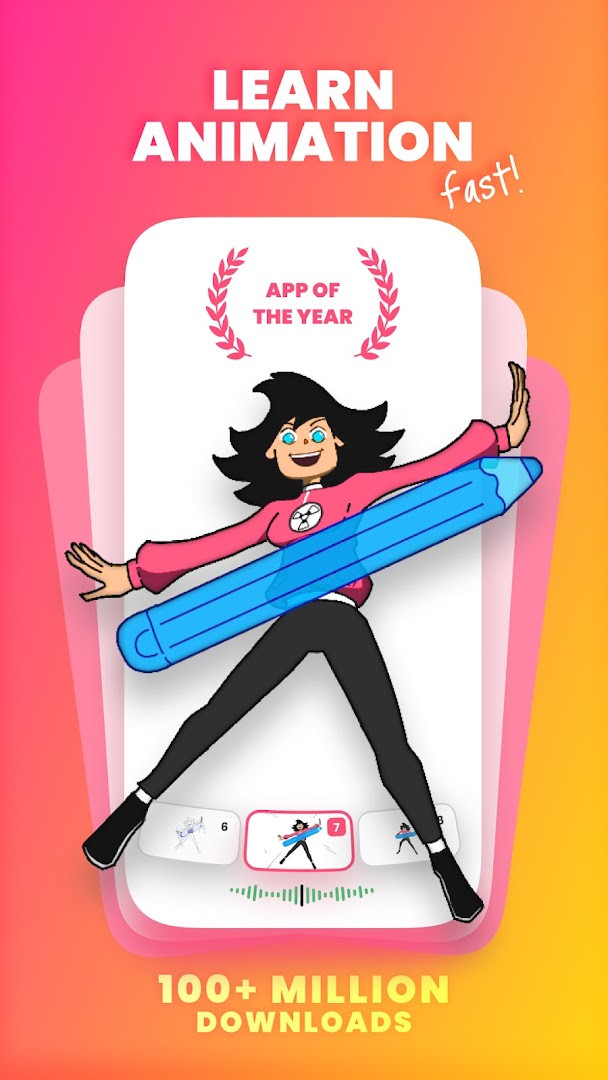
The app is offered free of charge, with ads and in-app purchases present. It holds an Everyone content rating and needs Android 7.0 or later. Version 5.0.2 was published on 2026-10-10, and the app was first released on 2012-04-02. It has been recognized with an app-of-the-year award.
Which permissions does FlipaClip ask for?
The listed permissions cover identity, contacts, photos, media and files, storage, microphone, and Wi-Fi connection information. Microphone access relates to recording audio for your projects, while media and storage access relate to bringing in files and saving your work.
For an experienced user weighing alternatives, this app earns its install base through breadth rather than novelty: the drawing tools, layer stack, audio handling and export formats together cover most of what a frame-by-frame project needs, and the 5.0.2 rework makes larger projects easier to manage. The trade-offs are the ad-supported free tier, the three-layer cap and a permission list worth reviewing. If those are acceptable, it holds up well against comparable animation editors.
Similar apps

Updated: Oct 23, 2026