
Piano Music Go-EDM Piano Games for Android
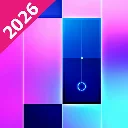
Piano Music Go-EDM Piano Games is a music game from Joy Journey Music Games for tapping tiles to EDM and classical songs.
Get Piano Music Go · v2.152Piano Music Go-EDM Piano Games suits anyone who wants a casual rhythm challenge, letting players tap black tiles in time with the music and avoid white ones. The game is free, runs on Android 6.0 and up, offers offline and single-player modes, and includes a battle mode plus many songs, with ads and in-app purchases present.
- Version
- 2.152
- Requires Android
- 6.0
- Updated
- Sep 22, 2026
- Installs
- 100M+
- Rating
- ★ 4.57 (526,036)
- Category
- Music
- Developer
- Joy Journey Music Games
- Content rating
- Everyone
- Package
- com.joyjourney.PianoWhiteGo
- Free
- ✓ · Contains ads · In-app purchases
Screen gallery


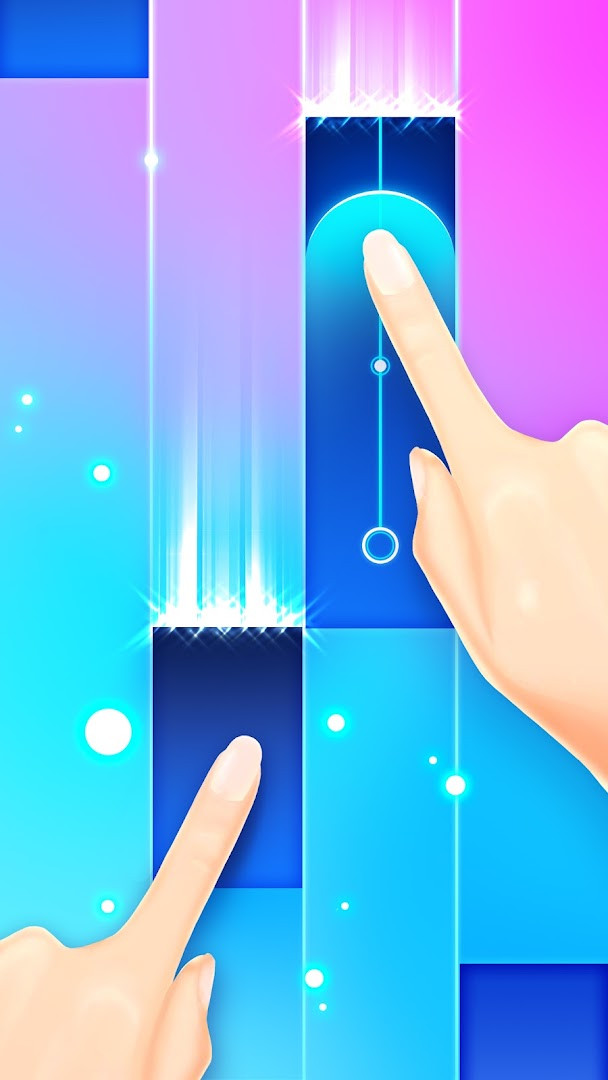
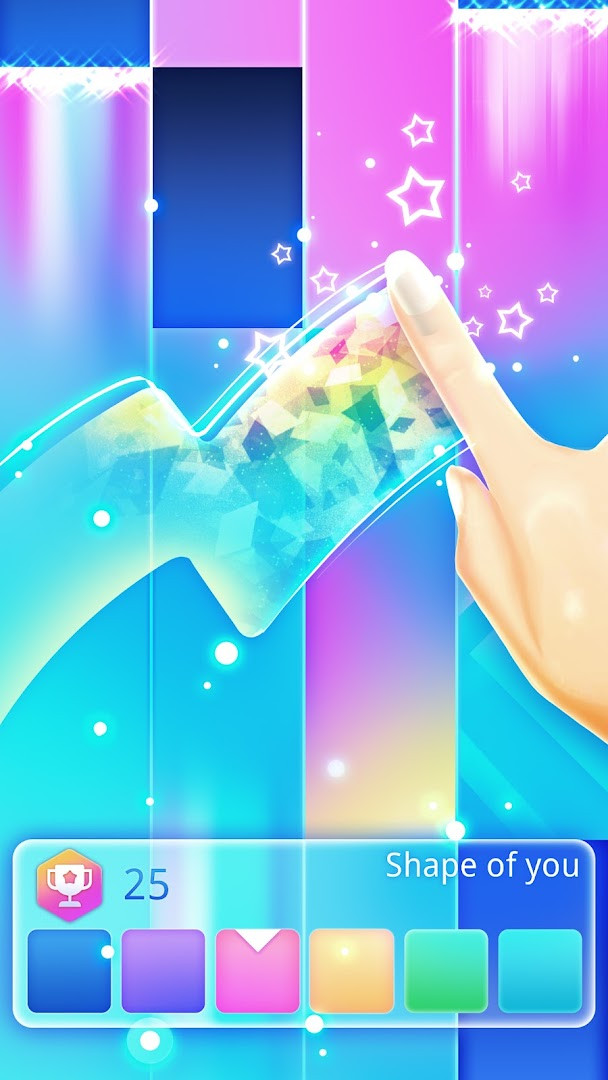
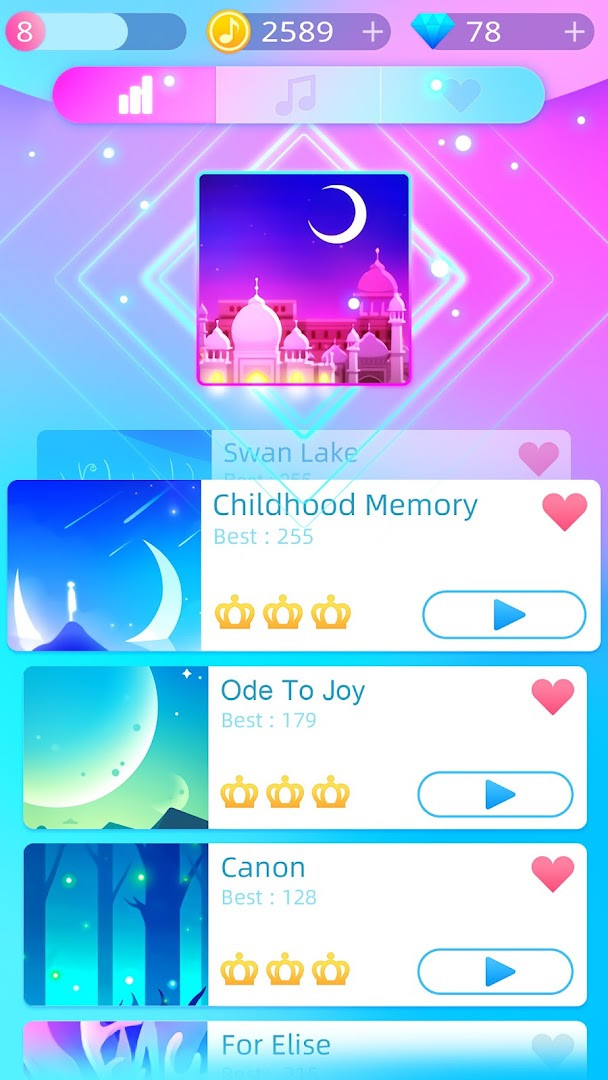
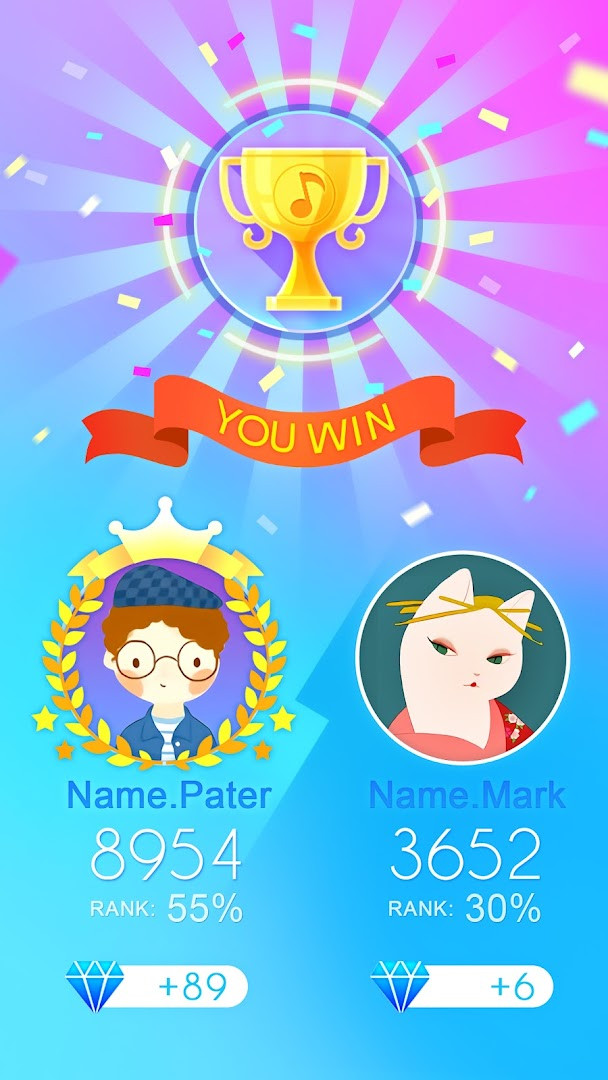
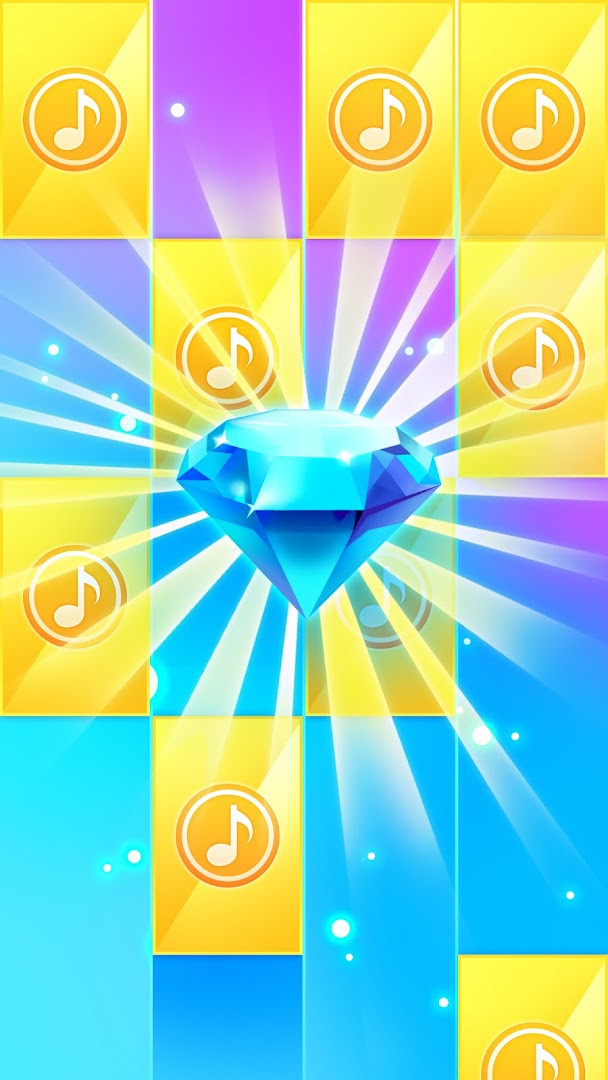
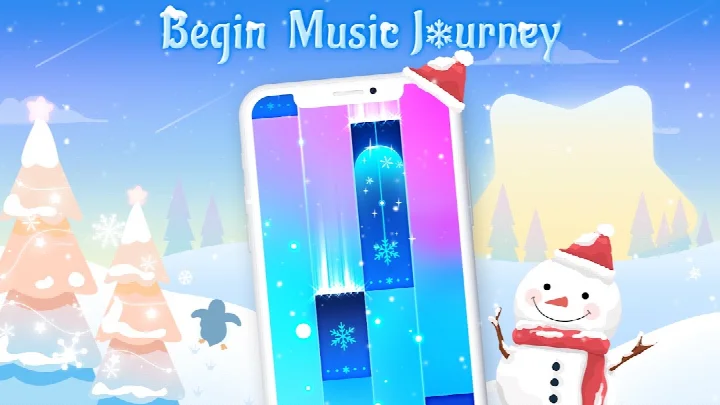
Piano Music Go-EDM Piano Games is a music game by Joy Journey Music Games that lets players tap black tiles in rhythm to create melodies from a library of songs. It solves the problem of wanting to feel like a pianist without formal training by turning classic and modern tunes into an accessible tap-along experience. The game combines simple touch mechanics with high-quality audio, offering a casual way to enjoy music, compete with others, and collect rewards. It includes offline play, multiple song choices, and a battle mode, making it a versatile pick for quick entertainment or longer sessions.
Key features
- Tap black tiles in time with the music while avoiding white tiles to keep the melody going
- Choose from a wide selection of songs, including classical pieces like Für Elise and Canon as well as updated anime tracks
- Compete in battle mode where players face off and the winner takes all
- Collect gold coins and diamonds by hitting achievements to unlock additional songs
- Select from multiple colored tile designs for a personalized visual experience
- Play offline or in single-player mode without needing a connection
- Enjoy high-quality soundtracks and sound effects, with headphones recommended for full immersion
How to install
- Tap the download button on this page to get the APK file
- When Android prompts, allow your browser or file manager to install apps by enabling the 'Install unknown apps' setting
- Open the downloaded APK file from your notifications or file manager
- Tap Install and confirm when the system asks for permission
- Wait for the installation to finish, then tap Open to launch the game
- Note that the app requires Android 6.0 or higher; file size is not specified
Pros
- Free to download with no upfront cost
- High rating of 4.57 from over 526,000 ratings
- Large install base of 100,000,000, indicating widespread use
- Offline mode lets you play without an internet connection
- Content rated for Everyone, suitable for all ages
- Simple controls that are easy to learn quickly
Cons
- Contains ads, which may interrupt gameplay
- Offers in-app purchases, so some content may cost extra
- Requests access to photos, media, files, storage, and Wi-Fi connection information, which may raise privacy concerns for some users
Latest changes · 2.152
Version 2.152 of Piano Music Go-EDM Piano Games brings game experience optimization and bug fixes, aiming to make the piano tapping gameplay smoother and more enjoyable for players.
Previous versions
| Version | Size | Requires Android | Updated |
|---|---|---|---|
| 2.152 | — | 6.0 | Sep 22, 2026 |
This app is for anyone who enjoys casual music games and wants to relax or pass time by tapping along to familiar tunes. It suits beginners and families, given its easy mechanics and Everyone rating, as well as music fans who like classical pieces or anime songs. Players who enjoy friendly competition will find battle mode appealing, while those who prefer solo play can stick to offline single-player. The presence of ads and in-app purchases means it may be best for users comfortable with freemium models.
Use headphones for a better audio experience, and focus on collecting gold and diamonds early to unlock more songs. Practice in offline mode to master rhythms before trying battle mode.
Permissions
Frequently asked questions
Is Piano Music Go-EDM Piano Games free to play?
Yes, the game is free to download and play. It does include ads and offers optional in-app purchases for extra content.
What Android version do I need to run the app?
The app requires Android 6.0 or higher. This covers most modern devices, so you should be able to install it without issues on a compatible phone or tablet.
Does the game require me to create an account or sign in?
No, you don't need an account to play. The game supports offline and single-player modes, so you can enjoy it right after installation without any registration.
What permissions does the app request?
The app asks for access to photos and media files, storage, and Wi-Fi connection information. These are typically used to save game data and manage network features.
How do I update the game to the latest version?
To update, simply download the newest version from this page and install it over your current one. The latest release is version 2.152, which includes game experience optimization and bug fixes.
Can I play Piano Music Go without an internet connection?
Yes, the game offers an offline mode, so you can play and enjoy the music without needing an active internet connection. Wi-Fi permissions are only used for online features like updates or battles.
Piano Music Go-EDM Piano Games delivers a straightforward rhythm-tapping experience with a broad song library and competitive features. It is a solid choice for casual music lovers, though you should weigh the ads, purchases, and permission requests before installing.
Similar apps

Updated: Nov 12, 2026