
Piano Fire: Edm Music & Piano for Android
Piano Fire: Edm Music & Piano is a music game from Adaric Music for tapping falling tiles in time with piano and EDM songs.
Download Piano Fire · v1.0.255Piano Fire: Edm Music & Piano suits both hardcore players and casual listeners who want a piano tile game that works without a constant internet connection. The game is free, requires Android 6.0 or higher, and has been installed 100 million times. After a song is played once, it is stored on the device so the same song can be played again offline.
- Version
- 1.0.255
- Requires Android
- 6.0
- Updated
- Oct 9, 2026
- Installs
- 100M+
- Rating
- ★ 4.58 (729,646)
- Category
- Music
- Developer
- Adaric Music
- Content rating
- Teen
- Package
- beatmaker.edm.musicgames.PianoGames
- Free
- ✓ · Contains ads · In-app purchases
Screen gallery
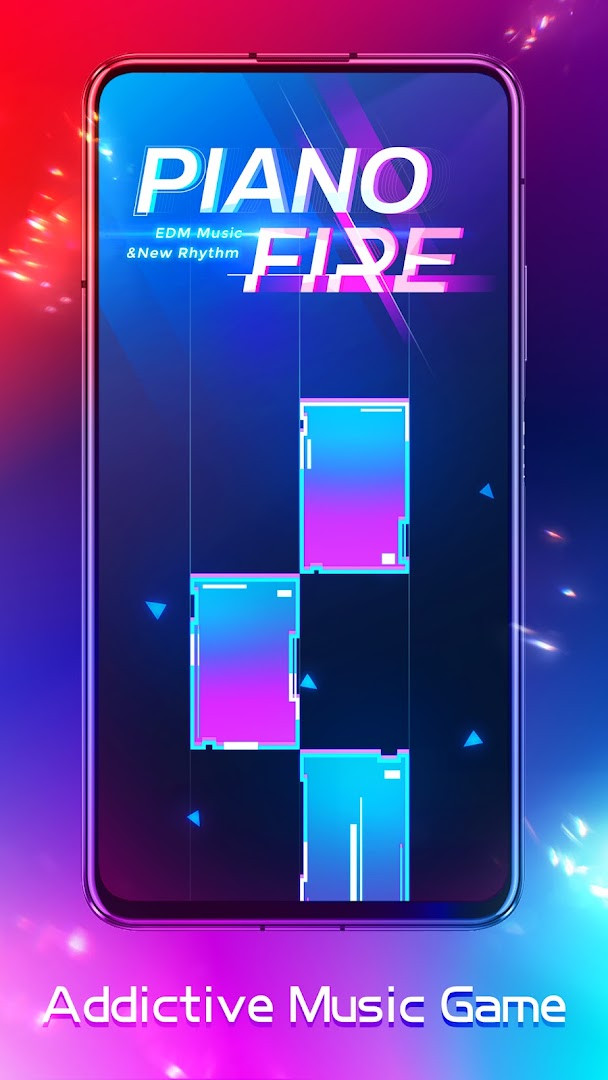
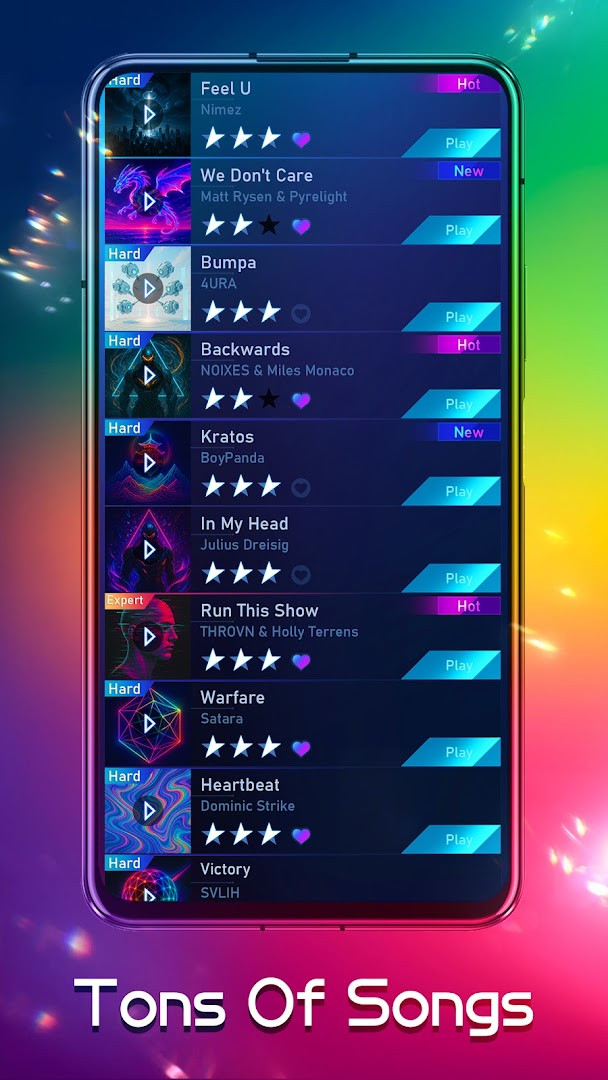
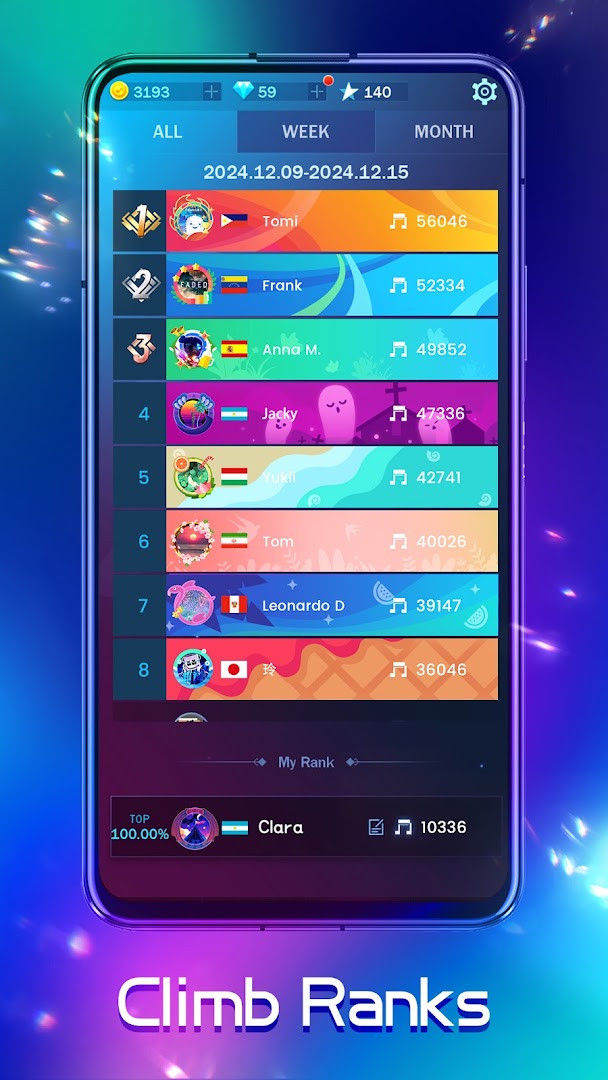
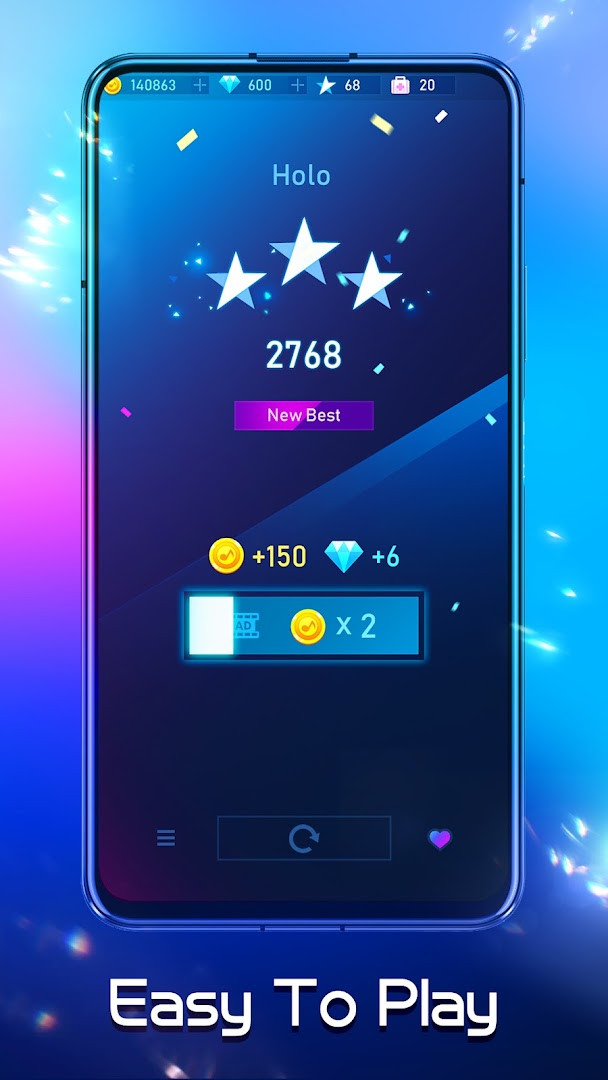
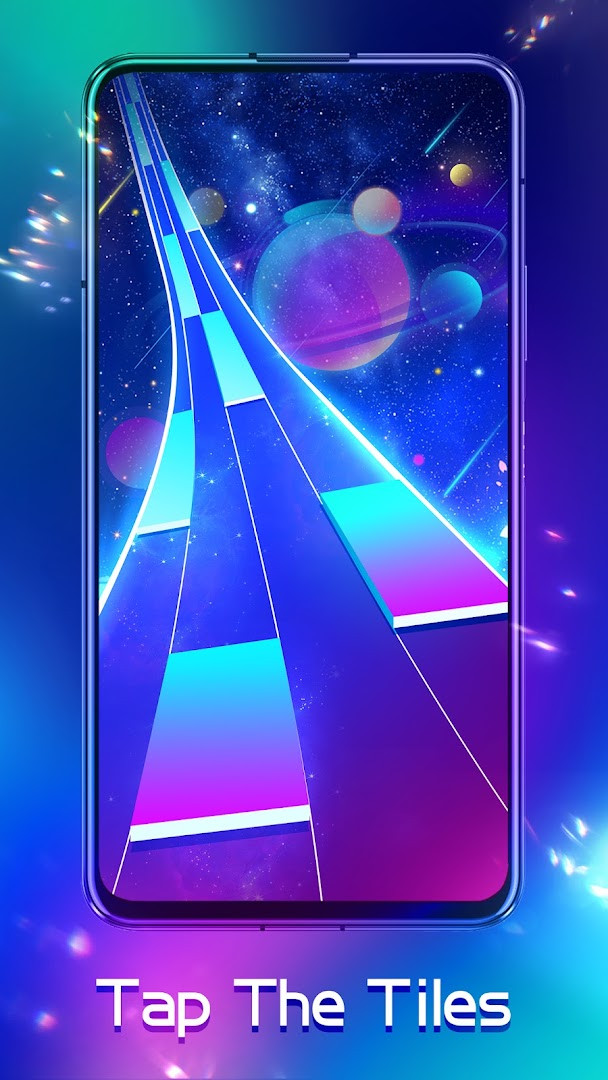



Piano Fire: Edm Music & Piano is a music game by Adaric Music that lets you tap falling tiles in time with the rhythm of popular songs. The core idea is simple: tiles drop from the top of the screen, and you tap them as they reach the line at the bottom to earn Melody Points. Because the timing of every tile is carefully designed, playing along with the beat is the surest route to success. Beginners can ease in with slower tracks, while expert songs that require three stars on every level offer a satisfying challenge for more dedicated players.
The game has been downloaded more than 100 million times and holds a 4.58 rating based on over 729,000 player reviews. The current version is 1.0.255, it runs on Android 6.0 and newer, and it was most recently updated in October 2026. Each month brings new songs and events, so there is always something fresh to try. Once you finish a song, it is saved automatically, which means you can keep playing offline whenever you want to relax or sharpen your reactions.
Key features
- Global ranking lets you compete with players from around the world.
- Local music import allows you to add songs from your own phone.
- Monthly events reward you with tokens that can be exchanged for in-game items.
- Easy to pick up but hard to master, with expert songs and three-star goals.
- Songs you play are downloaded automatically for offline replay anytime.
- New songs are added every month, including seasonal Halloween tracks.
- Multiple music genres are available for both casual and hardcore players.
How to install
- Tap the download button on this page to get the APK file (file size n/a, requires Android 6.0 or higher).
- If your browser or file manager asks, allow it to install apps by enabling the "Install unknown apps" setting.
- Open the downloaded APK file from your notifications or Downloads folder.
- Tap Install and wait for the installation to complete.
- Open Piano Fire from your app list and start tapping to the beat.
Pros
- Free to download and play.
- Playable offline after songs are downloaded.
- Regular updates with new songs and seasonal events.
- Simple controls that are easy for beginners to learn.
- Over 100 million installs and a high 4.58 rating.
- Supports importing music from your own library.
Cons
- Contains ads.
- Offers in-app purchases.
- Requests access to phone, storage, and device identification data.
- Rated Teen, so content may not suit the youngest players.
Latest changes · 1.0.255
Version 1.0.255 adds new Halloween songs. During the associated event, players can unlock exclusive Halloween-themed avatars and banners. The update frames the seasonal content as a spooky musical activity within the game.
Previous versions
| Version | Size | Requires Android | Updated |
|---|---|---|---|
| 1.0.255 | — | 6.0 | Oct 9, 2026 |
This game suits casual players who want a relaxing, rhythm-based pastime, as well as more competitive fans who enjoy chasing high scores on global leaderboards. It is also a good pick for anyone who wants a music game that can be played offline in short sessions.
Wear headphones to hear the beat more clearly, start with slower songs to learn the timing, and finish each song once so it becomes available offline. During monthly events, collect tokens early to unlock limited avatars and banners.
Permissions
Frequently asked questions
How do I install Piano Fire on my Android device?
Your device must run Android 6.0 or higher. Download the APK for version 1.0.255, allow installation from unknown sources if prompted, and complete the setup. No special hardware is required.
What is new in version 1.0.255?
Version 1.0.255, released on October 9, 2026, adds new Halloween songs, a spooky musical adventure, and exclusive Halloween-themed avatars and banners available during the event.
Does Piano Fire contain ads or in-app purchases?
Piano Fire is free to download and includes ads. It also offers in-app purchases for optional items, but you can play without spending money.
Can I play Piano Fire offline?
Yes. Once you have played a song, it is automatically downloaded to your device, so you can play it again anytime without an internet connection. The game also lets you import songs from your phone's local music library.
Are there similar music games like Piano Fire?
Yes, there are other rhythm and music tile games in the same category that involve tapping tiles in time with the beat. Piano Fire stands out with its global ranking, monthly events, and broad music selection across genres.
Piano Fire: Edm Music & Piano is a straightforward and enjoyable rhythm game that balances easy entry with room to improve. With offline support, regular content updates, and a proven record of player satisfaction, it is a dependable choice for Android music fans.
Similar apps





Updated: Oct 23, 2026