Piano - Music Music Keyboard & Tiles – Learn Piano Keys
Piano - Music Keyboard & Tiles is a free music app by Gismart that lets you play and learn piano with virtual instruments and mini-games.
Get App · v1.75Piano - Music Keyboard & Tiles offers a full 88-key keyboard, nine instrument sounds, and Magic Tiles and Magic Keys games. It includes ads and in-app purchases, requires Android 10 or higher, and has over 100 million downloads. Suitable for beginners and hobbyists who want to learn chords and sheet music on a phone or tablet.
- Version
- 1.75
- Requires Android
- 10
- Updated
- Dec 24, 2025
- Installs
- 100M+
- Rating
- ★ 4.12 (1,333,123)
- Category
- Music
- Developer
- Gismart
- Content rating
- Everyone
- Package
- com.gismart.realpianofree
- Free
- ✓ · Contains ads · In-app purchases
Screen gallery
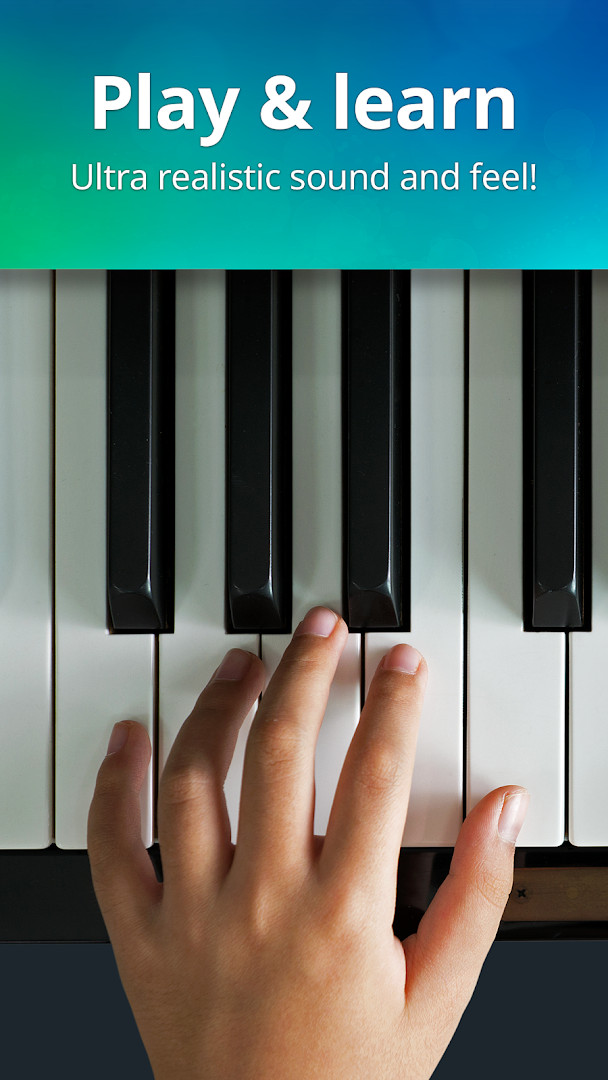
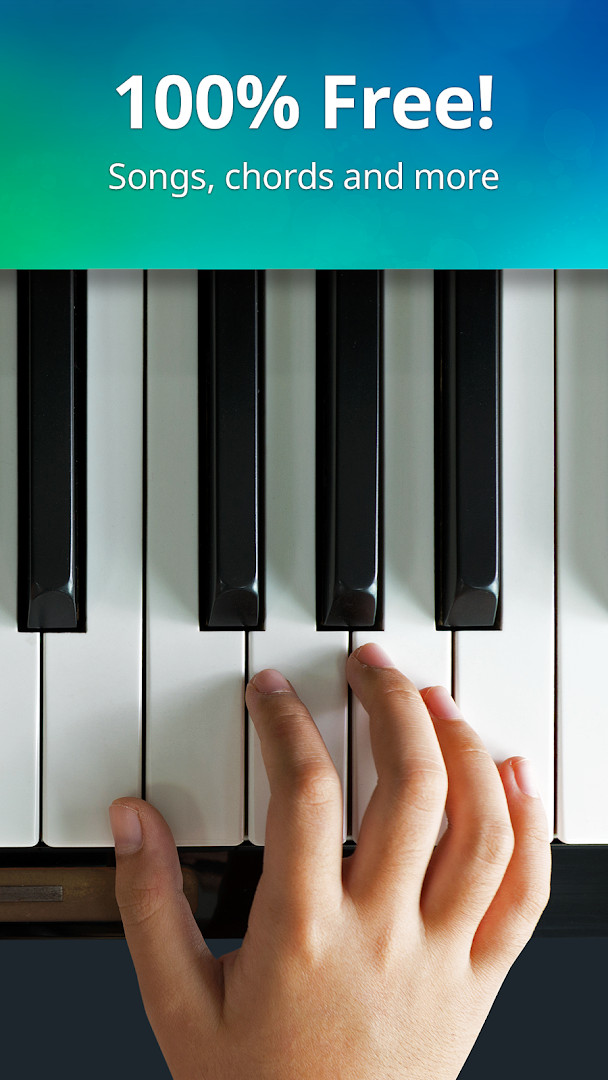
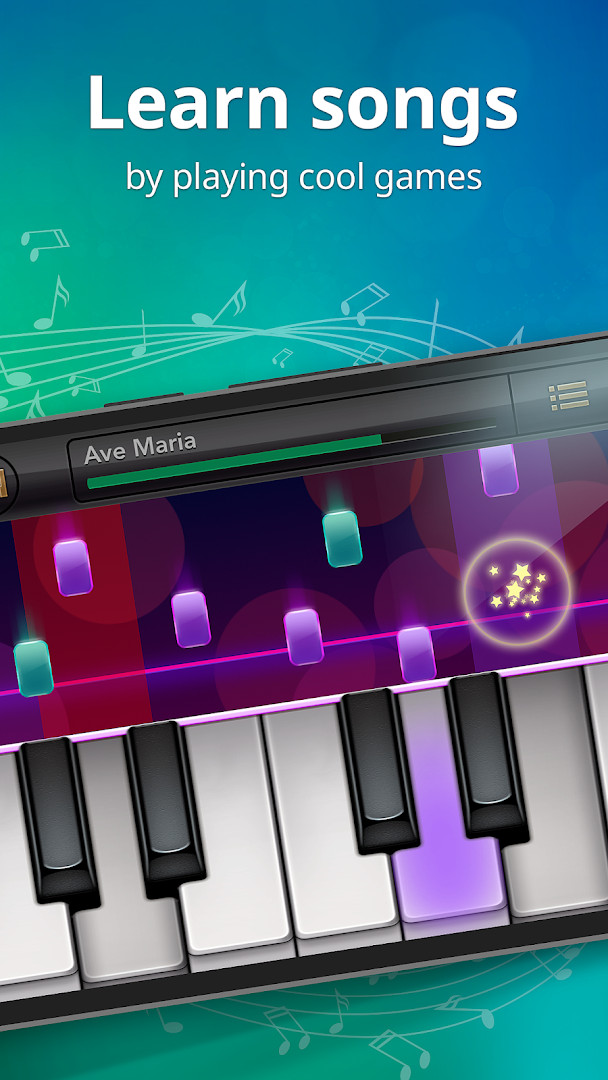
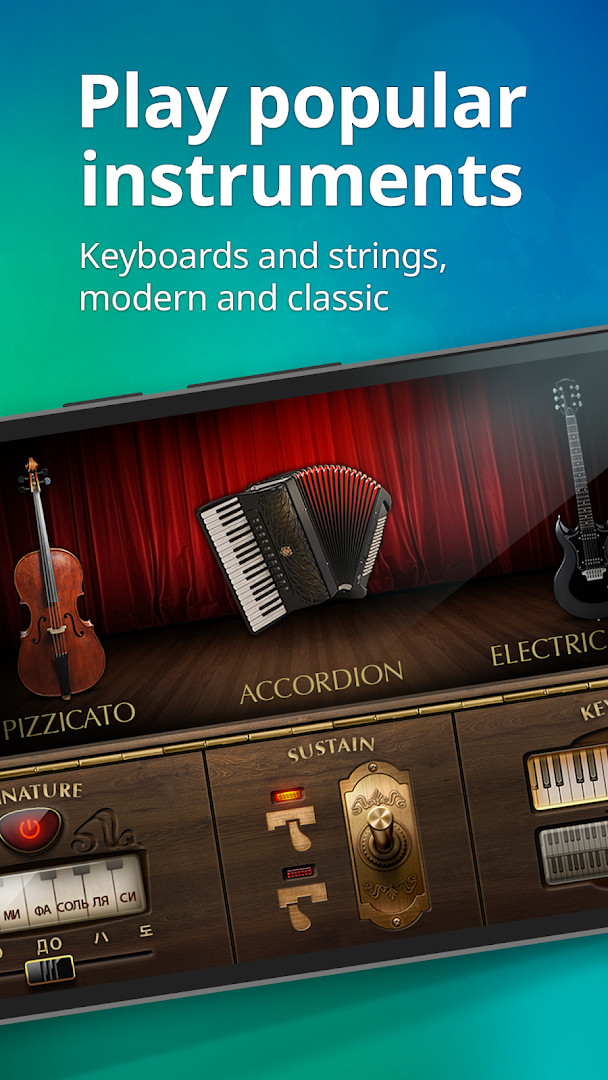
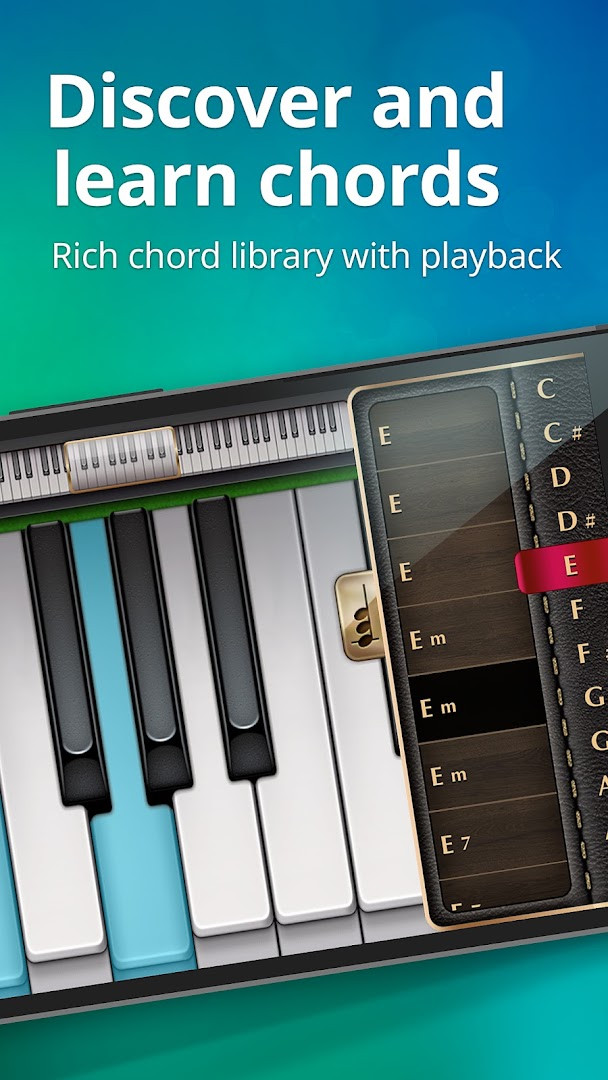
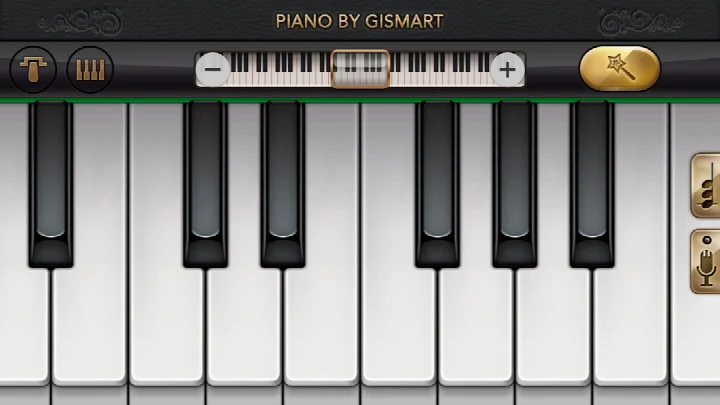
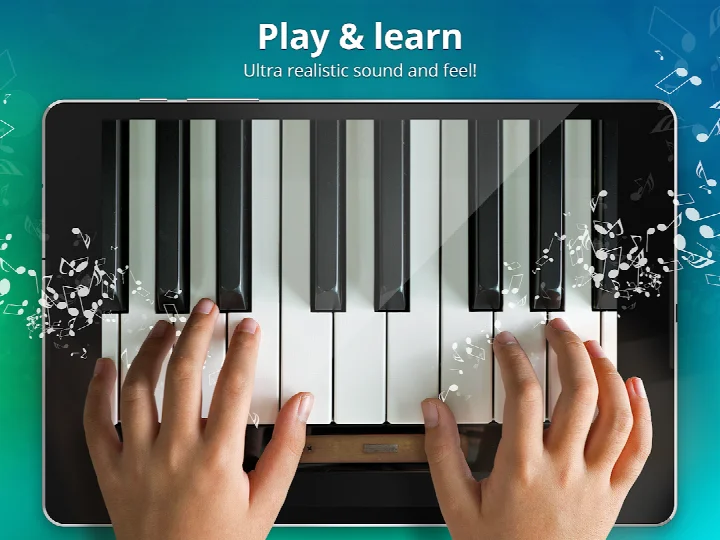
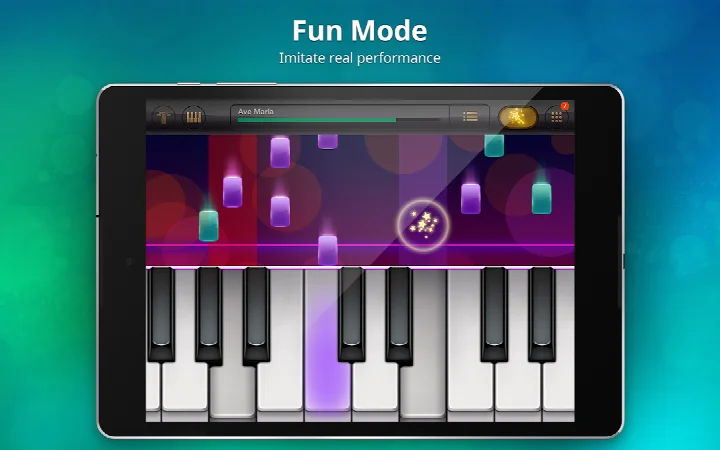
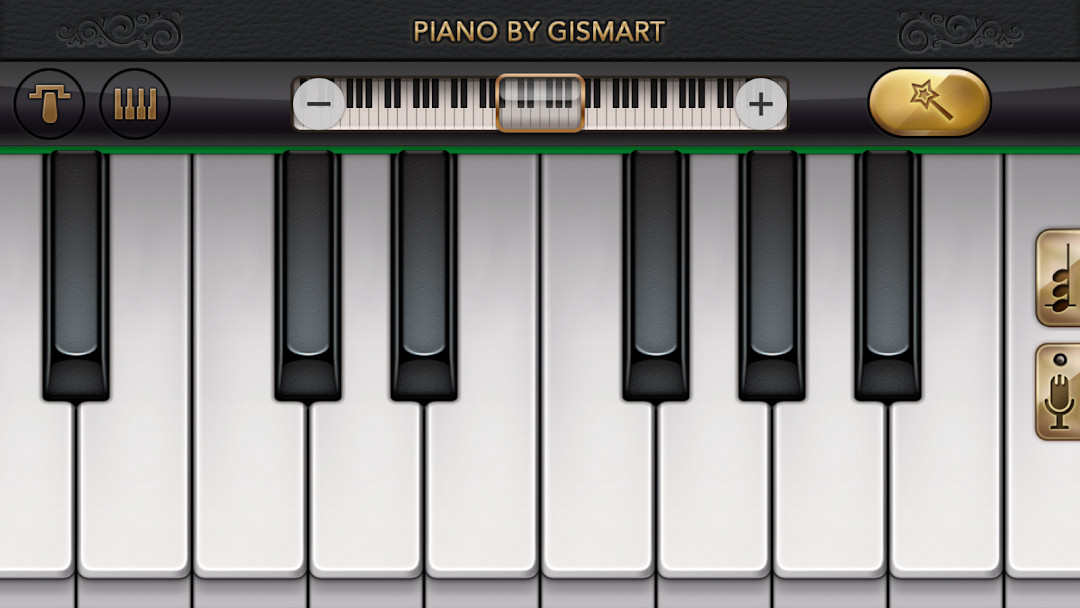
Piano – Music Keyboard & Tiles is a music simulator app by Gismart that turns a smartphone or tablet into a playable electric keyboard with integrated learning tools. The app addresses the common barrier of not having time or access to a real piano by providing a portable, all‑in‑one environment where users can learn chords, read sheet music, and practice using a full 88‑key interface. It combines a realistic piano engine with interactive mini‑games like Magic Tiles and Magic Keys to help develop timing, rhythm, and finger coordination without formal lessons. A recording feature lets you capture performances and share them, while a selection of virtual instruments—from grand piano and organ to harp and electric guitar—broadens the creative possibilities beyond a single keyboard sound.
Key features
- Full 88‑key piano keyboard with single or dual scrollable layouts.
- Magic Tiles mini‑game for tapping keys under falling tiles to perform famous songs.
- Magic Keys mini‑game that improves timing and tempo by tapping random white and black keys.
- Nine distinct virtual instruments, including Grand Piano, Organ, Harpsichord, Accordion, Electric Guitar, Harp, Cello Pizzicato, and Vintage Piano.
- Record and playback feature that lets you capture original melodies and share them on social media.
- Free popular and classic songs integrated into the learning and game modes.
- Lessons covering various chords and sheet music reading to support self‑directed learning.
How to install
- Tap the download button on this page to get the APK file.
- When prompted by Android, allow your browser or file manager to install apps by enabling the “Install unknown apps” setting.
- Open the downloaded APK file from your notifications or file manager.
- Tap Install and wait for the process to complete.
- Open the app; it requires Android 10 or later and the file size is not listed.
Pros
- Offers a complete 88‑key keyboard, unlike many mobile simulators that limit the range.
- Includes two distinct mini‑games that make practice feel less repetitive and more game‑like.
- Provides nine different instrument sounds, allowing experimentation across multiple timbres.
- Recording and sharing capabilities add a creative, social dimension to the learning process.
- Free access to popular and classic songs gives beginners immediate material to play along with.
- Rated Everyone and designed with a safe sharing option for children and adults via Creatubbles.
Cons
- Contains advertisements that can interrupt practice sessions and gameplay.
- In‑app purchases present, which may be needed for access to additional songs or instrument packs beyond the free offerings.
- Requires permissions for device and app history, storage, and Wi‑Fi connection information, which some users may consider broad for a music app.
Latest changes · 1.75
Version 1.75 of Piano - Music Keyboard & Tiles brings stability improvements and resolves issues reported by users, making the app run more smoothly. Keeping the app updated ensures you have access to its best features, including the full 88-key keyboard, Magic Tiles and Magic Keys mini-games, and the ability to play with various instruments like grand piano, organ, and electric guitar.
Previous versions
| Version | Size | Requires Android | Updated |
|---|---|---|---|
| 1.75 | — | 10 | Dec 24, 2025 |
This app suits experienced users who want a portable, multi‑instrument practice tool for quick sessions, ear training, or jotting down melodic ideas without carrying dedicated hardware. It also works well for curious beginners and hobbyists who prefer a gamified introduction to piano over formal lessons, as long as they are comfortable with ads and optional in‑app purchases.
Switch between the single and dual scrollable keyboard modes to find a layout that matches your play style and screen size. Use the Magic Keys game regularly to sharpen your sense of timing before moving on to full song performances in Magic Tiles.
Permissions
Frequently asked questions
What instruments and keyboard types are included in the app?
The app offers nine different keyboard sounds: Basic Keyboard, Grand Piano, Organ, Harpsichord, Accordion, Electric Guitar, Harp, Cello Pizzicato, and Vintage Piano, along with a full 88-key keyboard and both single and dual scrollable keyboard modes.
How do the Magic Tiles and Magic Keys mini-games help you learn?
Magic Tiles lets you perform famous songs by tapping keys under falling tiles, while Magic Keys improves your sense of timing and tempo by tapping random white and black keys—both are designed to help you learn piano without formal lessons.
Can you record and share your own piano performances?
Yes, the piano record feature lets you record your original melodies and play them back through different musical equipment, and you can share your creations on social media, including Creatubbles, which is described as a safe sharing place for children and adults.
Does the app include sheet music reading and chord learning?
Yes, the app teaches you various chords and how to read sheet music, helping you progress toward becoming a proficient pianist.
What is the latest version and when was it last updated?
The latest version is 1.75, updated on December 24, 2025, which includes stability improvements and bug fixes based on user reports.
Piano – Music Keyboard & Tiles by Gismart delivers a practical, no‑equipment way to explore music through a full 88‑key simulator and engaging mini‑games. For an ad‑supported free app with optional purchases, it provides a solid foundation for casual play and basic note reading, though serious students will eventually need dedicated instruction.
Similar apps


Updated: Oct 21, 2026