
eFootball™: Sports game
eFootball™ is a sports game by KONAMI that delivers interactive soccer gameplay with online and local play.
Download eFootball™ · v11.1.1eFootball™ is the sport simulation game by KONAMI. It targets soccer fans looking for online and offline modes and roster updates tied to real-world events. The game is free to download, requires at least Android 7.0, and needs about 3.1 GB of storage for initial download and updates. The app has over 18.9 million ratings and more than 100 million installs.
- Version
- 11.1.1
- Requires Android
- 7.0
- Updated
- Oct 13, 2026
- Installs
- 100M+
- Rating
- ★ 4.13 (19,229,819)
- Category
- Sports
- Developer
- KONAMI
- Content rating
- Everyone
- Package
- jp.konami.pesam
- Free
- ✓ · Contains ads · In-app purchases
Screen gallery
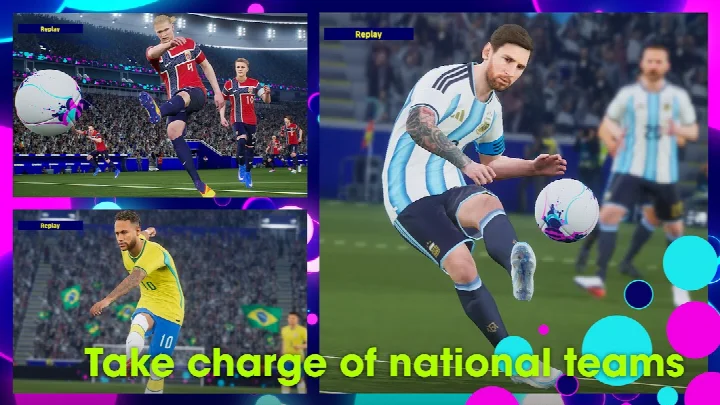
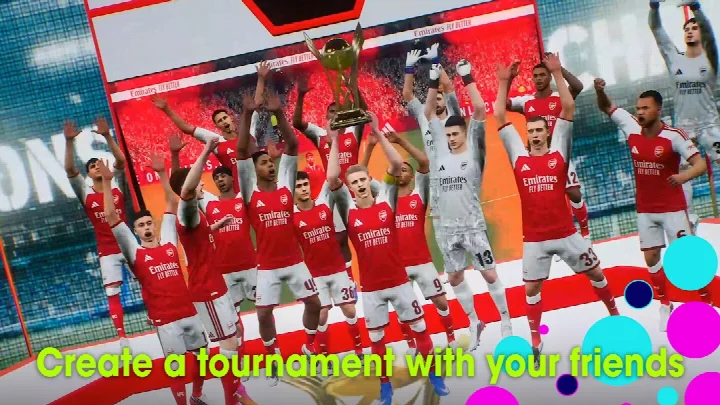

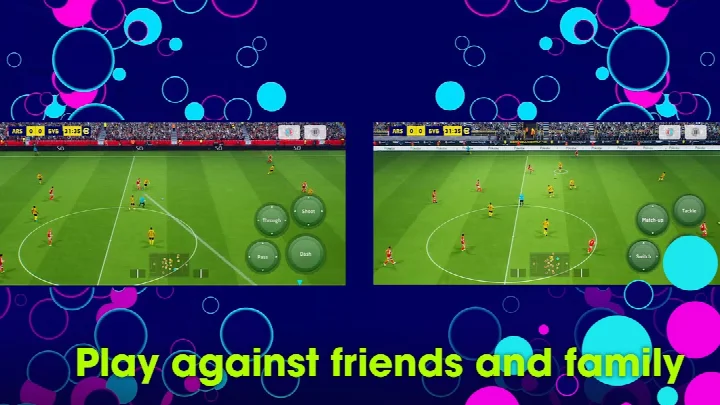
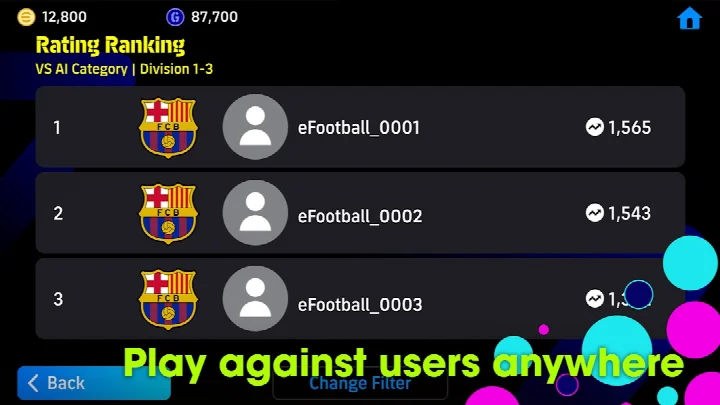
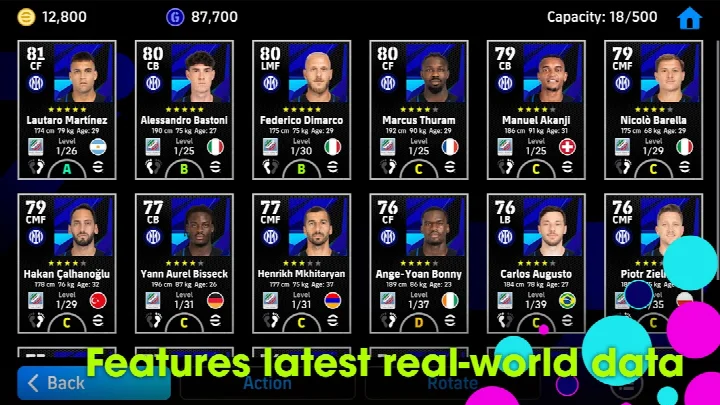
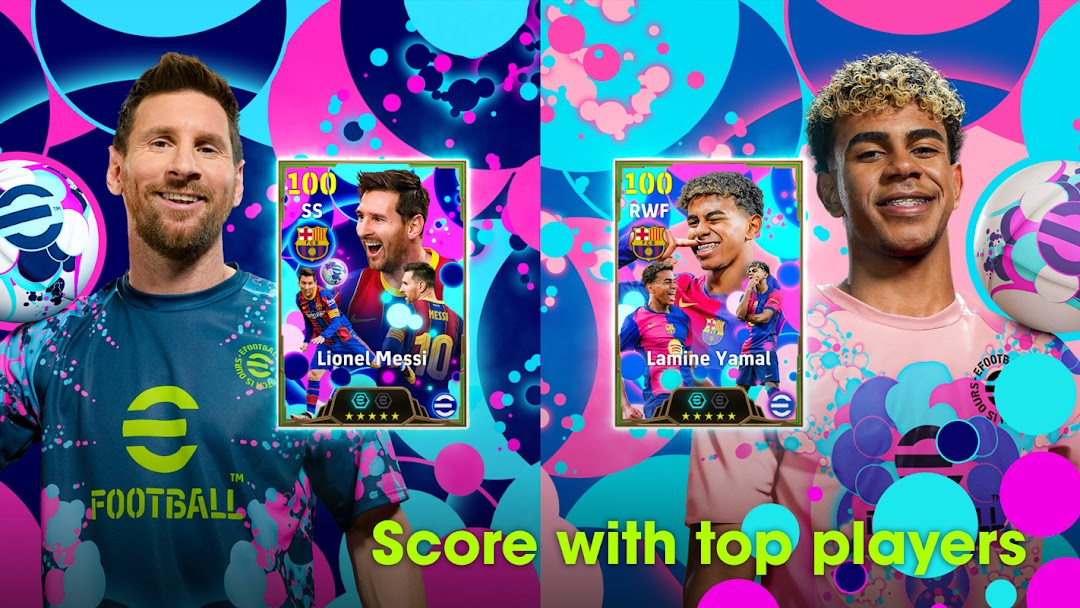
eFootballTM is a sports game by KONAMI that lets players build soccer teams, develop individual players and take part in matches against other users online. It arrives as the successor to the long-running PES series and is aimed at both experienced players and people picking up a digital soccer title for the first time. The problem it addresses is that many soccer games assume a high level of controller skill and familiarity with complex command inputs before a newcomer can enjoy a match. eFootballTM works around that with a step-by-step tutorial that includes practical demonstrations, plus a Smart Assist setting that lets a player get past an opposing defense with a dribble or pass and finish with a powerful shot without entering complicated commands. Progress is not limited to a single session: players can develop squads through matches and special items, use Auto Select to handle that development automatically, and download weekly data so that transfers and real-life match achievements are reflected in the game. There is also room for self-expression through stadium customization, and the title is updated over time with new features, modes, events and gameplay improvements.
Key features
- A step-by-step tutorial with practical demonstrations that teaches the basic controls; completing it rewards the player with Lionel Messi.
- Smart Assist, an optional setting that simplifies dribbling, passing and shooting so newcomers can enjoy matches without complex commands.
- Friend Matches and Co-op Matches supporting up to three players a side.
- Player development through matches and special items, with an Auto Select option that develops players automatically.
- Weekly data downloads that reflect real-life player transfers and match achievements.
- Stadium customization using Stadium Elements such as Tifos and Giant Props.
- Select Skill Token and Select Position Token, which let users choose the skill or position used to train a player.
- An Order of Signing sort option for managers in My Team.
How to install
- Tap the download button on this page to obtain the APK file.
- When Android asks for confirmation, allow your browser or file manager to install apps — this is the “Install unknown apps” setting.
- Open the downloaded APK file from your notifications or from a file manager.
- Tap Install and wait for the process to finish. The APK file size is not stated here, but the game itself calls for roughly 3.1 GB of free storage, so check your available space first.
- Make sure your device runs Android 7.0 or newer, since that is the minimum supported version.
- Open the app once installation completes and follow the on-screen tutorial to get started.
Pros
- Free to download, with no upfront price.
- The tutorial and Smart Assist make the basics approachable for newcomers.
- Friend and Co-op Matches allow play with up to three users a side.
- Weekly data downloads keep squads connected to real-world transfers and results.
- Flexible player development, including an automatic option for those who prefer it.
- Stadium customization adds a personal touch to matches.
Cons
- The app contains advertising.
- In-app purchases are present, including eFootballTM Coins used for loot boxes; availability and consent rules vary by country or region and by age.
- Permissions cover access to photos, media and files as well as storage, which is broader than a purely online game might seem to need.
- A Wi-Fi connection information permission is requested.
- An internet connection is required to play, and a stable connection is strongly recommended.
Latest changes · 11.1.1
Version 11.1.0 introduces the Select Skill Token and Select Position Token features, allowing you to choose which skill or position to train for a player. Manager sorting in My Team now includes an Order of Signing option. The update also refreshes various in-game data and applies fixes for several other issues.
Previous versions
| Version | Size | Requires Android | Updated |
|---|---|---|---|
| 11.1.1 | — | 7.0 | Oct 13, 2026 |
| 11.1.0 | — | 7.0 | Oct 6, 2026 |
This title suits soccer fans who want a free, regularly updated game they can pick up on a phone and play against others online. It is a reasonable choice for newcomers, since the tutorial, the practical demonstrations and Smart Assist reduce the learning curve, and the Auto Select option helps players who would rather not manage every development decision. Long-time followers of the series will find familiar squad building and match play, while players who enjoy customizing a club's look can spend time on stadium elements. Because matches are online and the game includes ads and in-app purchases, it fits users who are comfortable with that model and who have a reliable connection and enough free storage. Parents may want to note the loot box rules and the age-based consent requirements described for certain regions.
Download the base game and any updates over Wi-Fi, and clear enough space before you begin, since about 3.1 GB is needed. Take the tutorial seriously — it teaches the controls and ends with a player reward. If the standard controls feel busy at first, try Smart Assist and adjust your approach as you improve. Keep auto-updates in mind so weekly data and new features arrive without you hunting for them.
Permissions
Frequently asked questions
How much free storage space do I need before installing eFootball?
The game requires approximately 3.1 GB of free storage space to download and install. It is recommended to have enough free space before starting, and to use a Wi-Fi connection for the base game and any updates.
What rewards and assists are available for new players in eFootball?
After downloading, you can go through a step-by-step tutorial with practical demonstrations to learn the basic controls. Completing all tutorial steps rewards you with Lionel Messi. There is also a Smart Assist setting that helps newcomers perform dribbles, passes, and shots without complex commands.
Can I play eFootball with friends, and how many players can join?
Yes, the game includes Friend Matches and Co-op Matches with up to three players per side, allowing you to team up with friends.
What new features were introduced in version 11.1.0?
Version 11.1.0 adds a Select Skill Token to choose a skill for training a player, a Select Position Token to choose a position for training, and an Order of Signing option for sorting managers in My Team. It also includes updated in-game data and fixes for various issues.
Are there any regional or age restrictions on loot boxes that use eFootball Coins?
Yes. Users residing in Belgium, or in Brazil if under 18, will not have access to loot boxes that require eFootball Coins as payment. In Germany (under 12), Denmark (under 15), and the United States (under 16), users need consent from a parent or legal guardian to access such loot boxes.
eFootballTM offers a free, frequently updated soccer experience with approachable controls and a steady flow of new content. It is worth a look if you accept the ads, the in-app purchases and the online requirement that come with it.
Similar apps





Updated: Nov 13, 2026