Ludo King® Classic Board Game
Ludo King® is a free board game by Gametion that lets you play classic Ludo with friends and family online or offline.
Download Ludo KingLudo King® requires Android 7.0 or higher and includes ads and in-app purchases; the download size is not listed. Ludo King® targets friends and families, offering 2 to 6 player online multiplayer, local pass-and-play, offline play against the computer, and Snakes and Ladders.
- Requires Android
- 7.0
- Updated
- Sep 28, 2026
- Installs
- 1B+
- Rating
- ★ 4.14 (10,329,184)
- Category
- Casual
- Developer
- Gametion
- Content rating
- Everyone
- Package
- com.ludo.king
- Free
- ✓ · Contains ads · In-app purchases
Screen gallery



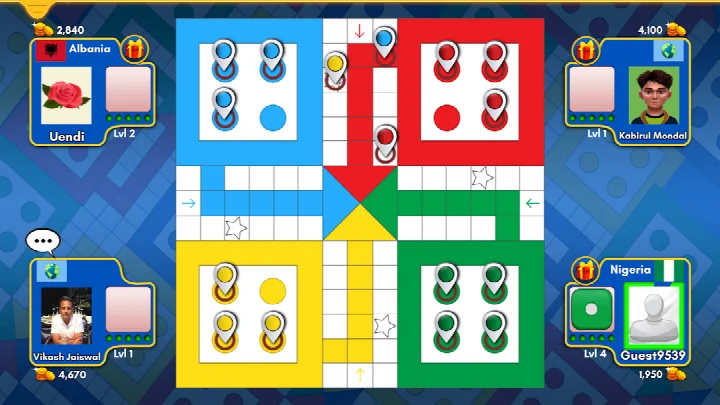
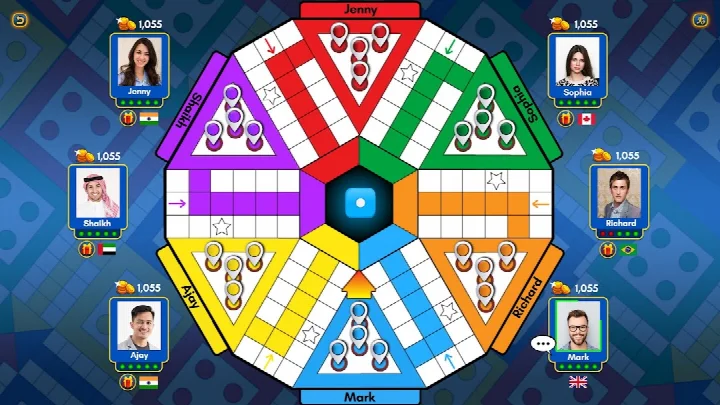

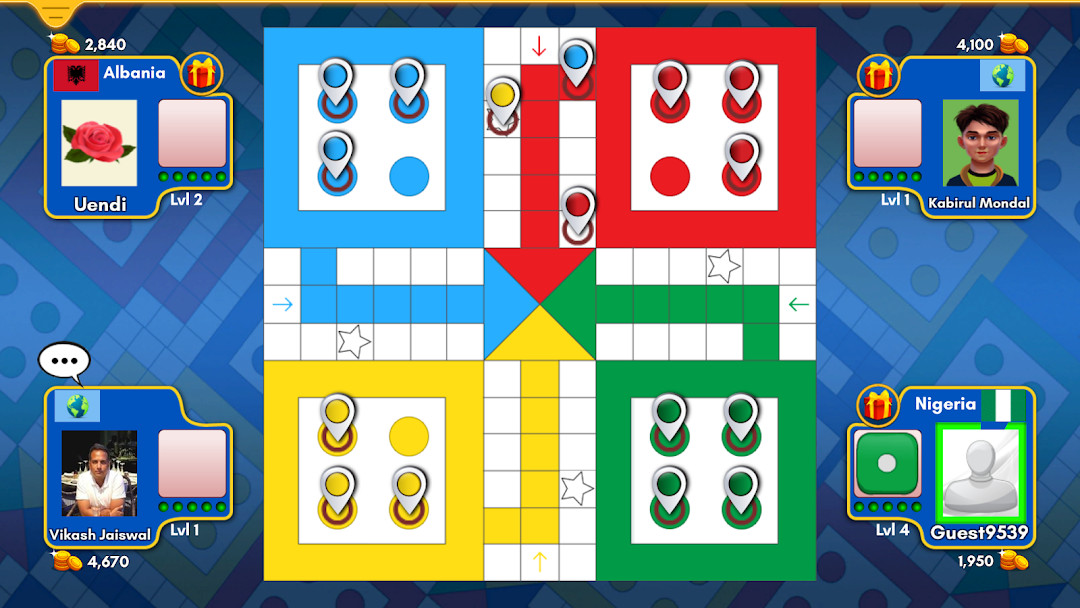
Ludo King® is a casual board game by Gametion that adapts the classic dice-and-token game of Ludo for mobile play, with options for online, local, and offline matches. The title is an officially branded version of the traditional Pachisi-style board game, and it has been downloaded more than two billion times. Players roll dice and move tokens around the board toward the center, using a mix of luck and strategy to beat opponents.
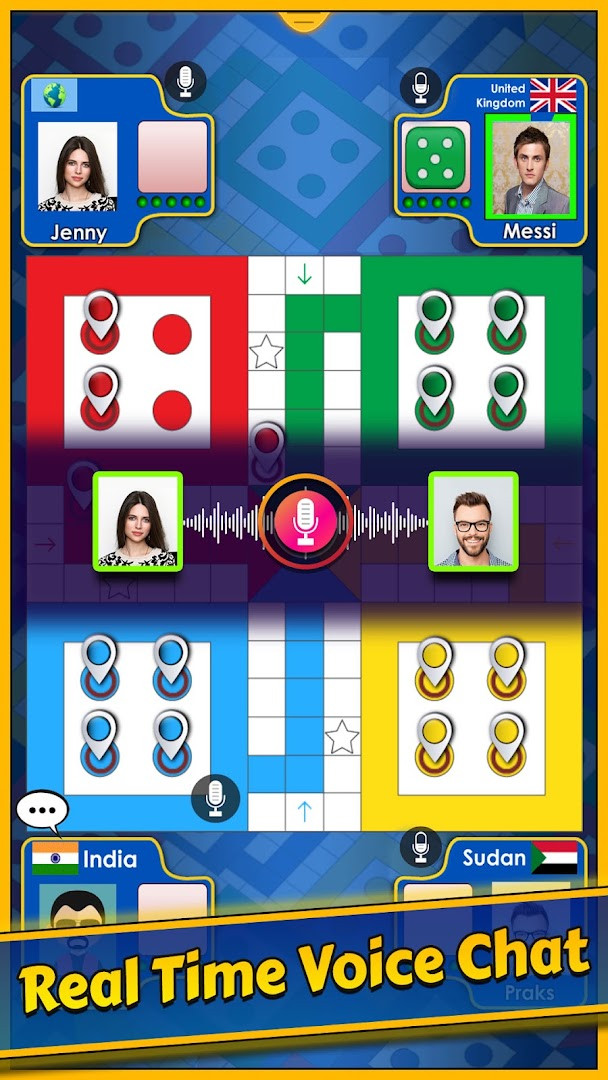
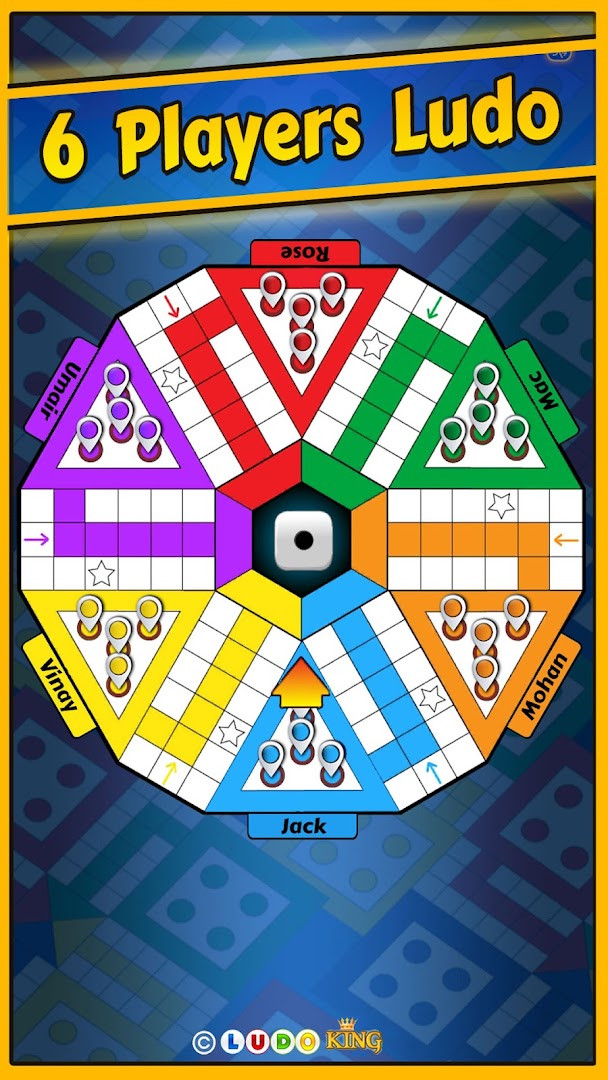
Beyond standard Ludo, the app includes Snakes and Ladders with seven board variations, support for tournaments, and a club feature where players can create or join groups to chat and hang out. The game supports 2 to 6 players in online Ludo matches, local pass-and-play with up to 6 players, and offline play against computer opponents. It also offers text and voice chat, the ability to challenge Facebook friends in private rooms, and a save/load option for ongoing games.
A selection of themed boards, including Disco, Nature, Egypt, Pinball, Candy, Christmas, Penguin, Battle, Diwali, Pirate, Marble, Alien, Octopus, and Taj Mahal themes, keeps the presentation fresh. The app is aimed at families, friends, kids, and anyone looking for a nostalgic yet accessible board game experience on Android. It carries a content rating of Everyone and an IGRS rating of 13+, and it is free to play with ads and optional in-app purchases.
Key features
- Online Ludo matches for 2, 3, 4, 5, or 6 players
- Snakes and Ladders mode with 7 different game board variations
- 8-player tournament support
- New Ludo season released each month
- Daily goals that reward free dice, coins, and diamonds
- Offline mode to play against the computer
- Local multiplayer pass-and-play for 2 to 6 players
- Text and voice social chat
- Challenge Facebook friends and chat privately in a game room
- Save and load Ludo game progress
How to install
- Tap the download button on this page to get the APK file. The file size is not listed, and the app requires Android 7.0 or newer.
- When Android asks for permission, allow your browser or file manager to install apps by enabling the "Install unknown apps" setting for that app.
- Locate the downloaded APK file in your notification bar or Downloads folder and open it.
- Tap Install on the confirmation screen and wait for the installation to finish.
- Open Ludo King® from your app drawer or home screen to start playing.
Pros
- Supports up to 6 players in both online and local modes
- Offline play against the computer requires no internet connection
- Includes Snakes and Ladders with seven board variations
- Monthly seasons and daily goals give regular reasons to return
- Voice and text chat integrated for social play
- Save and load feature lets you pause a match and resume later
Cons
- Contains ads during gameplay
- In-app purchases are available for coins, dice, and other items
- Requires microphone permission, which may be a privacy concern for some users
- High download count and popularity may lead to longer matchmaking times in some regions
Latest changes
Added a new game mode. The Adda club feature went live, allowing players to create or join clubs for chat and hanging out. Text and voice social chat introduced. Worldwide player search added. Quick mode and tournaments available. Added save/load option for games. UI made more user-friendly. Support improved for low-end devices.
Ludo King® is for families, friends, and casual gamers who enjoy classic board games, especially those who grew up playing Ludo or Snakes and Ladders. It suits both quick solo sessions against the computer and longer social matches with up to six people, online or on the same device.
To get the most out of the game, complete daily goals regularly to earn free dice, coins, and diamonds. If you want an uninterrupted experience, try offline mode against the computer or use local multiplayer. For private games with friends, challenge them through the Facebook integration and use the save/load feature if a match runs long.
Permissions
Frequently asked questions
Is Ludo King free to download and play?
Yes. The app is free to download, and the price listed is 0.00 USD. It does contain ads and offers optional in-app purchases.
Which Android version do I need to run the game?
Ludo King requires Android 7.0 or newer. Older devices will not be able to install it.
How large is the download?
The app information does not list a file size, so no download size is stated. The space needed can vary depending on your device and the version you install.
Do I need an account to play?
No account is required to get started. You can play offline against the computer or with friends locally, while signing in with Facebook is optional if you want to challenge Facebook friends.
What permissions does the app request?
The listed permission is access to the microphone. It is used for the in-game voice chat feature, and you can play without using that feature.
How do I update to the newest version?
Download the latest version from this page to replace the one already on your device. The most recent update was released on 2026-09-28.
Ludo King® is a polished, feature-rich take on a beloved classic board game, offering strong local and online multiplayer options, frequent content updates, and a variety of themes. Its ads and in-app purchases are worth noting, but for casual family entertainment it remains a solid choice.
Similar apps






Updated: Oct 23, 2026