
AccuWeather: Weather Radar for Android
AccuWeather: Weather Radar is a weather app from AccuWeather for local forecasts, storm tracking and live radar alerts.
Download AccuWeatherAccuWeather: Weather Radar is aimed at people who want local forecasts and severe weather alerts in one place. The app is free, shows ads and offers optional Premium+ in-app purchases for extended forecasts and an ad-free experience. It requires Android 8.0 or later and about 15 MB of space, and it has more than 100 million installs with 2.57 million ratings.
- Size
- 15 MB
- Requires Android
- 8.0
- Updated
- Oct 23, 2026
- Installs
- 100M+
- Rating
- ★ 3.65 (2,571,220)
- Category
- Weather
- Developer
- AccuWeather
- Content rating
- Everyone
- Package
- com.accuweather.android
- Free
- ✓ · Contains ads · In-app purchases
Screen gallery
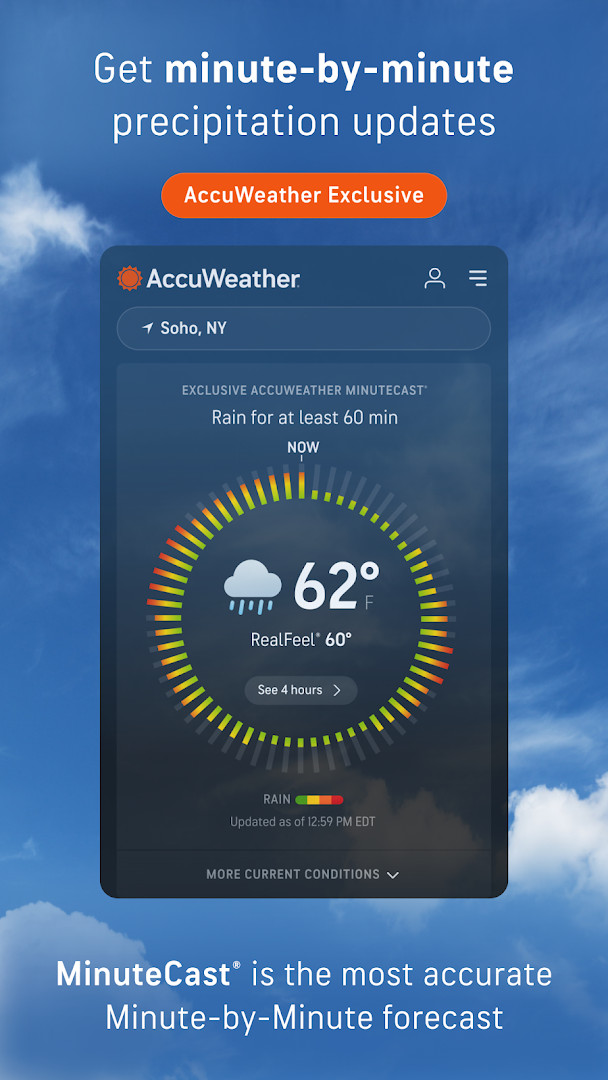
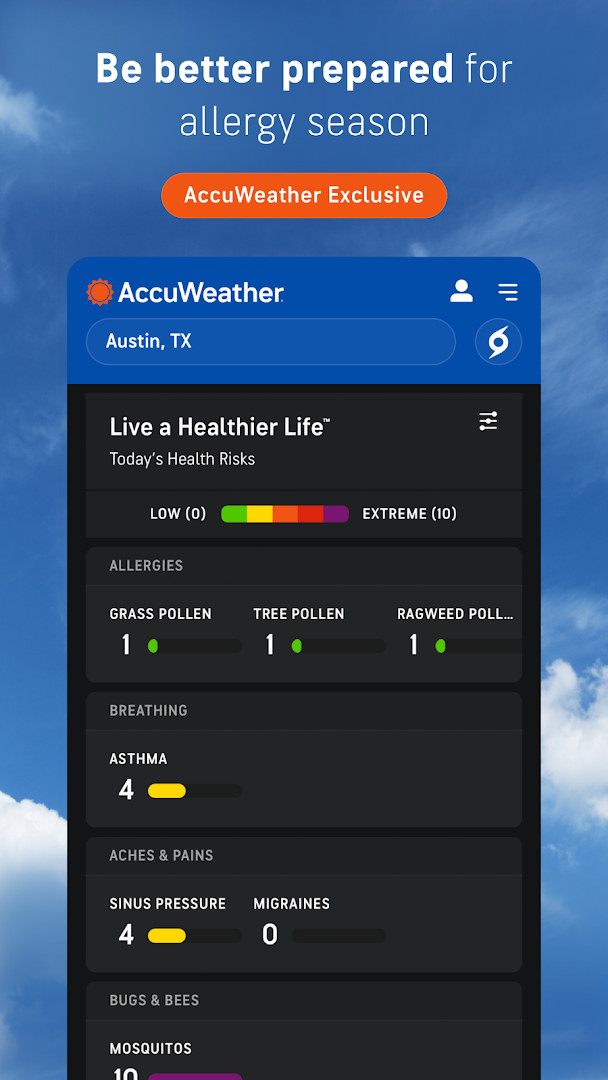
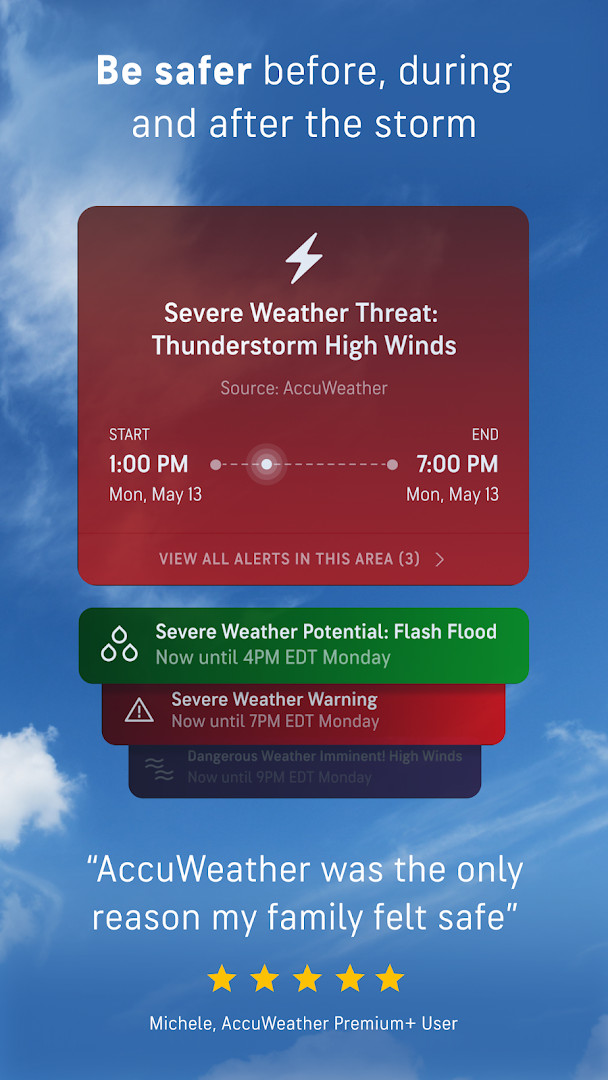
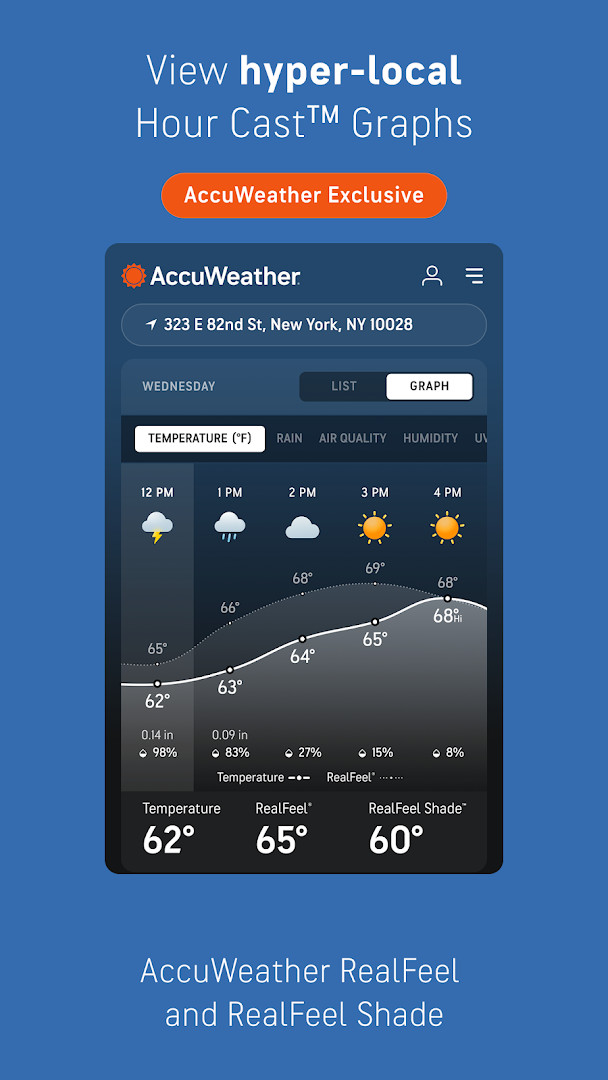
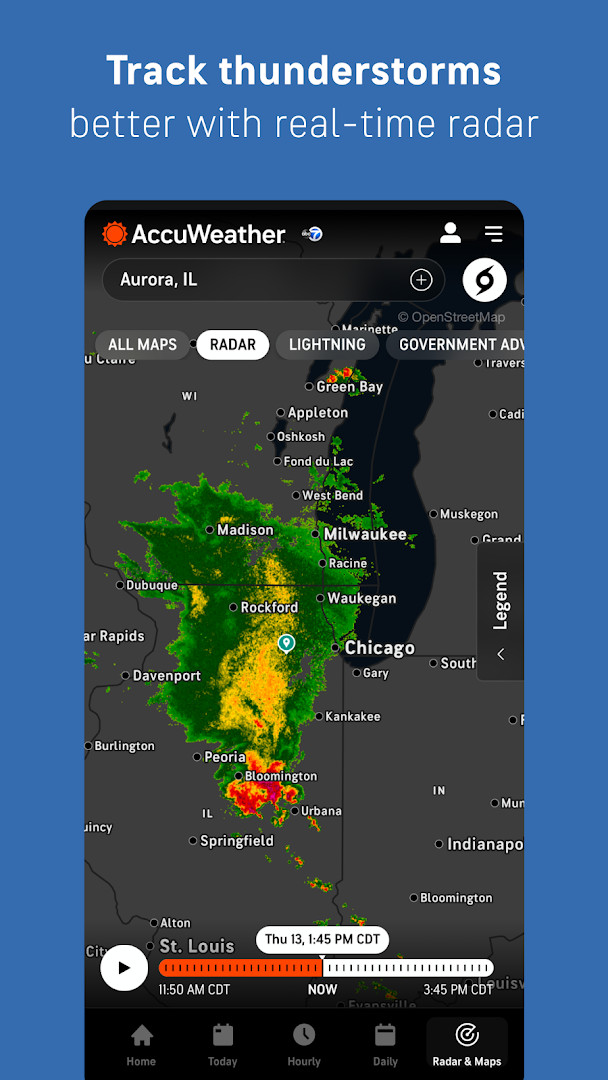
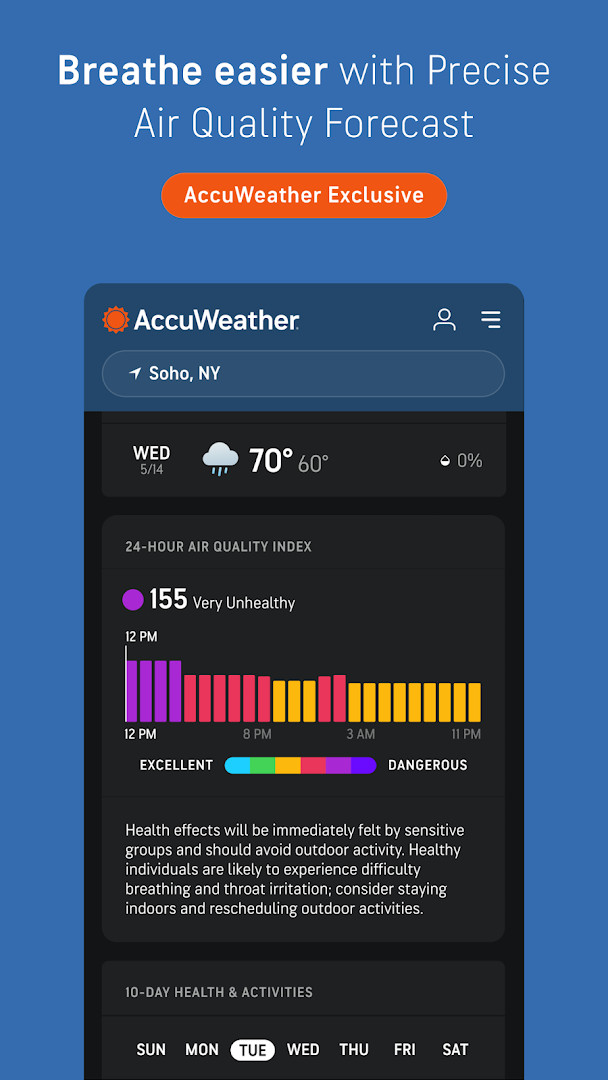
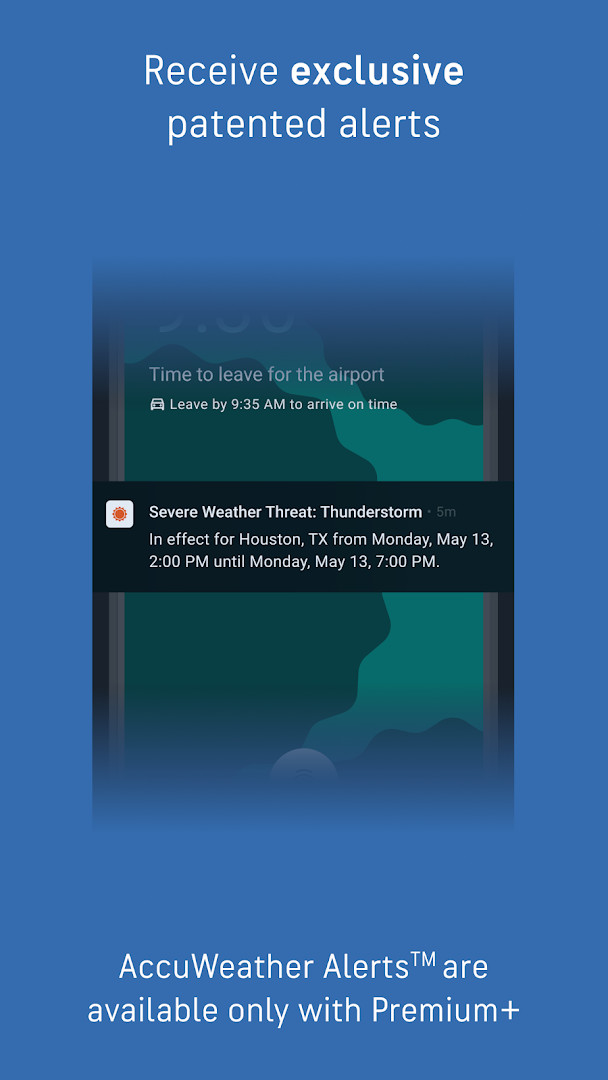
AccuWeather: Weather Radar is a weather app by AccuWeather that provides forecasts, live radar, and severe weather alerts for locations around the world. It is designed to help people plan their day with up-to-date information on temperature, precipitation, wind, and storm activity, using tools such as animated radar maps, lightning detection, and hyperlocal forecasts that can be pinpointed to a street address or GPS position.
The app includes a number of specialized features aimed at making weather information easier to understand and more useful in everyday situations. Its MinuteCast tool gives minute-by-minute precipitation predictions for the next few hours, while the RealFeel Temperature attempts to describe how the weather actually feels by considering factors like sunshine, wind, humidity, and air density. There are also maps for air quality and wildfire smoke, along with a WinterCast feature for snow and ice storms. Severe weather tracking covers hurricanes, tornadoes, flooding, high winds, extreme temperatures, and other major events.
This free version of the app also includes a premium subscription option with additional features such as longer-range forecasts, advanced alerts, customizable views, and an ad-free experience. The app is suitable for beginners because its layout is straightforward and it provides alerts and notifications that help you stay informed without needing to interpret complex weather data yourself. It is best for people who want a reliable, reasonably detailed weather companion on their Android device, especially those who live in areas where storms or sudden weather changes are common.
Key features
- Live radar and storm tracking with exclusive AccuLightning for real-time lightning strike detection
- MinuteCast hyperlocal precipitation forecasts with start and end times for rain or snow up to four hours ahead
- RealFeel Temperature and RealFeel Shade readings based on more than ten weather factors
- Maps showing wildfire smoke impact areas and localized air quality index (AQI) information
- WinterCast radar and forecasts for snow and ice storms, including minimum and maximum snowfall per storm
- Hurricane tracker with warnings that AccuWeather says are independently verified as highly accurate
- Personalized experiences for topics such as school, fall foliage, pets, and UV and sun exposure
- Premium+ Family Plan allowing up to six individual profiles with localized weather alerts
- Today and Tomorrow notifications plus expert analysis from the Hurricane Center
How to install
- Tap the download button on this page to save the 15 MB APK file to your device.
- Make sure your device is running Android 8.0 or higher before you begin.
- When Android asks for permission, allow your browser or file manager to install apps by enabling the "Install unknown apps" setting.
- Open the downloaded APK file from your notification bar or file manager.
- Tap Install and wait for the installation to finish.
- Open the app and allow the permissions you are comfortable with when prompted.
Pros
- Free to download and use, with no upfront cost
- Live radar and severe weather alerts help you stay aware of storms
- Hyperlocal MinuteCast forecasts are useful for planning short periods of time
- Includes air quality and wildfire smoke maps in addition to standard weather data
- Family plan option lets multiple household members receive personalized alerts
- Regularly updated with new features and improvements
Cons
- Contains ads in the free version
- Some features require a Premium or Premium+ subscription
- Requests access to location, phone, device ID, and call information
- Older Android devices below version 8.0 are not supported
Latest changes
This update adds several new features, including BETA experiences that help you plan pet walks, time peak foliage viewing, apply sunscreen, and pick bus-stop outfits. Premium+ Family Plans are now available, and you can stay ahead of conditions with new Today & Tomorrow notifications. You'll also find expert analysis from the Hurricane Center and can spot nearby lightning right from the Today view.
Previous versions
| Version | Size | Requires Android | Updated |
|---|---|---|---|
| 21.1.15-3-rc | 15 MB | 8.0 | Sep 9, 2026 |
This app is for beginners and everyday users who want a straightforward way to check current conditions, view radar maps, and receive alerts about severe weather. It works well for families, commuters, outdoor enthusiasts, and anyone who wants to plan their day around hyperlocal forecasts without needing deep meteorological knowledge.
Allow location access to get the most accurate forecasts for your exact area, since the app uses your GPS or street address for MinuteCast and local alerts. If you want to reduce notifications, customize alert settings inside the app so you only receive warnings that matter to you. The free version is fine for basic use, but if you find ads distracting, consider whether the premium features justify the subscription for your needs.
Permissions
Frequently asked questions
Does using AccuWeather cost anything?
You can download and use the app without paying. It shows ads and includes in-app purchases, and a Premium+ upgrade adds things such as more detailed extended forecasts, often more advanced alerts, customization menus, an ad-free experience, and Premium widgets. A Premium+ Family Plan covers up to six individual profiles with localized alerts and personalized experiences.
What exactly does MinuteCast provide, and how broad is its coverage?
MinuteCast is an exclusive hyperlocal precipitation forecast: it tells you the type and intensity of precipitation plus the start and end times for rain or snow over the next four hours. Forecasts can be narrowed down to a street address or your GPS position, and the feature is available in 210 countries and territories.
What factors go into the RealFeel Temperature reading?
RealFeel Temperature gives a "feels like" description built from more than 10 factors, including sunshine intensity, wind, humidity and air density. A companion reading, RealFeel Shade, shows the difference between how conditions feel in the sun and in the shade.
Can the app help with lightning and winter weather specifically?
Yes. The app includes AccuLightning for real-time lightning strike tracking, and WinterCast offers snow and ice storm radar with forecasting that includes minimum and maximum snowfall in inches per storm. Maps also cover wildfire smoke impact areas and localized air quality index tracking.
What are the technical requirements and how is the app rated?
The app runs on Android 8.0 and above and the download is about 15 MB. Permissions include location, phone, Wi-Fi connection information and device ID and call information. It holds a 3.60 rating from more than 2.5 million ratings, has over 100 million installs, is rated Everyone, and the version noted is 21.1.15-3-rc, most recently updated on October 6, 2026.
AccuWeather: Weather Radar is a solid choice for beginners who want a dependable weather app with radar, alerts, and easy-to-read forecasts. It offers plenty of useful data for free, although you will need a subscription if you want an ad-free experience and more advanced features.
Similar apps



Updated: Nov 13, 2026