Magazine Lockscreen XOS: Lock Screen Service
Magazine Lockscreen XOS is a lock screen service by Transsion Holdings that displays HD wallpapers and related articles for Infinix mobile phone users.
Download Magazine Lockscreen · v15.1.2.26115Magazine Lockscreen XOS transforms the lock screen of Infinix devices into a handheld exhibition hall, offering high-definition pictures and curated reading suggestions whenever the screen is locked. The app is free to use, supported by ads, and designed for anyone with a compatible phone running Android 10 or newer.
- Version
- 15.1.2.26115
- Requires Android
- 10
- Updated
- Sep 10, 2026
- Installs
- 100M+
- Rating
- ★ 3.85 (33,101)
- Category
- News & Magazines
- Developer
- Transsion Holdings
- Content rating
- Everyone
- Package
- com.transsion.magazineservice.xos
- Free
- ✓ · Contains ads
Screen gallery
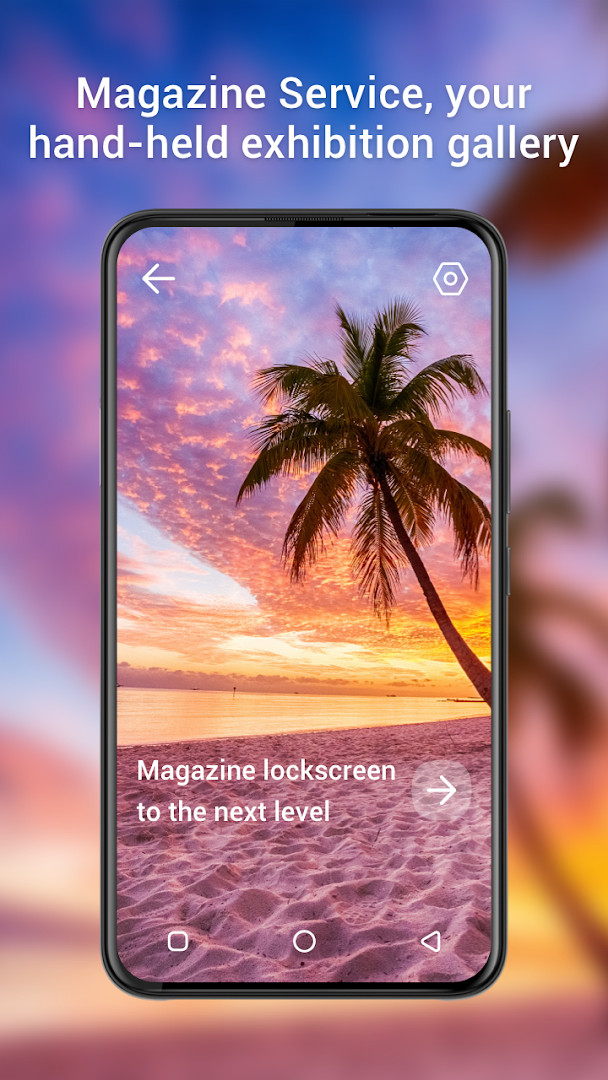
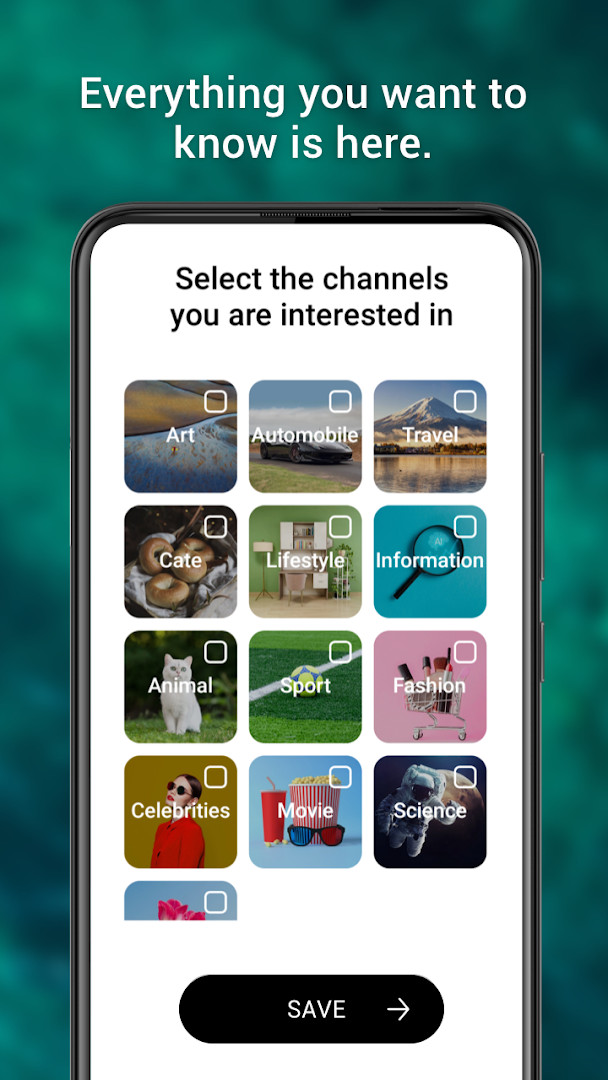
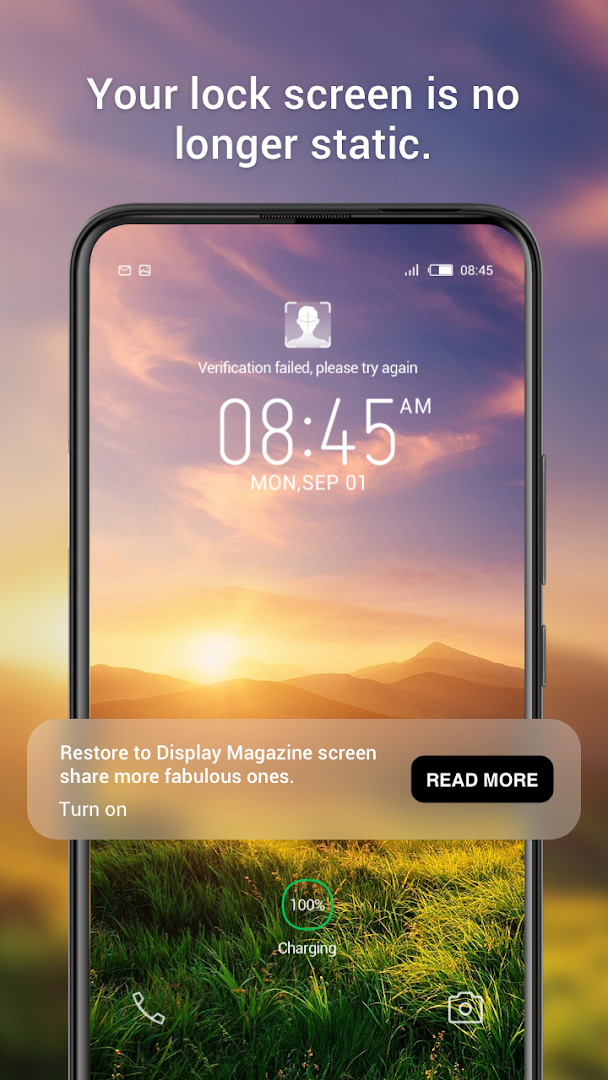
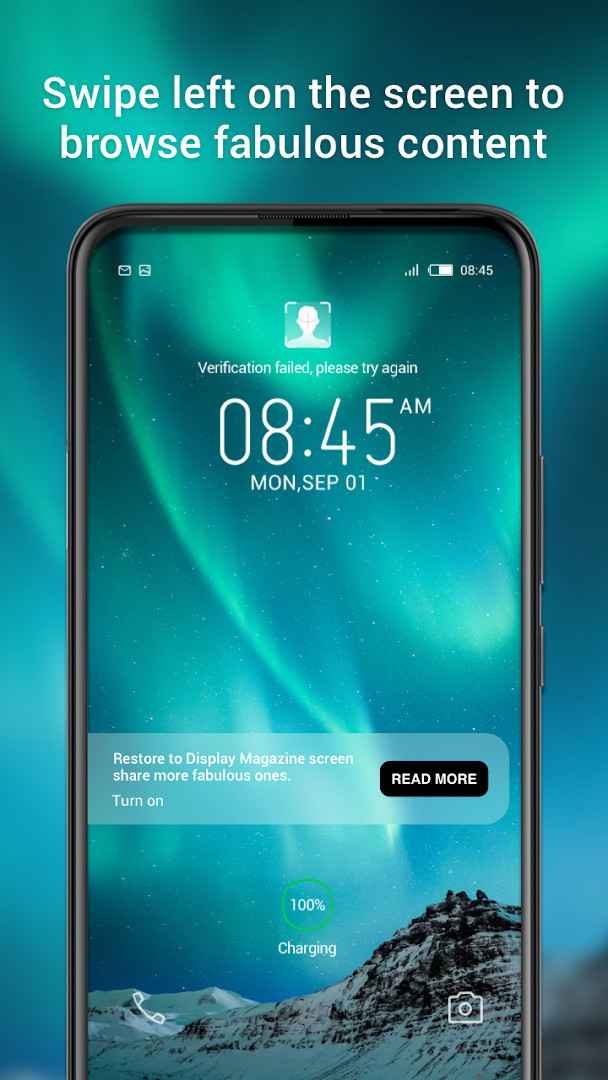
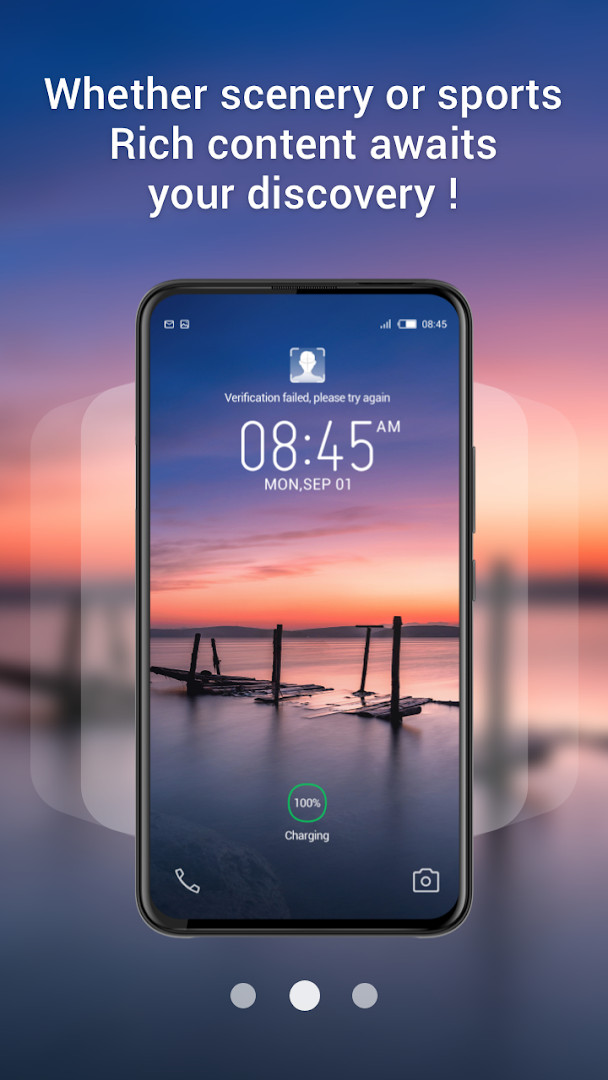
Magazine Lockscreen XOS is a lock screen service tool by Transsion Holdings that brings curated HD pictures and related articles to Infinix smartphones whenever the display is locked. Rather than keeping the lock screen static, it turns it into a rotating gallery of visual and editorial content, giving users something new to see each time they pick up their phone. The app was first released in 2023 and has since become widely available on compatible devices. For anyone already using an Infinix handset, it fits naturally into the XOS environment without requiring a separate launcher or widget. The latest update, version 15.1.2.26115, was issued in September 2026 and focuses on optimizing the user experience, with no major feature changes announced. This makes the app a background companion rather than a foreground content reader, since its value appears at the moment the screen locks. The magazine-style presentation is meant to provide a window into everyday life, combining striking photography with short articles that can be explored after unlocking the device. Because the content updates automatically, users do not need to subscribe to feeds or configure sources manually. That simplicity is central to its design, although it also means the selection is not personalized in a deep way.
Key features
- Automatically displays high-definition pictures and related articles when the screen is locked.
- Acts as a lock screen service tool designed specifically for Infinix mobile devices.
- Presents a rotating selection of magazine-style content without manual browsing.
- Integrates directly with the system lock screen for immediate visibility.
- Targets Android 10 and newer, covering a wide range of current Infinix models.
- Delivers lifestyle-oriented stories alongside visual content.
How to install
- Tap the download button on this page to get the Magazine Lockscreen XOS APK.
- When Android asks, allow your browser or file manager to install apps by enabling the "Install unknown apps" setting.
- Open the downloaded APK file from your notifications or file manager.
- Tap Install and wait for the process to complete; the file size is not specified in the current release information.
- Open the app and grant the requested Wi-Fi connection information permission if prompted.
- Ensure your device runs Android 10 or later, since that is the minimum supported version.
Pros
- Requires no setup beyond installation and basic permission approval.
- Works seamlessly with Infinix devices and the XOS interface.
- Brings fresh visual and editorial content without opening a separate app.
- Supports Android 10 and newer, ensuring broad compatibility.
- Free to use, with no in-app purchases required.
Cons
- Includes ads, which some users may find distracting on a lock screen.
- The 3.82 rating suggests a mixed reception despite a very large install base.
- Requires granting Wi-Fi connection information, which may raise privacy questions.
- Content curation is automatic, so users have limited control over what appears.
Latest changes · 15.1.2.26115
Version 15.1.2.26115, released on 2026-09-10, focuses on optimizing user experience. No other specific modifications are detailed in the release notes. The app remains a lock screen service tool for Infinix users, showing HD images and related articles. Permission to access Wi-Fi connection information is unchanged.
Previous versions
| Version | Size | Requires Android | Updated |
|---|---|---|---|
| 15.1.2.26115 | — | 10 | Sep 10, 2026 |
It suits Infinix smartphone owners who enjoy automatic content discovery and do not want to manually curate their lock screen. It is also a good fit for users who like magazine-style photography and short articles but prefer not to install a separate news reader. Casual users who appreciate visual variety every time they lock their phone will find it most useful.
If the lock screen images use mobile data, connect to Wi-Fi and allow the Wi-Fi connection information permission to keep content updates smooth without unexpected data usage.
Permissions
Frequently asked questions
Is Magazine Lockscreen XOS free to download and use?
Yes, the app is free to download and use. There are no in-app purchases, though it does display ads.
Which Android version is required to install Magazine Lockscreen XOS?
The app requires Android 10 or higher to run properly.
What permissions does Magazine Lockscreen XOS need?
The app asks for access to Wi-Fi connection information. This permission is used to manage network-related features of the lockscreen service.
Do I need to create an account to use Magazine Lockscreen XOS?
No, the app does not require an account to be used. You can install and enjoy its features without signing up.
How do I update Magazine Lockscreen XOS to the latest version?
To update, simply download the newest version available from this page. The current version is 15.1.2.26115.
What does Magazine Lockscreen XOS do?
It is a lockscreen service tool for Infinix phone users that shows HD pictures and related articles when the screen is locked.
For Infinix owners who want an automatically refreshed lock screen with stories and visuals, Magazine Lockscreen XOS is a low-effort way to add variety. Its broad adoption and frequent updates are reassuring, though a modest rating and ads mean it will not suit users who prefer a minimal or fully controllable lock screen.
Similar apps






More from this developer

Updated: Oct 21, 2026