
Invitation Maker: Cards + RSVP, Your Event Design Tool
Invitation Maker: Cards + RSVP is a free events app by Photo Studio & Picture Editor Lab that lets you design custom invitations and manage guest RSVPs.
Get App · v175.0Invitation Maker: Cards + RSVP includes ads and in-app purchases. The app requires a device running Android 8.0 or newer. It is suitable for anyone planning birthdays, weddings, baby showers, or corporate events who wants to create digital and printable invitations.
- Version
- 175.0
- Requires Android
- 8.0
- Updated
- Oct 12, 2026
- Installs
- 5M+
- Rating
- ★ 4.91 (149,423)
- Category
- Events
- Developer
- Photo Studio & Picture Editor Lab
- Content rating
- Everyone
- Package
- com.optimumbrewlab.invitationcardmaker
- Free
- ✓ · Contains ads · In-app purchases
Screen gallery
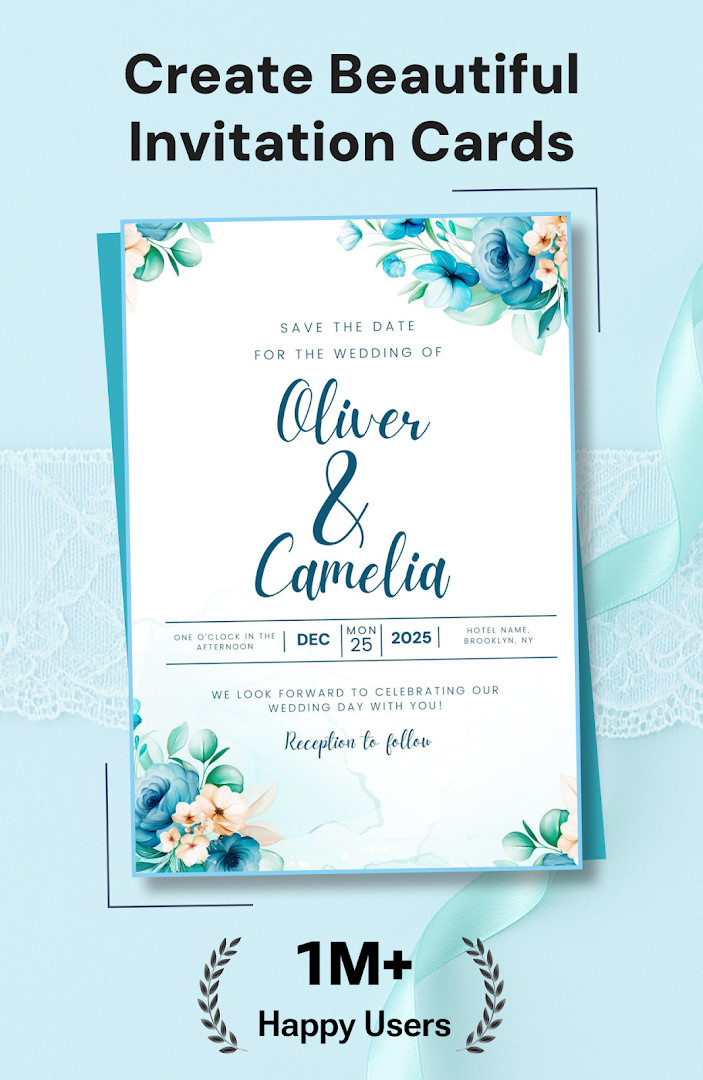
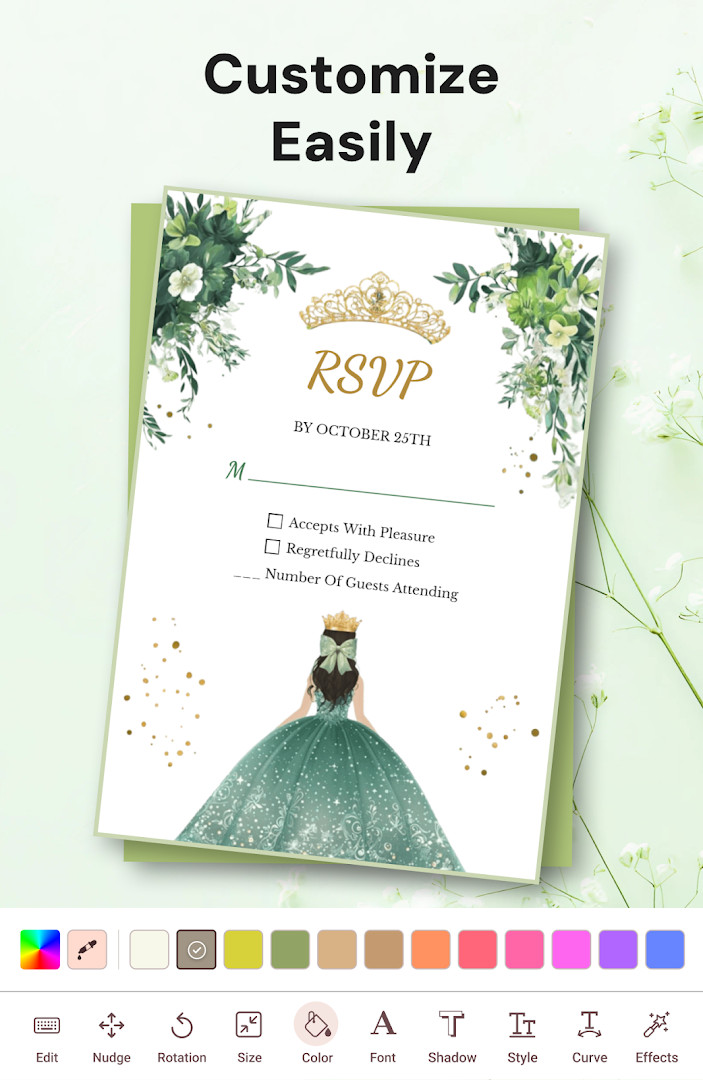
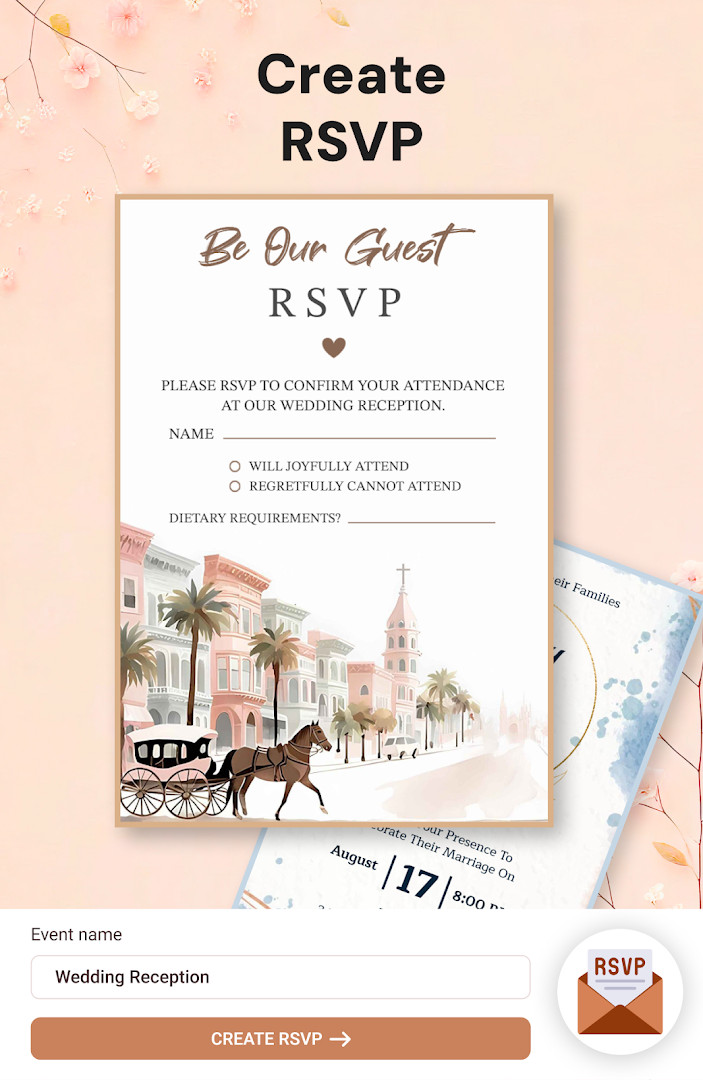
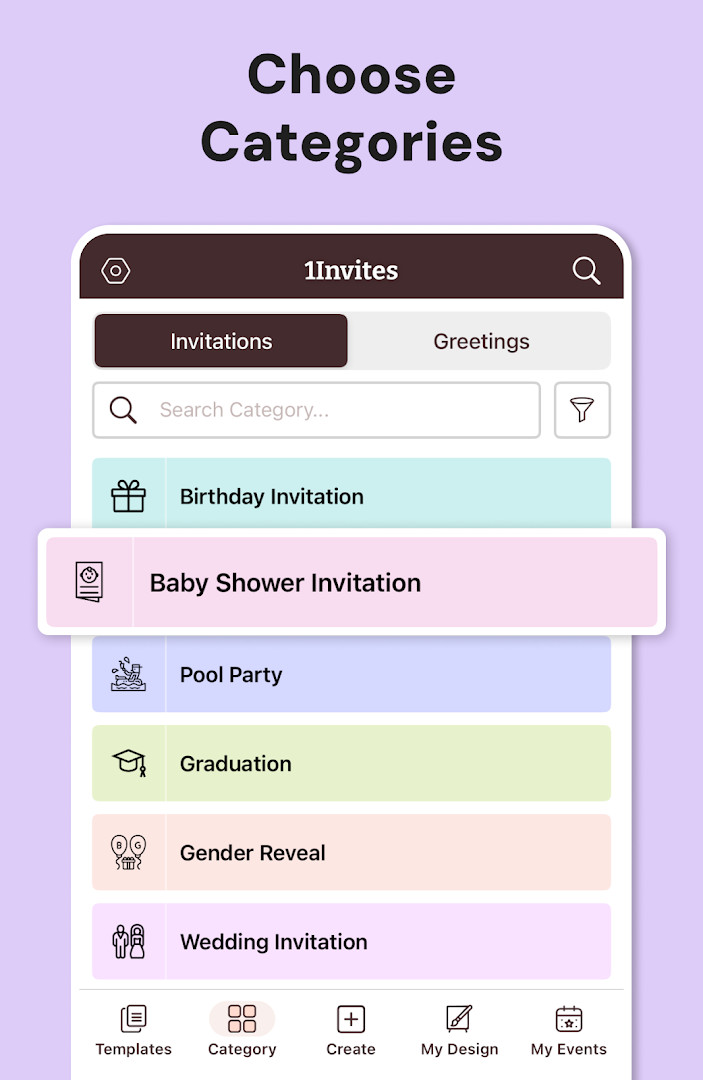
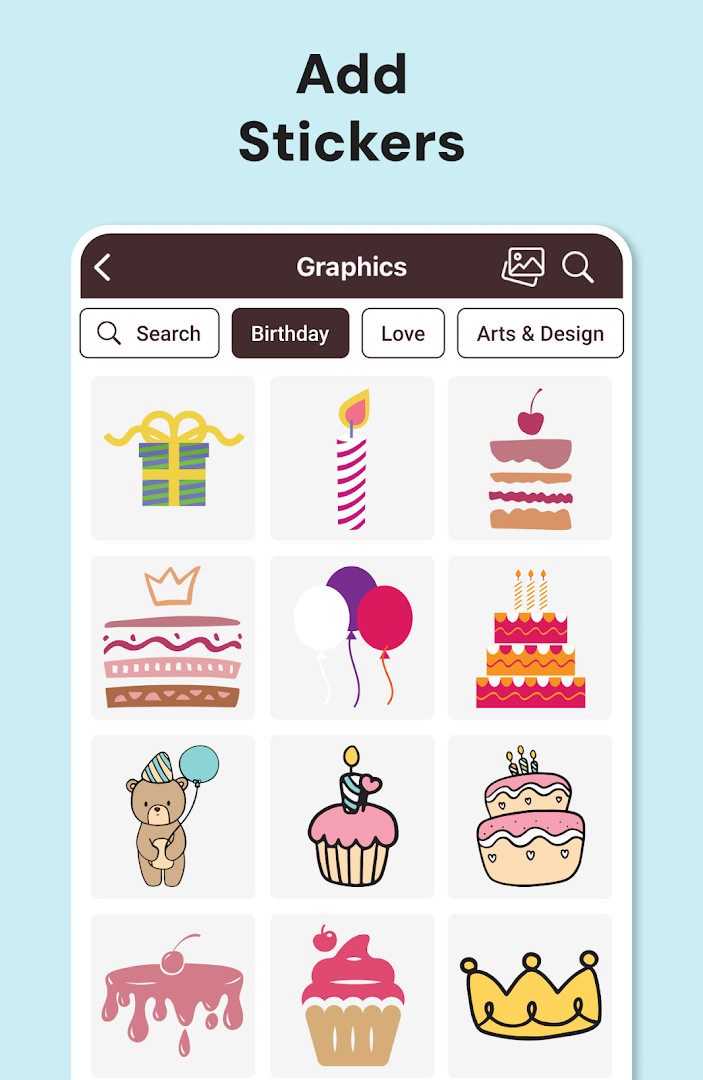
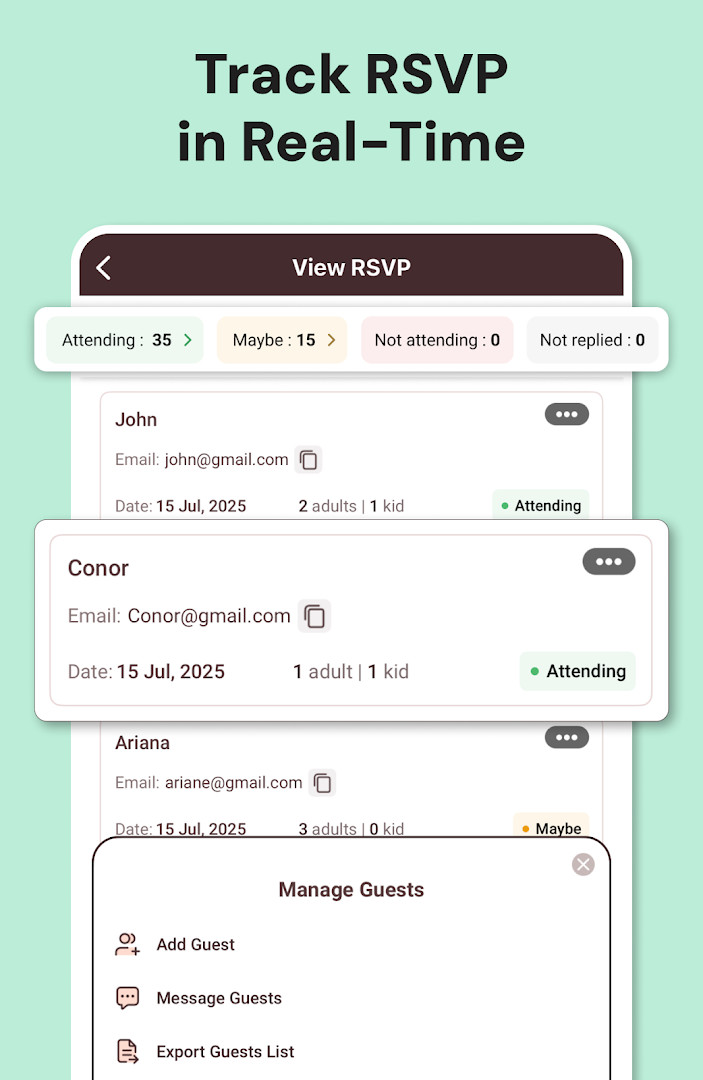
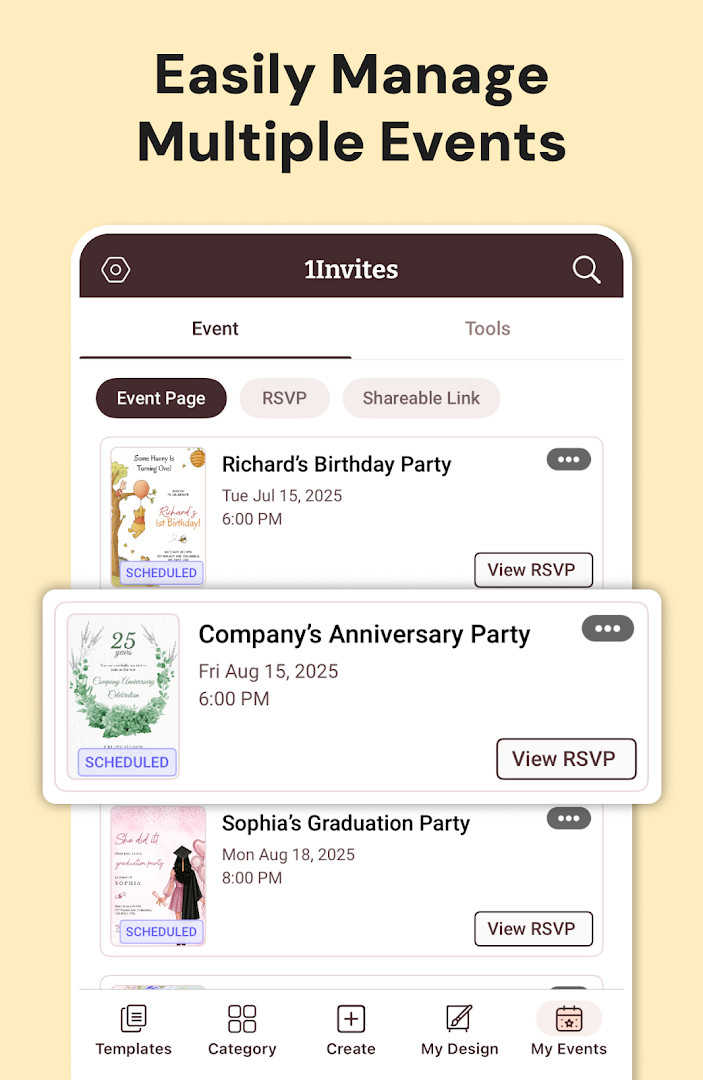
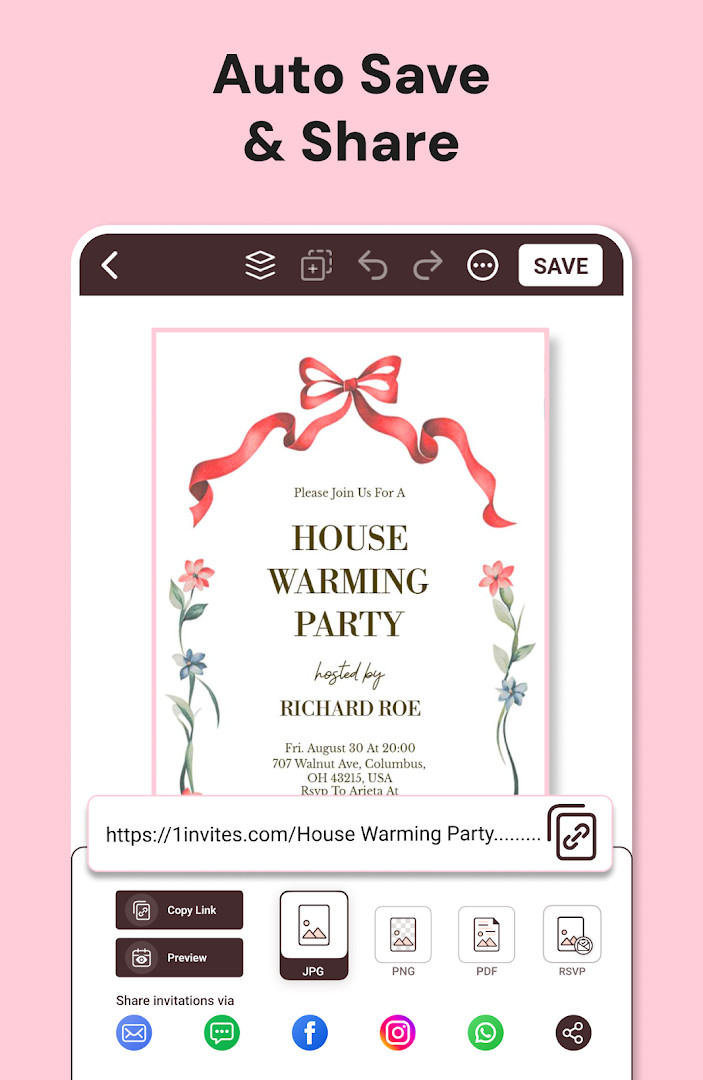
Invitation Maker: Cards + RSVP is an event planning and digital invitation app by Photo Studio & Picture Editor Lab that helps users design invitation cards, send them to guests, and manage RSVP responses in one place. It is aimed at people who want a faster alternative to hiring a designer or manually tracking replies. The app works for many occasions, from birthdays and weddings to graduations and business events, without requiring any graphic design experience.
The main workflow centers on choosing from a large library of professionally designed templates, then adjusting text, fonts, colors, backgrounds, photos, and layouts. Once a card is ready, it can be shared through messaging apps, email, or social media, or downloaded as a high-resolution image or PDF for printing. The built-in RSVP feature lets hosts collect confirmations and see who is attending, which reduces the back-and-forth usually involved in organizing a gathering. Additional tools include adding a Google Maps location and website links so guests can find the venue easily.
Version 175.0, updated on 2026-10-12, continues to focus on the core invitation and RSVP experience. The update notes highlight smart RSVP tracking, quick sharing, and the all-in-one event manager approach. The app has been available since 2018-02-10 and now shows a large user base, with the developer reporting over 5,000,000 installs and a rating of 4.91 from 149,423 reviews. The app is free to download, includes ads and in-app purchases, and carries an Everyone content rating.
Key features
- Ready-made templates for birthdays, weddings, baby showers, anniversaries, graduations, corporate events, and more.
- Customizable text, fonts, colors, backgrounds, photos, and graphics with simple editing tools.
- Built-in RSVP tracking to collect and manage guest confirmations in one place.
- Instant sharing through WhatsApp, email, and social media.
- High-resolution card downloads for home or professional printing.
- PDF export for print-ready invitation files.
- Option to add Google Maps location and event website links for easy directions.
- Works for both digital sharing and printed invitation cards.
How to install
- Tap the download button on this page to get the installation file.
- If Android asks, allow your browser or file manager to install apps by enabling the Install unknown apps setting.
- Open the downloaded file from your notifications or file manager.
- Tap Install and wait for the process to finish.
- Open the app. The file size is not listed, and the minimum Android version required is 8.0.
Pros
- Very beginner-friendly with no design skills required.
- Combines invitation design, sharing, and RSVP tracking in one app.
- Large selection of templates for many different event types.
- Supports both digital sharing and high-quality printing.
- Can add Google Maps locations and external links directly to invitations.
- Well-reviewed by a large number of users.
Cons
- Contains ads in the free version.
- Premium templates, fonts, graphics, and PDF export require a subscription or free trial.
- Needs access to several permissions including contacts, location, calendar, and call information.
- Recurring subscription renews automatically unless canceled in the platform settings beforehand.
Latest changes · 175.0
Version 175.0, updated 2026-10-12, focuses on invitation design and RSVP tracking. The update adds redesigned invitation visuals, faster sharing options, and built-in tools for monitoring guest responses. It also consolidates event management features into a single workflow. No specific bug fixes or version numbers beyond 175.0 are listed.
Previous versions
| Version | Size | Requires Android | Updated |
|---|---|---|---|
| 175.0 | — | 8.0 | Oct 12, 2026 |
This app suits casual hosts planning birthday parties, baby showers, or family gatherings, as well as people organizing weddings or engagement events who need a polished look quickly. It is also useful for small business owners or community organizers handling corporate events, holiday celebrations, or festivals where RSVP tracking saves time.
Set up the RSVP feature before sending your invitation so all guest replies are automatically collected in one list, and add the venue location early to avoid answering the same directions question many times.
Permissions
Frequently asked questions
Can I use the app to create invitations and also keep track of who is coming?
Yes, the app combines invitation creation with RSVP management. You can send invites, collect responses, and track guest confirmations all in one place.
How can I share my digital invitations with guests?
You can share invitations instantly through WhatsApp, email, and social media. The app also lets you download high-quality invitation cards for printing.
Does the app offer printable or PDF versions of the invitations?
Yes, you can export invitations as PDF and download high-resolution versions suitable for printing at home or professionally.
Can I add location details or links to help guests find the event?
Yes, you can add a Google Maps location and include event website links. This lets guests view venue directions and event details with a single tap.
What customization options are available for the invitation templates?
You can customize text, fonts, colors, and backgrounds, and also add your own photos and graphics. The editing tools are designed to be simple, so no graphic design experience is needed.
Invitation Maker: Cards + RSVP is a practical, all-in-one tool for organizing events from first design to final guest count. The free version covers the essentials well, though users who want the full range of templates and PDF export will need to weigh the cost of a subscription. For most casual event planners, the convenience and time savings make it a solid choice.
Similar apps




Updated: Oct 21, 2026